Starter
For freelancers and small teams.
$ 24 /mo
Billed monthly · cancel anytime
Platforms3
Accounts10
 Appstore Review query · Power BI format
 Appstore Review
One source
 Saved query
API URL
Power BI
Web · Import
Used by the world's leading companies









Available metrics
Available dimensions
Appstore Review
3 advertising accounts
Connected
 Google Ads
2 advertising accounts
Connected
 Google Analytics 4
1 web property
Connected
 HubSpot
1 CRM portal
Connected

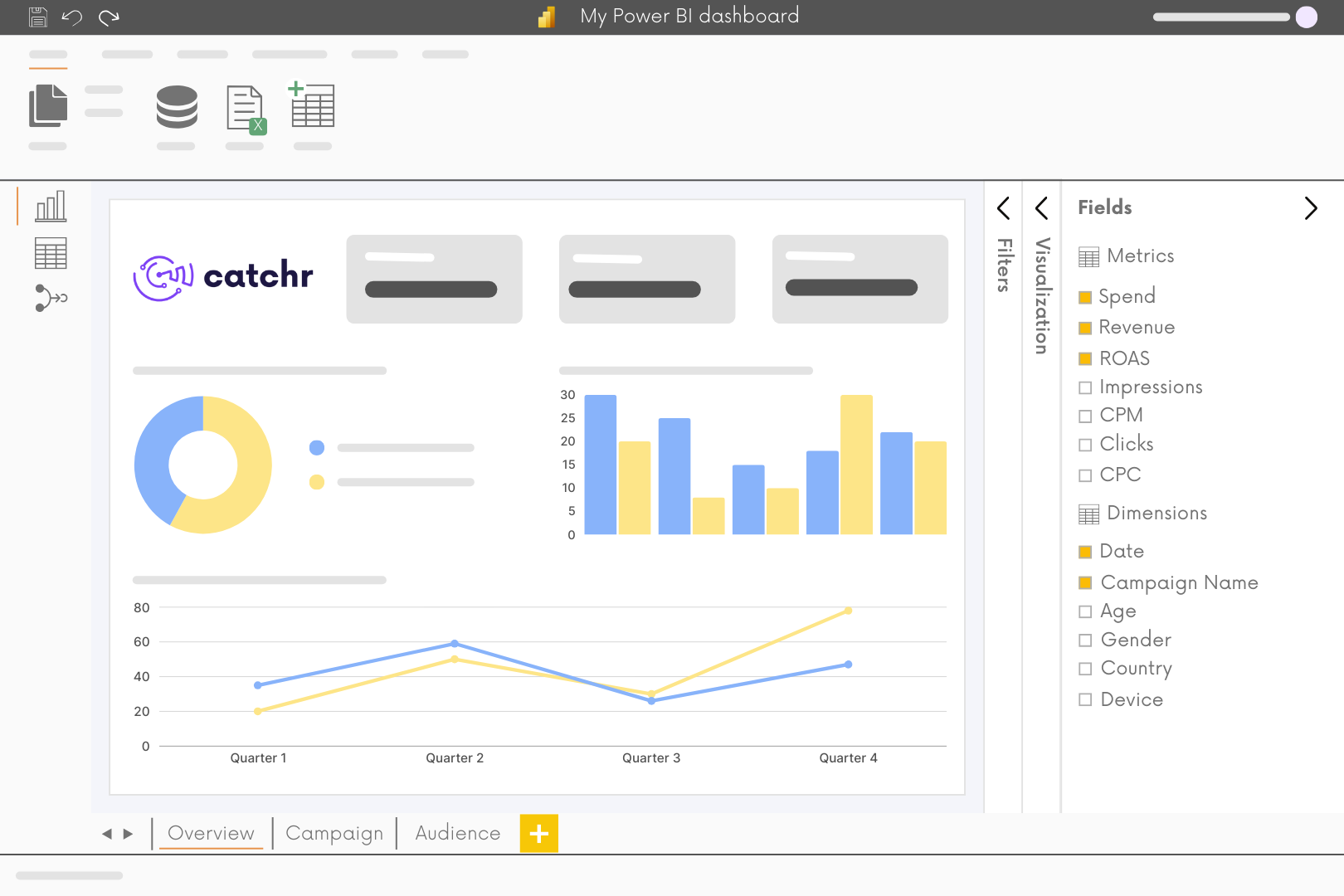
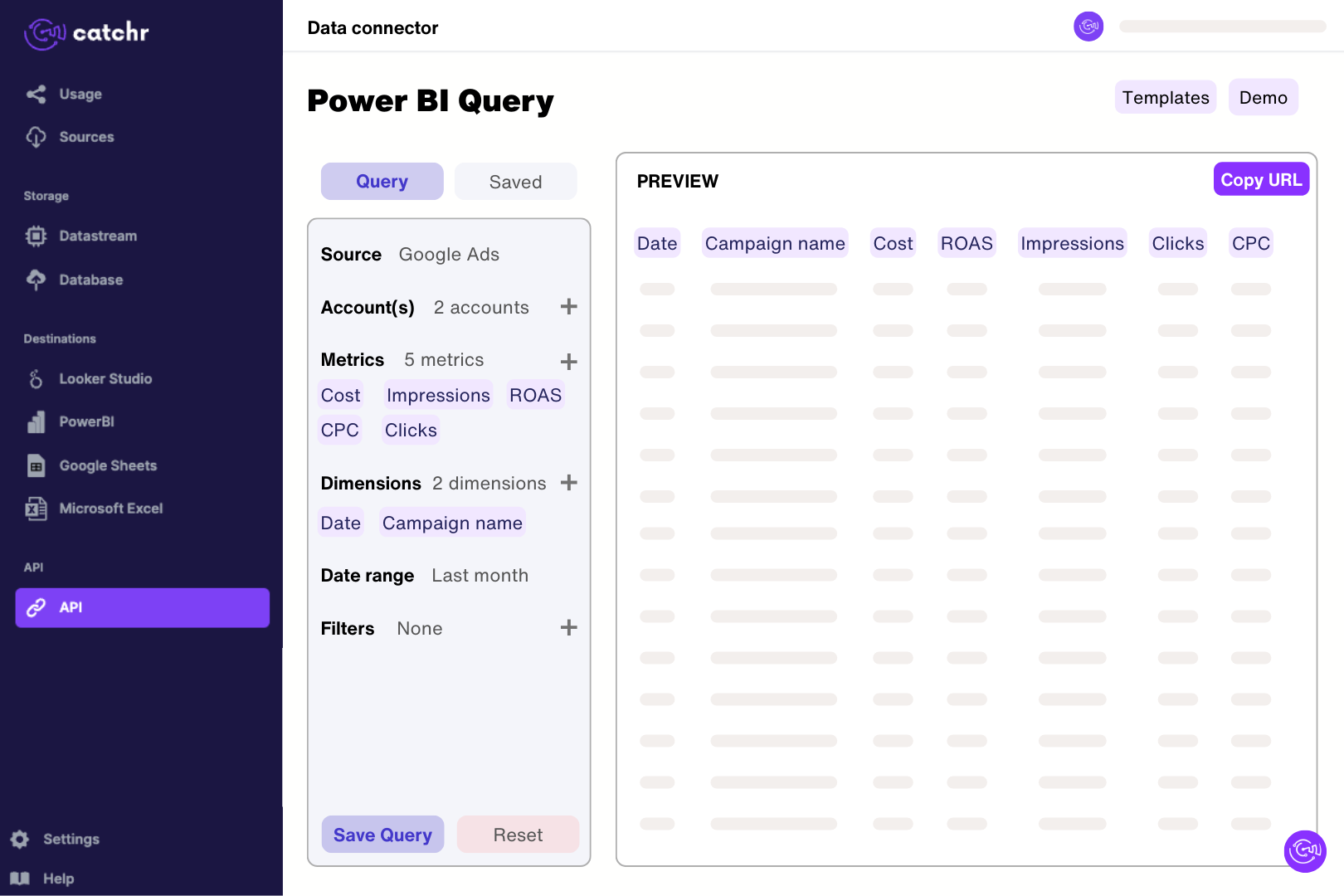
Add the review source in Catchr using the numeric app identifier after id in its Apple URL. Select the configured profile, app or property. Choose the country to report on. Build a Power BI query with Review DateTime, Review Title, Rating and Review Text, preview the returned reviews and import the generated URL using Get data > Web in Power BI Desktop. Set review dates and rating types in Power Query, and retain the source identifier when combining several profiles.
Yes. Catchr provides a country setting using two-letter country codes, with US as the default. Create separately labeled data sources or views when comparing storefronts so the country selection stays clear. Apple reports summary ratings by territory, so a US score is not a worldwide score. The country is a connection setting rather than a country field attached to each review; retain that context when combining exported results.
Apple's summary rating is territory-specific and includes ratings submitted without a written review. Developers can also reset it for a new release while older written reviews remain visible. Your dashboard may average a different set of dated review rows. Check the storefront, review period, and any rating reset before comparing values. Verify numeric formatting as well: a five-star rating should not be presented as an unexplained percentage. See Apple's ratings and reviews guidance.
This connector is dedicated to reviews. Its fields cover review titles, text, ratings, dates, reviewer names, reply text, and separate current app rating summaries. It does not expose download, sales, subscription, or app-version metrics. For app business reporting, use the separate App Store Connect source and select the relevant dataset. Keep feedback and commercial metrics distinct when bringing them into the same dashboard.
Yes, when Reply Text is returned. Build a table of low-rated reviews with their title, text, and reply, then inspect reviews with no reply text as potential follow-ups. Confirm their current state in App Store Connect before responding. The Catchr review catalog does not include a reply timestamp or a response-edit history, so it cannot directly calculate response time. Publish and manage responses in App Store Connect.
Count distinct Review IDs grouped by Review DateTime and average valid Rating values for the same period. App-level Review Count, Average Rating, and star-count fields are current summaries, not historical snapshots. Keep them in separate charts because Catchr cannot request global summaries together with individual review fields. A rating trend around a release can highlight feedback worth investigating, but this catalog has no app-version field to attribute each review to a specific release.
A single request is not a complete archive. Catchr pages through the selected storefront's reviews until results end, the requested date boundary is reached, or roughly 1,000 matching reviews have been collected. Narrow the dates for high-volume apps and check the returned coverage. The app's current summary count can exceed the written review rows retrieved. For cross-platform analysis, add Google Play reviews separately and preserve each source's country or language settings.
Our team is always here to answer any questions you may have about our data connector.
Connect your marketing platforms and build a data workflow your entire agency can use.