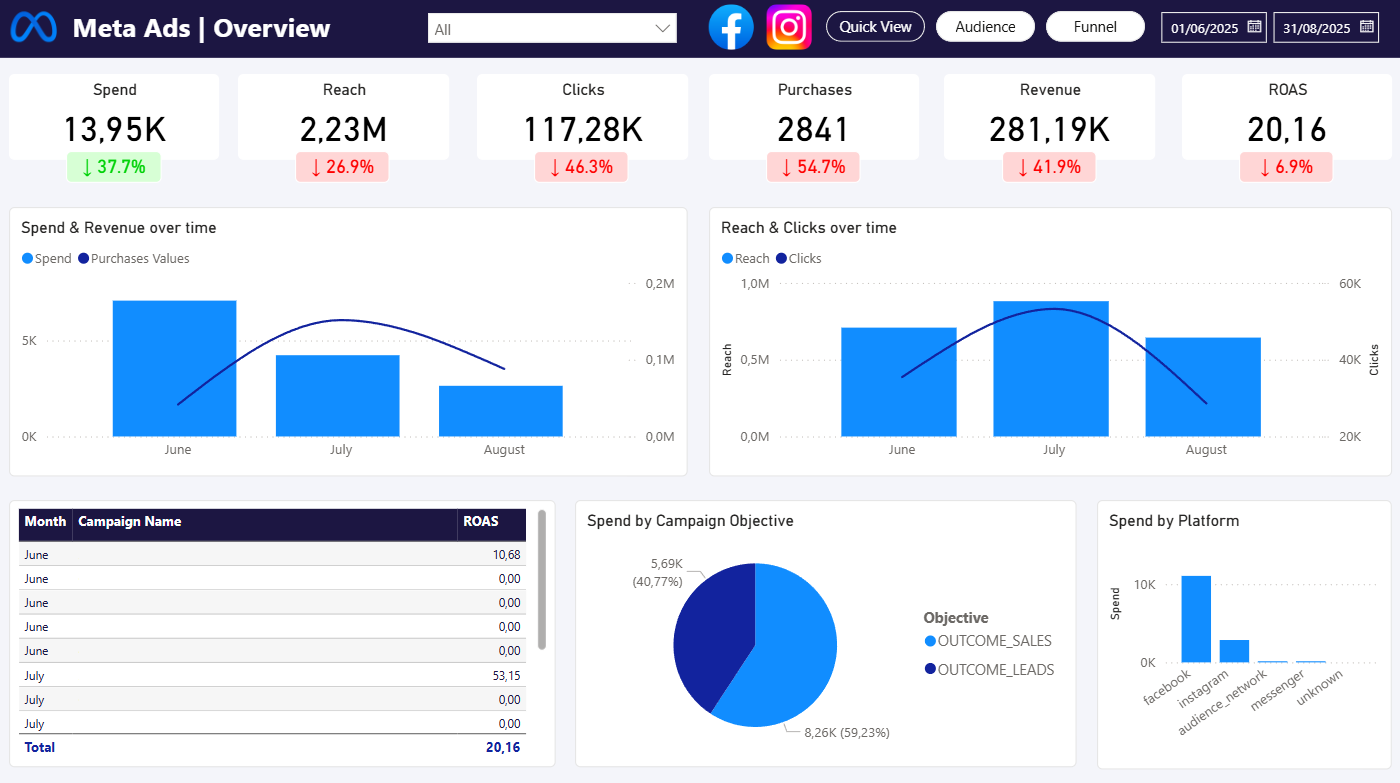
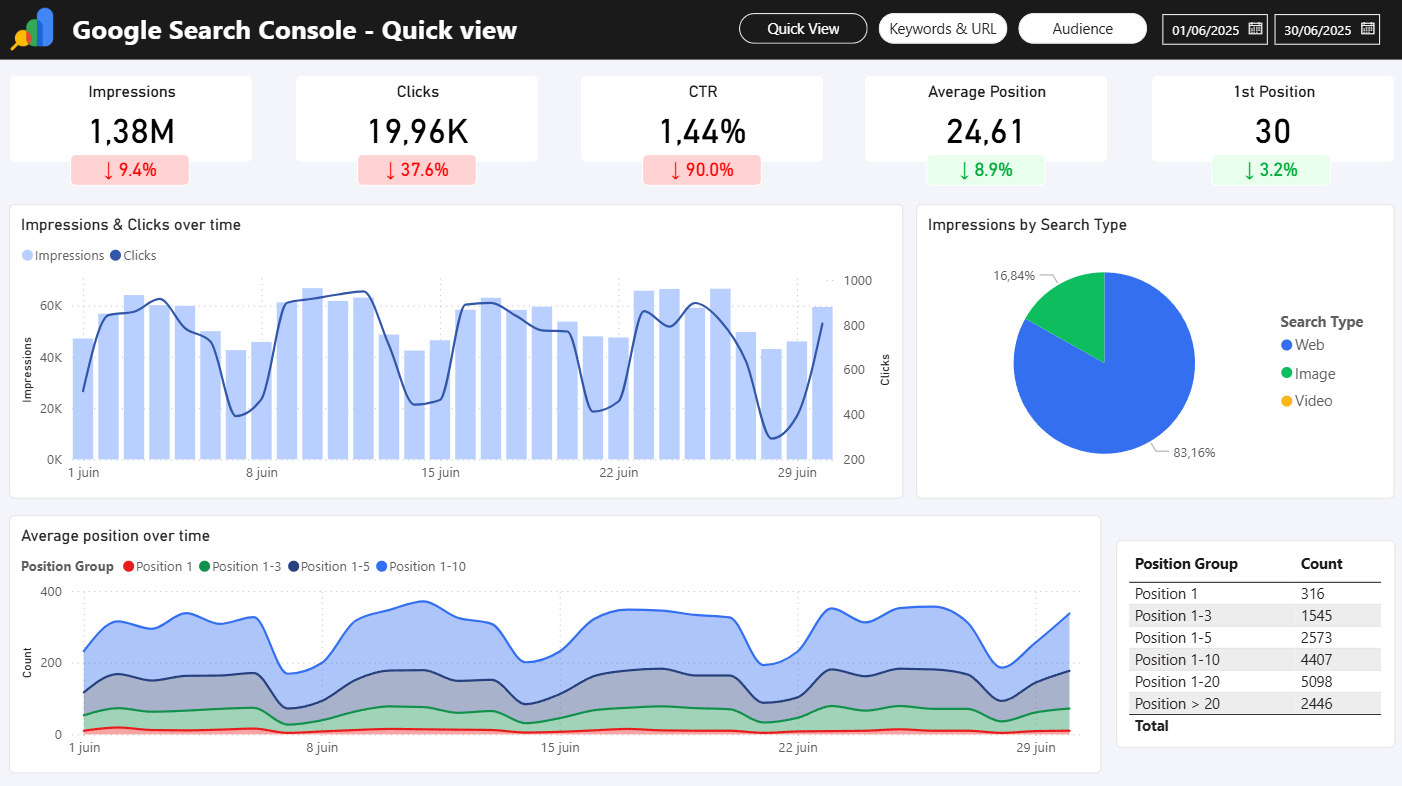
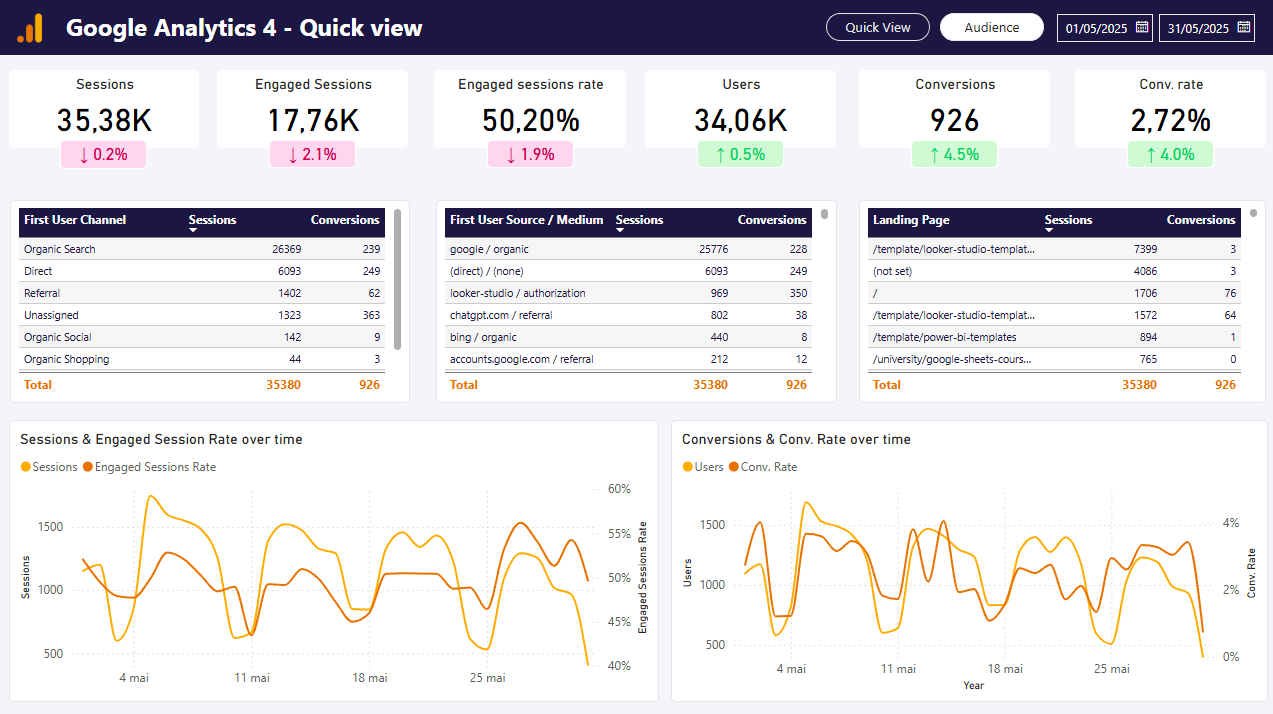
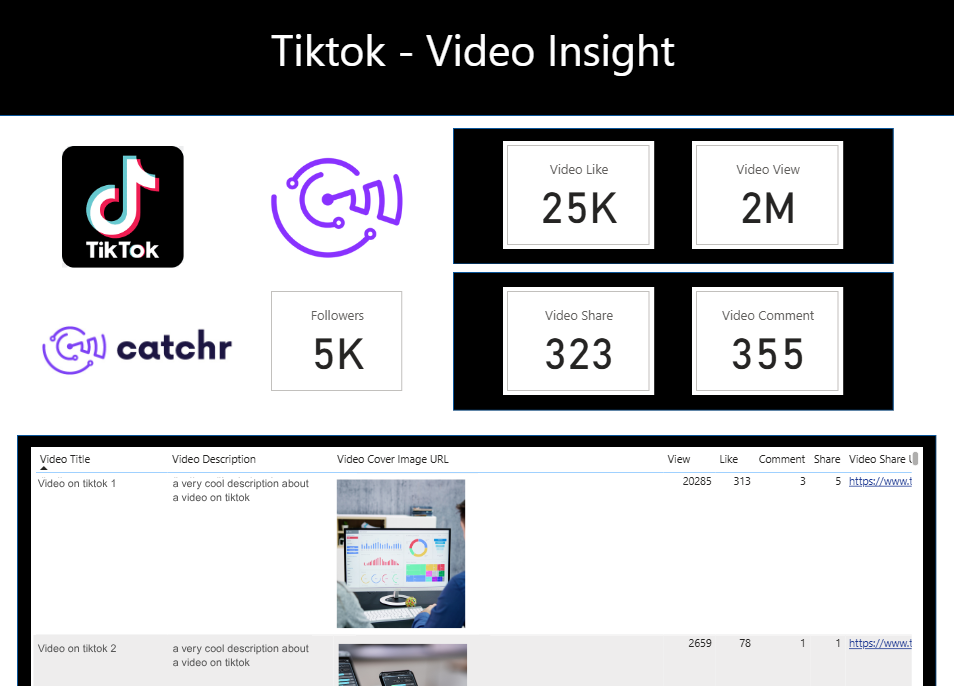
Build a no-code query for one of 100+ sources, preview the rows, and paste its saved Web URL into Power BI. Your report pulls the query again whenever Power BI refreshes the Import model.

Used by the world's leading companies








Stop exporting CSV files from every advertising platform. Connect Meta Ads, Google Ads, LinkedIn Ads, GA4, Shopify, HubSpot, and dozens more in minutes.
Catchr keeps your Power BI datasets fresh without manual imports or custom API work.
Campaign performance rarely lives in one platform. Combine advertising, analytics, CRM, and ecommerce data into a consistent Power BI model.
Compare channels, calculate unified KPIs, and create reports that reflect your entire marketing funnel.
Keep dashboards up to date for every client, stakeholder, or marketing team.
Scheduled refreshes ensure every Power BI report opens with fresh data, so you spend less time fixing reports and more time analyzing performance.
Follow this step-by-step guide to automate your Power BI data connection.
Authenticate all the platforms used, then choose the exact accounts your team needs for reporting and analysis.
 Meta Ads
3 advertising accounts
Connected
Meta Ads
3 advertising accounts
Connected
 Google Ads
2 advertising accounts
Connected
Google Ads
2 advertising accounts
Connected
 Google Analytics 4
1 web property
Connected
Google Analytics 4
1 web property
Connected
 HubSpot
1 CRM portal
Connected
HubSpot
1 CRM portal
Connected

Choose the accounts, report, metrics, dimensions, date range, filters, and source-specific options, then preview the returned rows.
In Power BI Desktop, select Get data, choose Web, keep the Basic URL option, paste the saved Catchr URL, and connect.
Every route explains the reports, fields, source-specific options, and dashboard uses for that platform. Build one query per source; select multiple accounts when the source supports them.
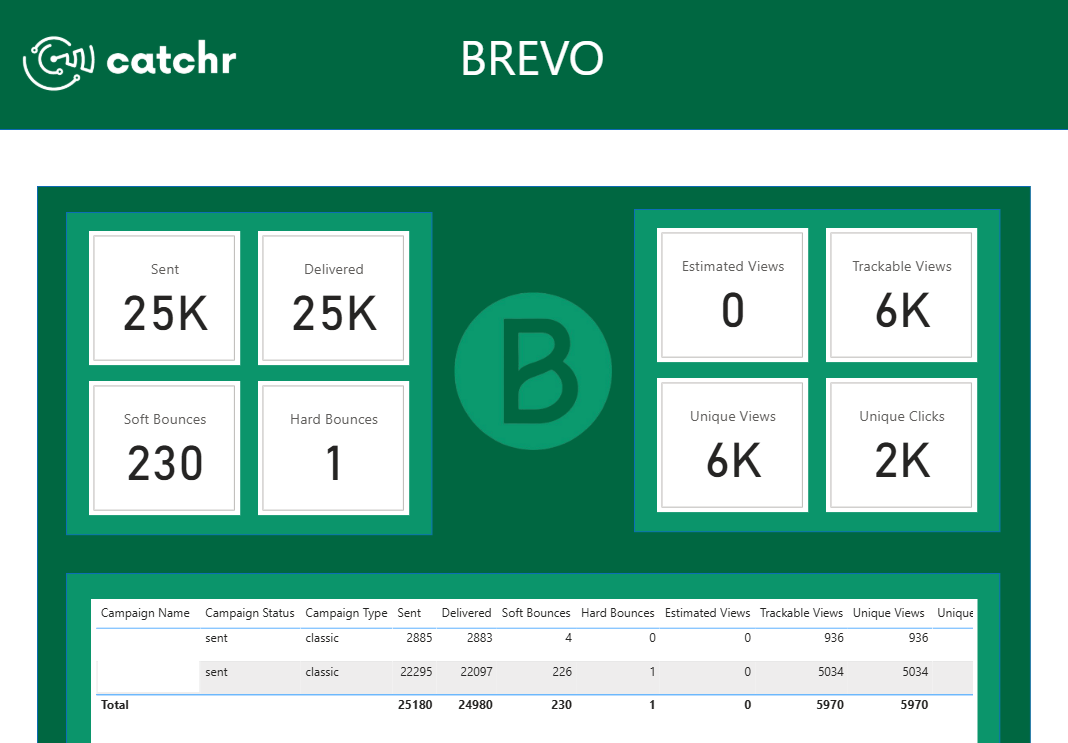
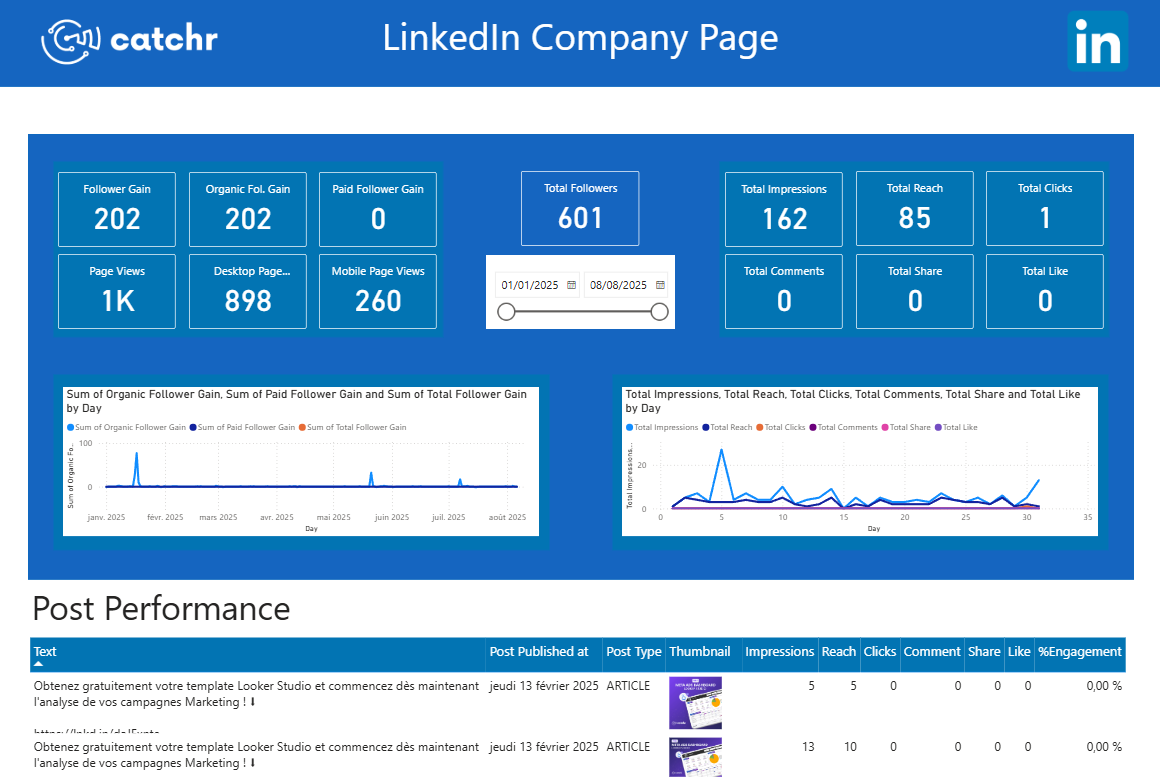
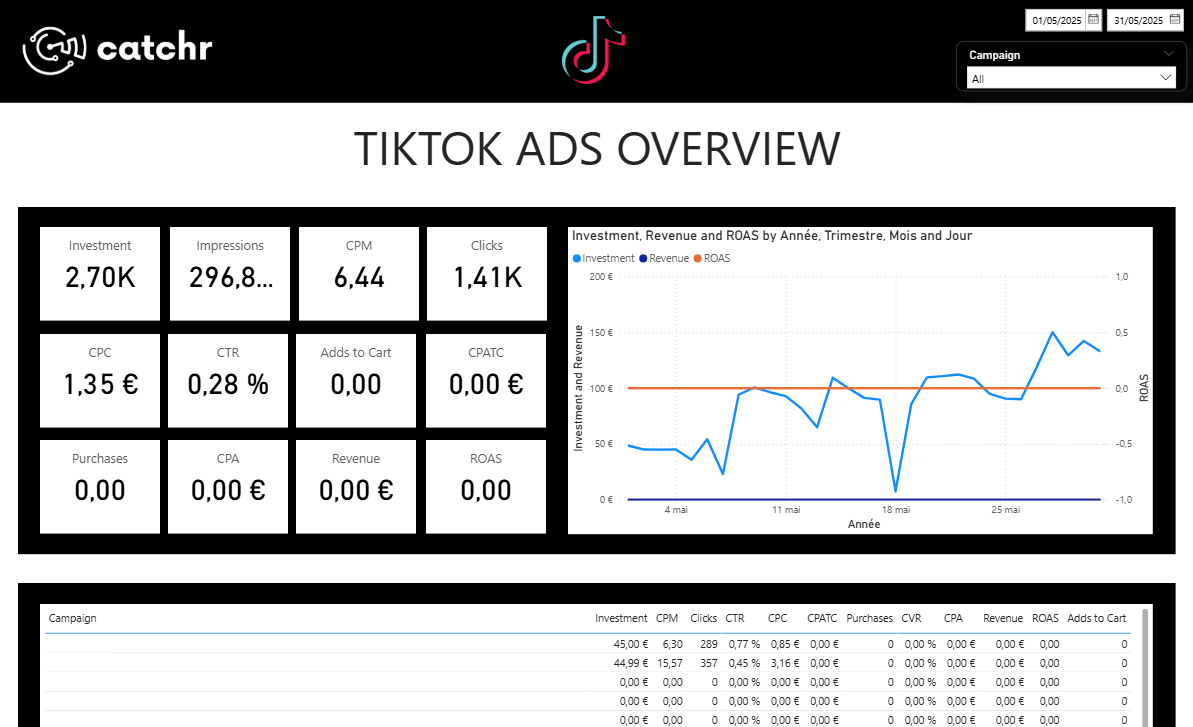
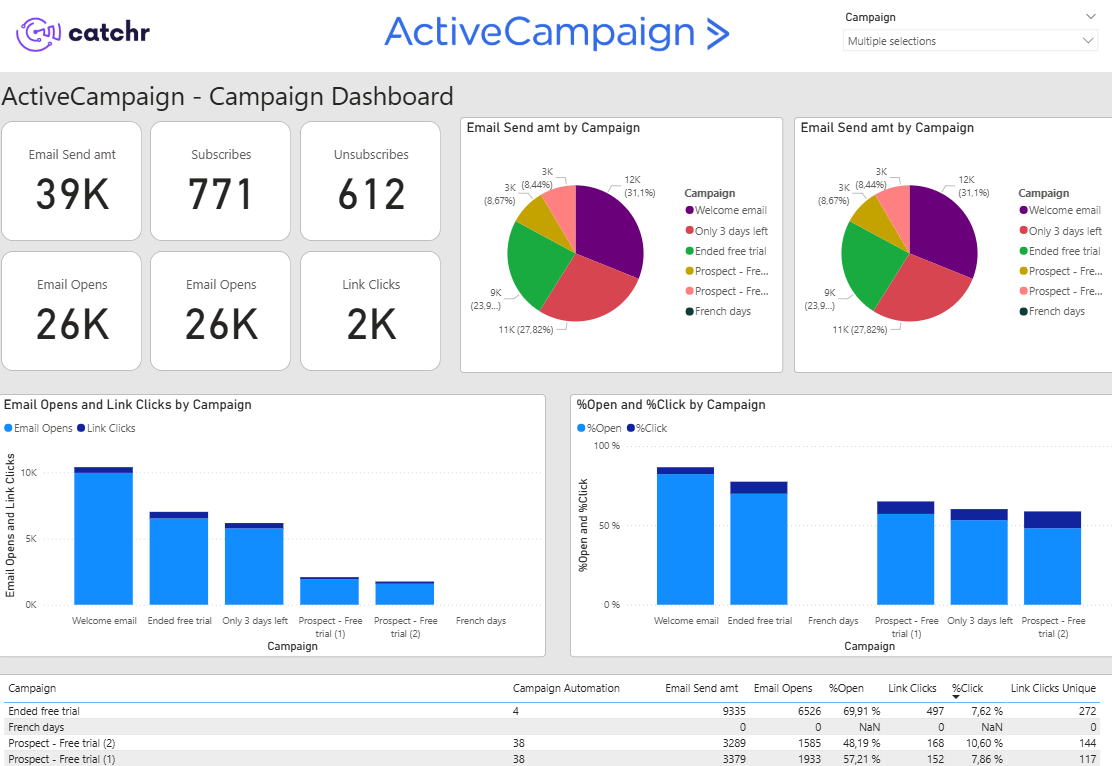
Move from connected data to useful reporting faster with dashboard patterns built around real marketing workflows.
What our customers say about us.
After three years of use, Catchr has become essential for both our teams and our clients. So far, it has been our best solution for compiling and analyzing data from different advertising platforms. It’s easy to set up, and the customer service is responsive and excellent.

With Catchr’s automated API, we can finally collect and centralize all advertising data, connect it with booking information, and calculate the real ROAS for our restaurant clients. It gives them full visibility, more autonomy, and the ability to optimize campaigns to maximize ROI.

The solution is a real game changer, providing optimal time savings for our data reporting. The major strength of the solution is their highly responsive and professional support.

The important distinction: Catchr defines the Web query; Power BI imports and refreshes it.
Catchr turns a saved marketing data query into a Web URL that Power BI can call. You select the source, accounts, fields, date range, filters, and options in Catchr; Power BI imports the returned rows for modeling and reporting.
Build and save a query in Catchr, then copy its generated URL. In Power BI Desktop, go to Get data, choose Web, keep the Basic URL option, paste the URL, and connect. Review the rows in Power Query before loading them into your model.
No. The Catchr URL is used as a Web data source for an Import model. Power BI requests the source again when that model is refreshed; it is not a DirectQuery connection.
Power BI starts the refresh. During a refresh, it calls the saved Catchr URL. Catchr resolves the saved query and returns the available rows; identical requests may reuse a cached response for up to one hour, and source reporting delays still apply. Configure the refresh action or schedule in Power BI, subject to your Microsoft setup and license.
After publishing your Import model, configure refresh in Power BI Service. Refresh availability, frequency, credentials, and gateway requirements depend on your Microsoft environment and the model, so verify those settings in Power BI.
A Catchr Power BI query uses one marketing source and can include multiple accounts from that source. Create a separate query for each additional source, then relate, append, or combine the imported tables in Power BI.
Catchr supports more than 100 platforms across advertising, analytics, CRM, ecommerce, email, SEO, and social. Explore the connector directory to confirm a specific source.
Our teams is always here to responds to any question you could have about our data connector.
Connect your marketing platforms and build a data workflow your entire agency can use.













.svg)



































.svg)