Connect Facebook Ads, Google Ads, Shopify, LinkedIn Ads, TikTok Ads, GA4, and 100+ other sources to Data Studio, then build client-ready dashboards without manual exports, broken CSVs, or rebuilding reports.


Top agencies used Data Studio for reporting








Automate marketing reporting across every client account with Catchr’s Looker Studio connectors—without CSV exports, API maintenance, or weekly dashboard rebuilds.

Connect each marketing platform once. Skip weekly exports, copy-paste, and broken spreadsheets before every client call.

Looker Studio queries current marketing data when a report opens or refreshes. No waiting on a developer. No last-minute data prep.

Manage multiple client accounts and data sources from one workspace, then reuse the same reporting workflow across your agency.
Our Looker Studio connectors import data from advertising, analytics, ecommerce, CRM and email platforms into a single dashboard.
Our connectors transform source data into clean metrics and dimensions that work seamlessly with Data Studio.
Campaign names, dates, accounts, ad level details and performance metrics are ready to use in charts, scorecards, tables, filters and calculated fields.
Once connected, your Data Studio dashboards refresh automatically.
No CSV exports.
No copy and paste.
No rebuilding reports before every client meeting.
Pick the platforms behind your reports and send their data to Looker Studio. Each source keeps its own metrics, dimensions, and reporting logic, while your dashboard stays in one place.
Catchr handles the data connection layer, so you can focus on building client reports instead of managing APIs, exports, and broken dashboard fields.
Choose the connector you want to work on. You could find it directly on our website or in the Data Studio gallery.
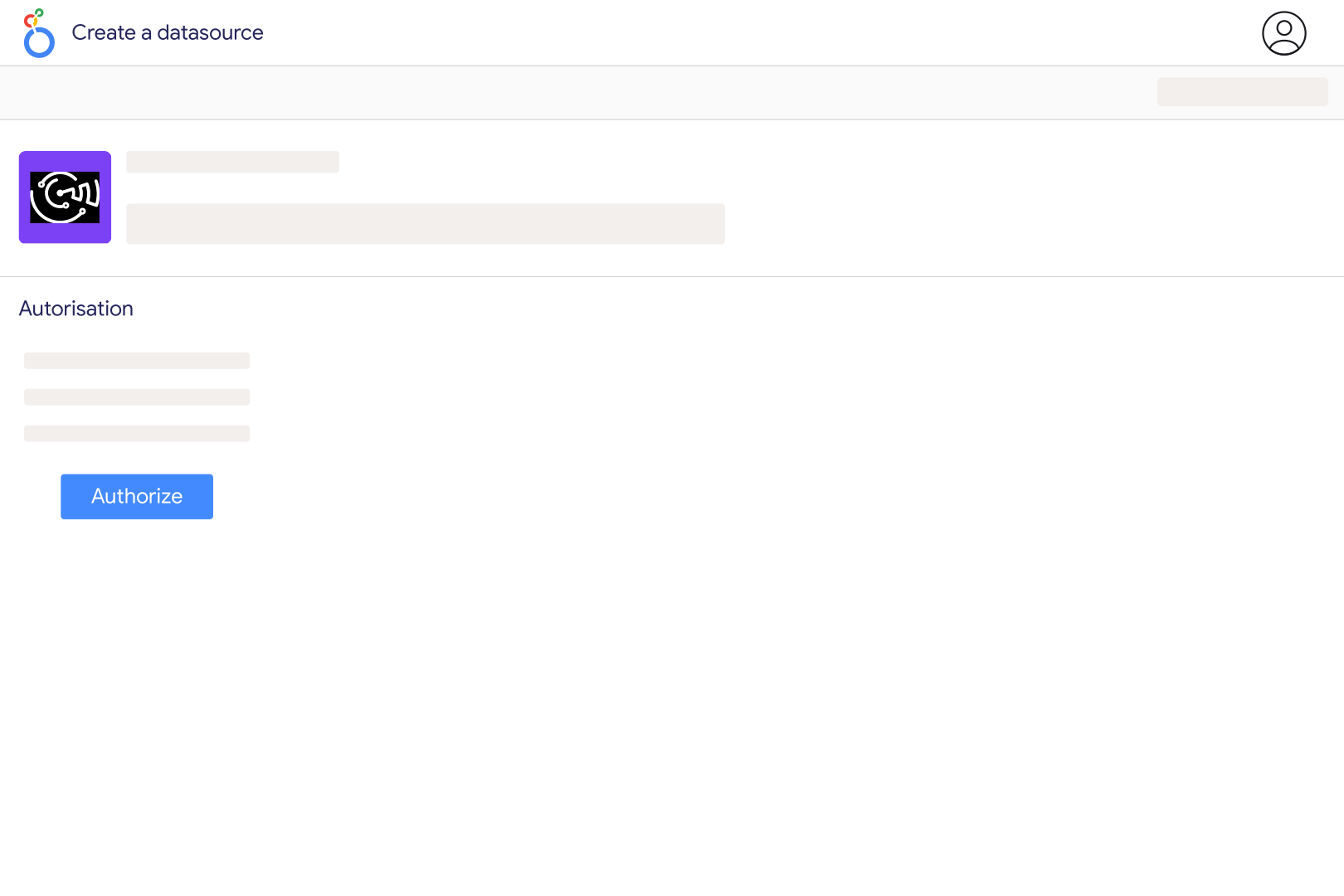
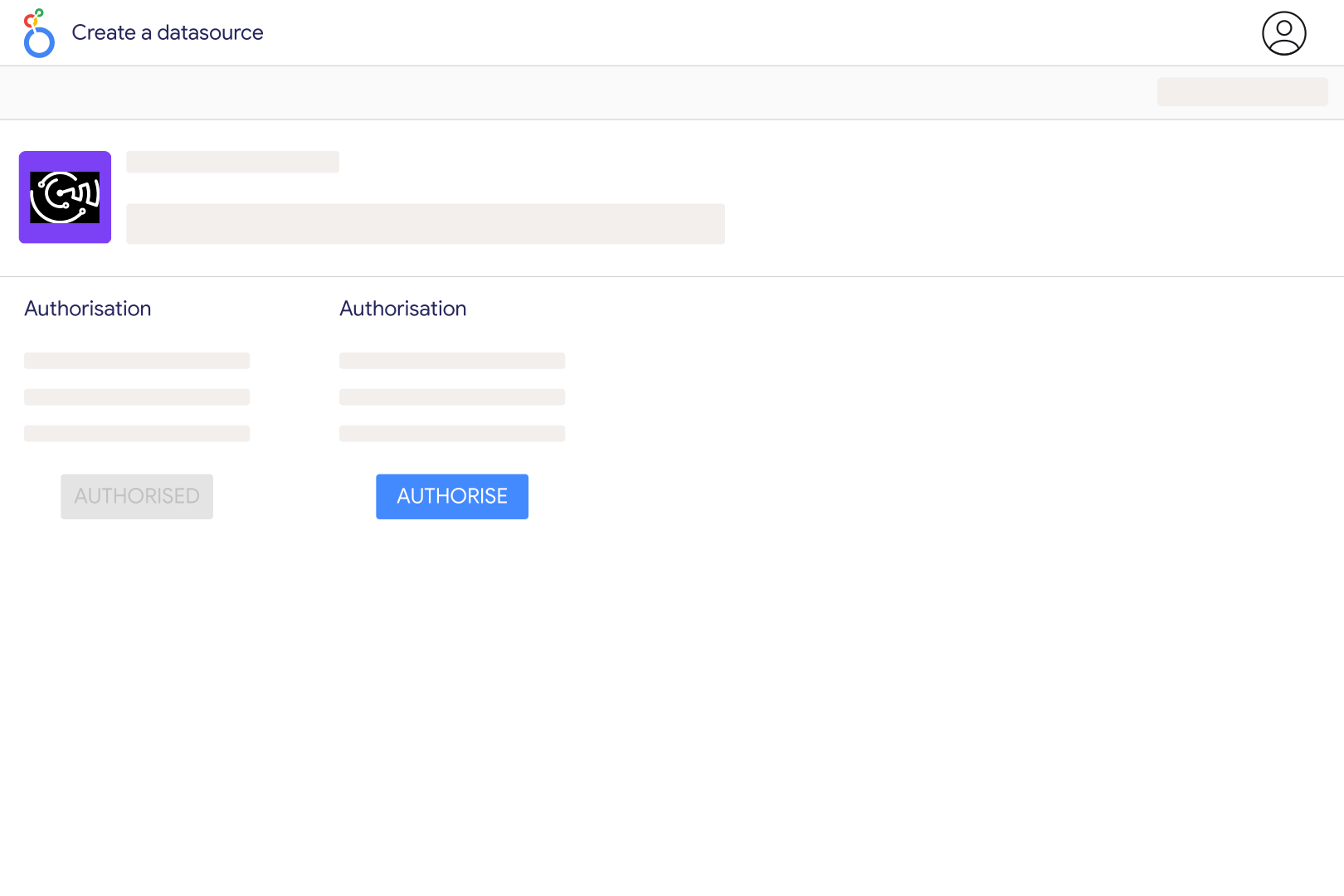
Allow Looker Studio and Catchr to work together so your dashboard can access fresh marketing data through a secure connector setup.
Choose the platform you want to report on, then connect the account behind your campaigns, analytics, sales, ecommerce and many more...
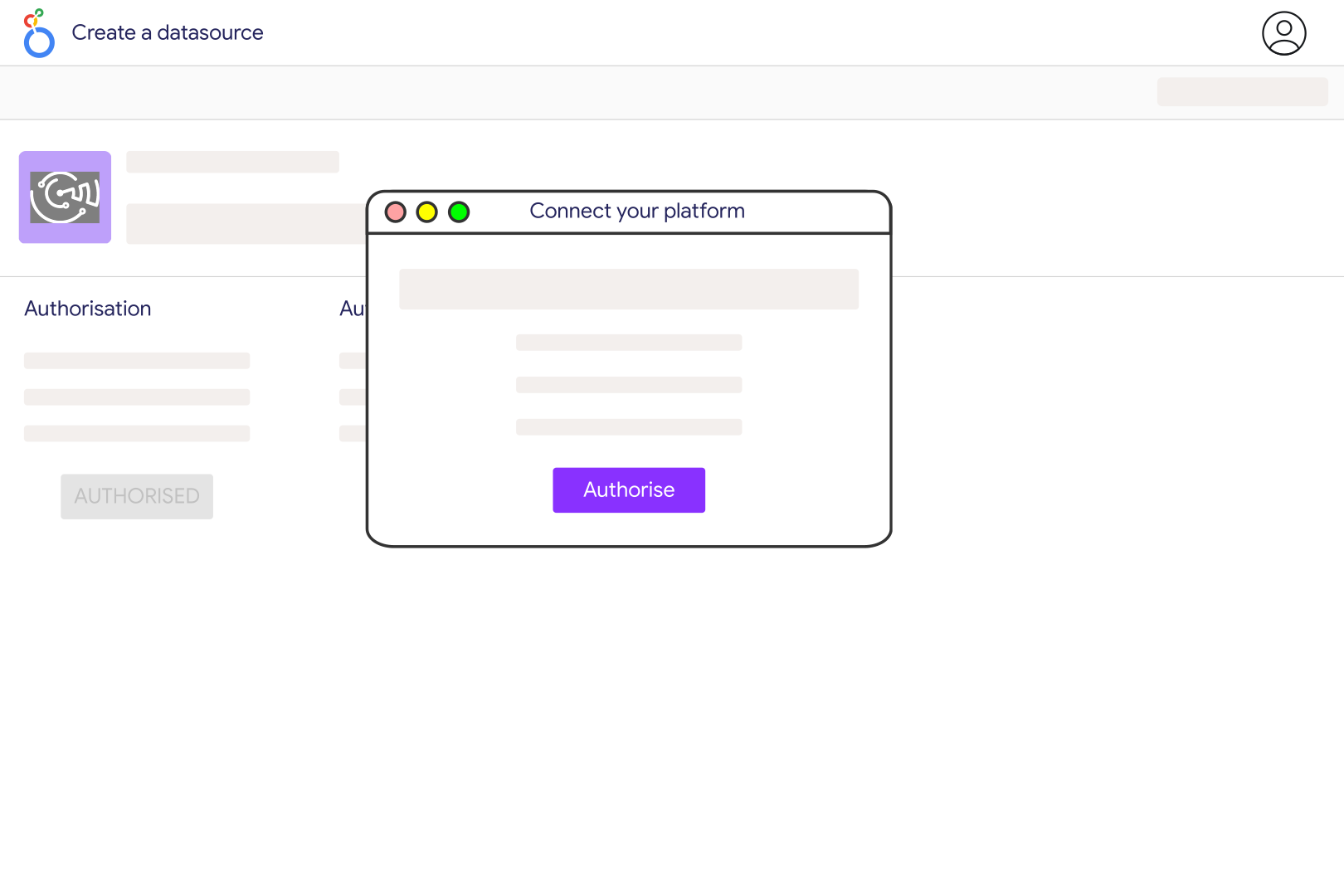
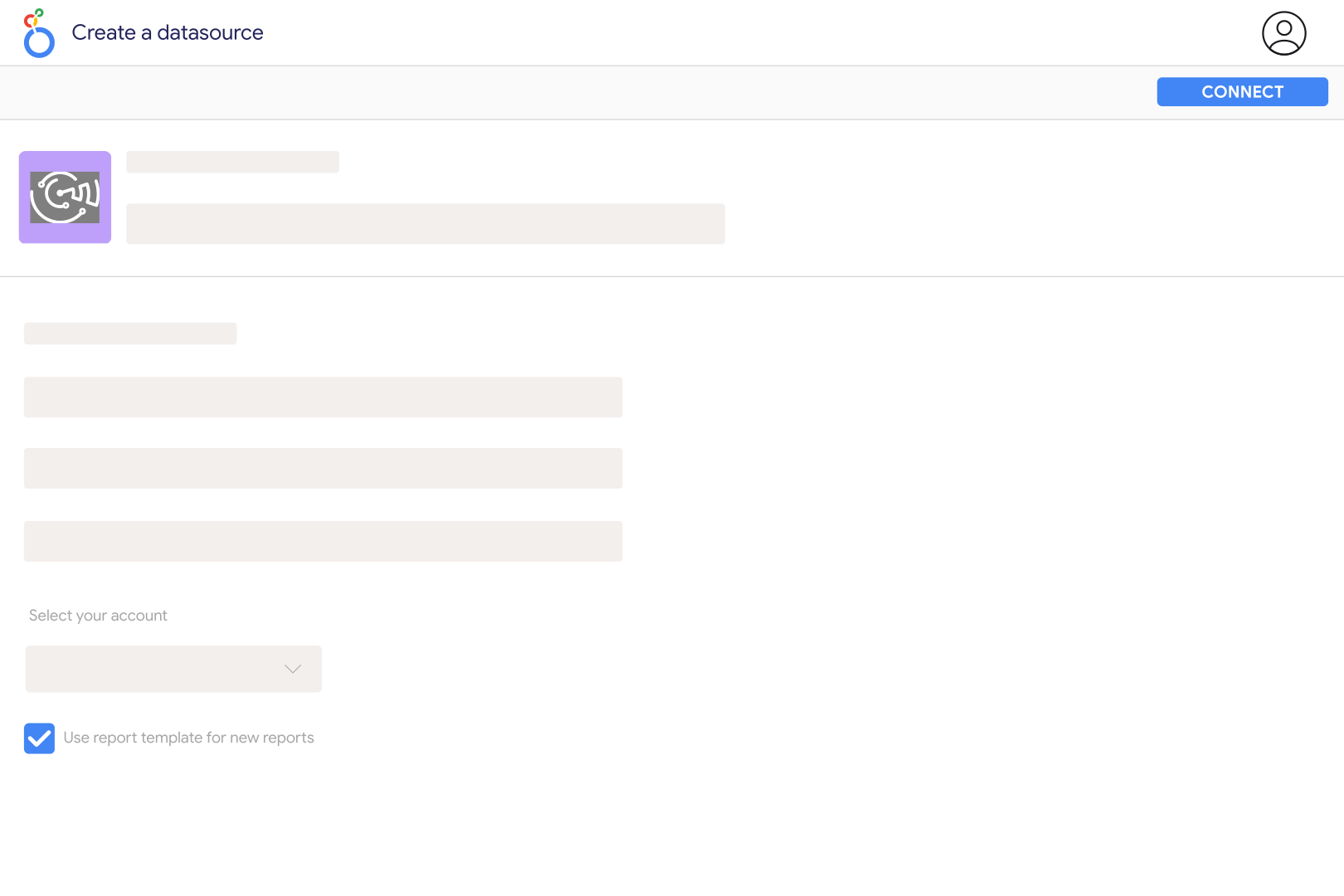
Pick the client, brand, ad account, property, or store you want to use in your Data Studio dashboard.
Select the fields your report needs, from spend, conversions, ROAS, and revenue to campaign, date, account, channels dimensions and many more...
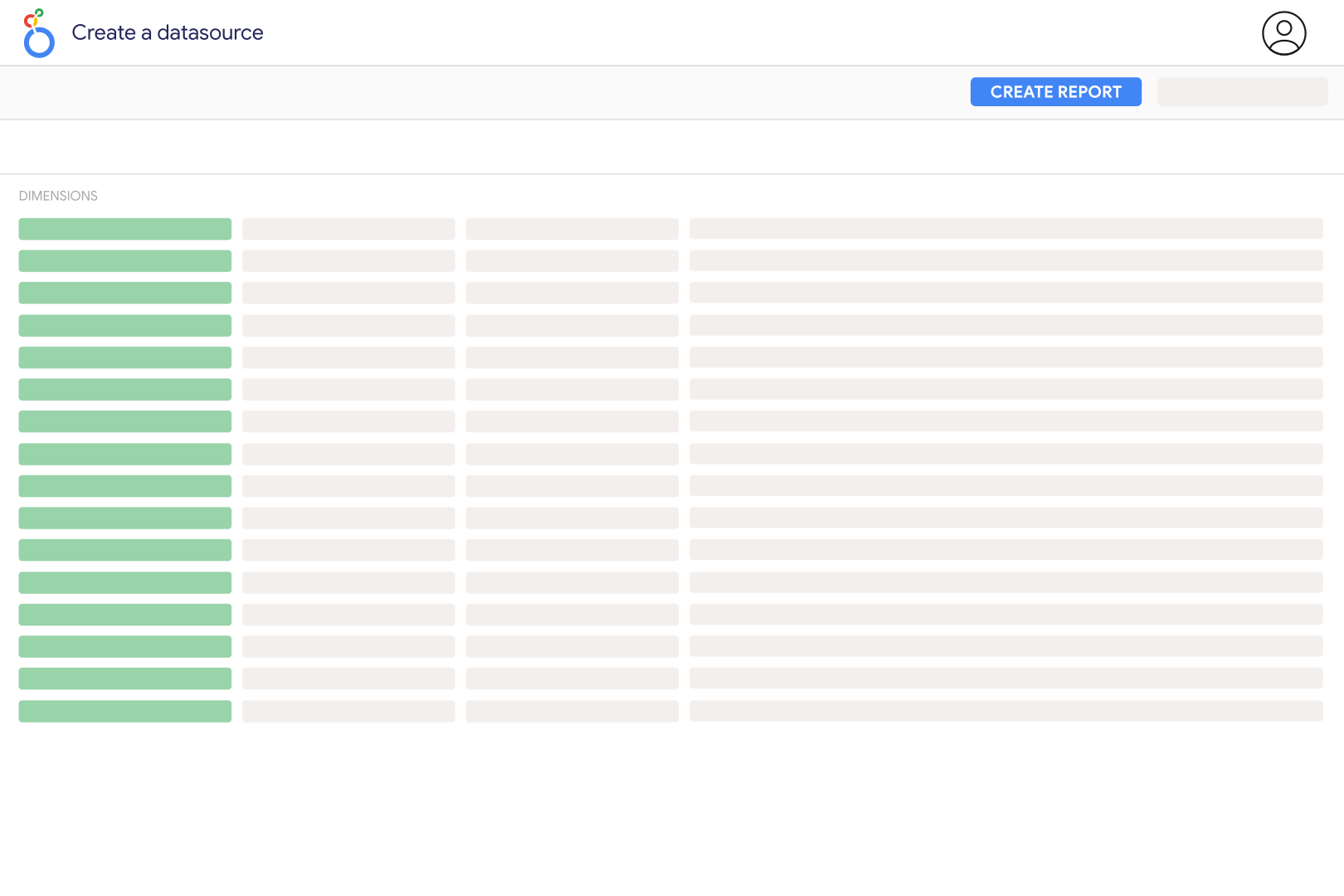
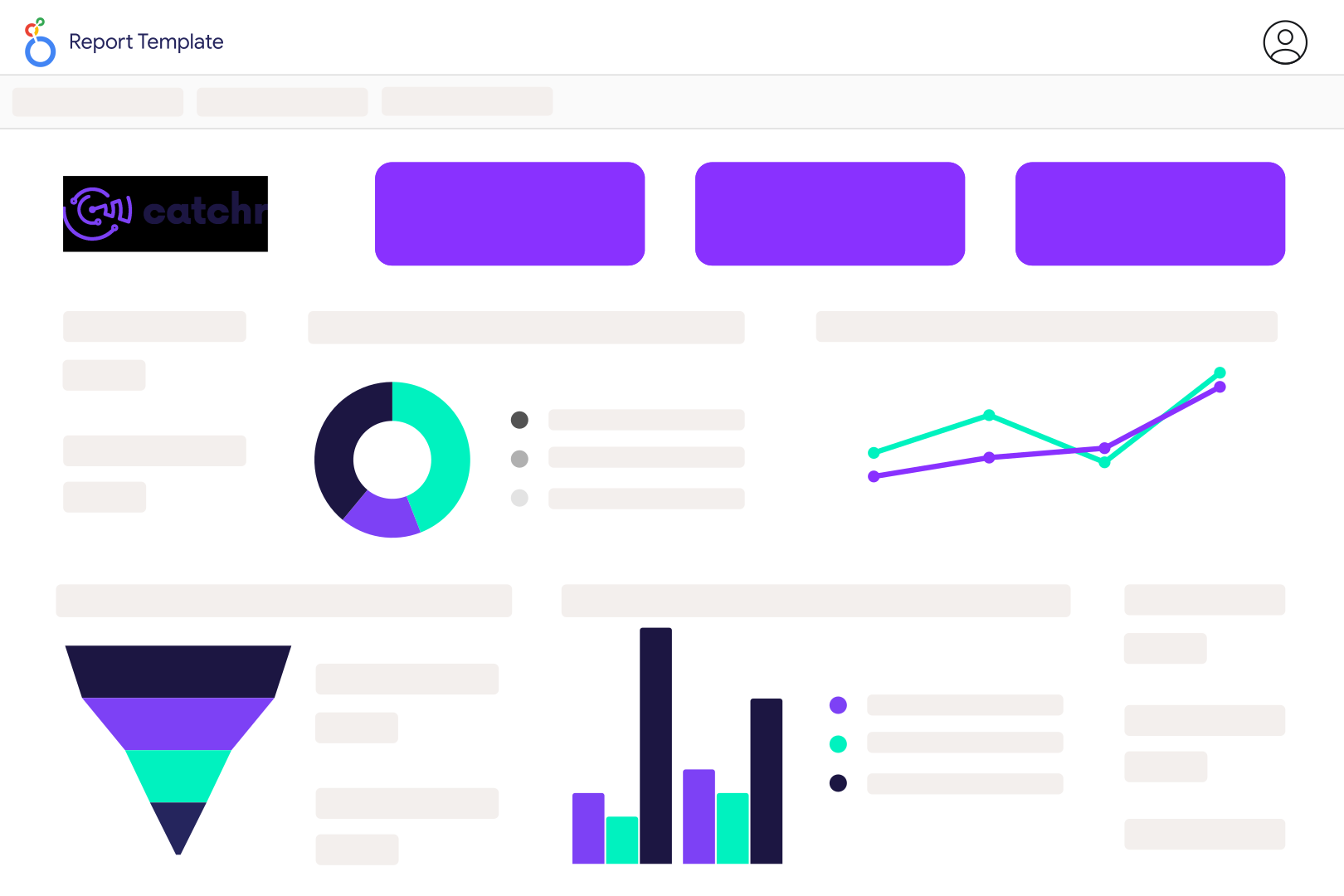
Use the connected data source to create scorecards, charts, tables, filters, and client-ready reports in Data Studio.
Move from connected data to useful reporting faster with dashboard patterns built around real workflows.
What our customers say about us.
After three years of use, Catchr has become essential for both our teams and our clients. So far, it has been our best solution for compiling and analyzing data from different advertising platforms. It’s easy to set up, and the customer service is responsive and excellent.

With Catchr’s automated API, we can finally collect and centralize all advertising data, connect it with booking information, and calculate the real ROAS for our restaurant clients. It gives them full visibility, more autonomy, and the ability to optimize campaigns to maximize ROI.

The solution is a real game changer, providing optimal time savings for our data reporting. The major strength of the solution is their highly responsive and professional support.

Clear answers for marketers comparing connectors, data sources, reporting workflows, and dashboard setup.
A Data Studio connector brings data from an external platform into Data Studio so you can use it in dashboards, charts, tables, filters, and scorecards.
For marketers, that means pulling data from tools like Facebook Ads, Google Ads, GA4, Search Console, Shopify, HubSpot, or LinkedIn Ads without manually exporting CSV files.
Some Data Studio connectors are free, especially native Google connectors. Many marketing connectors are paid because they maintain access to third-party APIs, support more fields, handle refreshes, and provide reporting workflows for teams or agencies.
If you manage client dashboards or several marketing platforms, a paid connector is usually worth comparing on source coverage, field availability, refresh reliability, and support.
Native connectors are built into Data Studio, usually for Google products. Partner connectors are provided by third-party platforms and are designed to connect Data Studio to external tools.
Community connectors are custom connectors built with Google’s connector framework.
In practice, marketers should choose based on whether the connector supports the source, accounts, metrics, dimensions, and refresh behavior their reports need.
Yes. With Catchr, agencies and freelancers can connect marketing sources across several client accounts and use them in Data Studio dashboards.
This is useful when you need repeatable reporting for different brands, ad accounts, properties, stores, or campaigns without rebuilding every report from scratch.
Data Studio connectors can keep dashboards updated without manual exports, but refresh behavior depends on the connector, the source platform, and the report setup.
Catchr helps reduce CSV work by connecting your marketing sources directly to Data Studio, so dashboards can stay tied to the platforms behind them.
Yes. Google Data Studio was renamed Looker Studio, but many marketers still use the old name. Catchr supports the same reporting workflow.
If your team says “Data Studio,” you can still use Catchr to connect marketing sources and build dashboards in Google’s reporting tool.
Use a direct Data Studio connector when you want a simple way to bring marketing data into dashboards without building a data warehouse first.
Use BigQuery when you need deeper data modeling, custom transformations, historical storage, or a central warehouse before reporting. For many freelancers and agencies, a direct connector is the faster path to client-ready dashboards.
Our team is always here to answer any questions you may have about our data connector.
Connect your marketing platforms and build a data workflow your entire agency can use.

















.svg)

























.png)


.svg)



