Add a ready-to-use Unified data layer to build cross-channel pages faster, without manual blends.
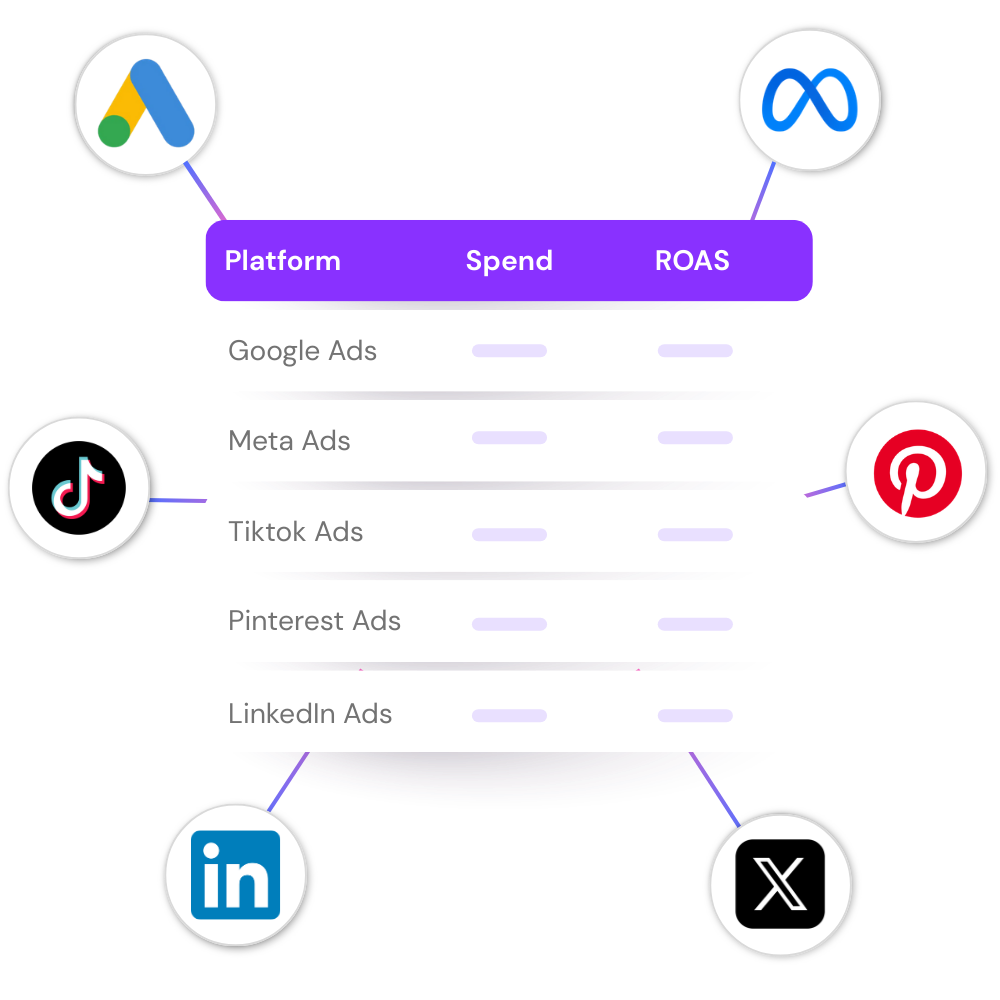








Keep your source datasets, and add one shared data layer built for cross-channel analysis. No need to rebuild the same blends every time you want a consolidated view.
Unify data automatically across 80+ integrations, so your reporting starts from a structure that is already aligned.
Use the same unified data layer across dashboards, teams, and recurring reporting workflows to keep field logic consistent as your reporting grows.
From preparing the client call to maintaining the data layer, each team gets the workflow it needs without creating another manual handoff.
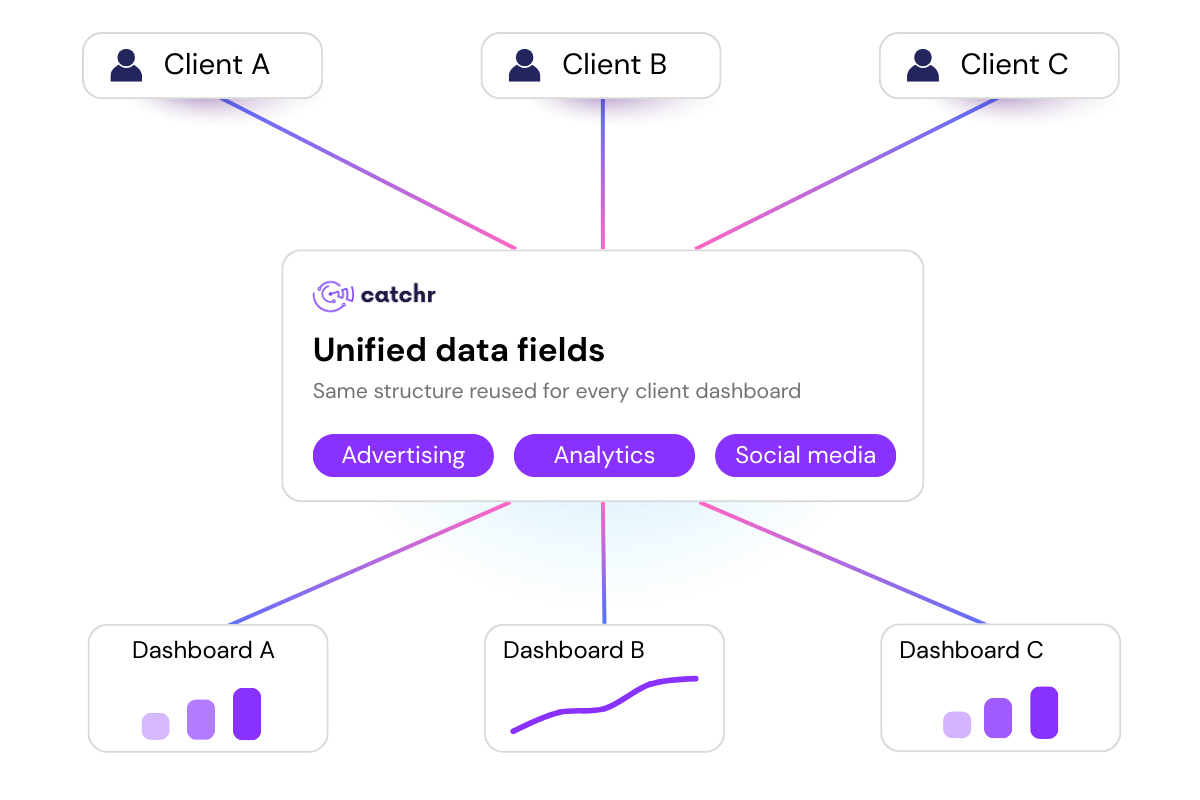
Standardize reporting setup faster and keep cross-channel analysis consistent across accounts.
Reduce repetitive mapping work so teams can focus on analysis, recommendations, and client-facing output.

Use Unified data fields to skip repetitive field mapping and ship cross-channel reporting with less prep work.
Start from a reusable consolidated layer instead of rebuilding manual blends for each account.
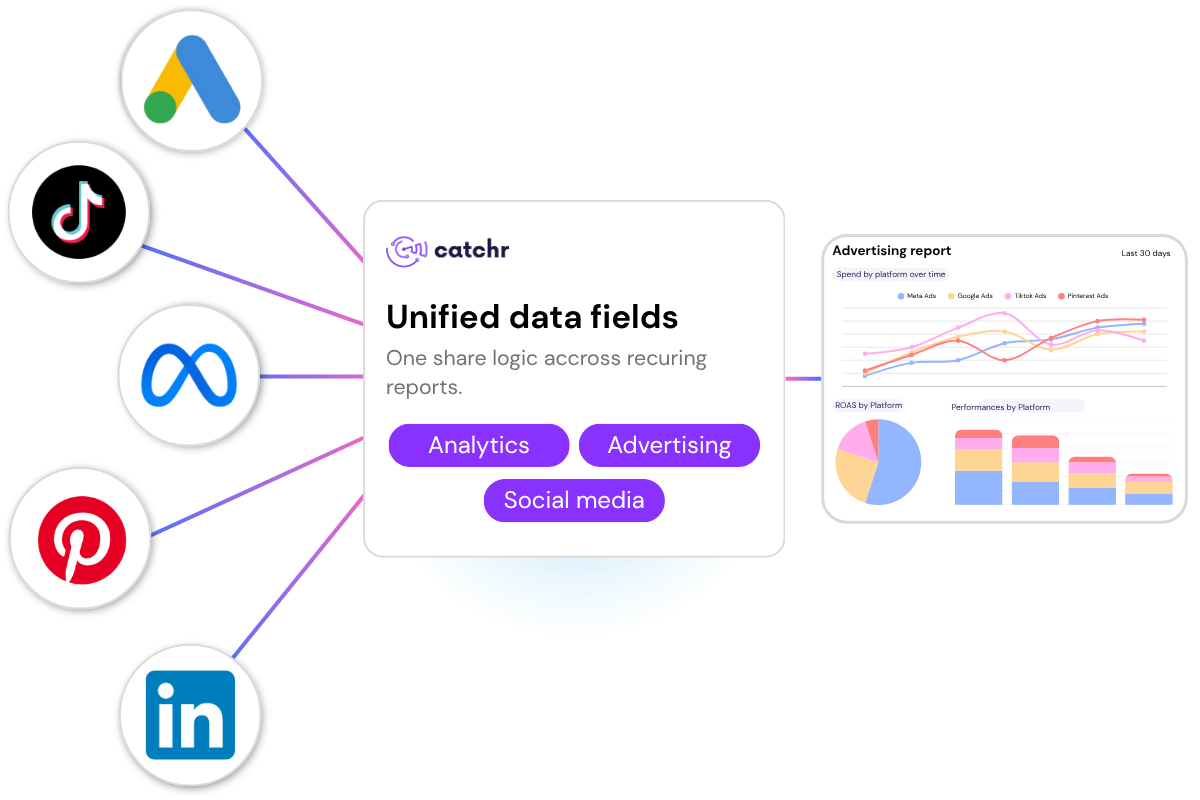
Give your team one shared layer for multi-platform reporting, so performance can be analyzed in one place without rebuilding custom blends for every dashboard.
Use the same unified fields across recurring reports and dashboards to keep channel reporting clear, aligned, and easier to maintain.
Thanks to a simply no-code set up, you can connect your marketing data source on app.catchr.io
In Catchr, open Looker Studio or the API Query Builder, select the Unified data fields connector, then choose your integration category and accounts.
Start building your dashboard with unified data, blend-ready fields, and your source datasets, all in the same reporting environment.
Quick answers before you start using Unified Fields in Catchr.
It automatically consolidates data from platforms in the same integration category into a ready-to-use Unified data dataset.
No. Your source datasets stay available. Unified data fields adds a consolidated layer on top for cross-channel reporting.
For most core reporting use cases, no. Unified data fields is designed to remove repetitive manual blending work.
Yes. You can configure unified data fields in Catchr and reuse that setup across dashboards.
Agencies, in-house marketing teams, and freelancers who need faster multi-platform reporting with less manual setup.
Start your free trial, connect your sources, and configure your first unified data fields setup in Catchr.
Yes there is a 14 day free-trial.
Our teams is always here to responds to any question you could have about our data connector.
Use Unified Fields to bring multi-platform data into one shared structure, reduce repetitive setup, and build cleaner reports faster.
