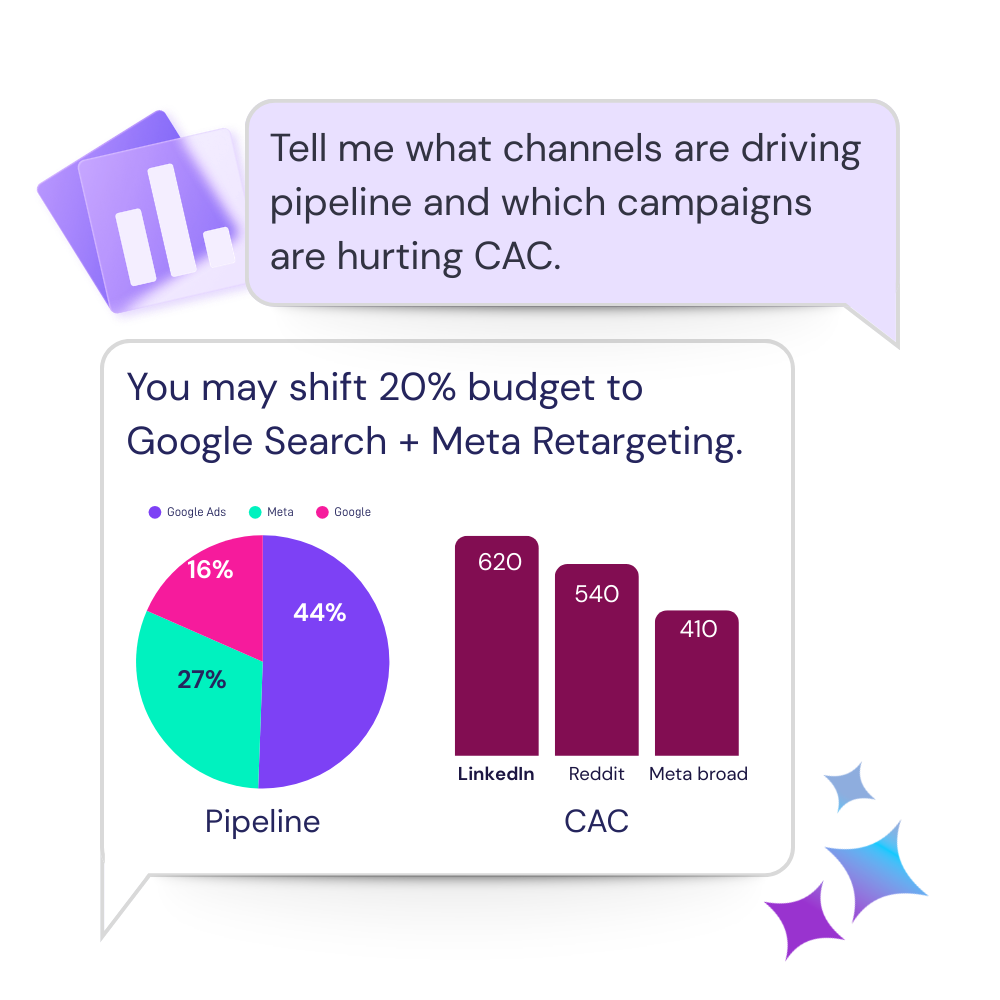
Trace the change instead of reporting it.
Compare the affected channels and periods, isolate the campaigns behind the movement, and identify what deserves attention.
Catchr MCP connects Claude to your normalized marketing data so you can ask complex questions across campaigns, channels, and time periods. No manual exports, no spreadsheet prep.


Give Claude the campaign context behind the report, then keep asking until the next action is clear.

Bring advertising, analytics, CRM, ecommerce, and organic data into one conversation instead of checking each platform separately.

Compare periods, accounts, campaigns, and funnel stages without rebuilding a new spreadsheet for every question.

Move from “performance is down” to the campaigns, audiences, or landing pages your team should review next.
Start with the live numbers already connected, then investigate the question that matters for the account.
Compare the affected channels and periods, isolate the campaigns behind the movement, and identify what deserves attention.
Summarize what changed, pull out the account risks, and turn the analysis into talking points your client can follow.
Review spend, marginal efficiency, volume, and funnel quality across platforms before recommending a budget shift.
Ask the same critical questions across every client while keeping each answer grounded in that account's platforms and goals.
Set the connection up once, then use Claude as part of the reporting workflow your team already runs.
Add the ad, analytics, CRM, ecommerce, SEO, and social accounts your agency manages in Catchr.
Use the official connector from the Claude app store.
Start with a performance question, compare the result, and use follow-ups to reach the next action.

Each source page includes relevant questions, fields, workflows, and setup guidance for using that data in Claude.
What are customer tell from us.
After three years of use, Catchr has become essential for both our teams and our clients. So far, it has been our best solution for compiling and analyzing data from different advertising platforms. It’s easy to set up, and the customer service is responsive and excellent.

With Catchr’s automated API, we can finally collect and centralize all advertising data, connect it with booking information, and calculate the real ROAS for our restaurant clients. It gives them full visibility, more autonomy, and the ability to optimize campaigns to maximize ROI.
The solution is a real game changer, providing optimal time savings for our data reporting. The major strength of the solution is their highly responsive and professional support.
The practical questions teams ask before adding AI to the reporting workflow.
Connect your sources in Catchr, add the Catchr MCP server in Claude, authorize access with OAuth, and start asking questions about the accounts you selected.
Catchr supports more than 100 sources across advertising, analytics, CRM, ecommerce, SEO, email, reviews, and organic social.
No. The setup is designed for marketers and agencies. You connect the source, authorize Catchr MCP, and query the available data in plain English.
Yes. This is the core agency use case: connect the client's platforms and investigate performance across the account's full marketing mix.
Yes. Catchr provides dedicated setup guides for both. Custom MCP support can depend on your AI plan, your region, and your workspace administrator settings, so check the relevant guide before setup.
You can request performance summaries, period comparisons, campaign and account breakdowns, anomaly investigations, and client-ready recaps. Precise prompts should include the account, date range, metrics, comparison, and desired output format.
Yes, there is a 14 day free-trial.
Our teams is always here to responds to any question you could have about our data connector.
Connect your marketing platforms and build a data workflow your entire agency can use.