Home > Integration > Pinterest Organic > Pinterest Organic to Power BI
Make the most of your Pinterest Organic data with direct integration into Power BI. Discover how to transfer, analyze, and visualize your marketing data to support better, data-driven decisions.


A fully no-code platform that brings your marketing data, including Pinterest Organic, into Power BI and your favorite tools.

Connect your data
Skip complex setup and get to insights sooner. Catchr makes it easy to connect Pinterest Organic to Power BI, so you can track audience growth, engagement, and content performance quickly.
Skip complex setup and get to insights sooner. Catchr makes it easy to connect Pinterest Organic to Power BI so you can analyze traffic, behavior, and conversions faster.
Skip complex setup and get to insights sooner. Catchr makes it easy to connect Pinterest Organic to Power BI so you can monitor spend, performance, and ROI quickly.
Skip complex setup and get to insights sooner. Catchr makes it easy to connect Pinterest Organic to Power BI so you can track leads, pipeline, and revenue performance faster.
Skip complex setup and get to insights sooner. Catchr makes it easy to connect Pinterest Organic to Power BI so you can track sales, products, and customer performance quickly.
Skip complex setup and get to insights sooner. Catchr makes it easy to connect Pinterest Organic to Power BI so you can monitor key financial metrics and performance faster.
Skip complex setup and get to insights sooner. Catchr makes it easy to connect Pinterest Organic to Power BI so you can track campaign performance and audience engagement quickly.
Skip complex setup and get to insights sooner. Catchr makes it easy to connect Pinterest Organic to Power BI so you can monitor store performance, installs, and ratings quickly.
Skip complex setup and get to insights sooner. Catchr makes it easy to connect Pinterest Organic to Power BI so you can monitor catalog quality and feed performance quickly.
Skip complex setup and get to insights sooner. Catchr makes it easy to connect Pinterest Organic to Power BI so you can monitor customer feedback and reputation metrics quickly.
Automate extraction
Your Power BI dashboards stay up to date automatically. Catchr continuously refreshes your Pinterest Organic data, so your engagement and growth reporting stays accurate without manual work.
Your Power BI dashboards stay up to date automatically. Catchr keeps your Pinterest Organic data continuously refreshed, so your performance monitoring stays accurate without repetitive exports.
Your Power BI dashboards stay up to date automatically. Catchr continuously refreshes your Pinterest Organic data so your media performance is always current — no manual exports.
Your Power BI dashboards stay up to date automatically. Catchr continuously refreshes your Pinterest Organic data so pipeline and lifecycle reporting remains accurate over time.
Your Power BI dashboards stay up to date automatically. Catchr continuously refreshes your Pinterest Organic data so revenue and order reporting is always current.
Your Power BI dashboards stay up to date automatically. Catchr continuously refreshes your Pinterest Organic data so financial reporting stays accurate without manual consolidation.
Your Power BI dashboards stay up to date automatically. Catchr continuously refreshes your Pinterest Organic data so you always report on the latest campaign and audience results.
Your Power BI dashboards stay up to date automatically. Catchr continuously refreshes your Pinterest Organic data so you always see the latest trends in acquisition and reputation.
Your Power BI dashboards stay up to date automatically. Catchr continuously refreshes your Pinterest Organic data so you always work with the latest catalog and availability signals.
Your Power BI dashboards stay up to date automatically. Catchr continuously refreshes your Pinterest Organic data so you always have the latest view of customer sentiment.


Get Power BI-ready datasets
Catchr prepares your Pinterest Organic data in a clean, consistent structure designed for reporting. Spend less time fixing inconsistent social metrics and more time analyzing performance in Power BI.
Catchr delivers Pinterest Organic data in a consistent format designed for reporting. Reduce time spent fixing tracking outputs and focus on uncovering insights in Power BI.
Catchr prepares your Pinterest Organic data in a clean, consistent structure designed for reporting. Spend less time fixing campaign fields and more time optimizing performance in Power BI.
Catchr delivers Pinterest Organic data in a consistent reporting format. Reduce time spent fixing fields and deduplicating outputs, and focus on actionable insights in Power BI.
Catchr prepares your Pinterest Organic data in a consistent structure designed for reporting. Spend less time reconciling orders and products, and more time improving performance in Power BI.
Catchr delivers Pinterest Organic data in a consistent reporting format. Reduce time spent reconciling figures and focus on analysis and forecasting in Power BI.
Catchr prepares your Pinterest Organic data in a clean, consistent structure designed for reporting. Spend less time cleaning campaign fields and more time improving performance in Power BI.
Catchr delivers Pinterest Organic data in a consistent reporting structure. Spend less time formatting store metrics and more time improving performance in Power BI.
Catchr prepares your Pinterest Organic data in a clean, consistent structure designed for reporting. Spend less time fixing feed inconsistencies and more time improving outcomes in Power BI.
Catchr delivers Pinterest Organic data in a consistent reporting format. Spend less time consolidating review data and more time spotting trends and issues in Power BI.
20
metrics
45 dimensions
Ensure long-term reliability
Catchr provides a durable connection built for long-term stability. Your social dashboards stay dependable as your content strategy evolves and your volume of data grows.
Catchr provides a durable connection designed for long-term stability. Your analytics dashboards remain dependable as your tracking strategy and reporting needs evolve.
Catchr provides a durable connection built for long-term reporting stability. Your dashboards stay dependable as campaigns, accounts, and budget structures evolve.
Catchr provides a durable connection designed for long-term stability. Your dashboards stay reliable as your CRM evolves, your teams grow, and processes change.
Catchr provides a durable connection designed for long-term stability. Your dashboards stay dependable as product catalogs, pricing, and sales volumes evolve.
Catchr provides a durable connection designed for long-term stability. Your dashboards remain reliable as reporting requirements, teams, and data volumes evolve.
Catchr provides a durable connection designed for long-term stability. Your dashboards remain dependable as your audience grows and your campaign strategy evolves.
Catchr provides a durable connection designed for long-term stability. Your dashboards stay reliable as your app evolves, releases increase, and markets expand.
Catchr provides a durable connection designed for long-term stability. Your dashboards stay dependable as your catalog grows, updates increase, and requirements evolve.
Catchr provides a durable connection designed for long-term stability. Your dashboards remain reliable as your review volume grows and your brand presence expands.


Start with a template
Get started instantly with proven dashboard templates designed for social reporting. Use your Pinterest Organic data in Power BI faster, with metrics and layouts built for performance tracking.
Use pre-built templates designed for analytics reporting to accelerate your Power BI setup. Turn Pinterest Organic data into actionable insights with the right KPIs and structure from day one.
Launch your Power BI reporting faster with templates built for paid media analysis. Use your Pinterest Organic data with ready-to-use KPI views for performance tracking and optimization.
Accelerate your Power BI reporting with templates designed for CRM KPIs. Use your Pinterest Organic data in ready-made views to track pipeline, revenue, and lifecycle performance faster.
Get started with templates built for ecommerce performance tracking. Use your Pinterest Organic data in Power BI with ready-made dashboards for revenue, products, and customer insights.
Move faster with templates built for financial reporting in Power BI. Use your Pinterest Organic data with ready-to-use dashboards for tracking performance, trends, and key indicators.
Kickstart your reporting with templates designed for email marketing KPIs. Use your Pinterest Organic data in Power BI with ready-made dashboards for engagement and list growth.
Get started with templates designed for app store reporting. Use your Pinterest Organic data in Power BI with ready-made dashboards for acquisition trends and ratings performance.
Speed up your feed monitoring with templates designed for catalog quality. Use your Pinterest Organic data in Power BI with ready-made views for visibility, availability, and performance tracking.
Kickstart your reputation reporting with templates designed for review insights. Use your Pinterest Organic data in Power BI with ready-made dashboards for sentiment trends and satisfaction tracking.
In app.catchr.io, go to the Sources tab and click Add source. Use the search bar to find Pinterest Organic or scroll down until you reach it. Follow the instruction on the app and save your new Pinterest Organic data source.
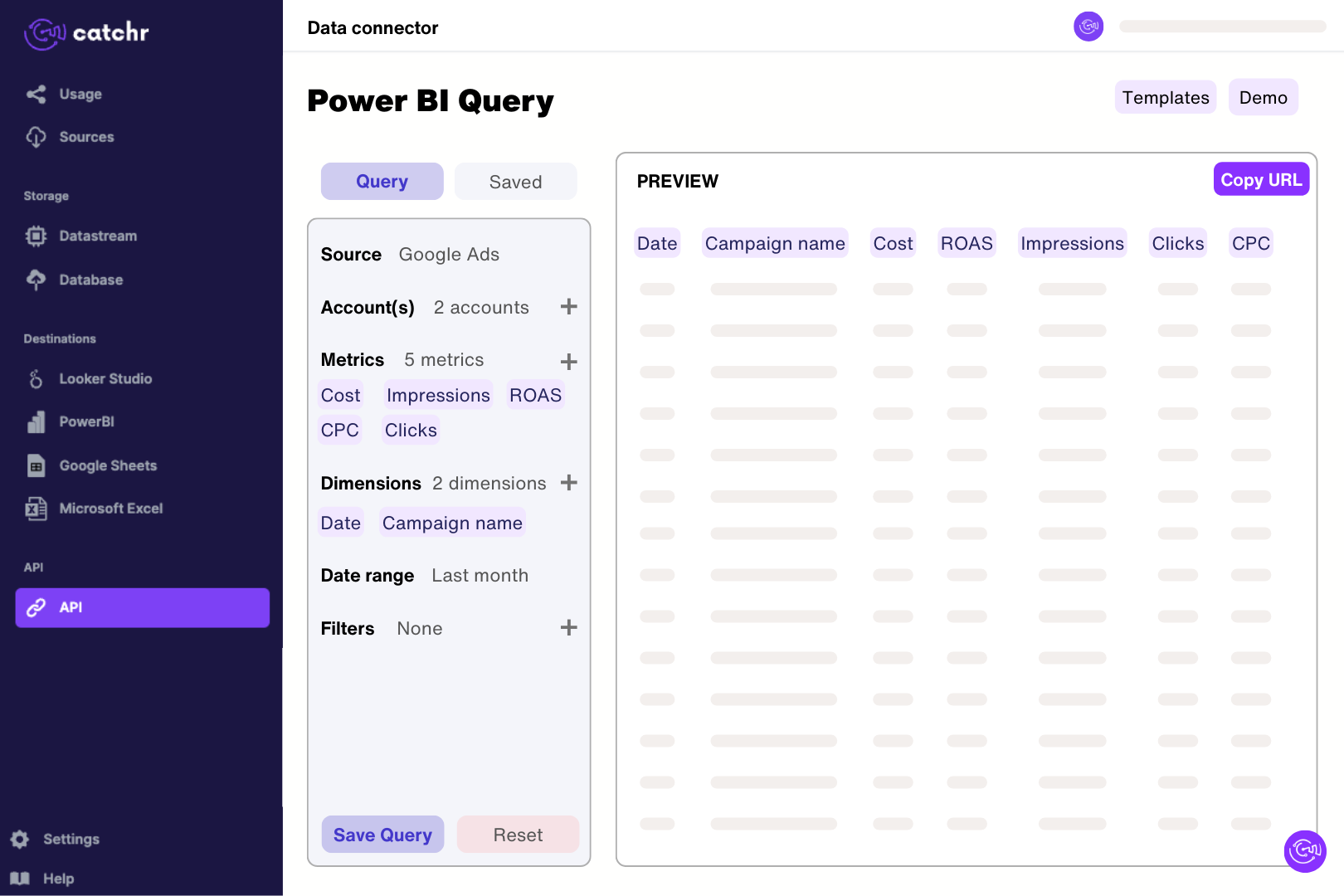
Now that your data source has been created, you can create a request. Go to the API tab, select Power BI in the top-left corner, and start building your request:
Click Preview in the top-right corner to make sure all your metrics and dimensions work together and display the data you need. Once everything looks right, copy the URL shown at the top of the page by clicking on it.
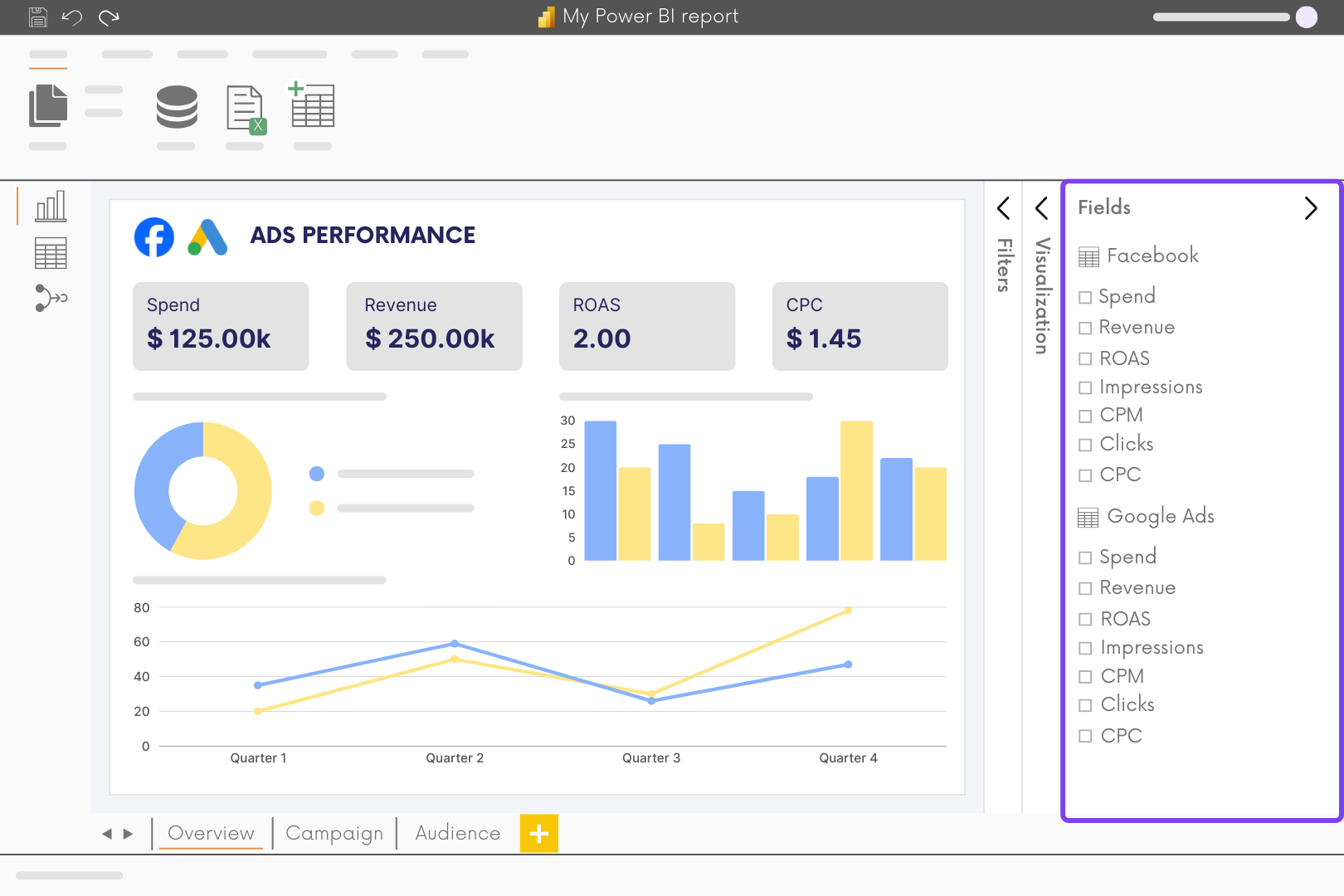
Open Power BI and click Get data > Web. A window will open—paste your URL in Basic mode, then click OK. Your data will load in Power BI. Once it’s done, another window will appear showing your query details. Click Close & Apply in the top-left corner. Your data is now ready and will update automatically!
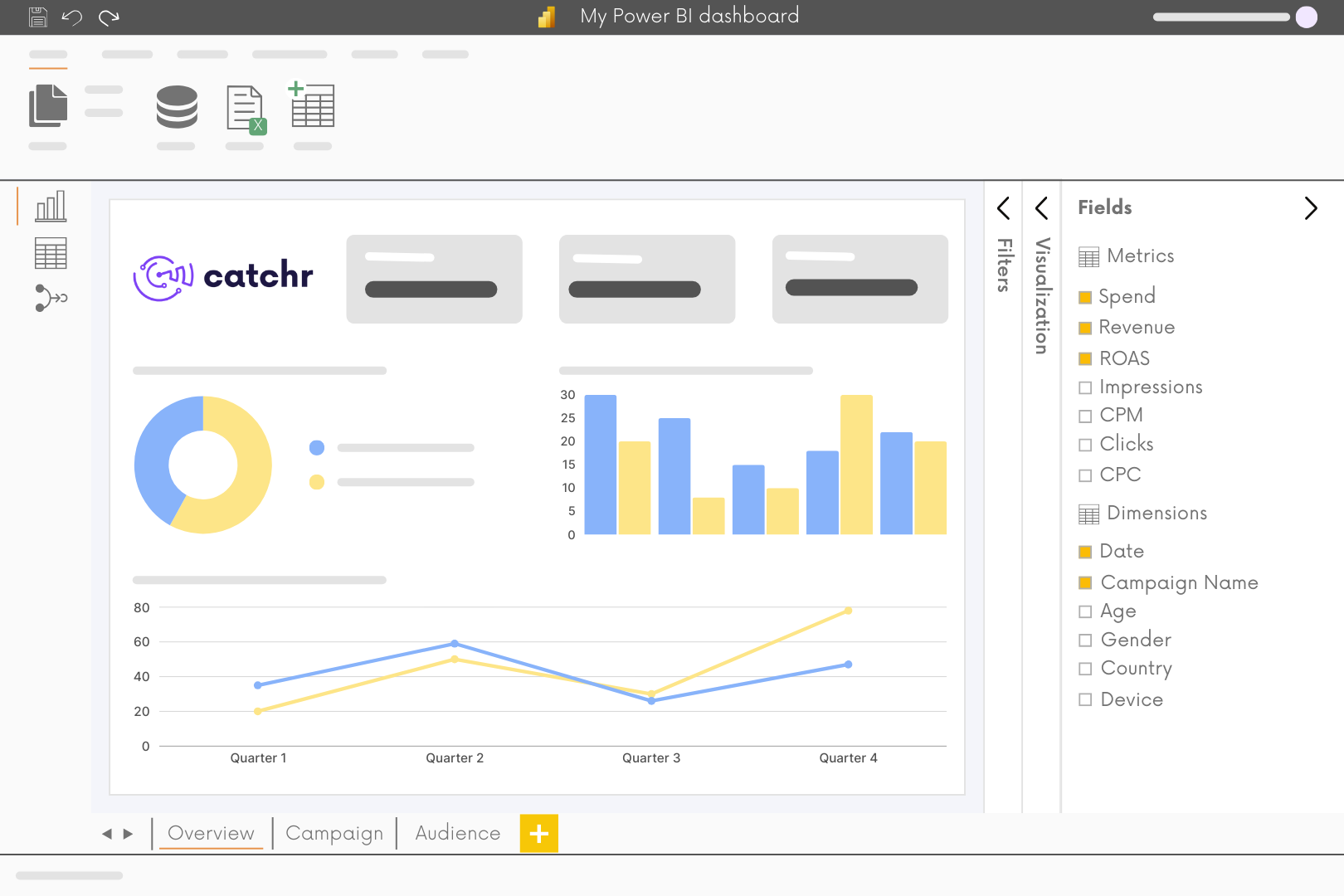
Finally, you can start building your dashboard by adding charts and tables.


Catchr’s templates, guides, and tips help you master Power BI and turn data into impact.
Learn better. Build faster. Report stronger.
Access ready-to-use templates to build dashboards in just a few clicks.

Learn step by step how to master Power BI with guided videos.

Develop your skills with complete and practical Power BI lessons.
Explore more connectors and start using them right away.