Starter
For freelancers and small teams.
$ 24 /mo
Billed monthly · cancel anytime
Platforms3
Accounts10


Used by the world's leading companies








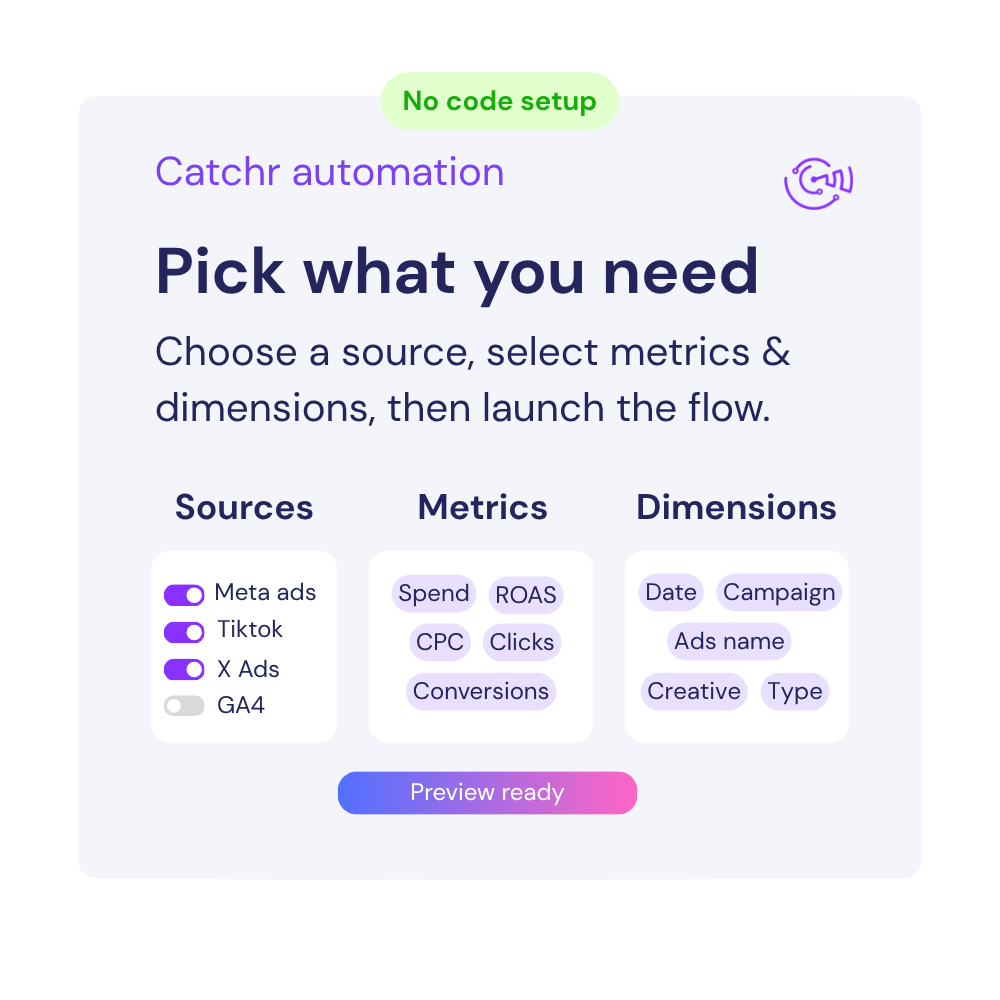
Available metrics
Available dimensions


What our customers say about us.
After three years of use, Catchr has become essential for both our teams and our clients. So far, it has been our best solution for compiling and analyzing data from different advertising platforms. It’s easy to set up, and the customer service is responsive and excellent.

With Catchr’s automated API, we can finally collect and centralize all advertising data, connect it with booking information, and calculate the real ROAS for our restaurant clients. It gives them full visibility, more autonomy, and the ability to optimize campaigns to maximize ROI.

The solution is a real game changer, providing optimal time savings for our data reporting. The major strength of the solution is their highly responsive and professional support.

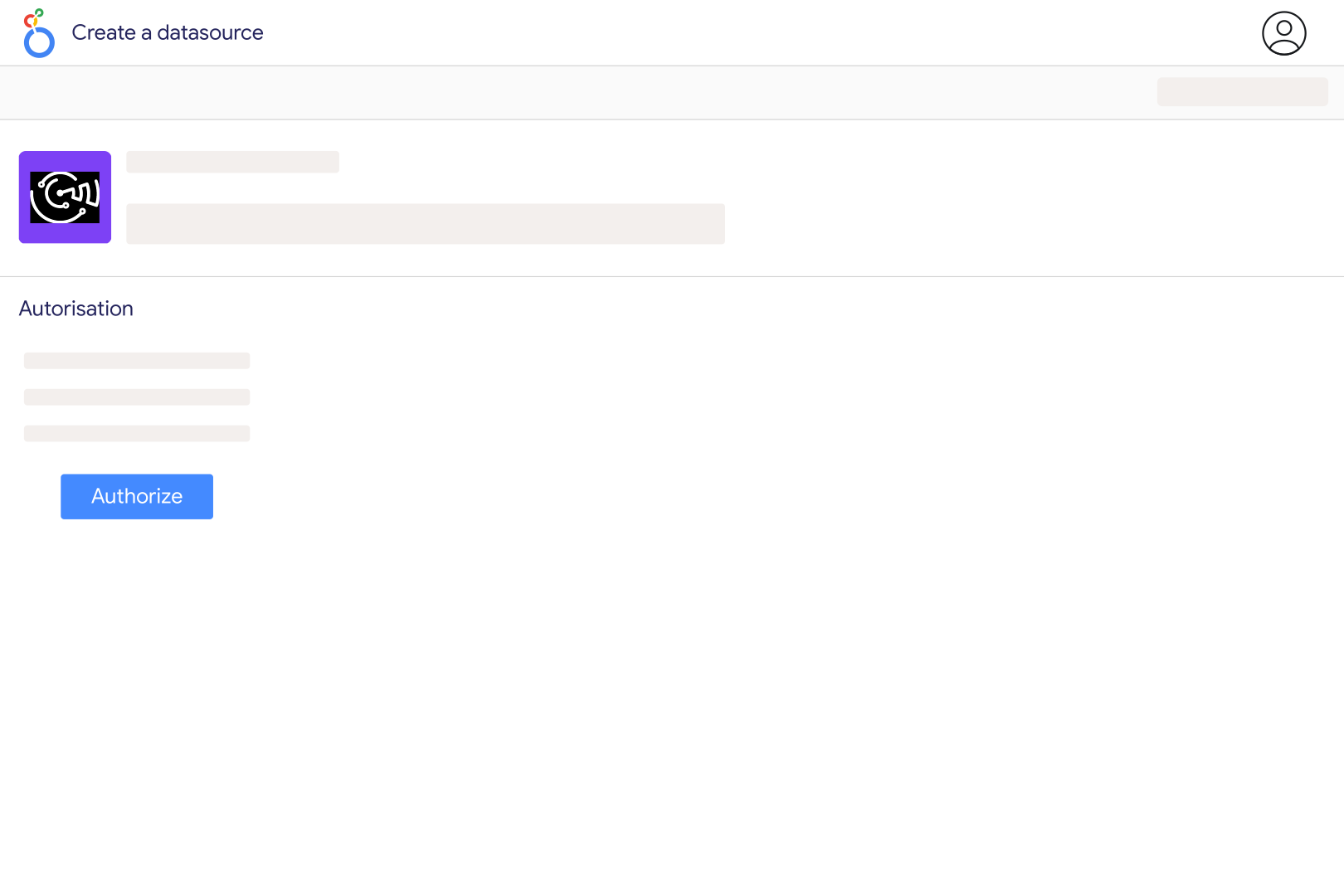
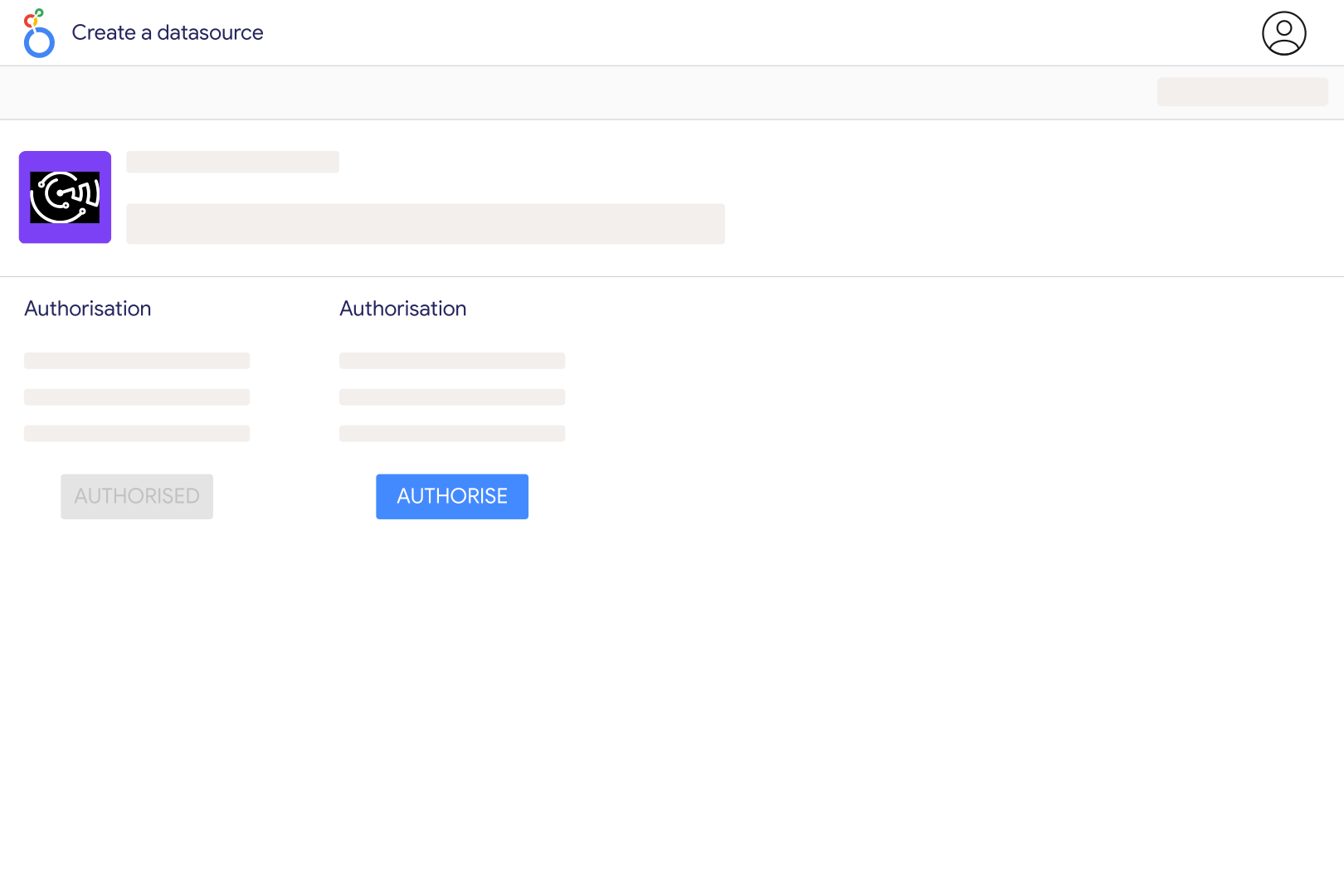
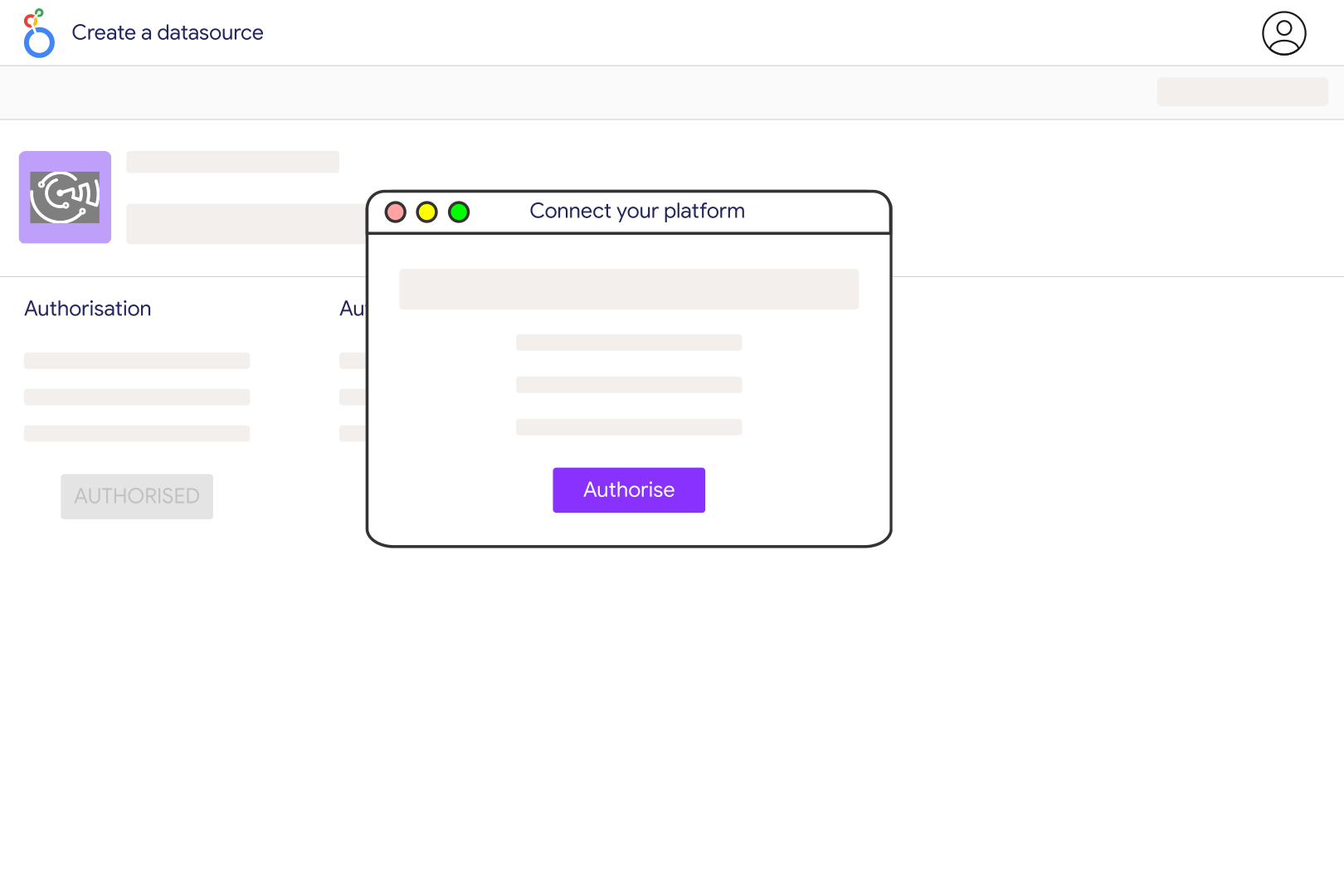
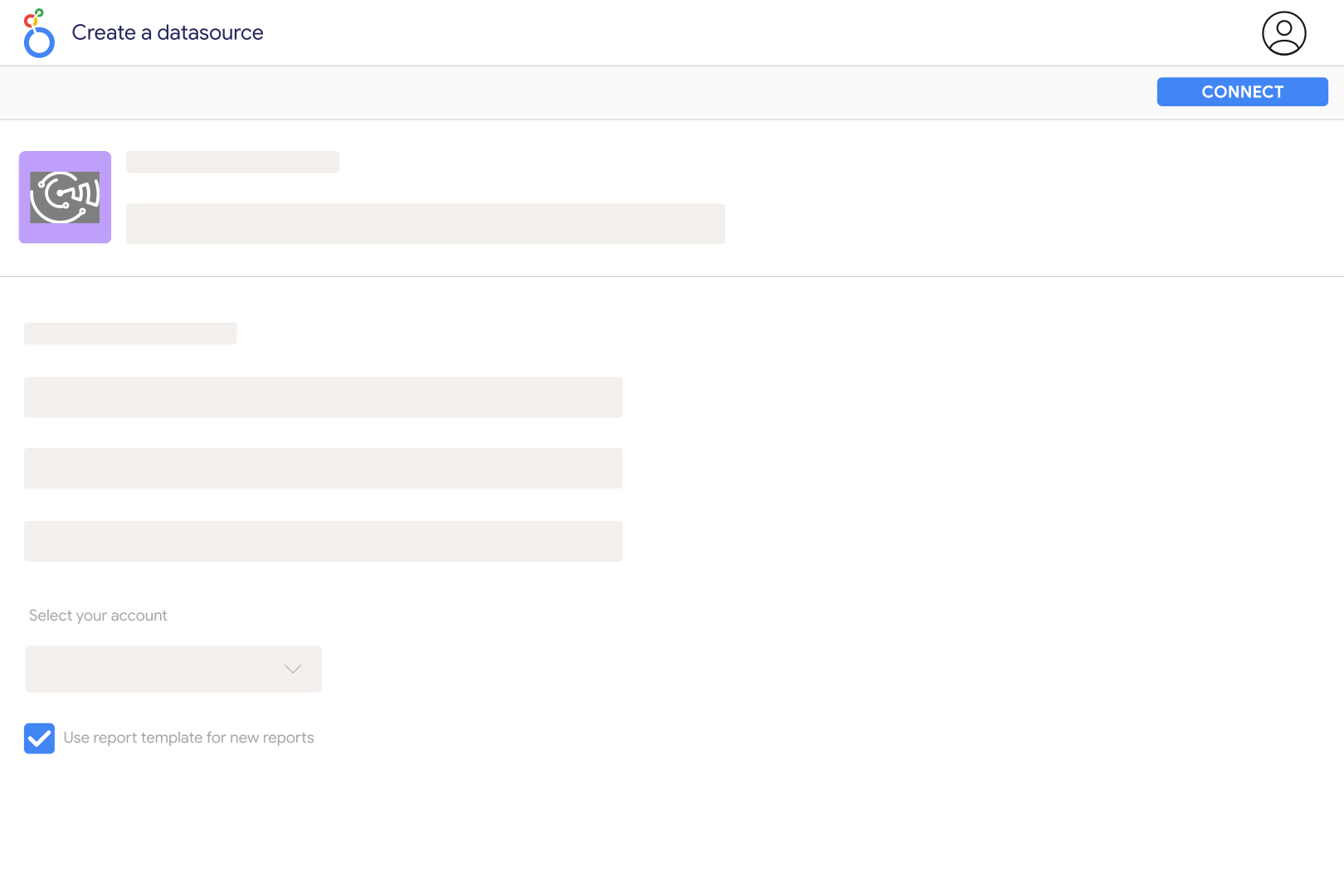
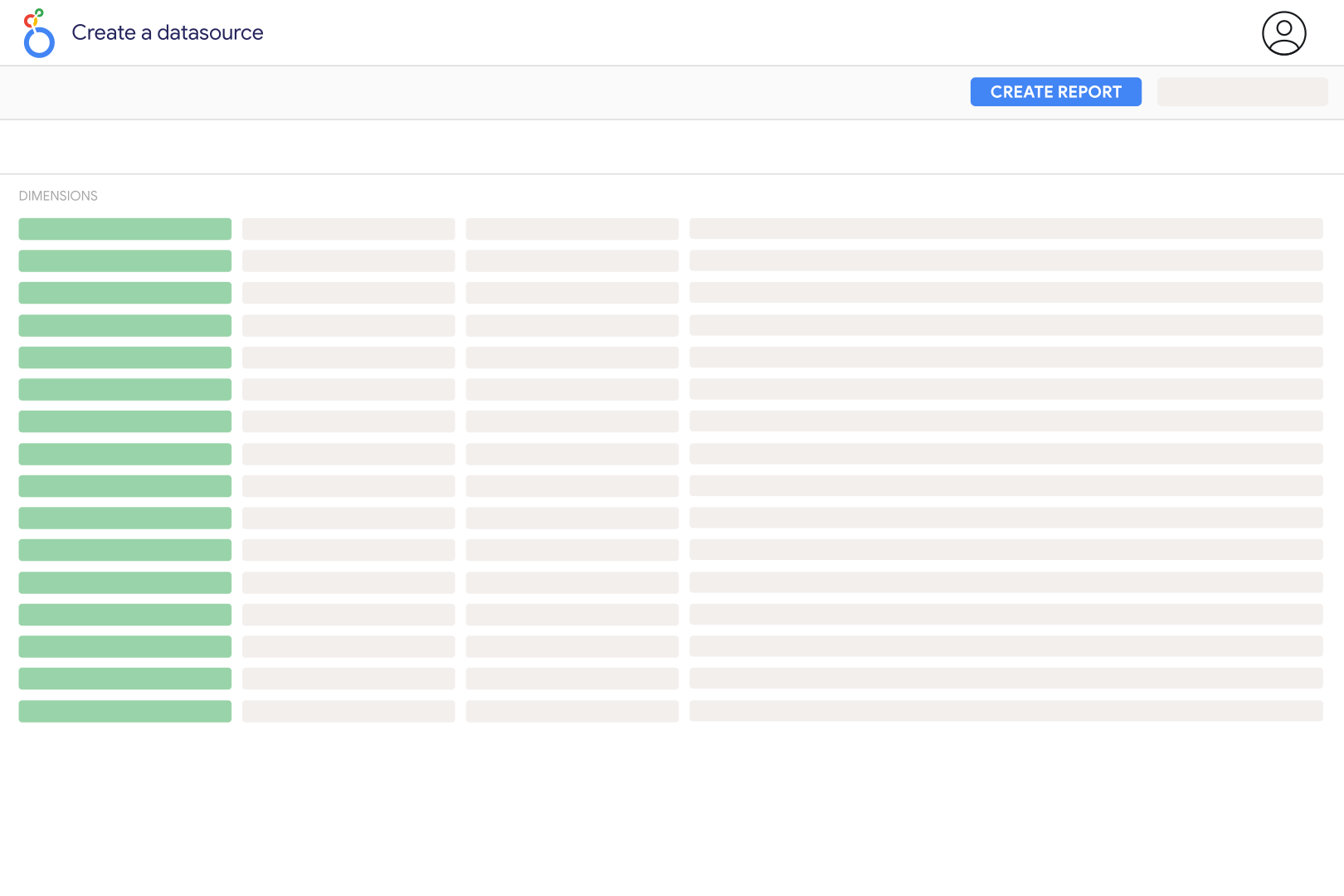
Open the Catchr Amazon DSP connector in Looker Studio, authorize your Google account, and connect the Amazon account with access to your DSP advertiser. Select the advertiser and report type, then choose compatible metrics and dimensions. Start with a campaign report for a completed period and compare it with the same advertiser's DSP export before sharing the dashboard.
They are separate sources in Catchr. Amazon DSP covers demand-side platform campaigns, while the Amazon Ads connector handles its supported sponsored advertising reports. You can show both in Looker Studio, but keep report types and attribution definitions visible. This DSP source concerns advertising, not Amazon's Delivery Service Partner business.
Catchr offers campaign, inventory, product, geographic, technology, audience, reach and frequency, audio and video, and bid adjustment report types. Depending on the report, available fields include impressions, clicks, cost, purchases, sales, ROAS, reach and creative details. Select a report first: a field supported by the campaign report is not automatically supported by every other report.
Supply Cost measures media supply, while Total Cost has a broader campaign cost scope. Neither should be silently substituted for the other in a cost-per-result or return calculation. Check the metric definition and which fees your DSP export includes, then use the same denominator throughout the dashboard. Keep agency charges or other separately paid fees explicit if you add them to a business-level cost measure.
No. The same person can be reached on several days, so adding daily unique reach overcounts a period's audience. Use a summary reach report for the period and scope you want to assess. Frequency is also a ratio, not an additive total; do not sum daily frequency values. Keep campaign, advertiser and household audience measures distinct when comparing charts.
DSP reports have different restrictions. Catchr limits most report requests to a 31-day range, while some report types support longer requests. That request limit is separate from how much history Amazon retains. Reduce the date range and select fields from one compatible report level. Audio and video and bid adjustment reports are requested as summaries, so adding a date field does not turn them into daily time series.
DSP sales are advertising-attributed results; Seller Central and Vendor Central describe retail activity with different scopes. Match the sales field, advertiser, dates and currency before comparing. DSP reports are generated asynchronously, so a dashboard query must wait for Amazon's report. Recent results can evolve as attribution is processed; a completed-period comparison is more useful than expecting a live sales counter.
Our team is always here to answer any questions you may have about our data connector.