





Home > Integration > Amazon Seller > Amazon Seller to Data Studio

Connect Amazon Seller to Data Studio (Looker Studio)

Connect Amazon Seller to Data Studio (ex Looker Studio) and build automated Amazon Seller dashboards without CSV exports, spreadsheets, or manual API setup.

Looker Studio
Power BI
Google Sheets
BigQuery
Snowflake

Used by the world's leading companies

Why use Catchr to connect Amazon Seller to Data Studio (Looker Studio) ?

Catchr helps marketers and agencies move from manual exports to reliable reporting workflows across dashboards, spreadsheets, warehouses, and AI tools.

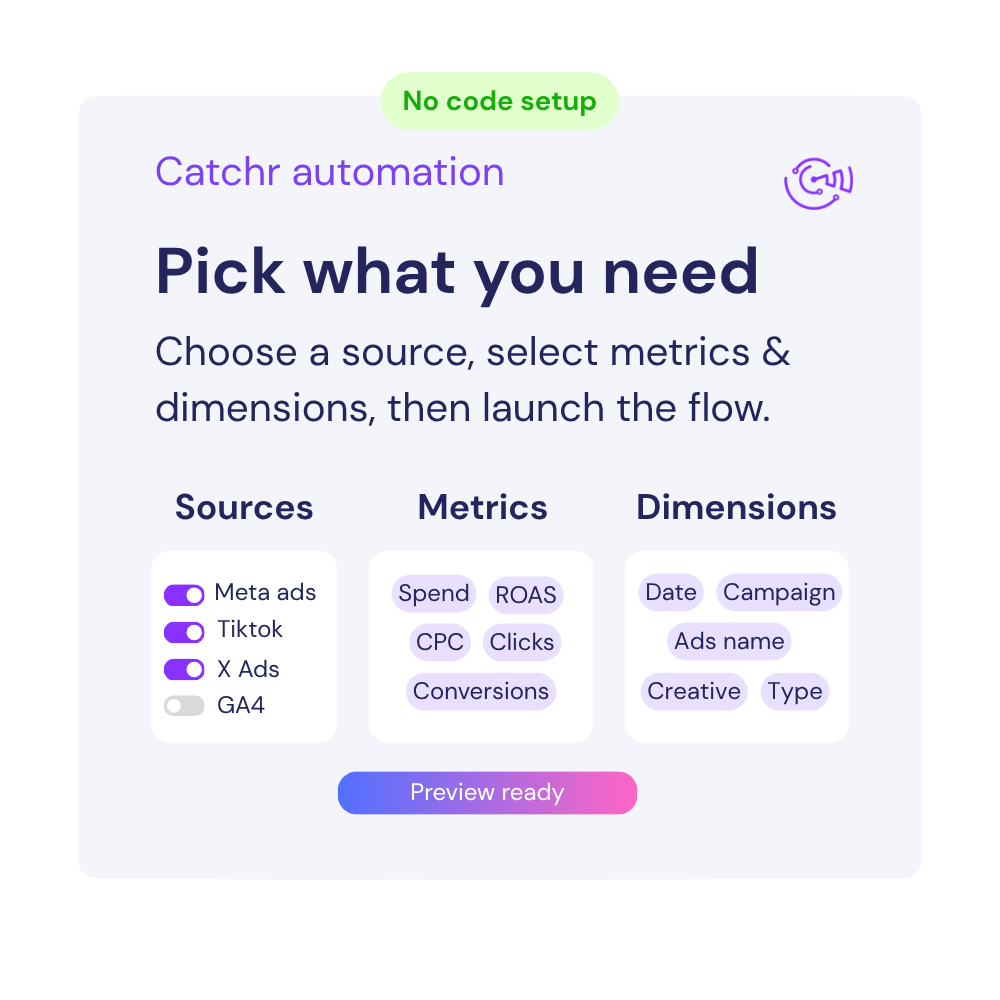
No manual csv export

Stop downloading files from Amazon Seller every time a client report, spreadsheet, or dashboard needs fresh numbers.

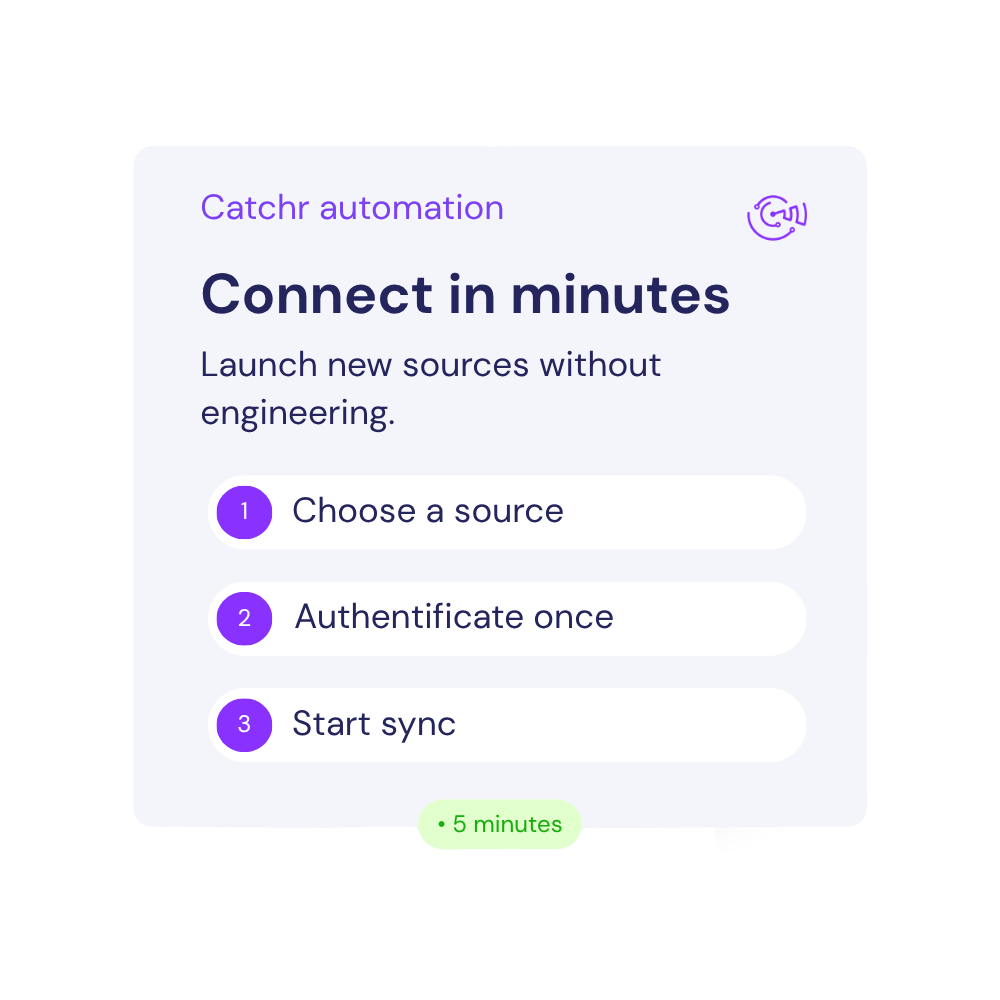
Connect in minute

Start building Amazon Seller data studio dashboard in minutes not days. You just need to connect your account and it's done.

Built for multi-account reporting

Connect several Amazon Seller accounts and keep agency, client, or brand reporting organized from one place in Data Studio.

Turn Amazon Seller data into client-ready Data Studio reports

Catchr connects Amazon Seller to Data Studio so you can monitor Ordered Product Sales Amount, Units Ordered, Sessions, Page Views, Buy Box Percentage, Refund Rate in one automated dashboard.

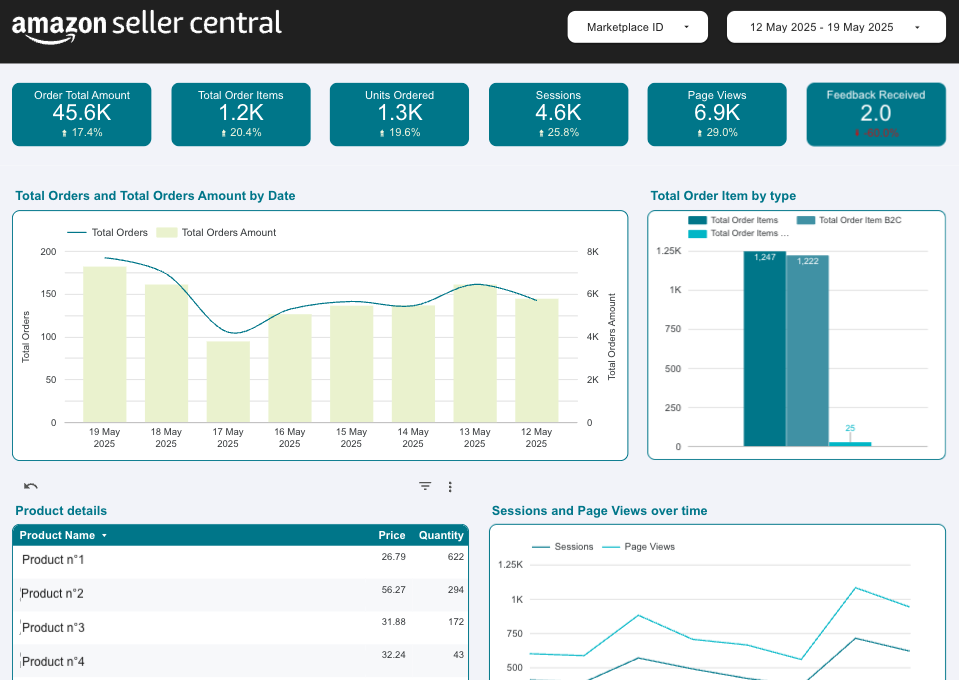
Amazon Seller Central Data Studio (Looker Studio) template

Free Looker Studio template to track your Amazon Seller Central performance and product metrics.

How to connect Amazon Seller to Data Studio (Looker Studio) ?

To connect Amazon Seller to Data Studio (Looker Studio), open the Catchr connector, authorize your Amazon Seller account, select the account or data view you want to report on, then create your Data Studio (Looker Studio) report.

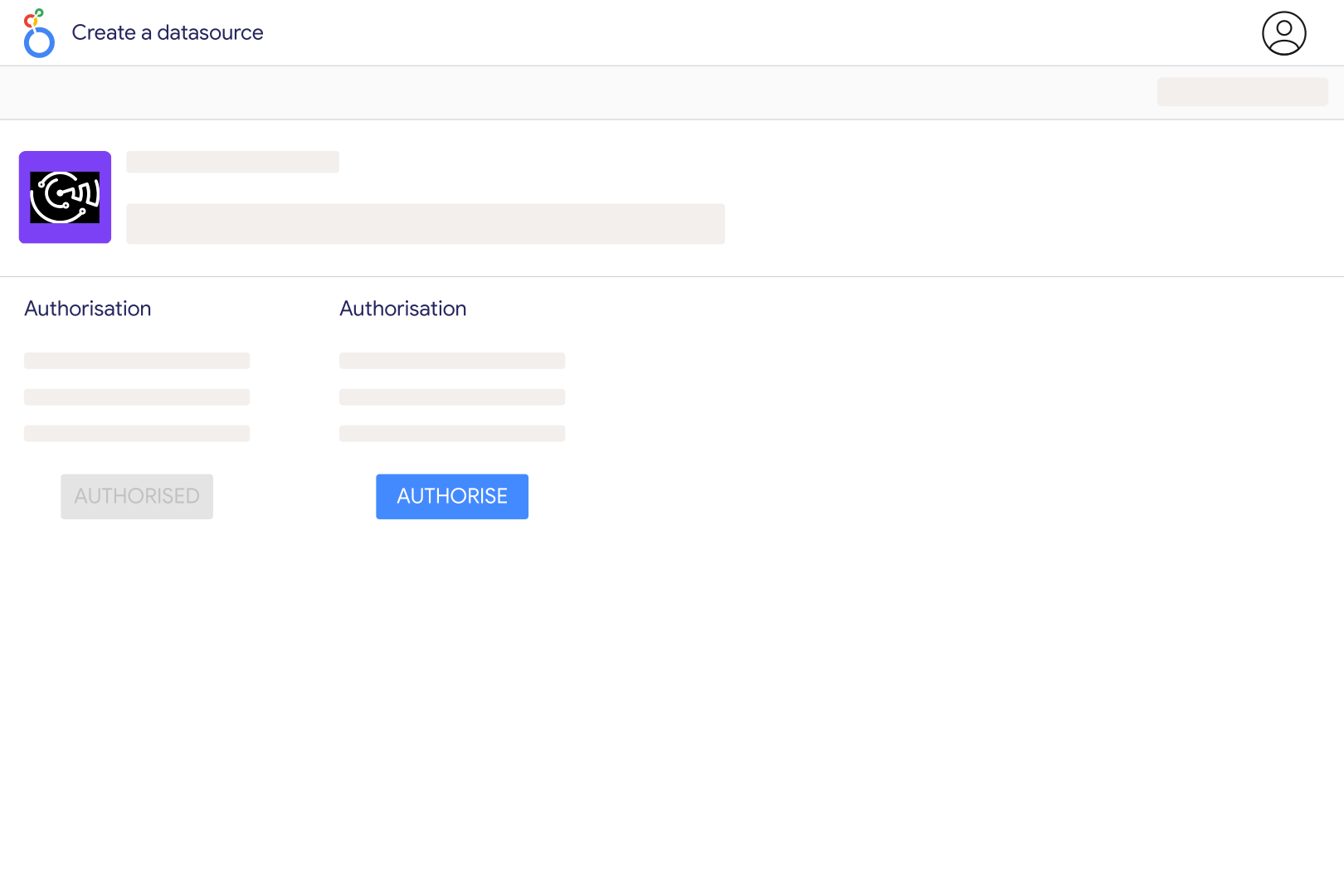
Step one

Open the Catchr Amazon Seller connector in Looker Studio

Click the connector link and open it inside Data Studio (Looker Studio). You will be asked to authorize the connector before creating your data source.

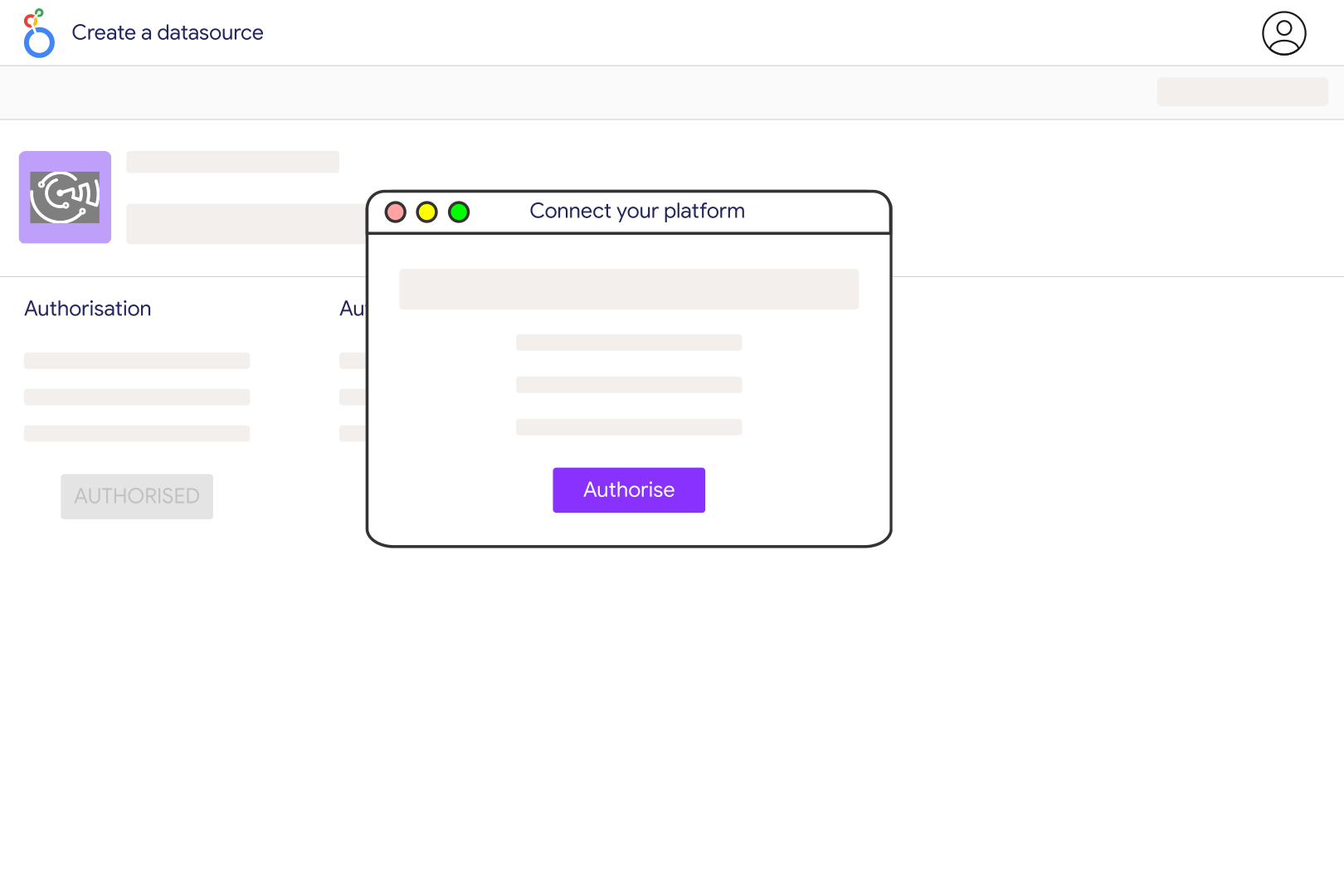
Step Two

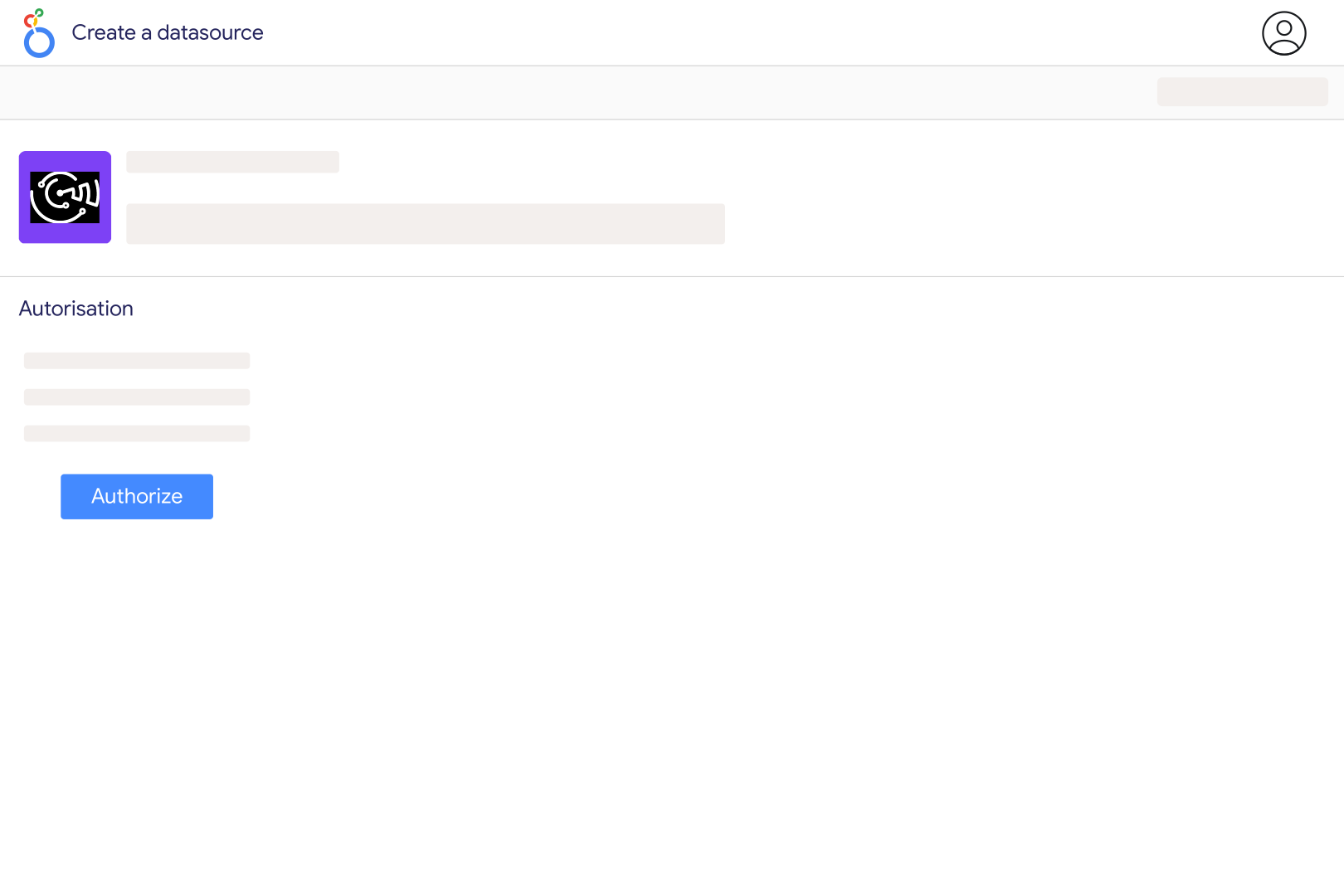
Authorize Data Studio and Catchr

Choose the Google account you use for Data Studio (Looker Studio) and authorize Catchr to create a secure Amazon Seller data source.

Step Three

Connect your Amazon Seller account

Sign in with your Amazon Seller account that has access to the accounts you want to report on. Make sure your user has the right Amazon Seller permissions.

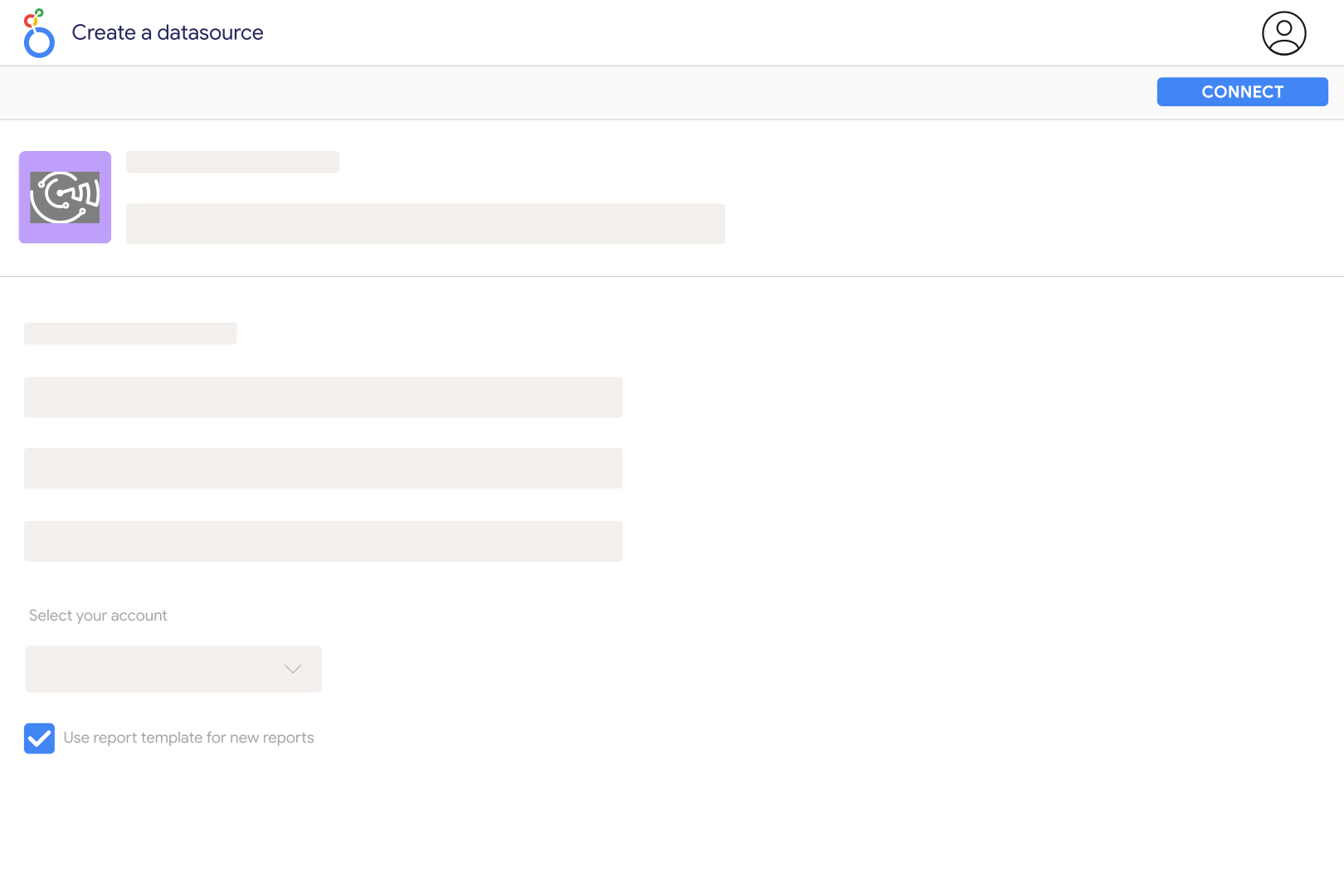
Step Four

Select your Amazon Seller accounts

Choose one or multiple accounts depending on the report you want to build.

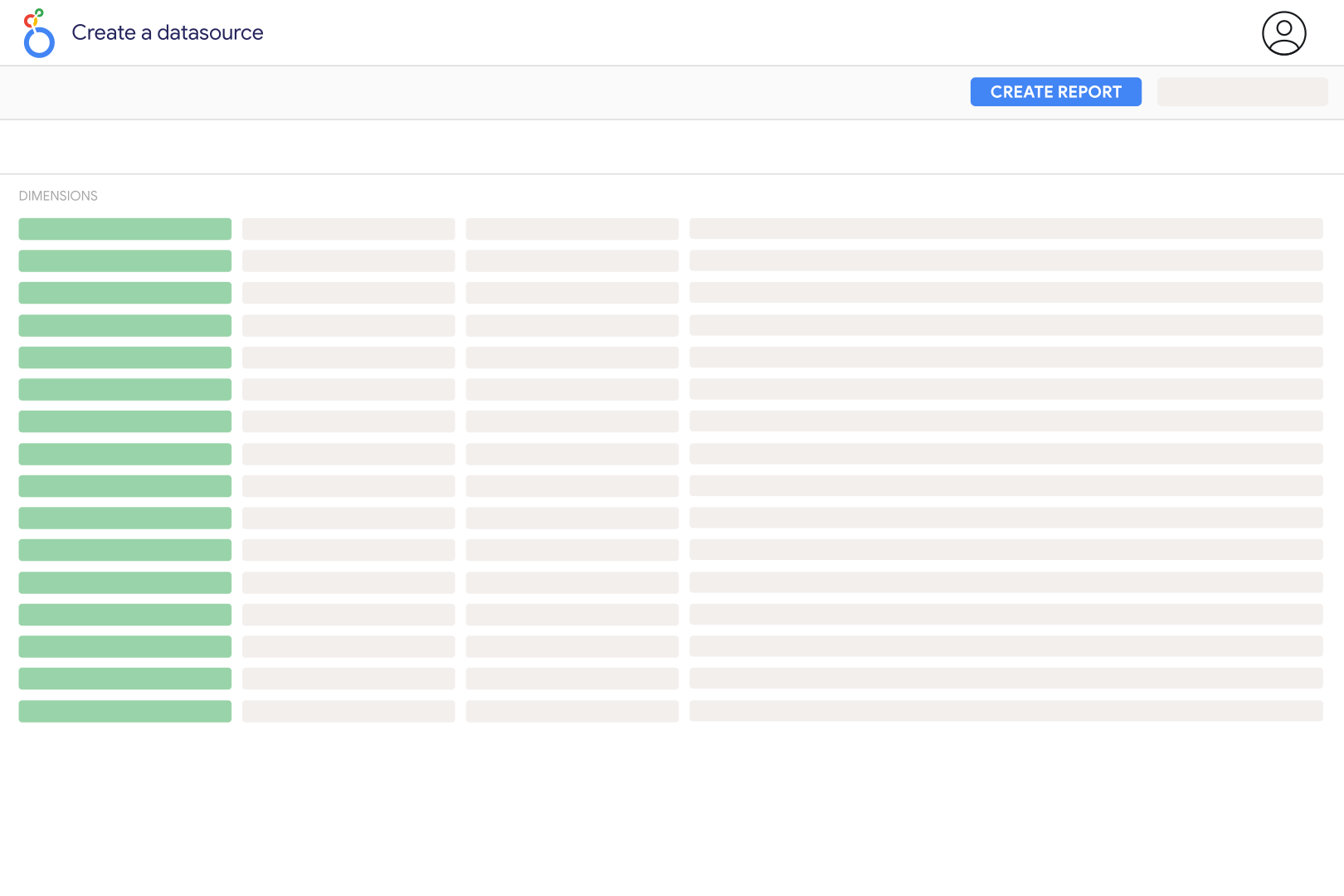
Step Five

Create your Data Studio (Looker Studio) report

Click Create report, then start adding charts, scorecards, tables, filters, and date controls using your Amazon Seller metrics and dimensions.

Step Six

Customize your dashboard

Use Ordered Product Sales Amount, Units Ordered, Sessions, Page Views, Buy Box Percentage, Refund Rate, Date, Product SKU, Product ASIN, Product Name, Sales Channel, Order Status and many more...

Connect your data now

With catchr, it's easy to connect all your marketing data to your favorite reporting, AI or dashboarding tools. 

Amazon Seller metrics and dimensions available in Looker Studio

Access 50 metrics and 54 dimensions from Facebook Ads connectors including Date, Product SKU, Product ASIN, Product Name, Sales Channel, Order Status, 50 and many more...

50

Metrics availables

54

Dimensions availables

Build better Amazon Seller data studio dashboard

Use Catchr to create dashboards that show what is working, what is wasting budget, and where performance is changing.

Build dashboard for your client

reate clean Looker Studio dashboards for clients with Ordered Product Sales Amount, Units Ordered, Sessions, Page Views, Buy Box Percentage, Refund Rate always up to date.

Budget pacing

Track budget delivery, spend trends, and performance before the end of the month.

Review what drives results across

Compare to see where budget, traffic, or revenue is improving and where performance is dropping.

Compare with your other channels

Combine with your others marketing to understand performance across your full acquisition journey.

Keep an eye on Amazon Seller performance

Track Amazon Seller Ordered Product Sales Amount, Units Ordered, Sessions, Page Views, Buy Box Percentage, Refund Rate in refreshable Data Studio dashboards so you can spot changes before they become reporting problems.

Customer testimonials

What are customer tell from us.

85 %
Faster
Reporting time

After three years of use, Catchr has become essential for both our teams and our clients. So far, it has been our best solution for compiling and analyzing data from different advertising platforms. It’s easy to set up, and the customer service is responsive and excellent.

Valentin Keravel
CEO, Laio – Agency

With Catchr’s automated API, we can finally collect and centralize all advertising data, connect it with booking information, and calculate the real ROAS for our restaurant clients. It gives them full visibility, more autonomy, and the ability to optimize campaigns to maximize ROI.

Corentin Largeron
Freelance
30
hours saved

The solution is a real game changer, providing optimal time savings for our data reporting. The major strength of the solution is their highly responsive and professional support.

Corentin Largeron
CEO at The Browz – Agency

Amazon Seller data studio connector FAQs

Answers to common questions about connecting data to spreadsheets, dashboards, AI assistants, and reporting tools with Catchr.

How do I connect Amazon Seller to Data Studio ?

You can connect Amazon Seller to Data Studio with Catchr. Open the Catchr connector, authorize Looker Studio, connect your Amazon Seller account, select your data, and create your report.

Can I connect Amazon Seller to Data Studio without code?

Yes. Catchr is a no-code Amazon Seller connector for Data Studio. You do not need developers, API setup, or manual scripts..

Does Data Studio have a native Amazon Seller connector?

Most teams use a partner or community connector to report on Amazon Seller data in Data Studio. Catchr lets you pull Amazon Seller data directly into Data Studio as a reporting data source

What Amazon Seller metrics can I use in Data Studio?

You can report on key Amazon Seller metrics such as Ordered Product Sales Amount, Units Ordered, Sessions, Page Views, Buy Box Percentage, Refund Rate.

Can I connect multiple Amazon Seller accounts?

Yes. Catchr supports multi-account reporting, which is useful for agencies, freelancers, and teams managing several clients or brands.

Can I blend Amazon Seller with other marketing data?

Yes. In Data Studio, you can combine Amazon Seller with other sources such as Google Ads, Meta Ads, TikTok Ads, LinkedIn Ads, GA4, Shopify, and more.

How often is Amazon Seller data refreshed?

Catchr keeps your Amazon Seller data updated automatically, so your Data Studio dashboards stay ready without manual CSV exports.

Is there a free trial?

Yes. Catchr offers a 14-day free trial with no credit card required.

Still have a question ? 

Our teams is always here to responds to any question you could have about our data connector.