Starter
For freelancers and small teams.
$ 24 /mo
Billed monthly · cancel anytime
Platforms3
Accounts10


Used by the world's leading companies










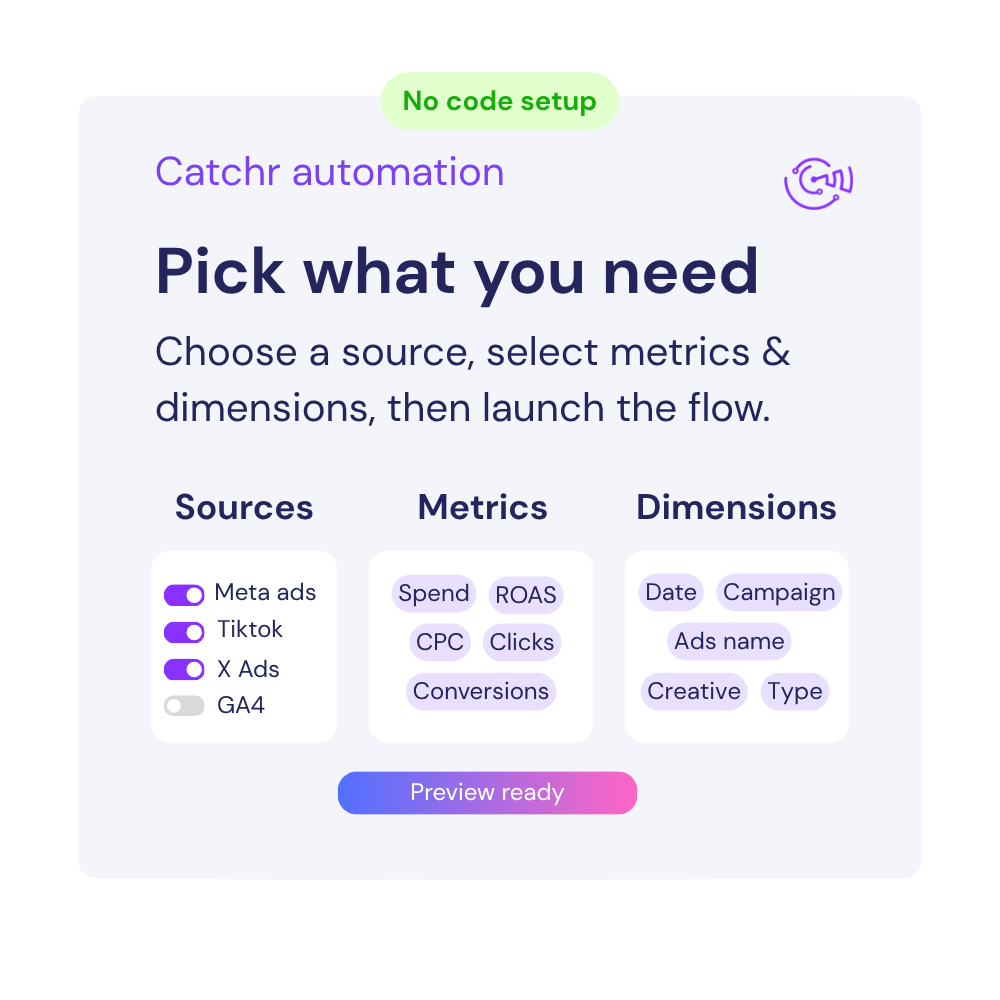
Available metrics
Available dimensions


What our customers say about us.
After three years of use, Catchr has become essential for both our teams and our clients. So far, it has been our best solution for compiling and analyzing data from different advertising platforms. It’s easy to set up, and the customer service is responsive and excellent.

With Catchr’s automated API, we can finally collect and centralize all advertising data, connect it with booking information, and calculate the real ROAS for our restaurant clients. It gives them full visibility, more autonomy, and the ability to optimize campaigns to maximize ROI.

The solution is a real game changer, providing optimal time savings for our data reporting. The major strength of the solution is their highly responsive and professional support.

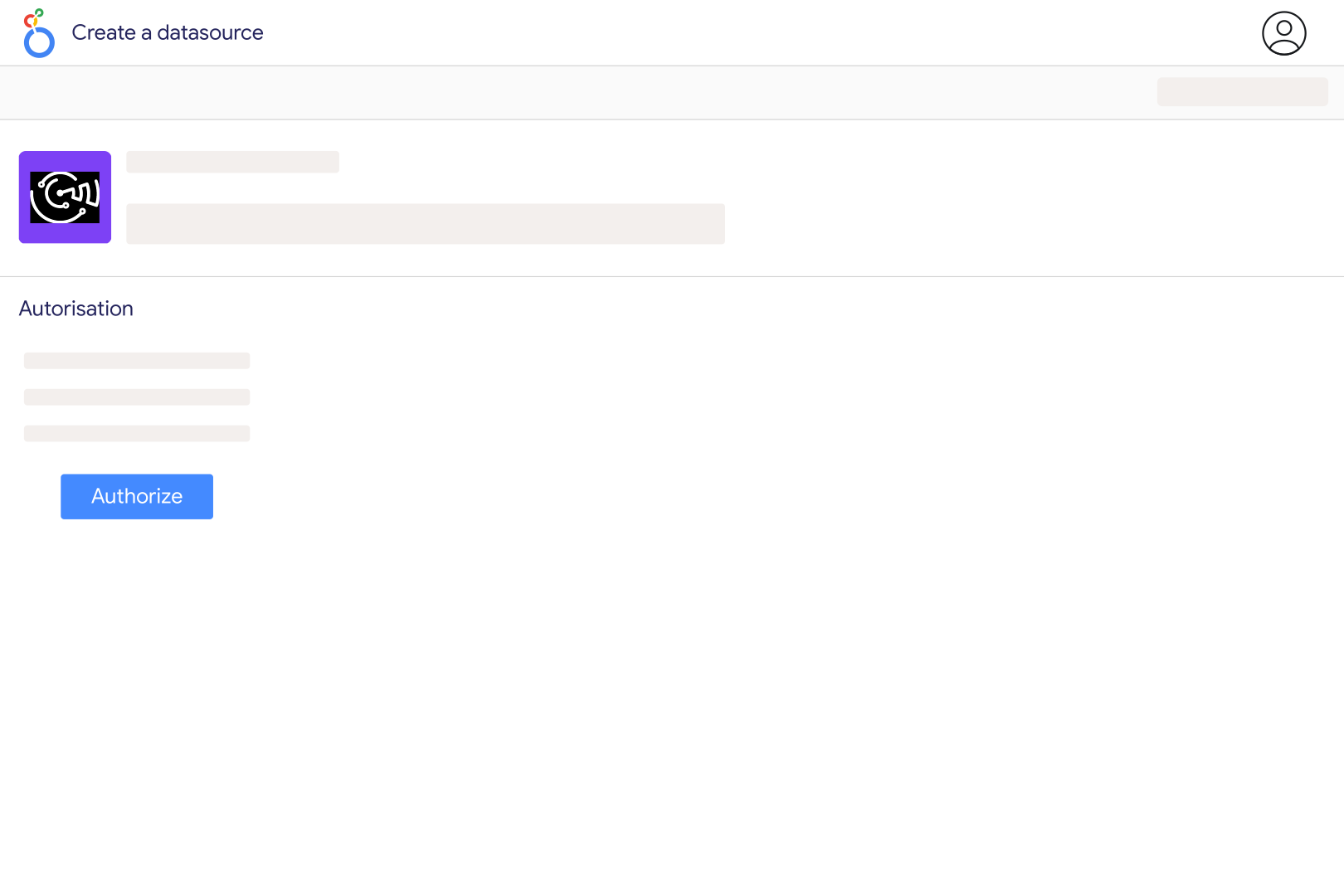
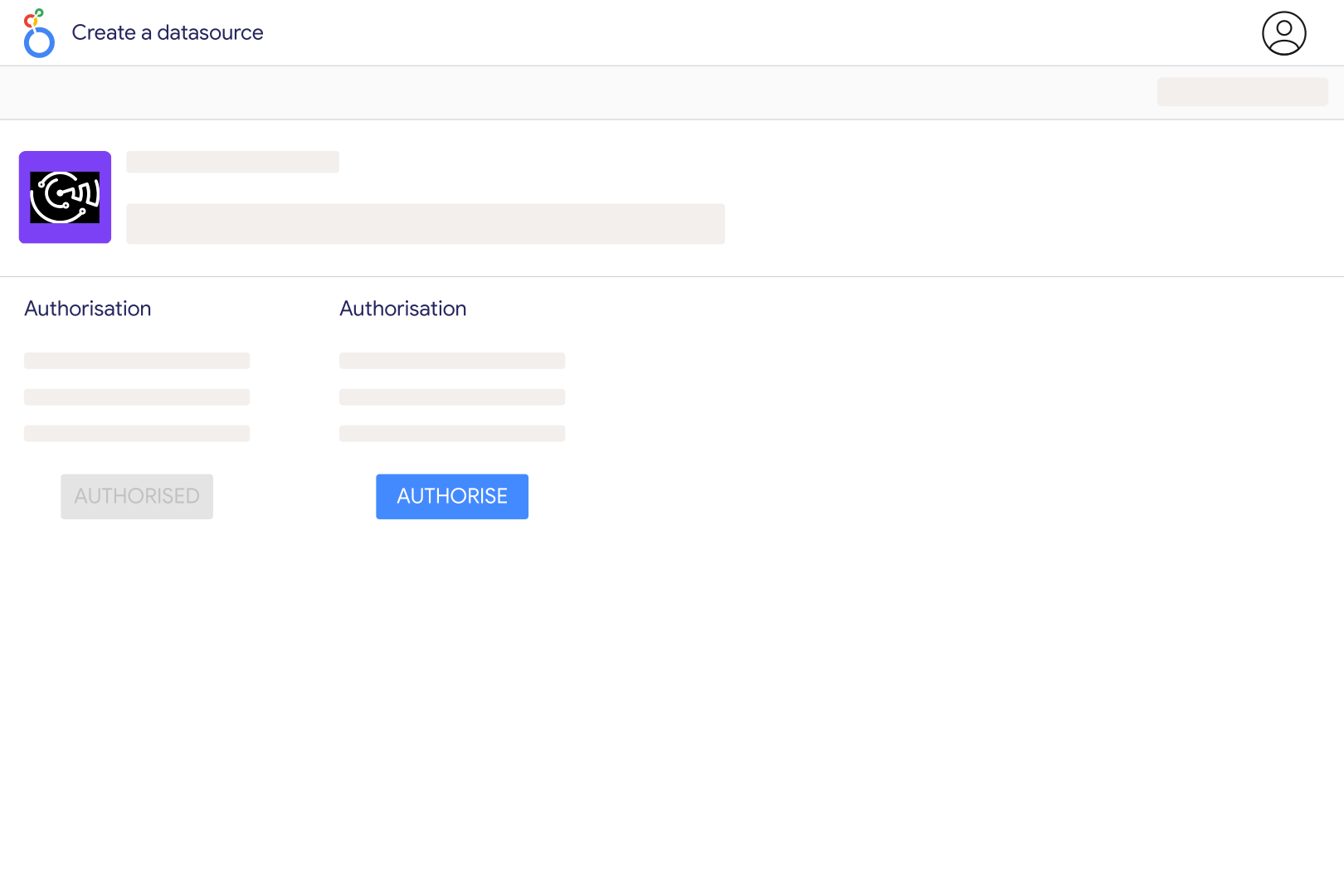
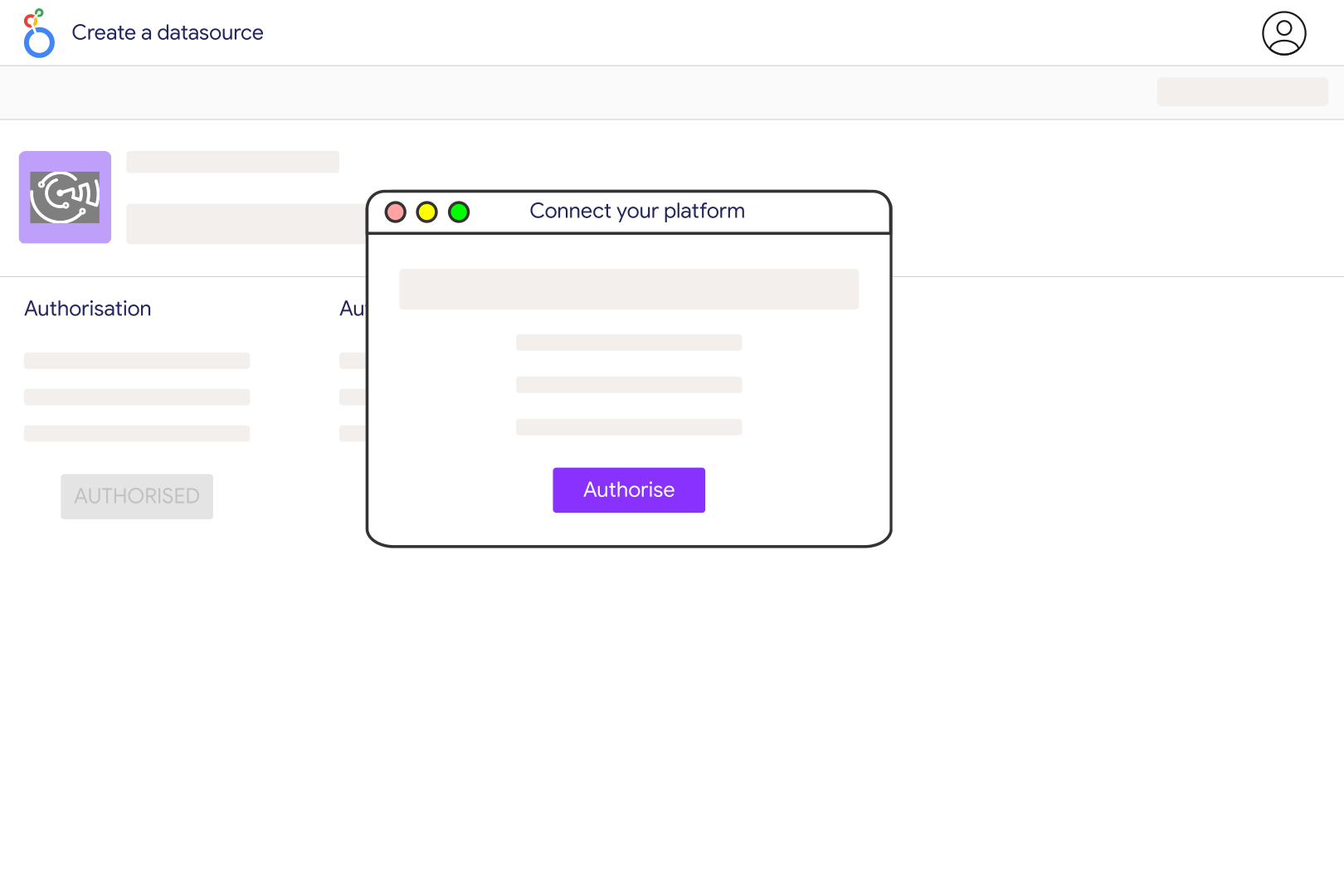
Connect your TikTok account in Catchr and authorize access to its profile and analytics, then choose the TikTok Organic source in Looker Studio. Use the account whose content you manage; detailed business analytics depend on account eligibility and permissions. Start with a daily account overview and a separate video table so account activity and individual content performance remain easy to compare.
Catchr's TikTok Organic catalog covers account video views, profile views, likes, comments, shares and follower changes. Video-level fields include views, favorites, reach, watch time and full-video watch rate where TikTok makes them available. Add the video description or link to identify content, and check availability before using business-specific actions such as website clicks or lead submissions.
It depends on the report. Daily account metrics describe activity for the selected dates. In the video report, Catchr selects videos by publication date and retrieves the counters TikTok currently returns for those videos. Those counters can include activity accumulated after publication. Do not compare a table of videos published last month directly with an account chart of views received last month.
Yes, where TikTok returns the relevant account insights. Use Daily Total Followers to show the audience size and Daily New Followers and Daily Lost Followers to explain changes. Do not sum daily follower totals across a month: that repeatedly counts the same audience. Keep an end-of-period follower total separate from followers gained or lost during the period.
Catchr includes account audience distributions by age, gender, country and city where available. Build a separate chart for each distribution. These are aggregate audience breakdowns, not a list of identifiable followers or a combined age-by-city analysis. Missing or limited categories should not be treated as proof that no followers belong to them.
First compare the same account, reporting period and metric. Check whether the reference is daily account activity or the accumulated performance of selected videos. Also confirm whether a metric counts views or unique viewers, since repeated viewing can produce different totals. Recent processing and cached data can affect freshness; verify a completed period before investigating a persistent discrepancy.
No. This source focuses on account and content analytics. Use TikTok Ads for paid campaign reporting, TikTok GMV Max for GMV Max performance, and TikTok Shop for commerce data. You can place those sources in the same dashboard, but their views, attribution and revenue measures should remain clearly labelled.
Our team is always here to answer any questions you may have about our data connector.