Home > Destinations > Data Studio (ex Looker Studio) > Pinterest Ads

Connect Pinterest Ads to Data Studio (ex Looker Studio)

Connect Pinterest Ads to Data Studio (ex Looker Studio) and and build automated dashboards without CSV exports, spreadsheets, or manual API setup.

Looker Studio
Power BI
Google Sheets
BigQuery
Snowflake

Used by the world's leading companies

Why do agencies use Catchr for Pinterest Ads reporting in Data Studio (Looker Studio)?

Catchr lets media buyers and agencies stop rebuilding Pinterest Ads reports by hand: the data lands in Data Studio ready to chart, for every ad account you manage.

No manual csv export
‍

Stop downloading files from Pinterest Ads every time a client report, spreadsheet, or dashboard needs fresh numbers.

Connected in minutes

Your first Pinterest Ads report can be live in a few minutes. Authorize your Pinterest Ads account, pick your ad accounts, and your data source is ready.

Built for agencies with many Advertising accounts

Pull several Advertising accounts into one data source, then filter by account to build a report per client or brand in the same Data Studio file.

Pinterest Ads to Looker Studio pricing

Choose your plan by the number of platforms and accounts you report on.

Starter

For freelancers and small teams.

$ 24 /mo

Billed monthly · cancel anytime

Platforms3
Accounts10
Start free trial

Growth

For agencies managing more clients.

$ 239 /mo

Billed monthly · cancel anytime

Platforms10
Accounts100
Start free trial

Scale

For teams reporting at scale.

$ 599 /mo

Billed monthly · cancel anytime

Platforms25
Accounts500
Start free trial

How to connect Pinterest Ads to Data Studio with Catchr?

To connect Pinterest Ads to Looker Studio (Data Studio), open the Catchr connector, authorize your Pinterest Ads account, select the ad accounts you want to report on, then create your report.

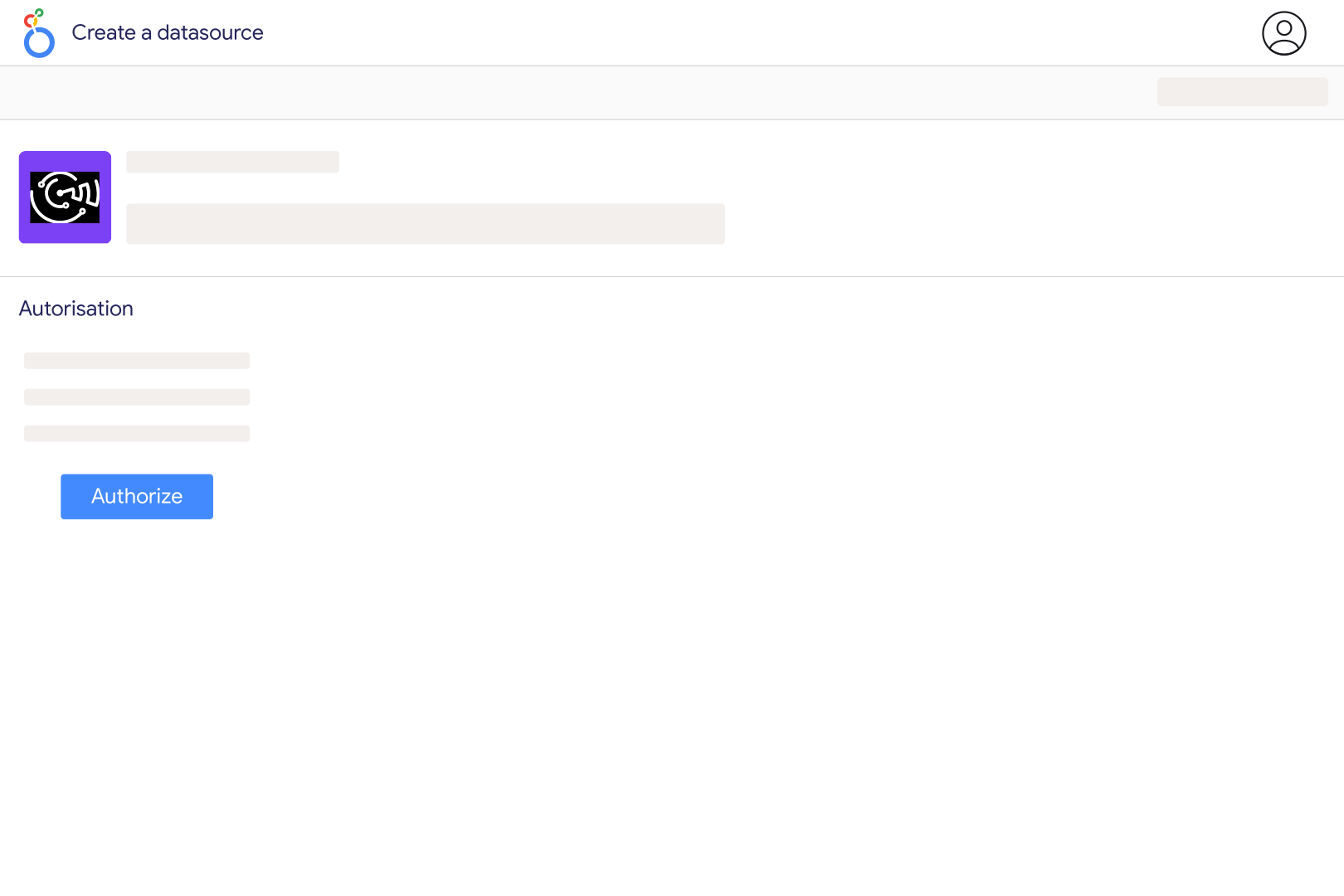
1. Open the Catchr Pinterest Ads connector in Looker Studio

Click the connector link to open it inside Looker Studio. You will be asked to authorize the connector before creating your data source.

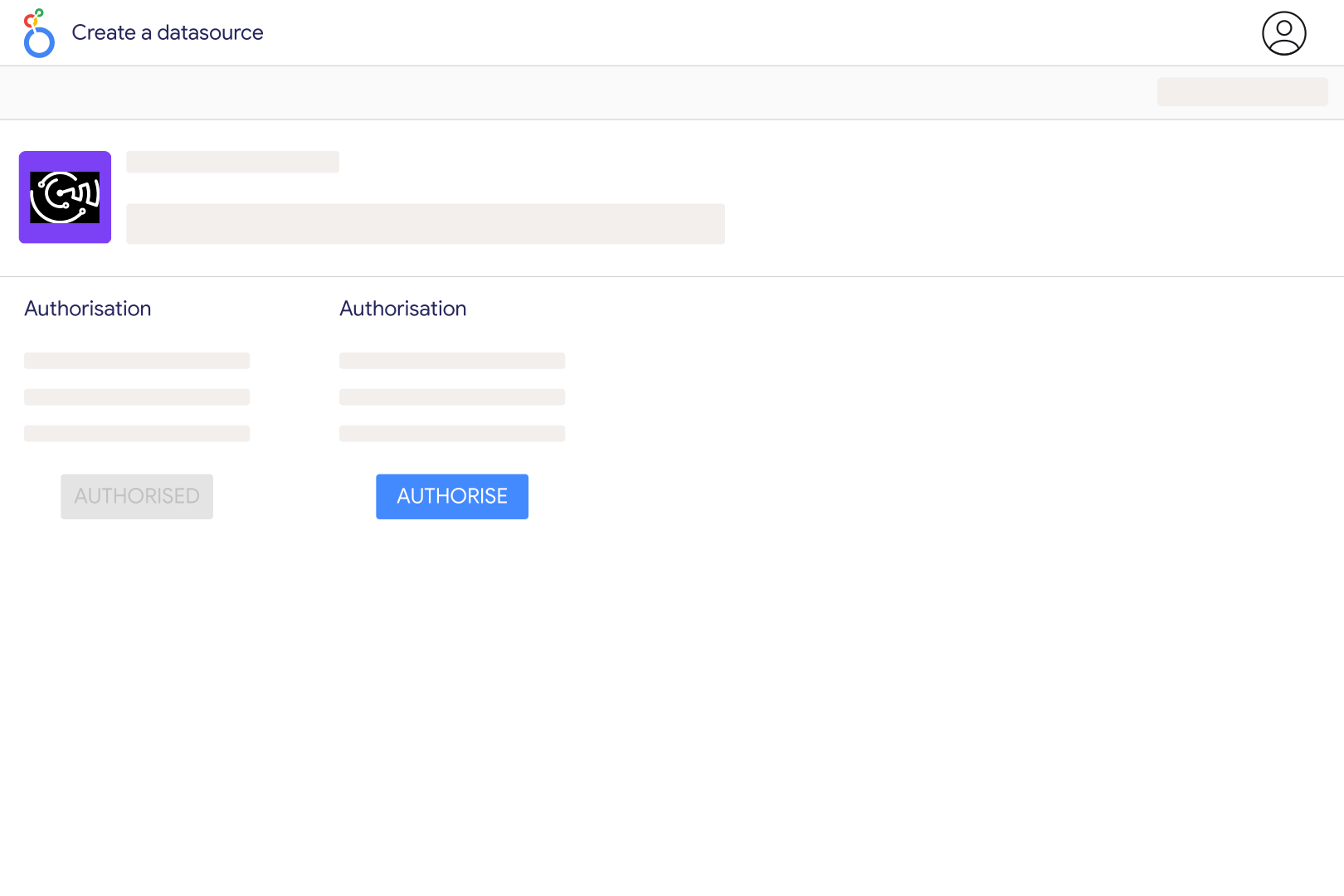
2. Authorize Looker Studio (Data Studio) and Catchr

Choose the Google account you use for Looker Studio and authorize Catchr to create a secure Pinterest Ads data source.

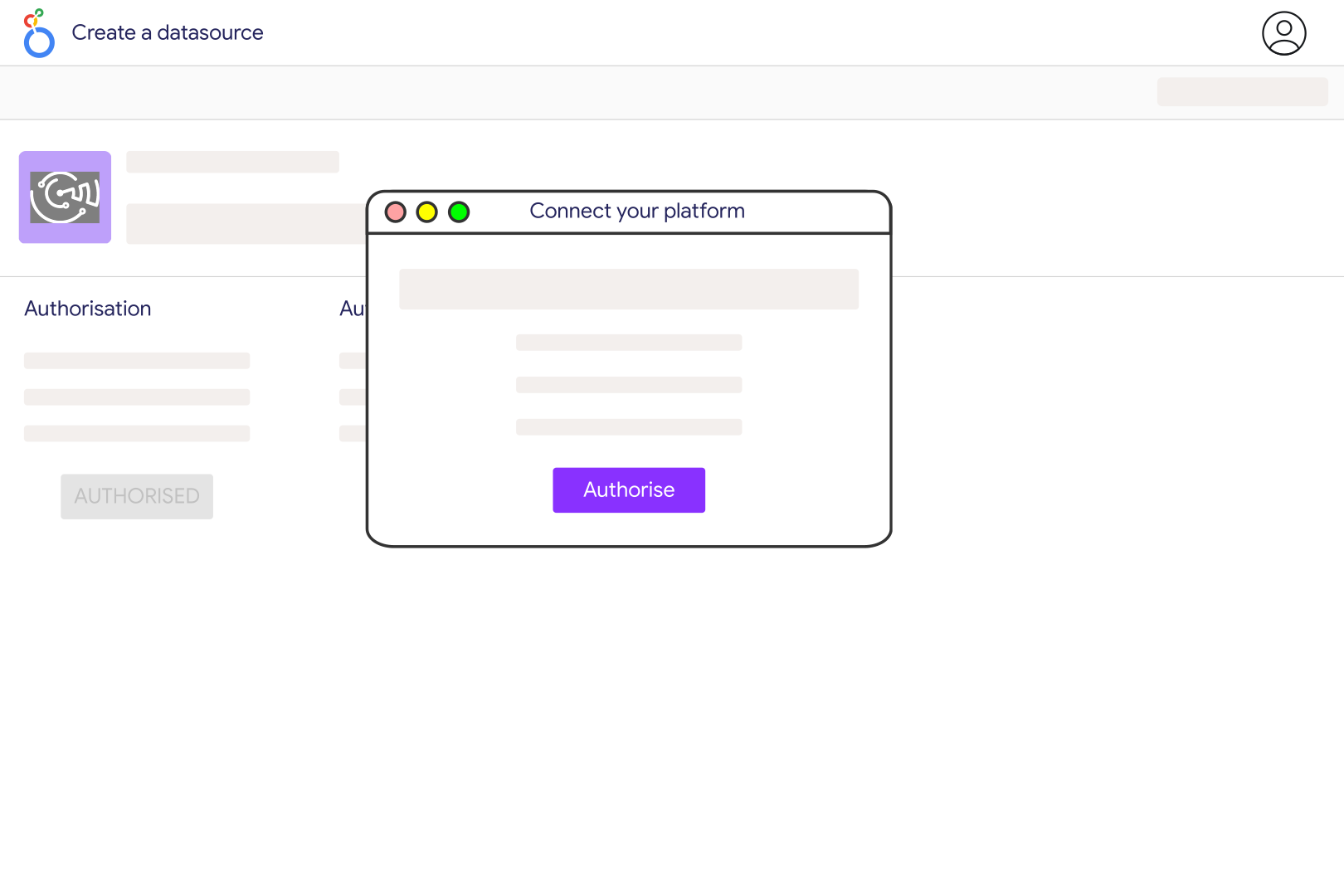
3. Connect your Pinterest Ads account

Sign in with your Pinterest Ads account that has access to the accounts you want to report on. Make sure your user has the right Pinterest Ads permissions.

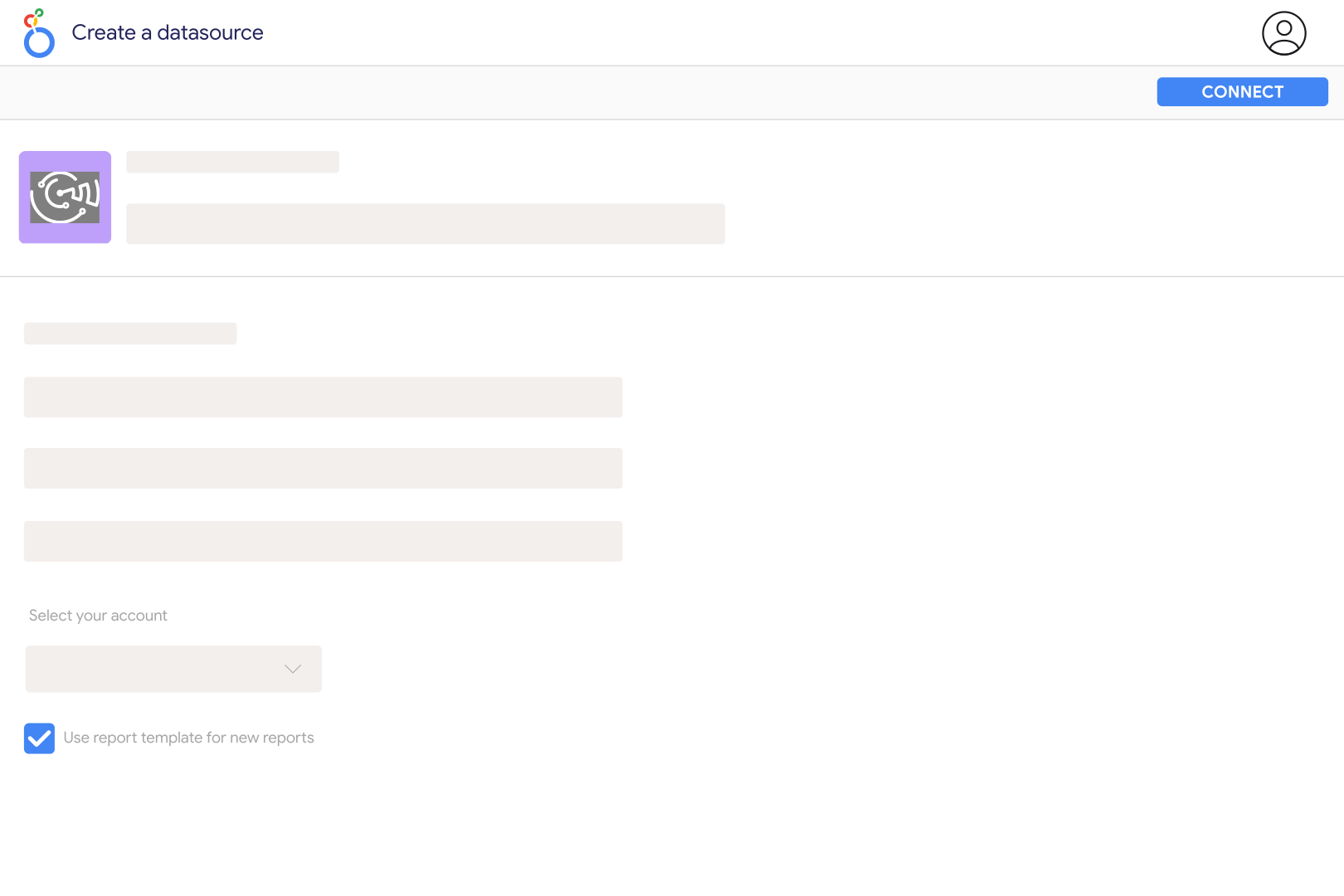
4. Select your Pinterest Ads accounts

Choose one or several Advertising accounts, depending on the report you want to build.

5. Create your Data Studio report

Click Create report, then add charts, scorecards, tables, filters, and date controls using your Pinterest Ads metrics and dimensions.

6. Customize your dashboard

Use ROAS (Checkout), Web ROAS (Checkout), CPC, CPM, Paid CTR, Click-through conversions (Checkout), Campaign name, Ad Group Name, Ad Name, Ad Creative Type, Keyword, Placement, Day of the month and many more.

Pinterest Ads metrics and dimensions available in Data Studio

Access 538 metrics and 126 dimensions from Pinterest Ads connectors including ROAS (Checkout), Web ROAS (Checkout), CPC, CPM, Paid CTR, Click-through conversions (Checkout), Campaign name, Ad Group Name, Ad Name, Ad Creative Type, Keyword, Placement, Day of the month and more.

538

Available metrics

126

Available dimensions

Build better Pinterest Ads dashboards in Data Studio (ex Looker Studio)

Use Catchr to create dashboards that show what is working, what is wasting budget, and where performance is changing.

Client reporting for agencies

Create clean Looker Studio dashboards for each client with with ROAS (Checkout), Web ROAS (Checkout), CPC, CPM, Paid CTR, Click-through conversions (Checkout) always up to date.

Budget pacing

Compare daily spend with the monthly budget of each campaign, so overspend shows up mid-month instead of on the invoice.

Review what drives results across

Compare to see where budget, traffic, or revenue is improving and where performance is dropping.

Compare with your other channels

Combine with your others marketing to understand performance across your full acquisition journey.

Keep an eye on Pinterest Ads performance

Track Pinterest Ads ROAS (Checkout), Web ROAS (Checkout), CPC, CPM, Paid CTR, Click-through conversions (Checkout) in refreshable Data Studio dashboards so you can spot changes before they become reporting problems.

Customer testimonials

What our customers say about us.

85 %
Faster
Reporting time

After three years of use, Catchr has become essential for both our teams and our clients. So far, it has been our best solution for compiling and analyzing data from different advertising platforms. It’s easy to set up, and the customer service is responsive and excellent.

Valentin Keravel
CEO, Laio – Agency

With Catchr’s automated API, we can finally collect and centralize all advertising data, connect it with booking information, and calculate the real ROAS for our restaurant clients. It gives them full visibility, more autonomy, and the ability to optimize campaigns to maximize ROI.

Corentin Largeron
Freelance
30
hours saved

The solution is a real game changer, providing optimal time savings for our data reporting. The major strength of the solution is their highly responsive and professional support.

Corentin Largeron
CEO at The Browz – Agency

Pinterest Ads to Data Studio (ex Looker Studio): FAQ

Answers to common questions about connecting data to spreadsheets, dashboards, AI assistants, and reporting tools with Catchr.

How do I connect Pinterest Ads to Looker Studio?

Connect Pinterest in Catchr with access to the advertising account, select the account in the Catchr Looker Studio connector and create your report. Start with spend, impressions and outbound clicks, then add the conversion events that match your campaign goal.

What is the difference between Pin clicks and outbound clicks?

Pin clicks include interactions that open content on or off Pinterest. Outbound clicks specifically refer to the destination URL. Use outbound clicks when evaluating traffic sent to your website, and keep Pin clicks as a separate measure of engagement with the creative.

Can I separate paid and earned Pinterest activity?

Yes. Catchr's catalog includes separate paid and earned fields for clicks, saves and engagements. Keep them in distinct chart series when explaining the effect of advertising. Combining them without clear labels can make organic follow-on activity look like directly purchased delivery.

Should I count saves as conversions?

A save shows interest in returning to content; it is not automatically a purchase or lead. Report saves alongside outbound clicks and your chosen conversion event. Use the distinction to explain whether a campaign is encouraging discovery, site visits or a business outcome.

Why do Pinterest clicks not match GA4 sessions?

First compare outbound clicks rather than all Pin clicks. A click and a recorded session still differ because of page loading, tracking, consent and repeat visits. Add GA4 and align campaign tags and dates to investigate the gap.

How should I compare Pinterest creatives?

Compare ads with similar objectives and enough delivery to make the comparison meaningful. Show spend and impressions next to outbound clicks, saves and conversions. A creative with many saves may support discovery without being the strongest driver of immediate purchases.

Can I compare Pinterest-attributed purchases with Shopify sales?

Yes. Add Shopify to view store transactions alongside Pinterest performance. Match currency and period, and label the attribution setting used for Pinterest. Store revenue and platform-attributed revenue describe different views of the same business and should not be added together.

Still have a question?

Our team is always here to answer any questions you may have about our data connector.