Starter
For freelancers and small teams.
$ 24 /mo
Billed monthly · cancel anytime
Platforms3
Accounts10


Used by the world's leading companies








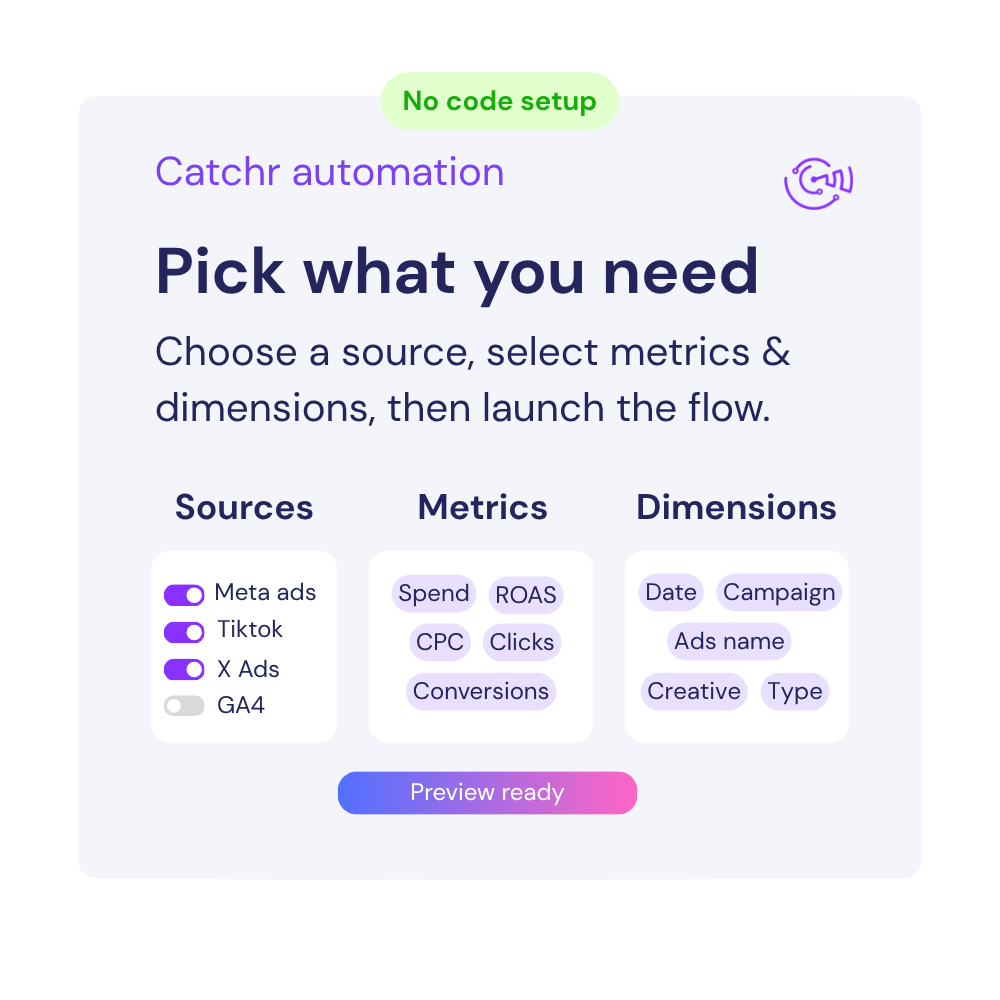
Available metrics
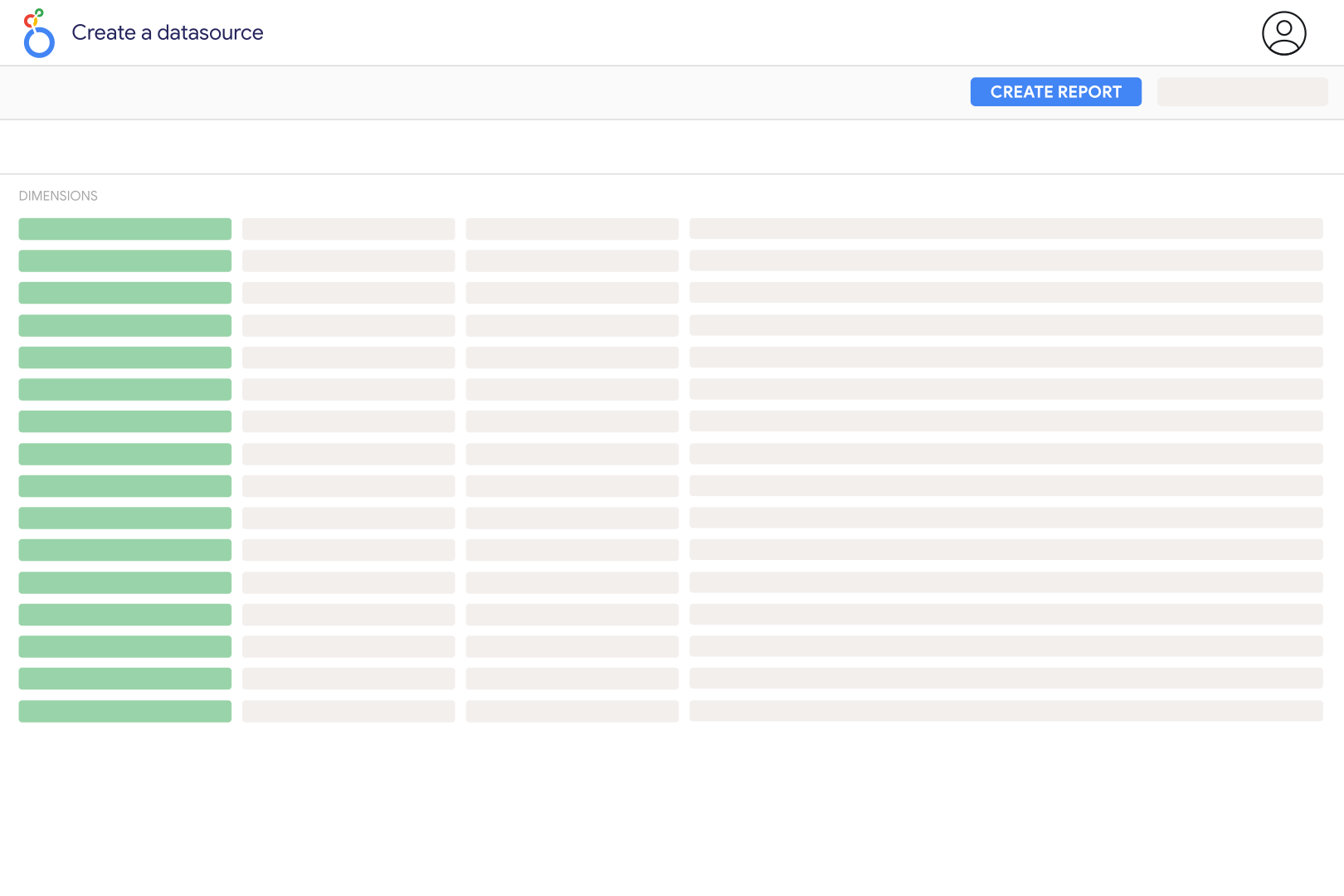
Available dimensions


What our customers say about us.
After three years of use, Catchr has become essential for both our teams and our clients. So far, it has been our best solution for compiling and analyzing data from different advertising platforms. It’s easy to set up, and the customer service is responsive and excellent.

With Catchr’s automated API, we can finally collect and centralize all advertising data, connect it with booking information, and calculate the real ROAS for our restaurant clients. It gives them full visibility, more autonomy, and the ability to optimize campaigns to maximize ROI.

The solution is a real game changer, providing optimal time savings for our data reporting. The major strength of the solution is their highly responsive and professional support.

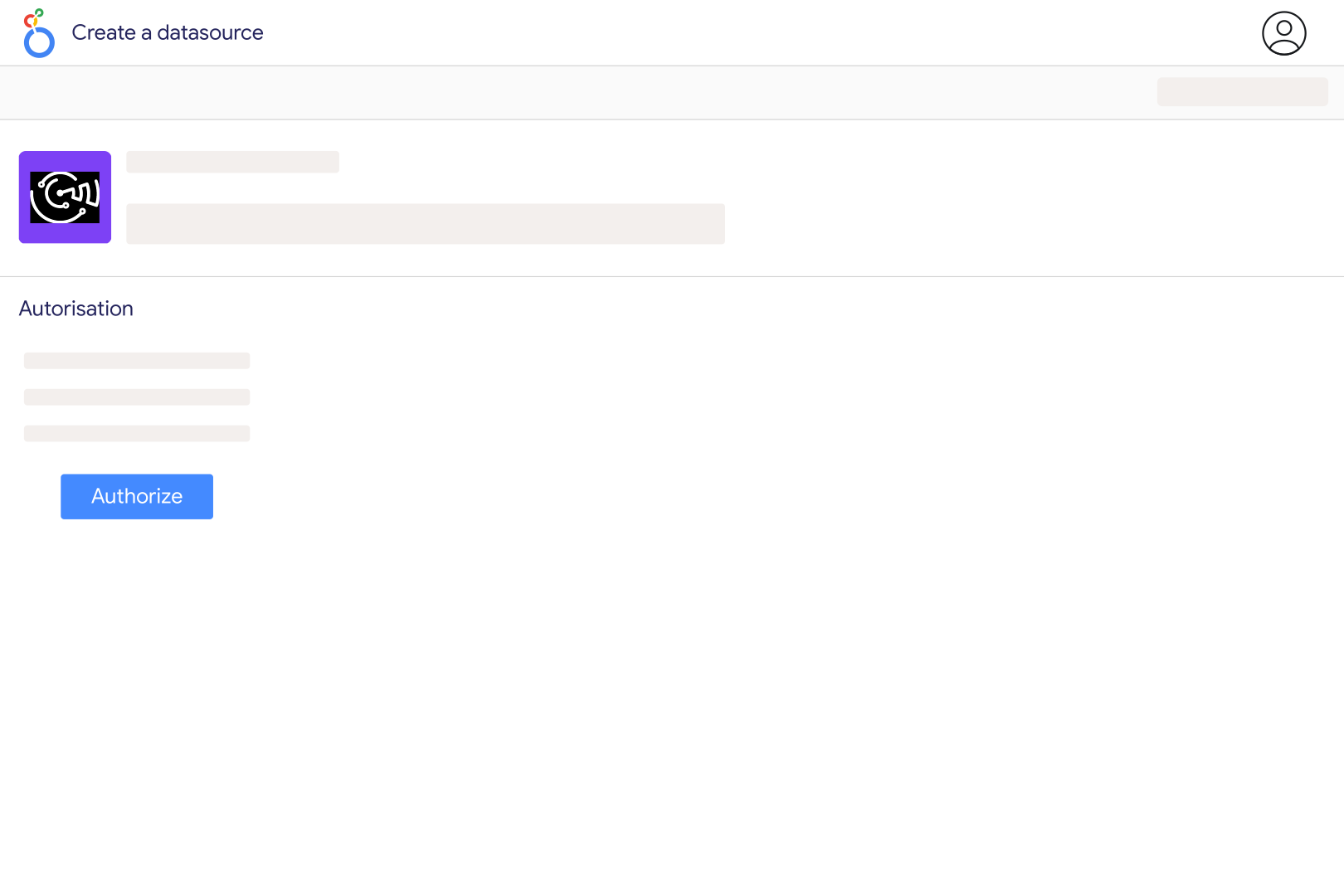
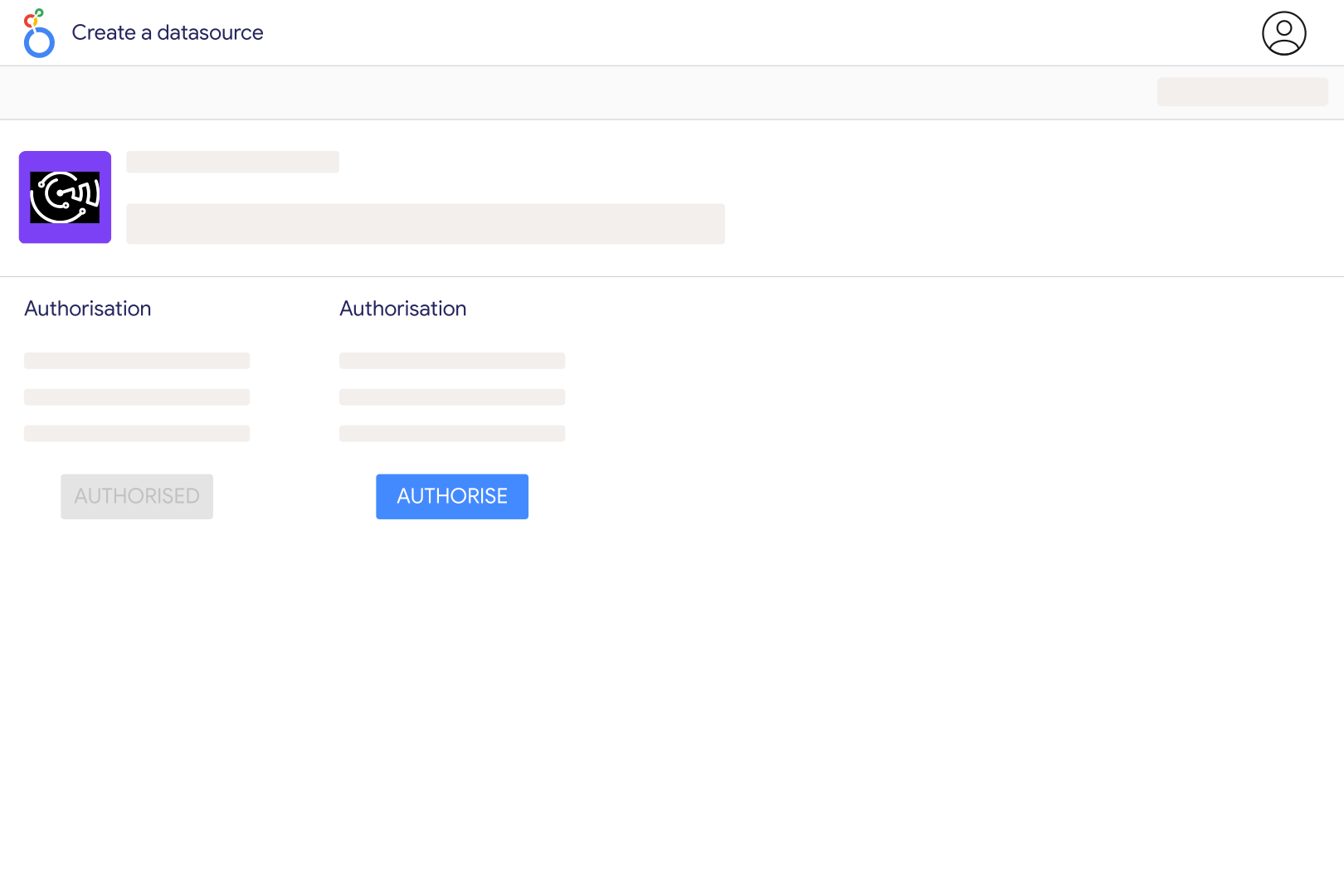
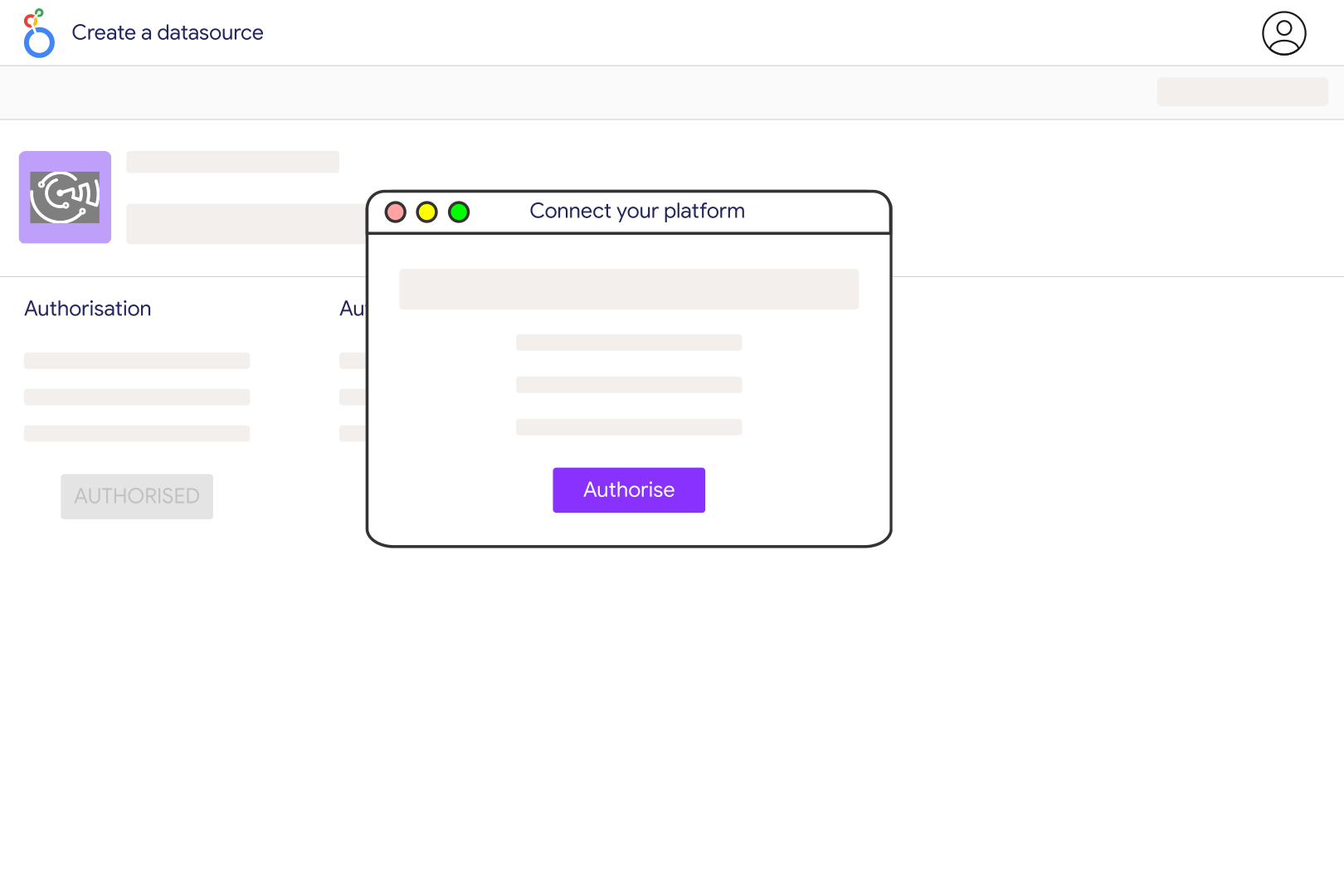
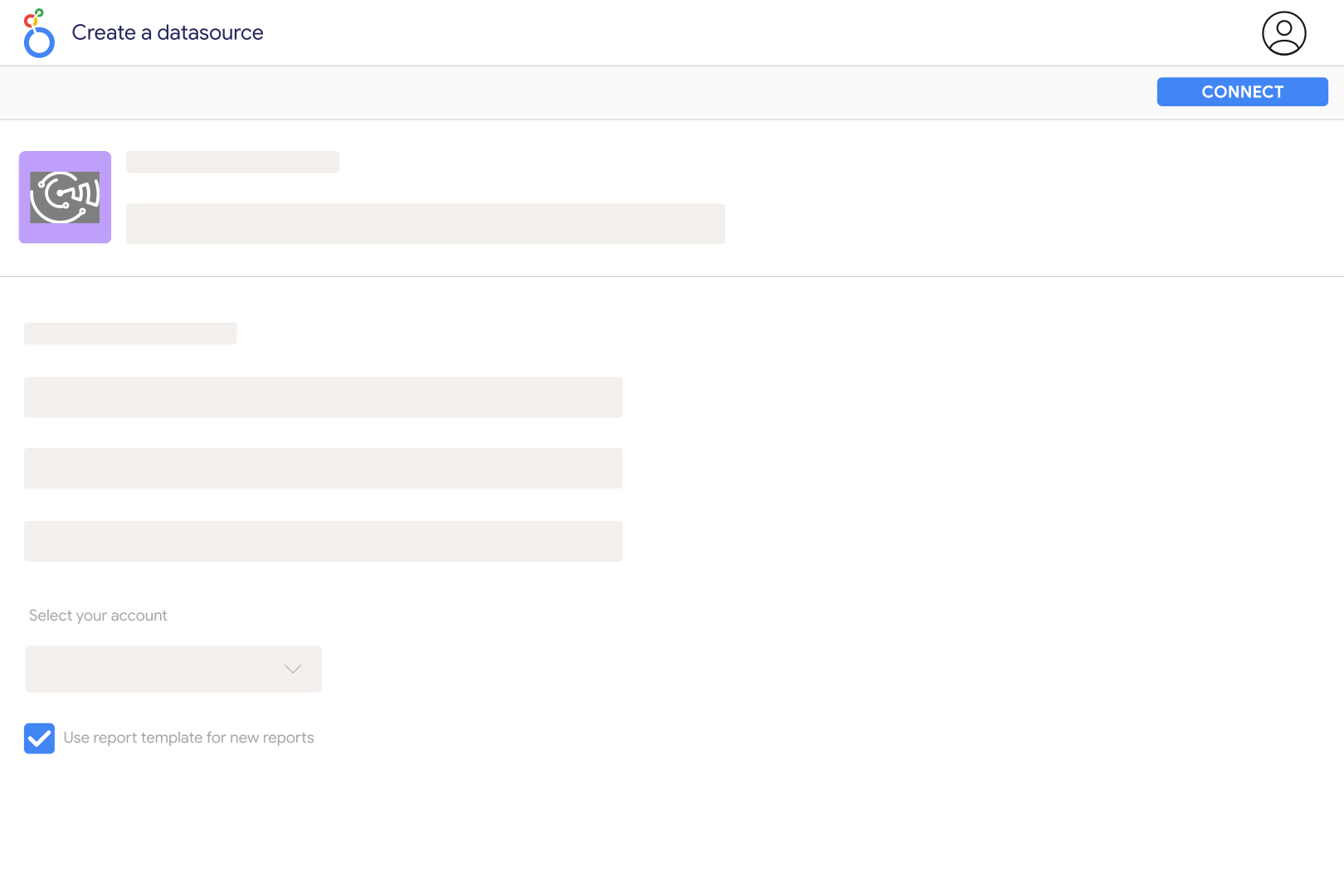
Connect your Pinterest account in Catchr, authorize access, and select the account in the Catchr data source for Looker Studio. Use an account with access to Pinterest Analytics. Start with a recent date range and account-level Impressions, Saves, and Outbound Clicks, then compare those results with the same period in Pinterest. Add more fields after confirming the account and reporting scope.
Pin clicks measure interactions with a Pin, while outbound clicks specifically measure actions leading to a destination outside Pinterest. Use Outbound Clicks when evaluating traffic sent to your website, and Saves to understand content people want to revisit. Neither measure is a purchase or a unique visitor count. Compare website outcomes with GA4 using consistent campaign tagging, while allowing for differences between clicks and recorded sessions.
Yes. Add the separate Pinterest Ads source for spend and campaign reporting. Before combining totals, use the Source breakdown in account analytics to inspect the traffic categories returned and select the relevant organic data. A Pin's Has Been Promoted attribute is not a date-specific paid-traffic filter. Do not add account analytics to ad metrics without checking overlap, or the same delivery may be counted twice.
Catchr exposes account breakdowns for Pin Format, App Type, Owned Content, and Source, with one of those breakdowns per request. Use separate charts when comparing format and app type. The catalog also contains Pin metadata such as title, link, and board ID, but do not assume every metadata field can be joined to performance metrics. Validate a Pin-level chart against the same Pin in Pinterest before using it for rankings; use account-level charts when that match cannot be confirmed.
Pinterest documents a 90-day lookback for dated organic reporting on accounts and Pins. Lifetime statistics are a separate capability and are not interchangeable with a daily history. Start with dates inside the supported window; a wider Looker Studio date range cannot recover data the endpoint no longer returns. If you need longer trends, retain dated exports or snapshots before older periods leave the available reporting window.
The follower count in Catchr's user metadata is a current account value, not a dated series of followers gained and lost. Record snapshots separately to measure growth. For engagement and outbound click rates across several days, divide the summed matching actions by summed impressions instead of adding percentages or averaging daily rates without weights. Impressions count appearances, not unique people, and engagement rate should not be presented as audience reach.
Pinterest distinguishes video starts, video views, ten-second views, and plays to 95%; those measure different viewing thresholds. Catchr also labels video play-time fields in milliseconds, so check units before comparing them with a display in minutes. Pinterest says real-time Pin statistics are estimates that can change and may differ from Pinterest Analytics. Compare the same dates, traffic scope, metric, and unit, and allow recent figures to settle before diagnosing a discrepancy.
Our team is always here to answer any questions you may have about our data connector.