Starter
For freelancers and small teams.
$ 24 /mo
Billed monthly · cancel anytime
Platforms3
Accounts10











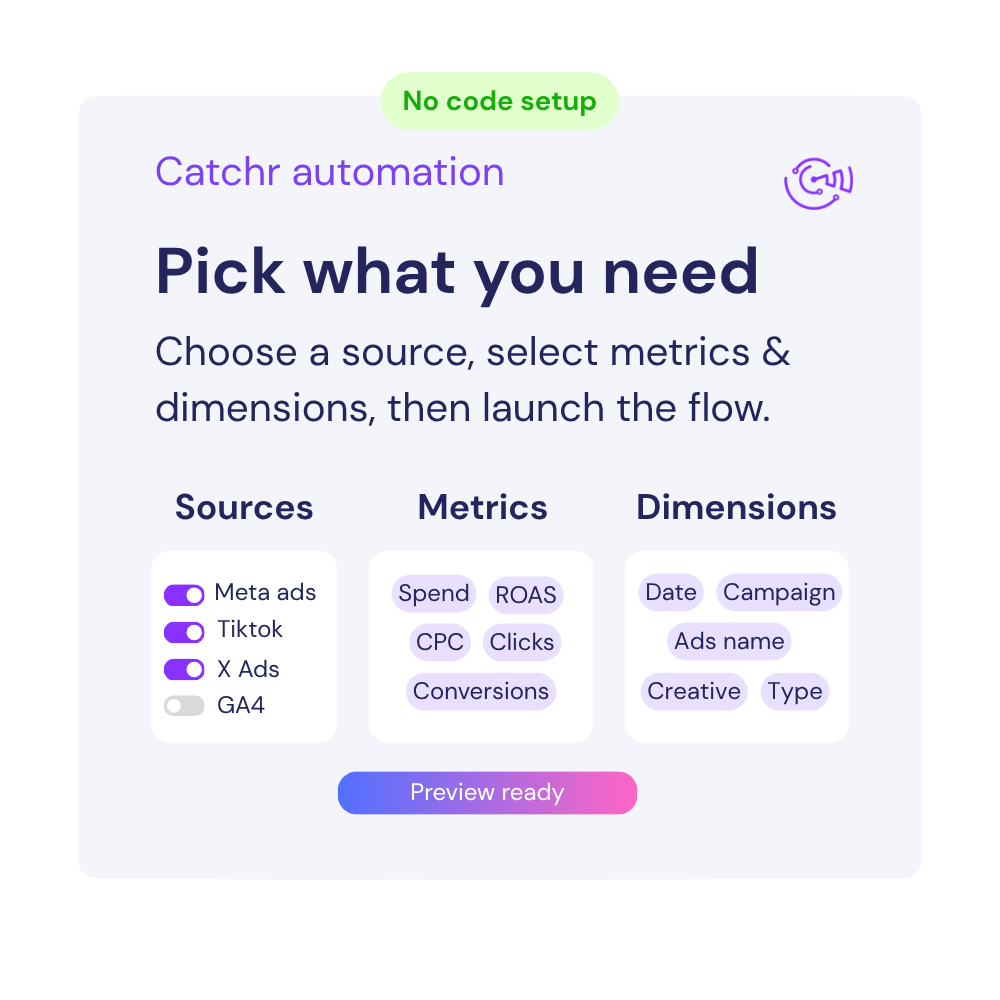
Available metrics
Available dimensions


What our customers say about us.
After three years of use, Catchr has become essential for both our teams and our clients. So far, it has been our best solution for compiling and analyzing data from different advertising platforms. It’s easy to set up, and the customer service is responsive and excellent.

With Catchr’s automated API, we can finally collect and centralize all advertising data, connect it with booking information, and calculate the real ROAS for our restaurant clients. It gives them full visibility, more autonomy, and the ability to optimize campaigns to maximize ROI.

The solution is a real game changer, providing optimal time savings for our data reporting. The major strength of the solution is their highly responsive and professional support.

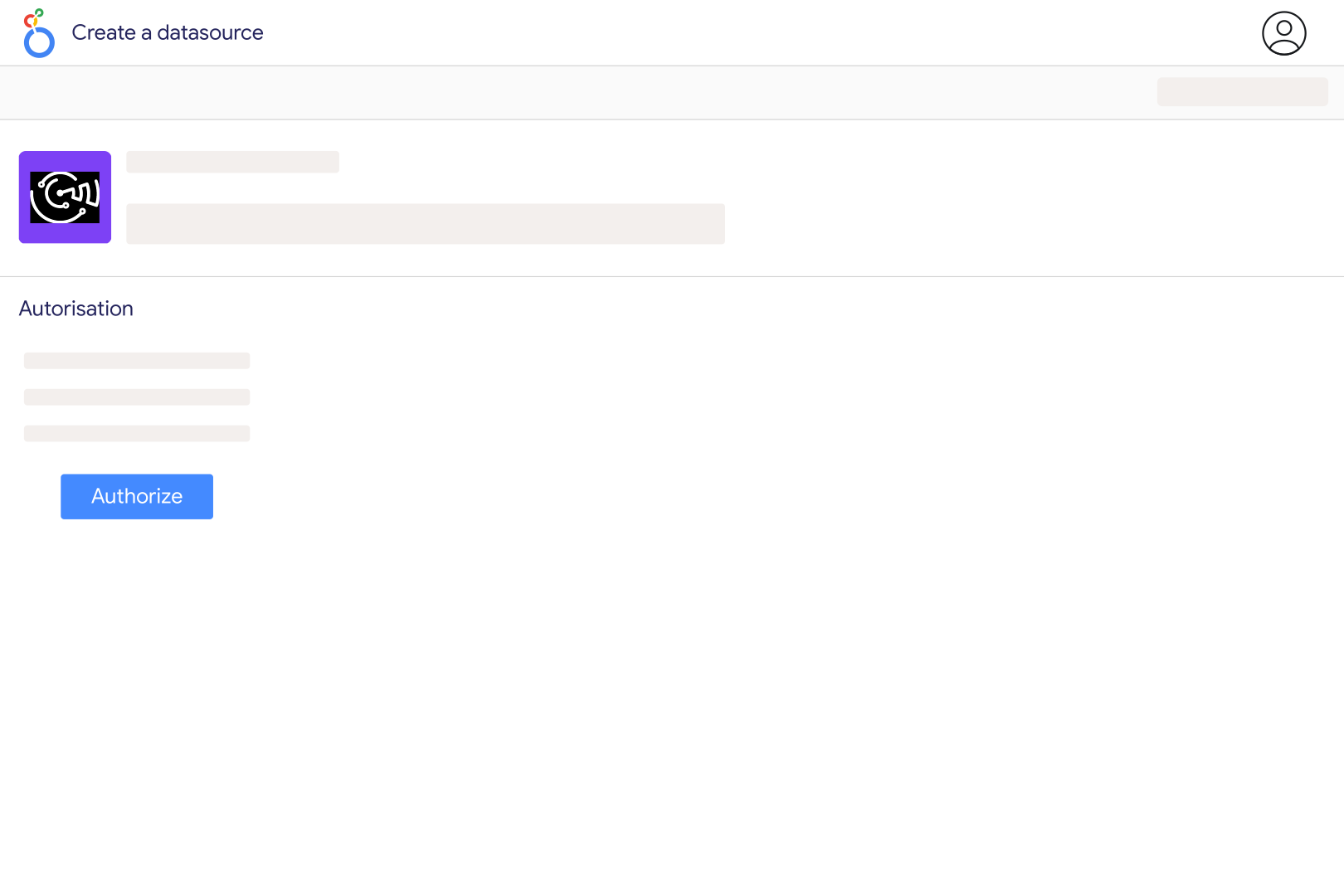
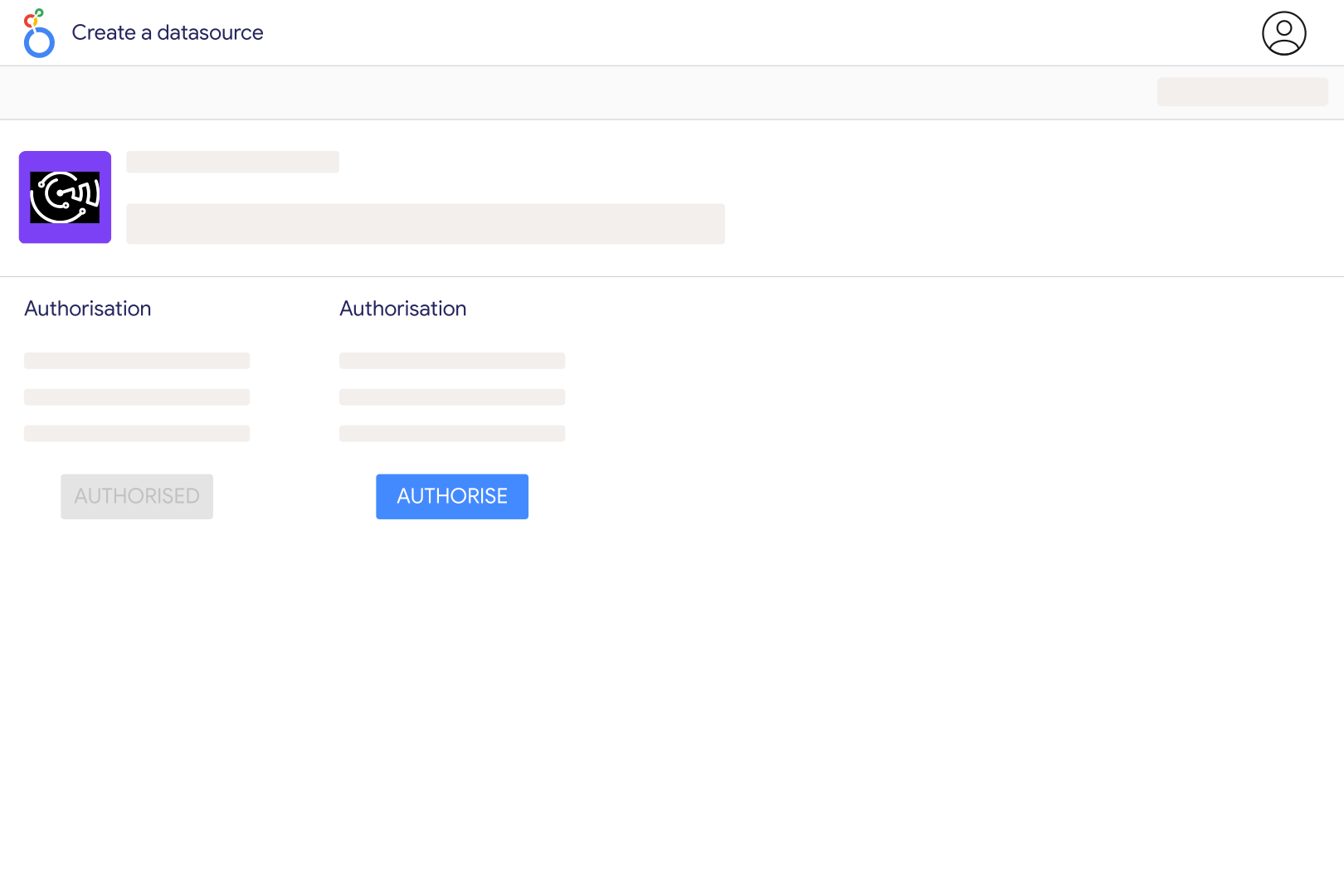
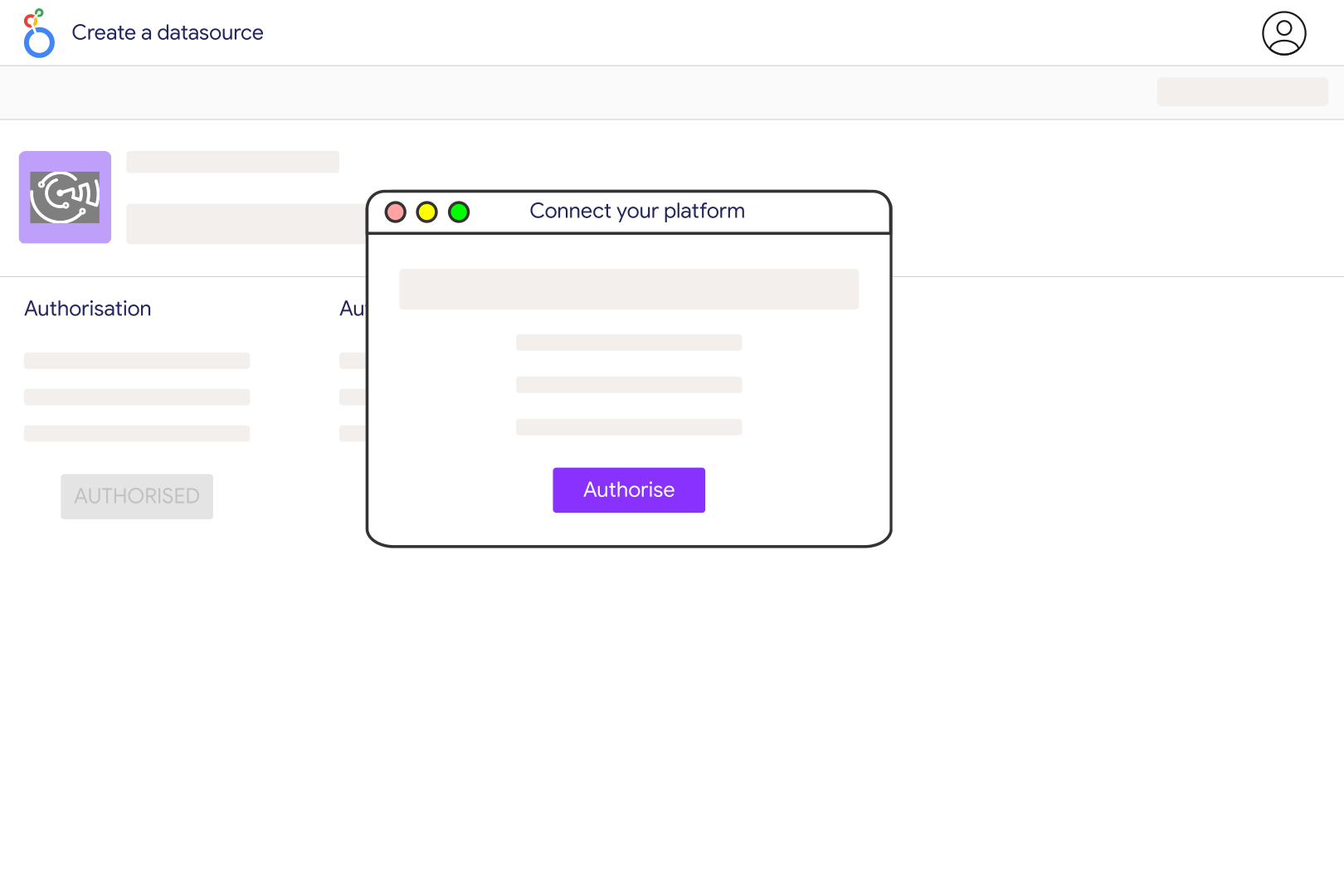
Connect your TikTok account in Catchr, authorize access to the relevant advertiser and choose the TikTok shop available for GMV Max reporting. Open the Catchr TikTok GMV connector in Looker Studio and create your data source. Start with Date, Cost, Orders (SKU) and Gross Revenue, then compare the same shop and period with the GMV Max report in TikTok.
Use TikTok GMV for GMV Max campaign performance, including cost, orders and gross revenue at supported campaign, product, creative or LIVE levels. Use TikTok Ads for other advertising reports and TikTok Shop for commerce reporting. Connecting GMV Max does not provide a complete order ledger, inventory report or organic profile report.
Product GMV Max reports results across paid and organic activity for promoted products, including eligible affiliate orders. Its attribution is therefore broader than a click-only advertising report. Label Gross Revenue and ROI as GMV Max results in your dashboard; do not describe all of that revenue as sales caused solely by paid clicks.
For a combined reporting period, divide total Gross Revenue by total Cost for ROI, and total Cost by Orders (SKU) for cost per order. Avoid averaging daily ratios, and handle zero cost or zero orders explicitly. Keep Cost and Net Cost distinct when comparing with TikTok. GMV Max ROI includes the campaign's broader revenue scope and is not a measure of net profit.
Yes. Catchr supports product and creative reporting with Cost, Orders (SKU), Gross Revenue and ROI. Creative-level fields also include product impressions, product clicks and video-view rates. Compare within the same reporting level and period. Assess revenue alongside efficiency: a higher-spend video can generate more overall sales even when its reported ROI is lower.
Catchr includes LIVE reporting fields such as LIVE Views, 10s LIVE Views, LIVE Follows, Cost, Orders (SKU) and Gross Revenue. The connector retrieves LIVE reports through campaigns with recorded spend, so this is not a complete archive of every organic livestream. Keep LIVE results distinct from Product GMV Max when comparing attribution and campaign performance.
Catchr lists shops returned for the advertisers you authorized and filters for shops that TikTok marks as available for GMV Max. Check that you connected the correct advertiser, that it has access to the shop, and that GMV Max is available for that shop. Access to a TikTok profile alone does not establish advertiser and shop reporting access.
Compare the same shop, advertiser, dates and reporting level, then match the exact metrics: Orders (SKU), Cost, Net Cost and Gross Revenue are not interchangeable with other order or revenue totals. Check Product versus LIVE campaign scope and allow recent results to finish updating. Avoid adding campaign totals to their product or creative breakdowns, which would count the same results twice.
Our team is always here to answer any questions you may have about our data connector.