
Starter
For freelancers and small teams.
$ 24 /mo
Billed monthly · cancel anytime
Platforms3
Accounts10


Used by the world's leading companies











Available metrics
Available dimensions


What our customers say about us.
After three years of use, Catchr has become essential for both our teams and our clients. So far, it has been our best solution for compiling and analyzing data from different advertising platforms. It’s easy to set up, and the customer service is responsive and excellent.

With Catchr’s automated API, we can finally collect and centralize all advertising data, connect it with booking information, and calculate the real ROAS for our restaurant clients. It gives them full visibility, more autonomy, and the ability to optimize campaigns to maximize ROI.

The solution is a real game changer, providing optimal time savings for our data reporting. The major strength of the solution is their highly responsive and professional support.

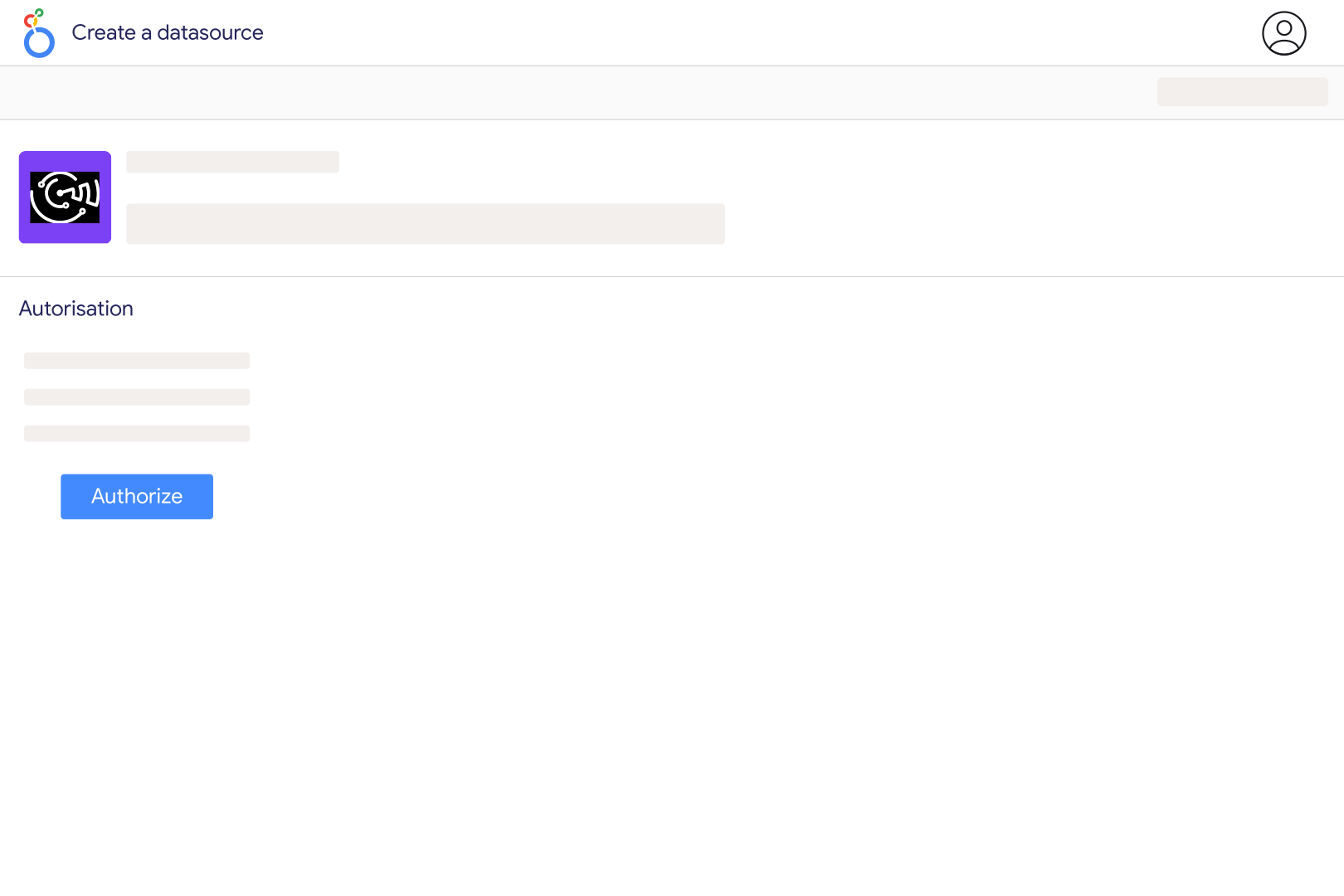
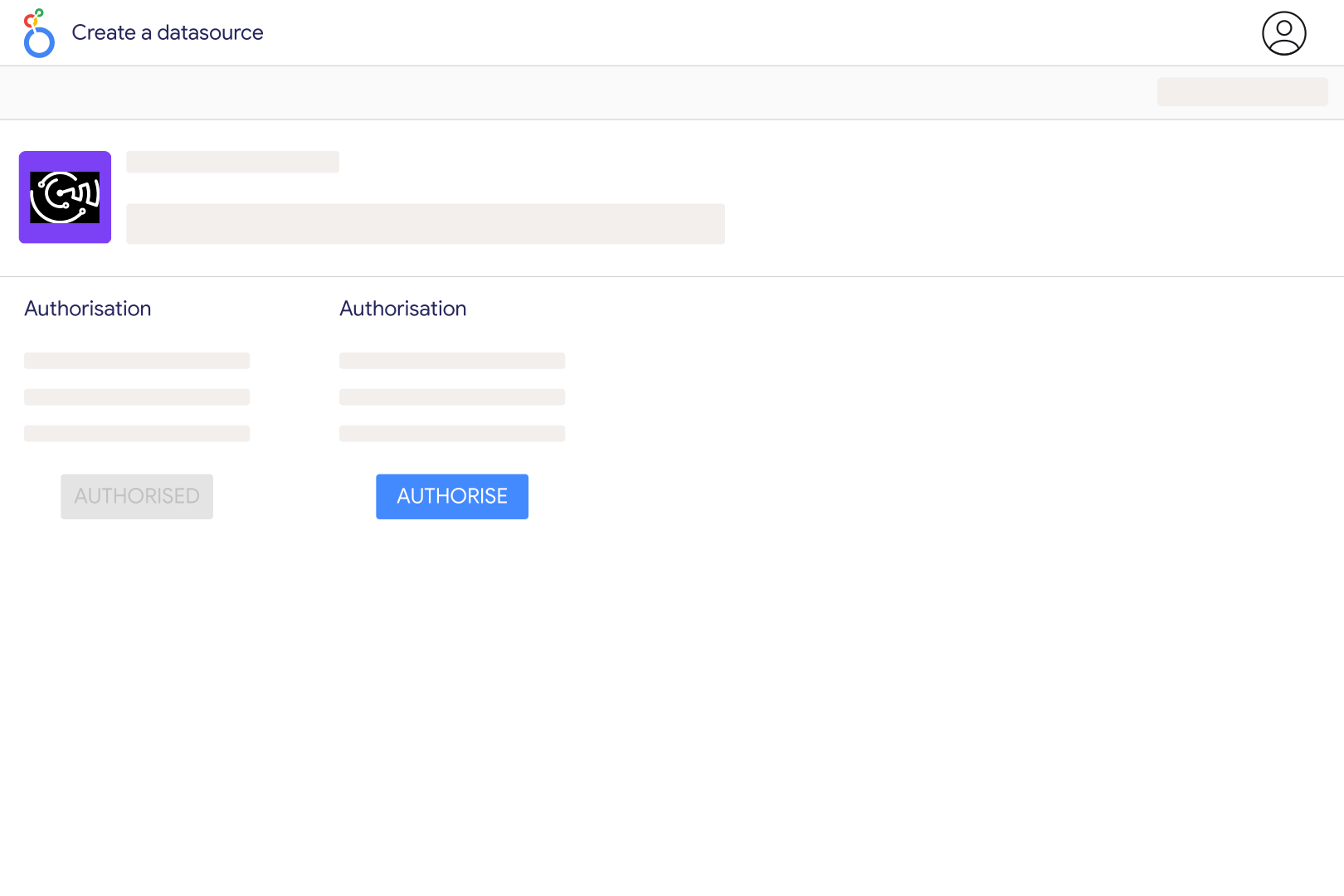
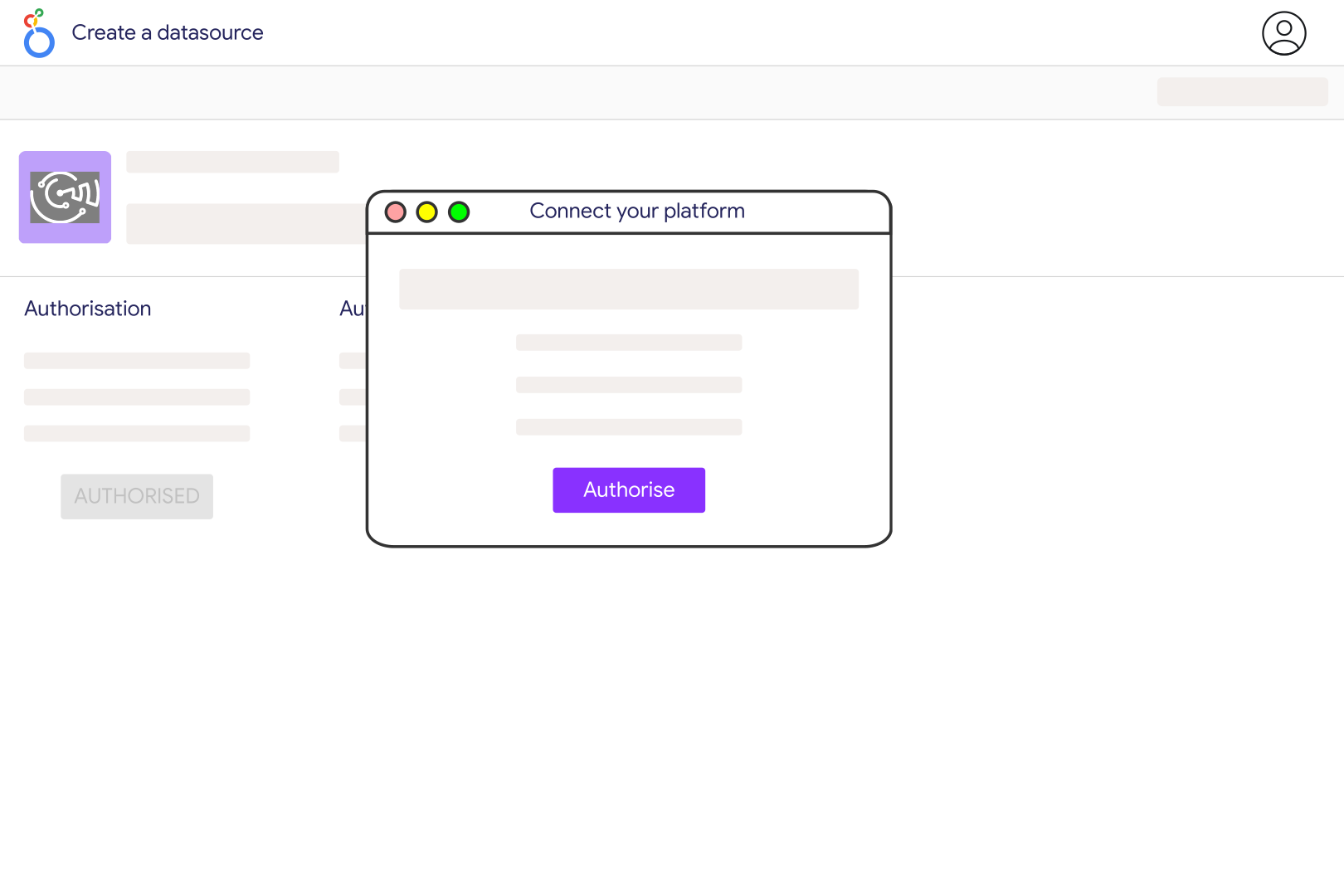
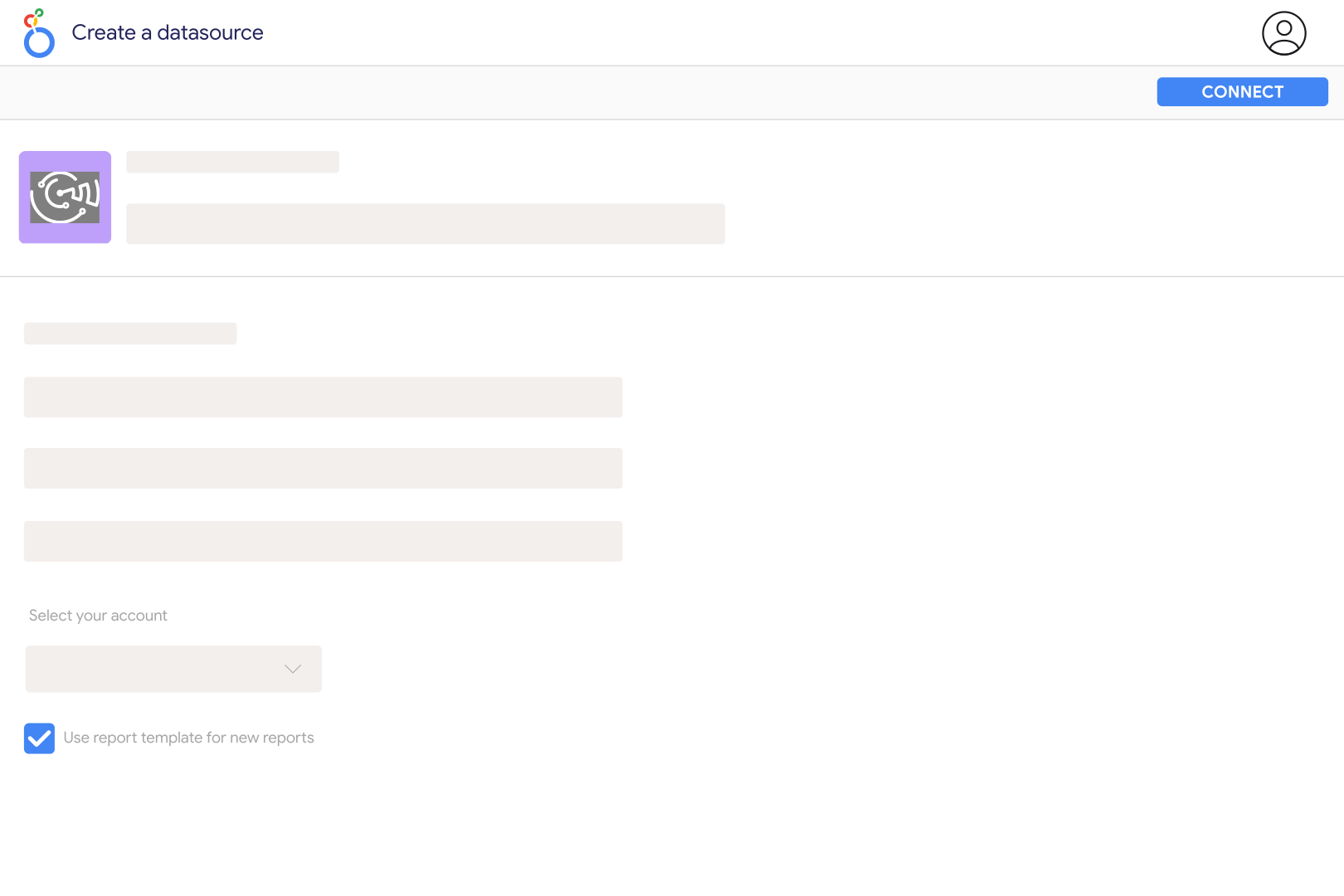
Create a Hawk DSP connection in Catchr with your API key and Organization ID. Catchr uses the organisation you enter as the reporting account rather than discovering a list of organisations automatically. Open the Catchr connector in Looker Studio and select that connection. Start with Date, Impressions and Clicks to verify reporting access before building a more detailed dashboard.
Catchr exposes media plan, campaign, creative, publisher, app or site, device and geographic fields. Available measures include impressions, clicks, conversions, visits, playouts, completed views and several cost components. Choose the metrics relevant to the format: a DOOH playout, a video completion and a display click describe different interactions and should not be treated as equivalent outcomes.
Catchr currently requests Hawk reports in UTC. If your platform report uses the campaign time zone, activity near midnight can fall on a different date. Match the date boundaries, organisation, campaign filters and cost measure before comparing. The Campaign Timezone field describes the campaign; selecting it does not change the UTC time zone used for the reporting request.
Use the measure that matches the cost definition in your Hawk report. Catchr exposes Media Cost, Real Cost, Total Cost, agency margin and several fee components, as well as separate USD fields. These are not all independent amounts to add together. Check Media Plan Currency and keep the chosen cost basis consistent when comparing campaigns or combining Hawk with another advertising source.
Yes. Use Video Starts, quartile views, Completed Views and Video Completion Rate for playback analysis. IAB viewed display and video impressions are separate viewability measures. Keep display and video results separated by media format, and avoid averaging campaign completion rates without considering their different volumes. A completed video and a viewable impression do not measure the same thing.
Hawk reporting has limits on the number of dimensions and the date range that can be requested together. Catchr allows at most 11 requested dimensions and limits how many reporting requests one extraction can require. Remove unused breakdowns or shorten the date range, then add fields back gradually. Use separate charts for detailed geography, creative and inventory analysis instead of putting every dimension in one table.
Yes. Add sources such as StackAdapt or The Trade Desk to the same report. Align dates, currencies, cost definitions and media formats first. Keep each platform attribution labelled separately: adding their conversions does not establish how many unique customers converted across all channels.
Our team is always here to answer any questions you may have about our data connector.









