
Starter
For freelancers and small teams.
$ 24 /mo
Billed monthly · cancel anytime
Platforms3
Accounts10


Used by the world's leading companies











Available metrics
Available dimensions


What our customers say about us.
After three years of use, Catchr has become essential for both our teams and our clients. So far, it has been our best solution for compiling and analyzing data from different advertising platforms. It’s easy to set up, and the customer service is responsive and excellent.

With Catchr’s automated API, we can finally collect and centralize all advertising data, connect it with booking information, and calculate the real ROAS for our restaurant clients. It gives them full visibility, more autonomy, and the ability to optimize campaigns to maximize ROI.

The solution is a real game changer, providing optimal time savings for our data reporting. The major strength of the solution is their highly responsive and professional support.

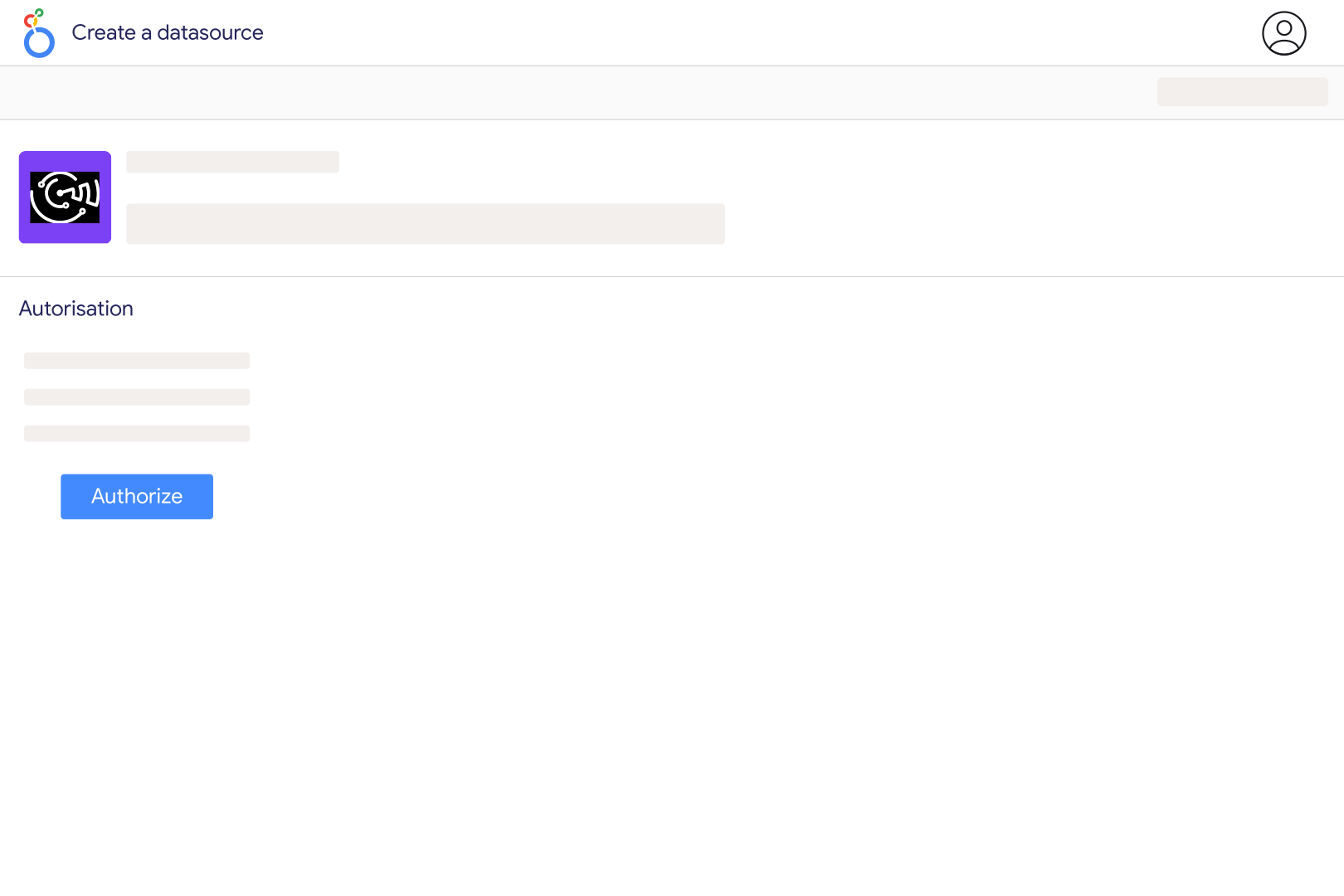
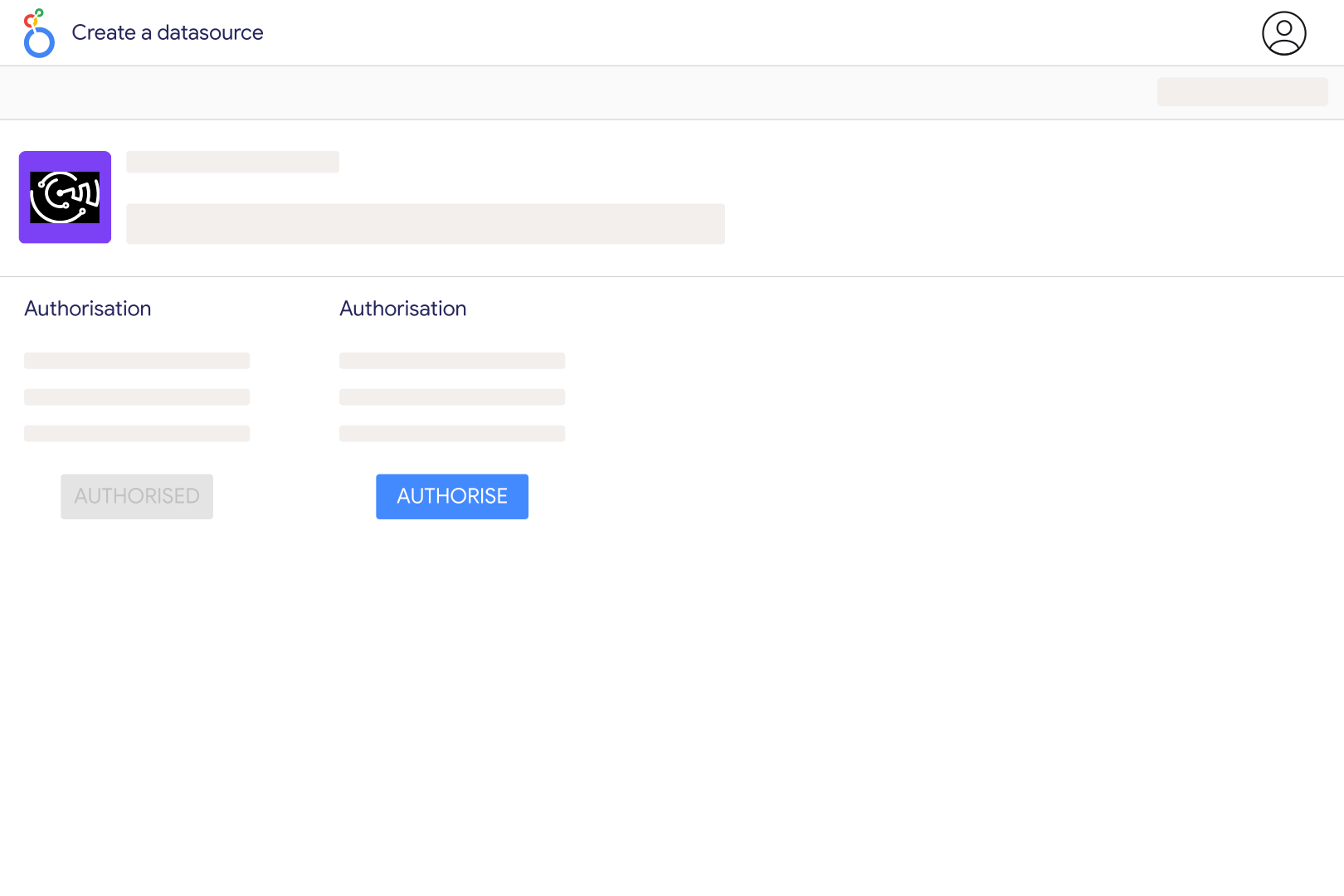
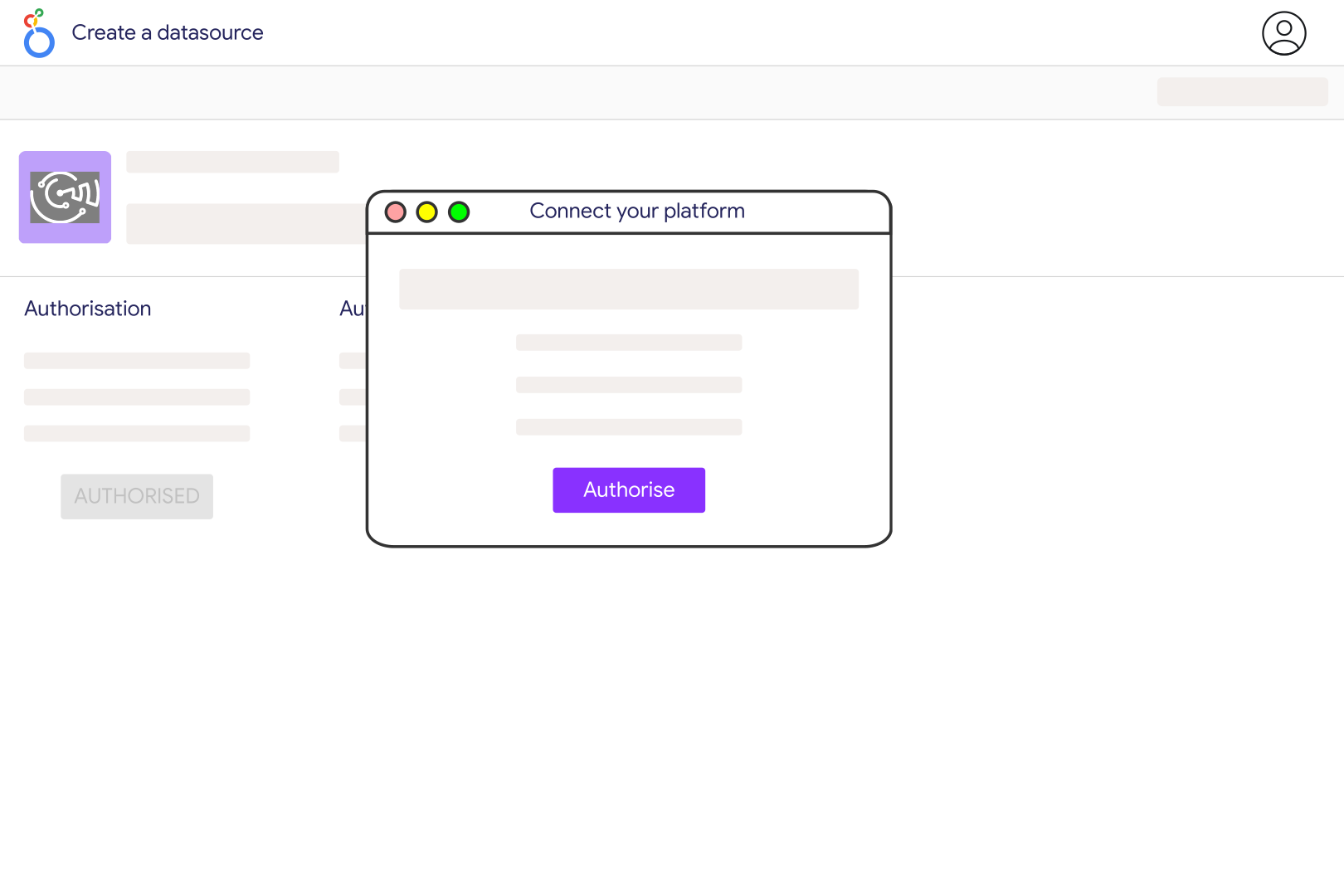
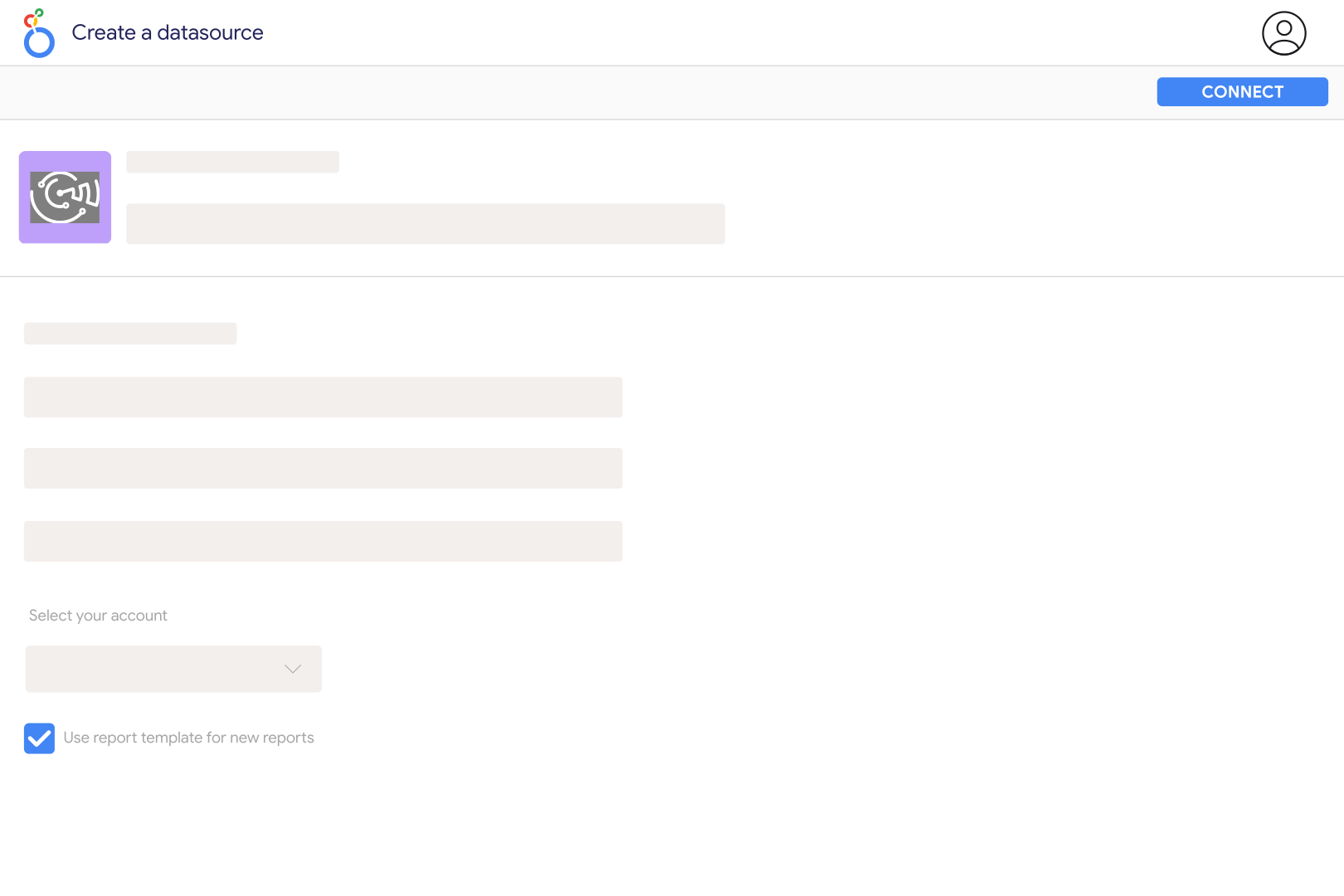
Add a Vistar Media connection in Catchr with the email and password used for your Vistar account. Select an advertiser linked to that user, then open the Catchr connector in Looker Studio and create your data source. Start with Report Date, Campaign, Impressions and Media Cost to check delivery for a short period before adding geographic or creative breakdowns.
The Catchr catalog includes impressions, media cost, client cost, client revenue, fee components and several eCPM measures. You can organize compatible reports by campaign, insertion order, creative, deal, media owner, venue type and supported geographic areas. These fields describe delivery and buying performance; they do not automatically include every measurement study available through Vistar or its partners.
No. A screen can play one ad while reaching an estimated audience of several people. DOOH impressions and the number of plays therefore measure different things, and neither is automatically a count of unique people. Use the Impressions value returned by Vistar as reported. Do not relabel it as unique reach or calculate audience frequency without a compatible reach measure.
Choose the cost basis that matches your Vistar report and business question. Catchr exposes Media Cost and Client Cost, plus separate audience and measurement fees. Media eCPM and Client eCPM also use different cost bases. Do not sum a total and fee components that may already be included in it. Keep the chosen basis visible when comparing campaigns or other media channels.
Yes. Use Venue Type and Media Owner Display Name for inventory analysis, or supported geography fields such as US DMA, US State, Canadian Province or UK TV Area where relevant. Select fields appropriate to the country and the report. Build separate market and venue charts if a more detailed combination is unavailable, and check advertiser access when expected records are missing.
Match advertiser, date range, report time zone, filters and cost basis in both tools. Catchr uses UTC when no report time-zone option is supplied. A different time zone can move delivery across day boundaries, while a different cost measure can change spend without changing impressions. Compare a simple daily table first, then add creative or venue breakdowns one at a time.
The current Catchr Vistar fields focus on delivery and costs; they do not include a complete store-visit or sales-lift study. Those outcomes require a suitable measurement setup and results from that study. You can show Vistar delivery beside GA4 or sales data, but a rise in both during the same period does not by itself prove that DOOH caused the change.
Our team is always here to answer any questions you may have about our data connector.









