
Starter
For freelancers and small teams.
$ 24 /mo
Billed monthly · cancel anytime
Platforms3
Accounts10


Used by the world's leading companies











Available metrics
Available dimensions


What our customers say about us.
After three years of use, Catchr has become essential for both our teams and our clients. So far, it has been our best solution for compiling and analyzing data from different advertising platforms. It’s easy to set up, and the customer service is responsive and excellent.

With Catchr’s automated API, we can finally collect and centralize all advertising data, connect it with booking information, and calculate the real ROAS for our restaurant clients. It gives them full visibility, more autonomy, and the ability to optimize campaigns to maximize ROI.

The solution is a real game changer, providing optimal time savings for our data reporting. The major strength of the solution is their highly responsive and professional support.

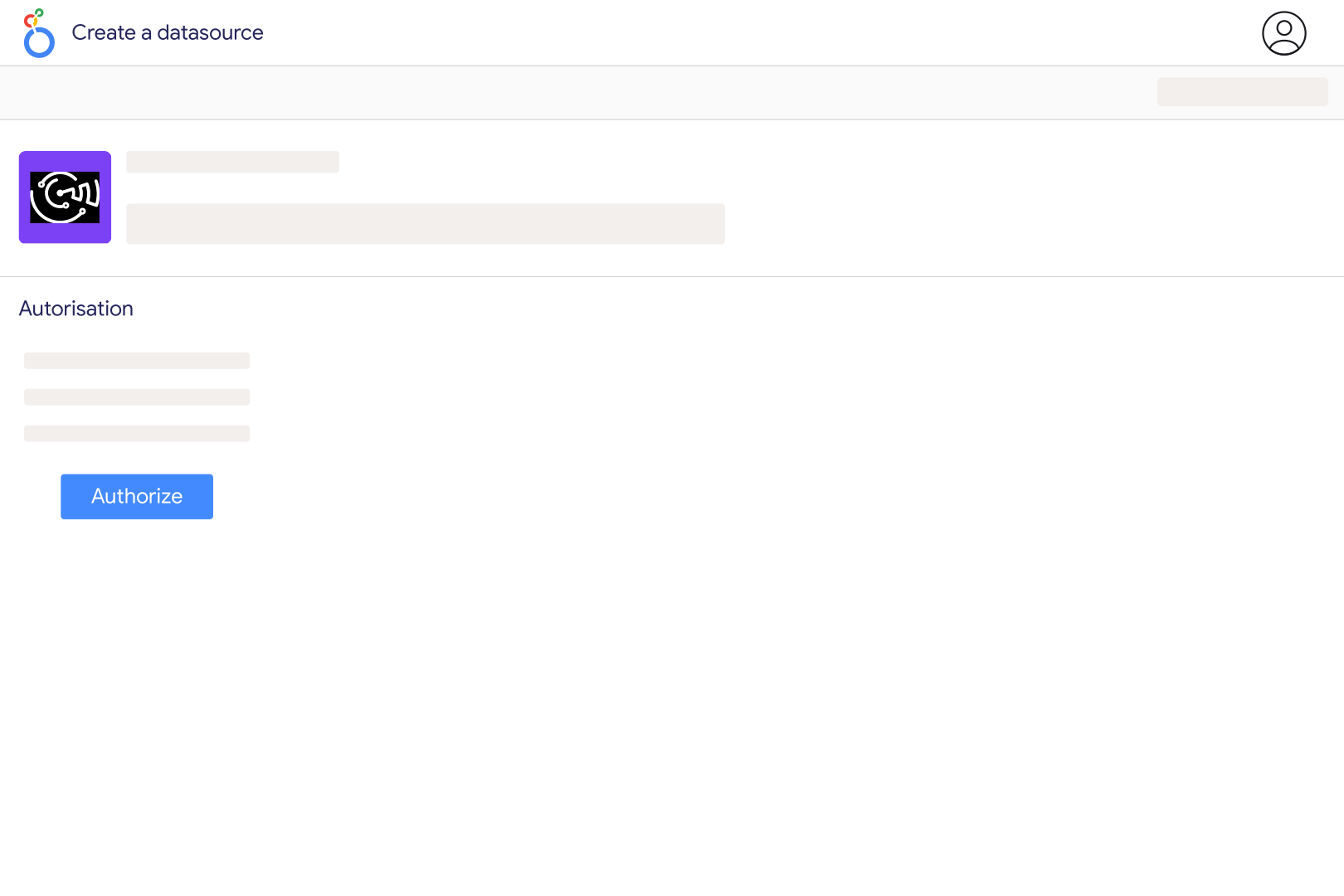
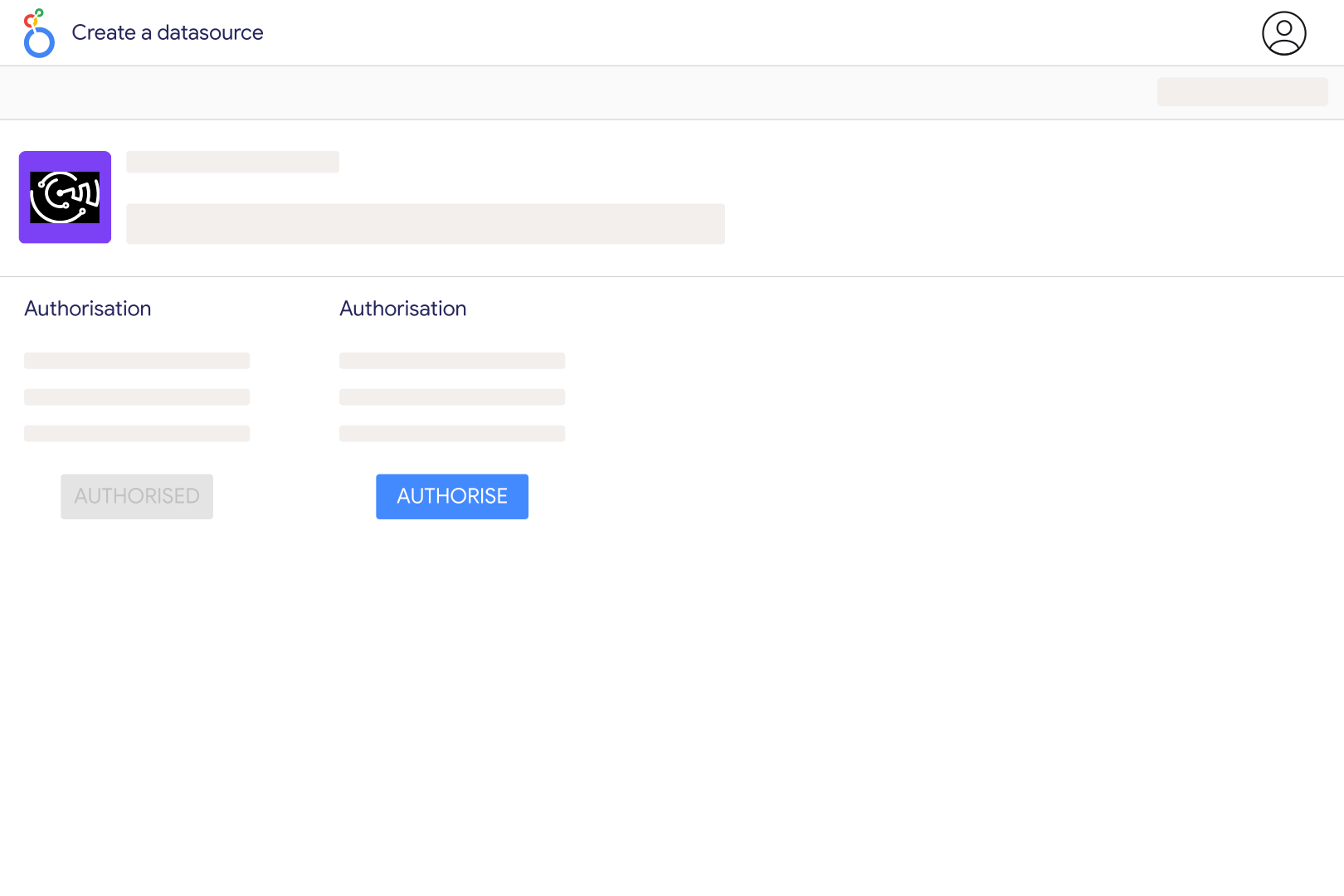
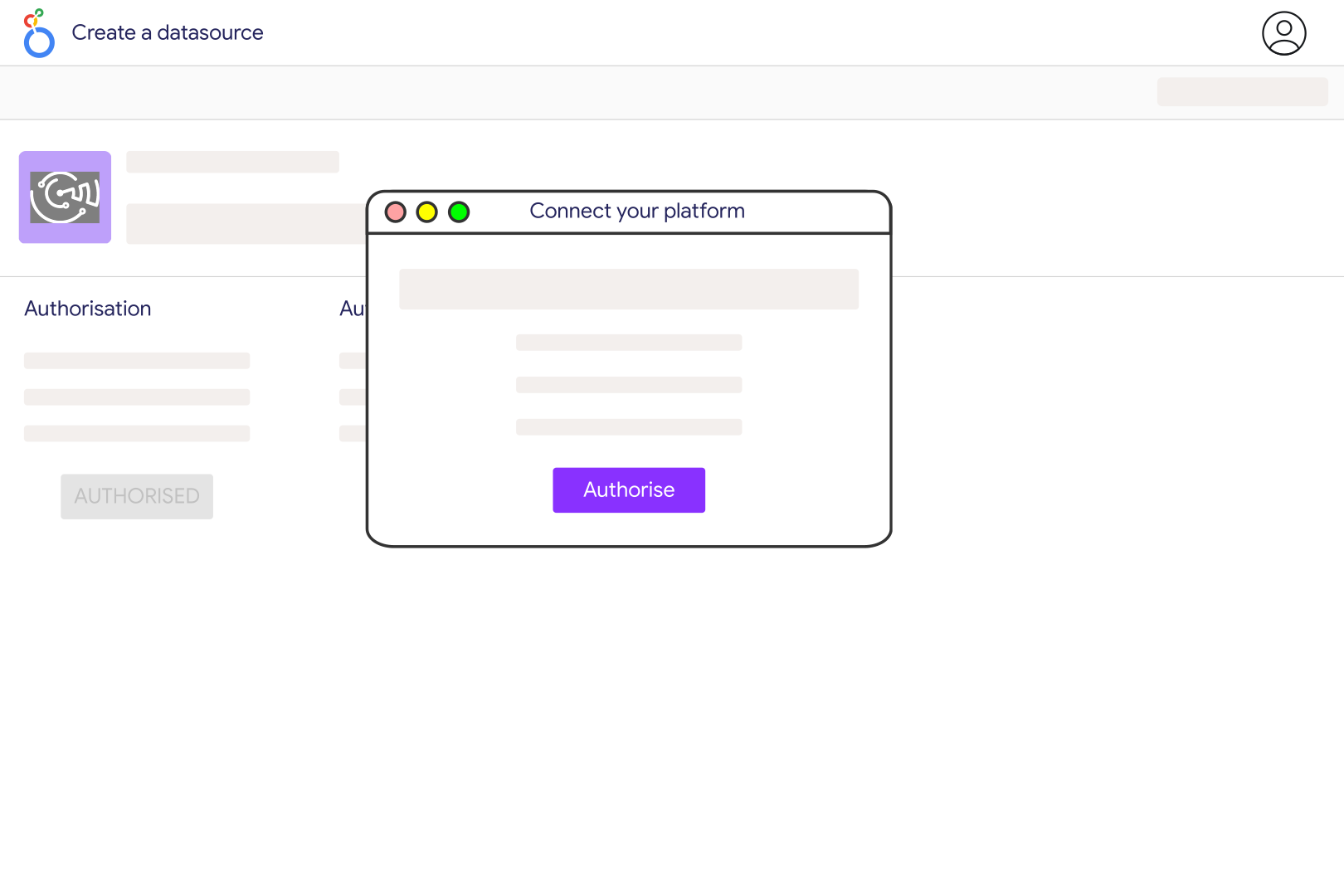
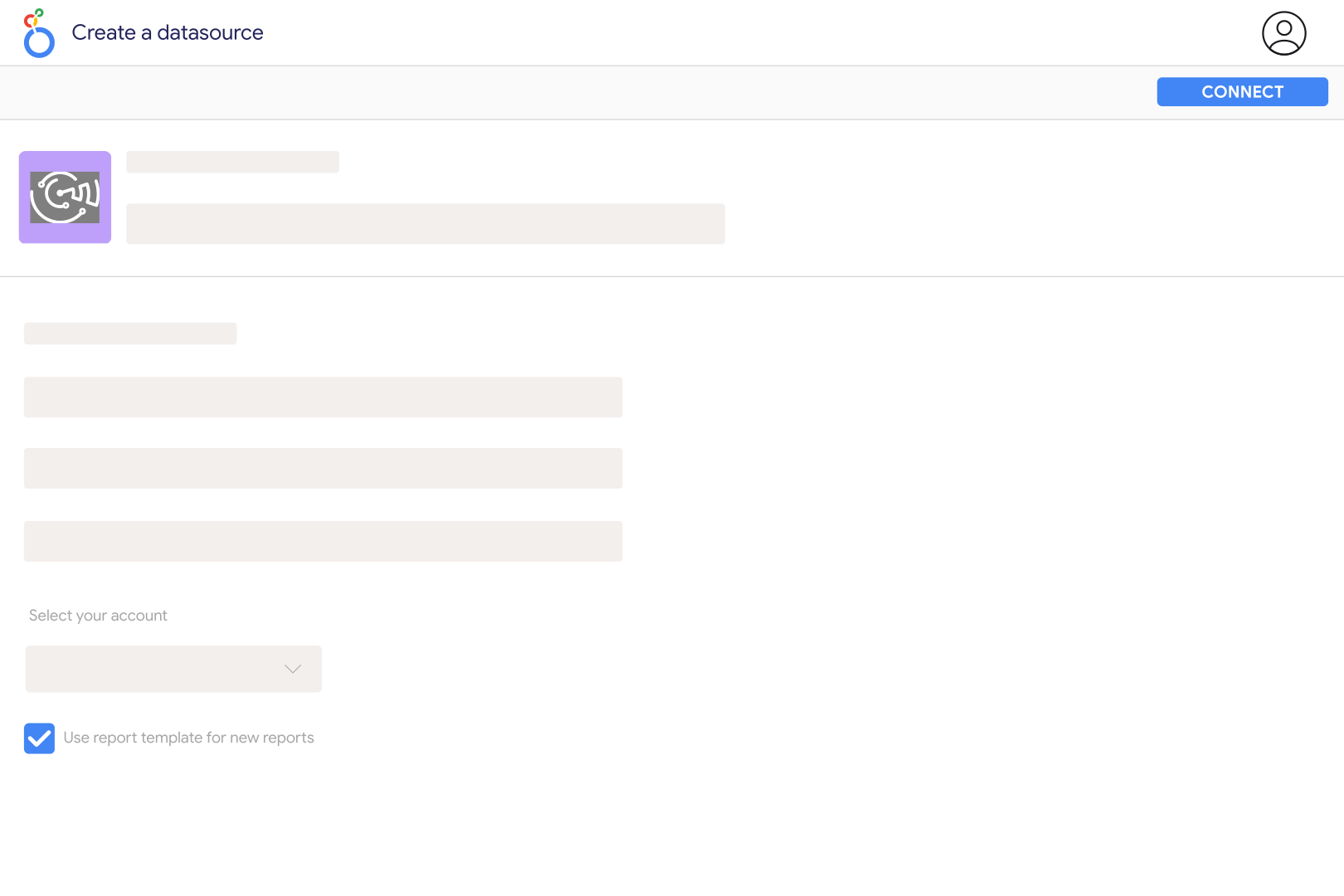
Connect RevenueCat in Catchr and select the project you want to report on in the Catchr Looker Studio connector. Build separate sections for current subscription indicators and revenue for a selected period. Keep project name and currency visible so a multi-app report remains easy to interpret.
Catchr includes active subscriptions, active trials, MRR, active users and new customers over the last 28 days, plus revenue measures. It also exposes project identifiers, metric periods and last-updated timestamps. Use the period labels to distinguish a current snapshot from a rolling-period indicator.
Overview indicators are current snapshots or fixed last-28-day measures. They are not historical daily records. Catchr retrieves that overview separately from date-range revenue. To report revenue for a chosen month, use the period revenue fields rather than relabeling the overview's last-28-day value.
Yes. Catchr provides gross revenue, revenue excluding taxes, and revenue after taxes and commissions. Choose the definition that matches your comparison and show it in the chart title. Do not compare a gross-revenue scorecard with an app-store proceeds statement as if they were the same measure.
Not necessarily. RevenueCat's proceeds estimate and the store's payout use different timing and reporting rules. Apple's fiscal periods also differ from calendar months. Use the app store's financial report for payout reconciliation and the RevenueCat dashboard for subscription and revenue performance.
Use the last-updated fields supplied with the overview metrics. A new dashboard refresh does not guarantee that every upstream metric has just been recalculated. Display the timestamp next to important cards, and keep recent data provisional when comparing it with a later RevenueCat export.
Yes. Add an advertising source such as Apple Search Ads to compare acquisition investment with app revenue. Align project, period and currency. An aggregate revenue-to-spend comparison is a business trend; it does not assign each subscription to an individual advertising campaign.
Our team is always here to answer any questions you may have about our data connector.









