Starter
For freelancers and small teams.
$ 24 /mo
Billed monthly · cancel anytime
Platforms3
Accounts10









Available metrics
Available dimensions


What our customers say about us.
After three years of use, Catchr has become essential for both our teams and our clients. So far, it has been our best solution for compiling and analyzing data from different advertising platforms. It’s easy to set up, and the customer service is responsive and excellent.

With Catchr’s automated API, we can finally collect and centralize all advertising data, connect it with booking information, and calculate the real ROAS for our restaurant clients. It gives them full visibility, more autonomy, and the ability to optimize campaigns to maximize ROI.

The solution is a real game changer, providing optimal time savings for our data reporting. The major strength of the solution is their highly responsive and professional support.

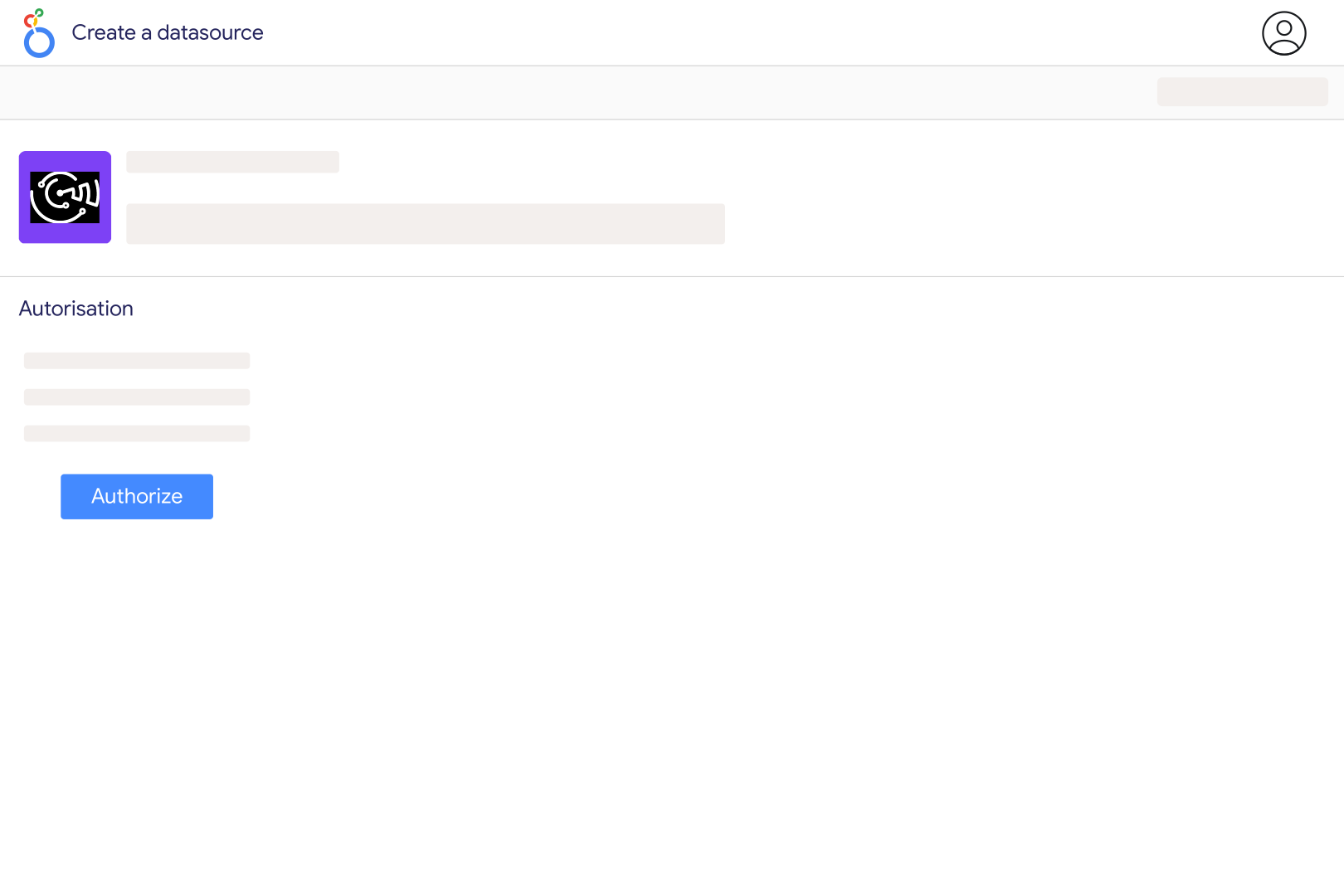
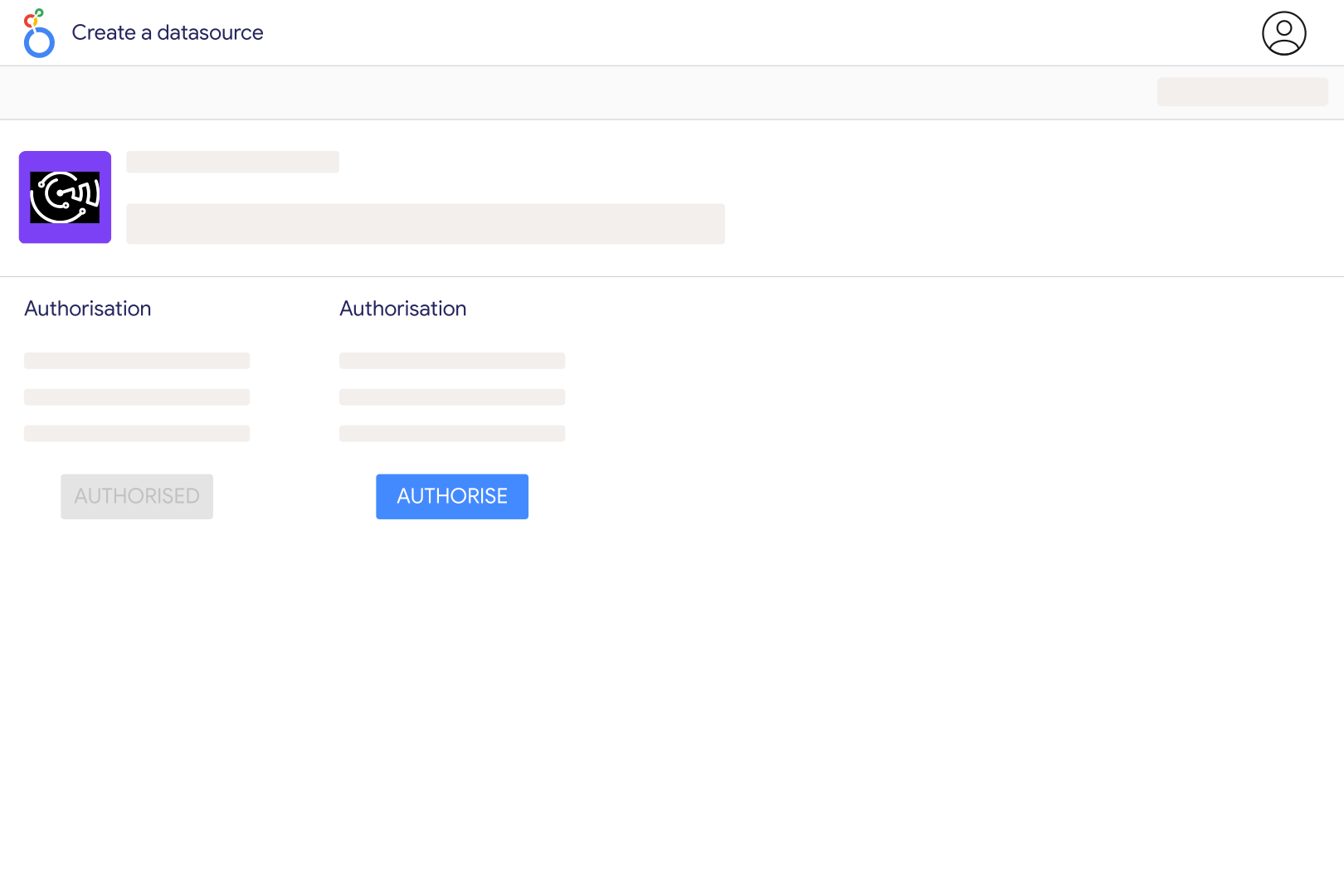
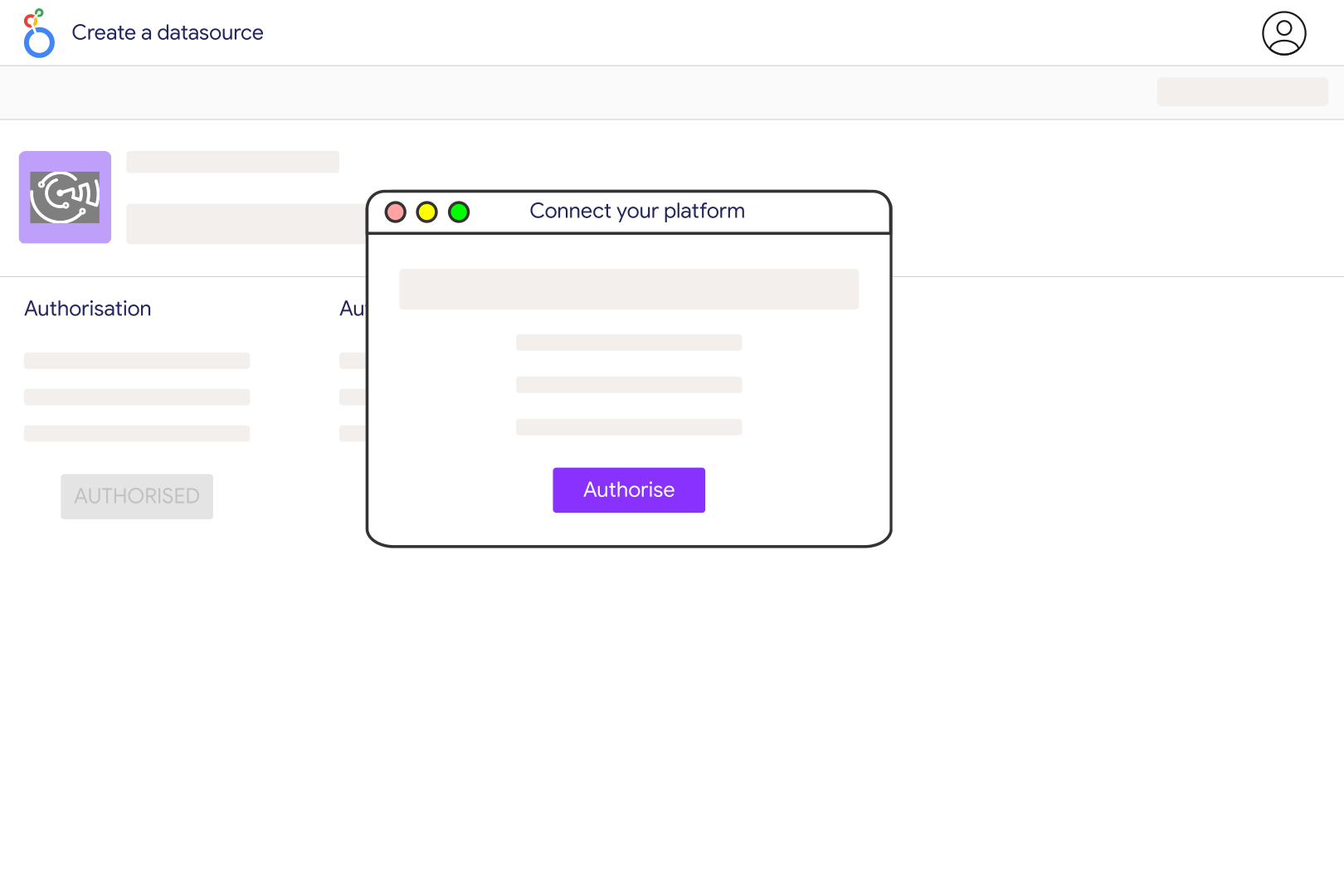
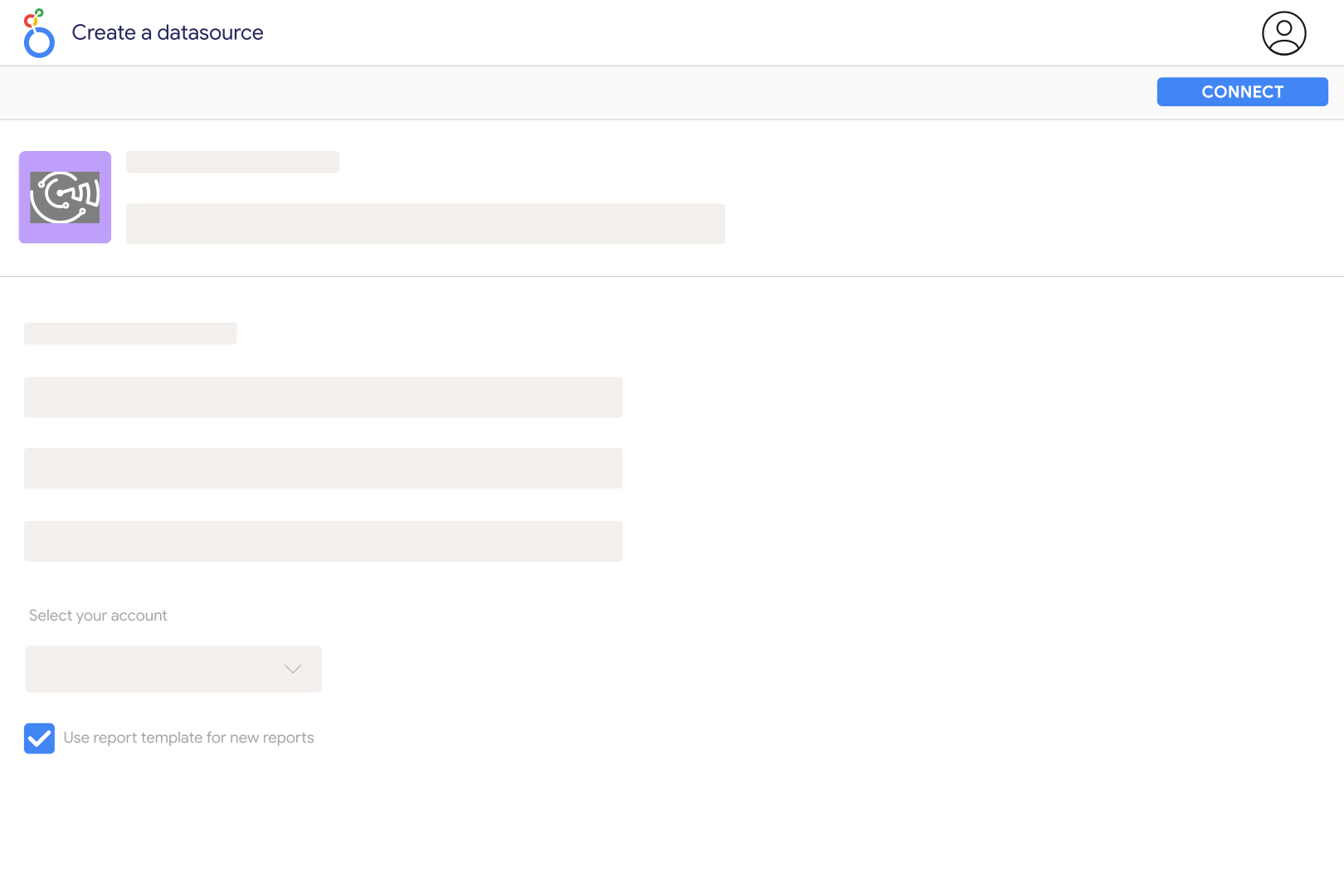
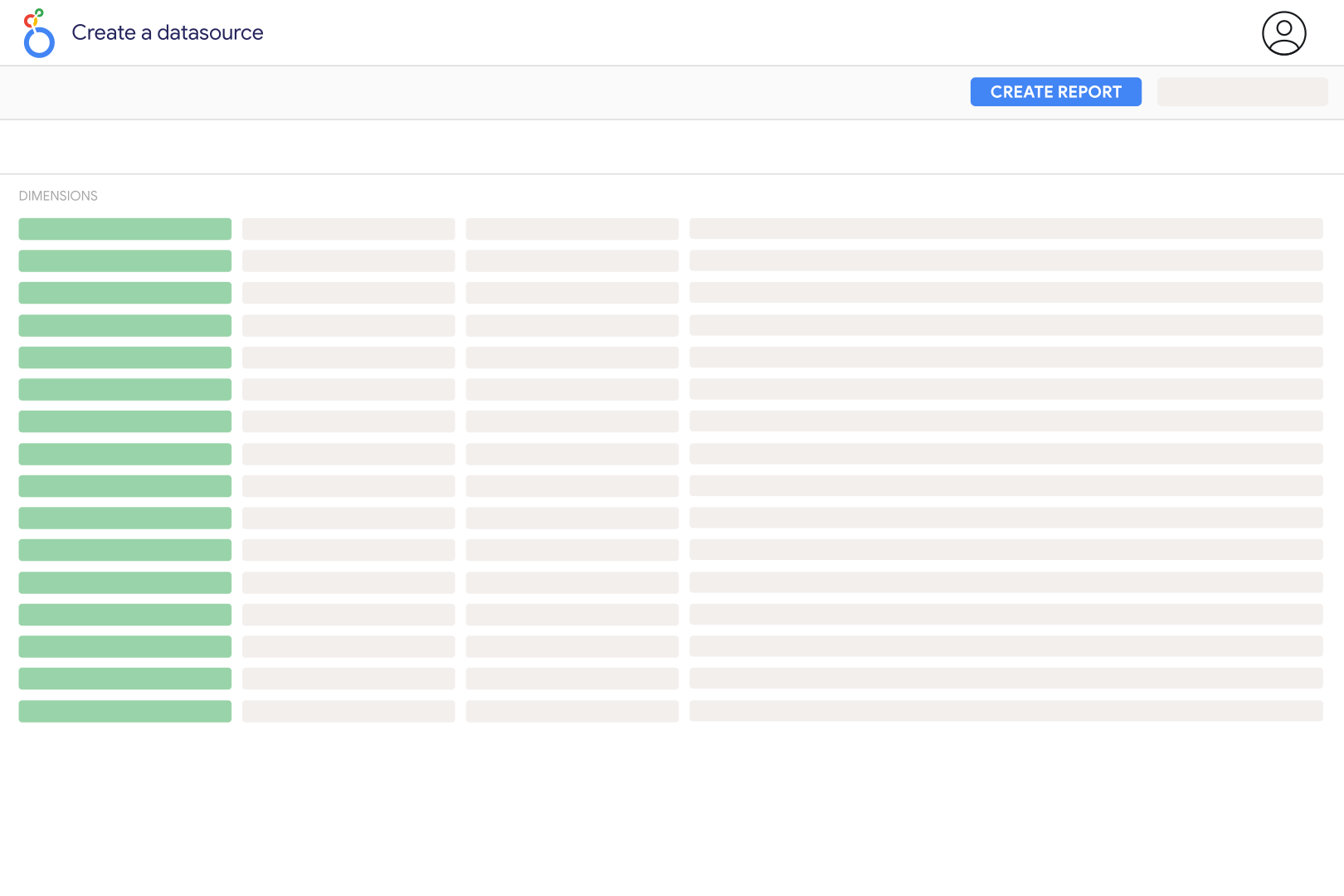
Connect QuickBooks Online in Catchr, sign in through Intuit and authorize the company you want to report on. Open the Catchr connector in Looker Studio, select the connected company and create a data source. Check a small invoice table against QuickBooks before adding charts, using invoice identifiers and transaction dates to compare the same records.
The Catchr connector uses QuickBooks Online and its Intuit authorization flow. It does not read a QuickBooks Desktop company file from your computer. If your records are only in Desktop, use a separate export workflow before reporting on them. For a structured export hosted at a URL, review the requirements of the JSON/CSV/XML connector.
Catchr exposes company information, customers, invoices, invoice lines and payments. You can chart invoice totals and balances, inspect due dates and currencies, analyze sales-item quantities, and review payment amounts. The current connector does not include every QuickBooks entity or financial report, so check these available records against the dashboard you want to build.
First compare the same company, currency and transaction dates. Catchr filters invoice and payment records by Transaction Date, while customer records are selected by their last-updated time. Also check tax treatment and row detail: invoice totals are document-level values, while invoice lines can include sales items and subtotal rows. Filter Line Type appropriately and avoid adding subtotal rows to their component lines.
Use Invoice Balance, Due Date, Invoice Customer Name and Invoice ID to inspect outstanding invoices. Include older transaction dates so unpaid invoices from earlier periods remain in the report. Invoice Balance is the current remaining balance, not a historical month-end snapshot. Customer Balance is a separate customer-level measure; adding it to invoice balances can count the same receivable twice.
No. Invoice Total Amount describes an invoice, while Payment Total Amount describes a customer payment and Payment Transaction Date tells you when it was recorded. A payment can contain an unapplied amount, and an invoice may be paid later or in several payments. Keep invoicing and payment charts separate so a rise in billed sales is not mistaken for an equal rise in cash receipts.
The current Catchr connector does not retrieve the QuickBooks Profit and Loss report. Its invoice and payment records are useful for billing and collection dashboards, but they do not contain all expenses, journals and accounting adjustments needed for a complete statement. Use the QuickBooks reporting workflow for that report, and keep the accounting basis consistent when comparing figures.
Our team is always here to answer any questions you may have about our data connector.