Home > Destinations > Data Studio (ex Looker Studio) > JSON / CSV / XML

Connect JSON / CSV / XML to Data Studio (ex Looker Studio)

Connect JSON / CSV / XML to Data Studio (ex Looker Studio) and and build automated dashboards without CSV exports, spreadsheets, or manual API setup.

Looker Studio
Power BI
Google Sheets
BigQuery
Snowflake

Used by the world's leading companies

Why do agencies use Catchr for JSON / CSV / XML reporting in Data Studio (Looker Studio)?

Catchr lets media buyers and agencies stop rebuilding JSON / CSV / XML reports by hand: the data lands in Data Studio ready to chart, for every ad account you manage.

No manual csv export
‍

Stop downloading files from JSON / CSV / XML every time a client report, spreadsheet, or dashboard needs fresh numbers.

Connected in minutes

Your first JSON / CSV / XML report can be live in a few minutes. Authorize your JSON / CSV / XML account, pick your ad accounts, and your data source is ready.

Built for agencies with many Data Infrastructure accounts

Pull several Data Infrastructure accounts into one data source, then filter by account to build a report per client or brand in the same Data Studio file.

JSON / CSV / XML to Looker Studio pricing

Choose your plan by the number of platforms and accounts you report on.

Starter

For freelancers and small teams.

$ 24 /mo

Billed monthly · cancel anytime

Platforms3
Accounts10
Start free trial

Growth

For agencies managing more clients.

$ 239 /mo

Billed monthly · cancel anytime

Platforms10
Accounts100
Start free trial

Scale

For teams reporting at scale.

$ 599 /mo

Billed monthly · cancel anytime

Platforms25
Accounts500
Start free trial

How to connect JSON / CSV / XML to Data Studio with Catchr?

To connect JSON / CSV / XML to Looker Studio (Data Studio), open the Catchr connector, authorize your JSON / CSV / XML account, select the ad accounts you want to report on, then create your report.

1. Open the Catchr JSON / CSV / XML connector in Looker Studio

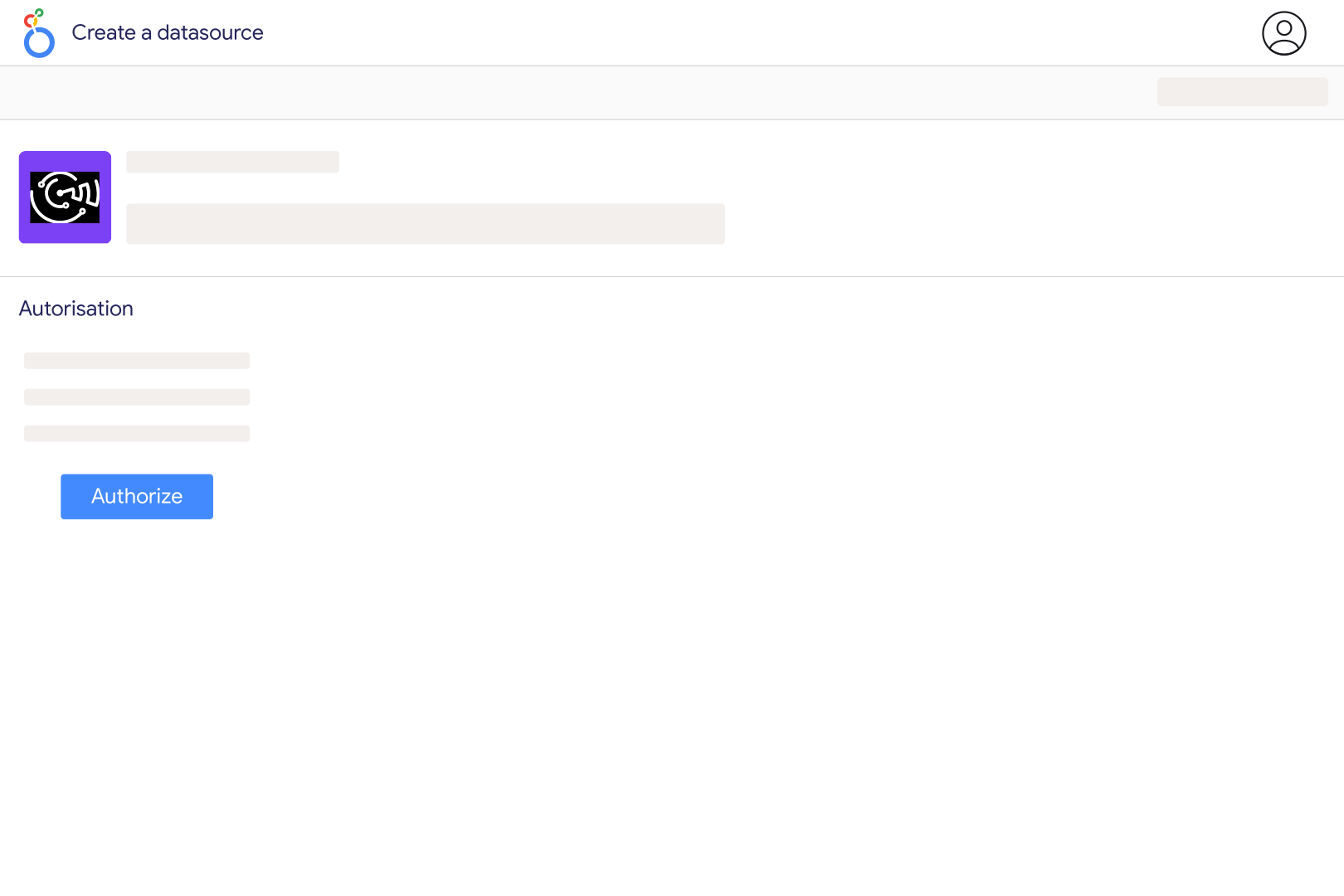
Click the connector link to open it inside Looker Studio. You will be asked to authorize the connector before creating your data source.

2. Authorize Looker Studio (Data Studio) and Catchr

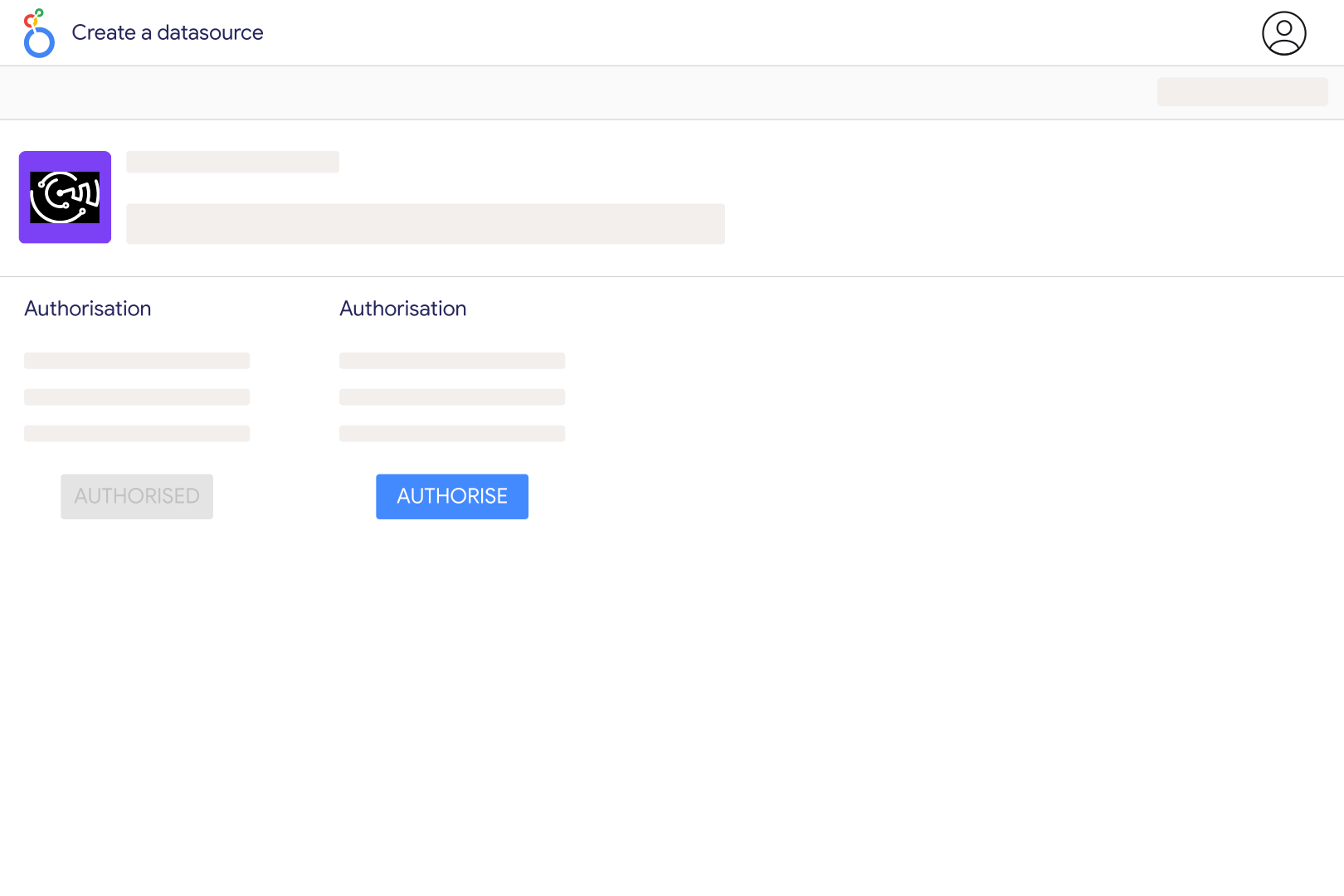
Choose the Google account you use for Looker Studio and authorize Catchr to create a secure JSON / CSV / XML data source.

3. Connect your JSON / CSV / XML account

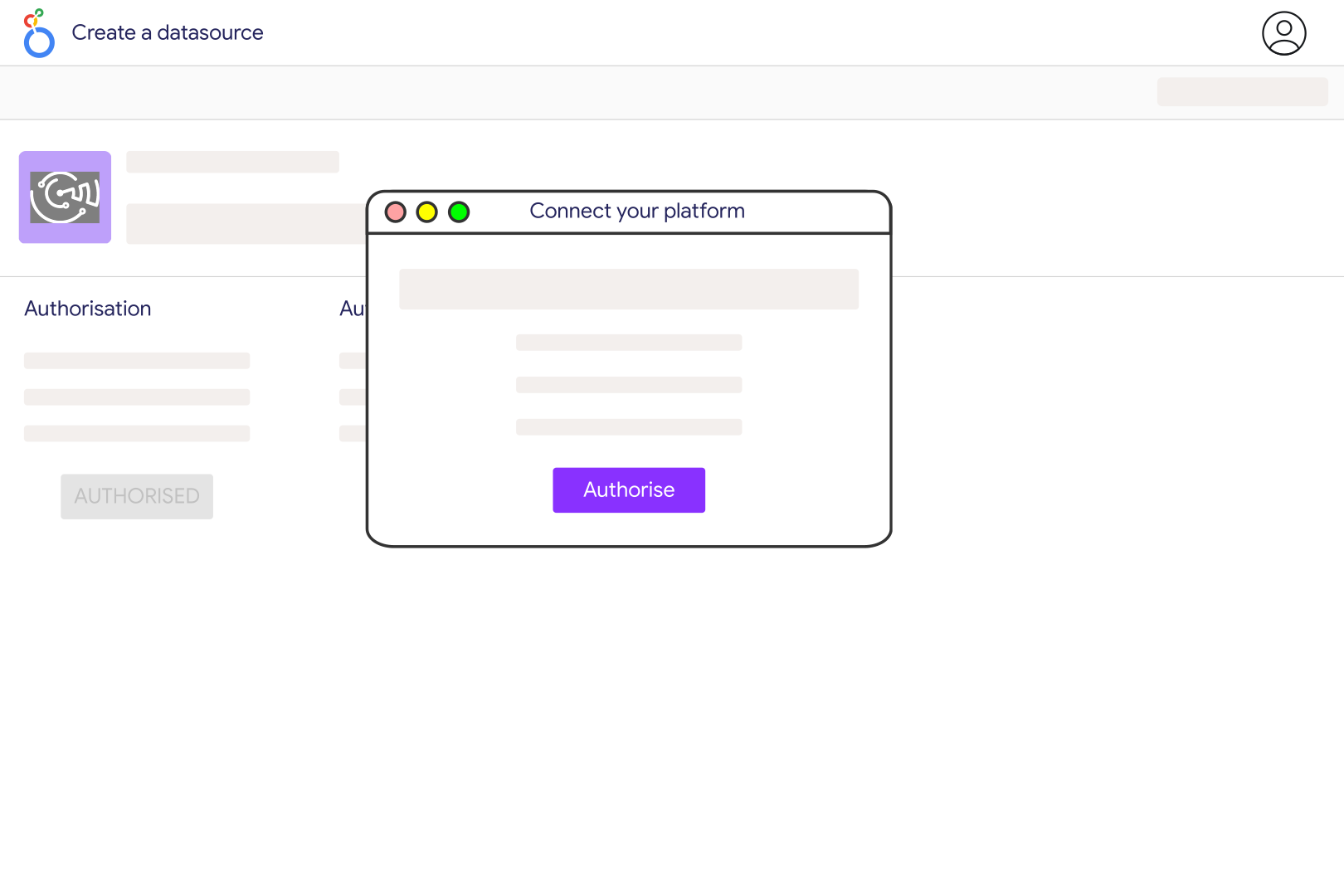
Sign in with your JSON / CSV / XML account that has access to the accounts you want to report on. Make sure your user has the right JSON / CSV / XML permissions.

4. Select your JSON / CSV / XML accounts

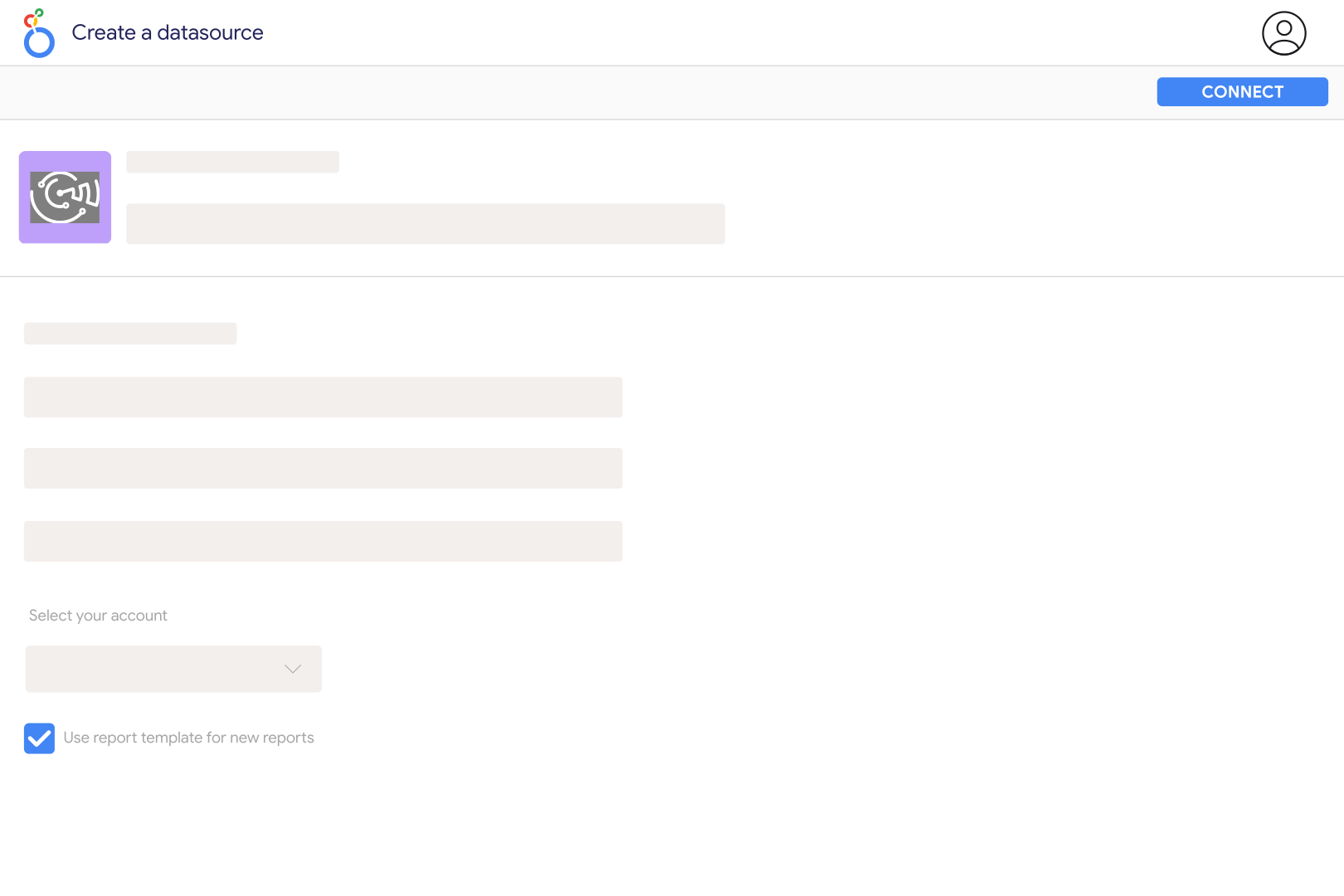
Choose one or several Data Infrastructure accounts, depending on the report you want to build.

5. Create your Data Studio report

Click Create report, then add charts, scorecards, tables, filters, and date controls using your JSON / CSV / XML metrics and dimensions.

6. Customize your dashboard

Use , Source URL, Response Format, Row Index, Date, Year month, Year and many more.

JSON / CSV / XML metrics and dimensions available in Data Studio

Access 0 metrics and 17 dimensions from JSON / CSV / XML connectors including , Source URL, Response Format, Row Index, Date, Year month, Year more.

0

Available metrics

17

Available dimensions

Build better JSON / CSV / XML dashboards in Data Studio (ex Looker Studio)

Use Catchr to create dashboards that show what is working, what is wasting budget, and where performance is changing.

Client reporting for agencies

Create clean Looker Studio dashboards for each client with with always up to date.

Budget pacing

Compare daily spend with the monthly budget of each campaign, so overspend shows up mid-month instead of on the invoice.

Review what drives results across

Compare to see where budget, traffic, or revenue is improving and where performance is dropping.

Compare with your other channels

Combine with your others marketing to understand performance across your full acquisition journey.

Keep an eye on JSON / CSV / XML performance

Track JSON / CSV / XML in refreshable Data Studio dashboards so you can spot changes before they become reporting problems.

Customer testimonials

What our customers say about us.

85 %
Faster
Reporting time

After three years of use, Catchr has become essential for both our teams and our clients. So far, it has been our best solution for compiling and analyzing data from different advertising platforms. It’s easy to set up, and the customer service is responsive and excellent.

Valentin Keravel
CEO, Laio – Agency

With Catchr’s automated API, we can finally collect and centralize all advertising data, connect it with booking information, and calculate the real ROAS for our restaurant clients. It gives them full visibility, more autonomy, and the ability to optimize campaigns to maximize ROI.

Corentin Largeron
Freelance
30
hours saved

The solution is a real game changer, providing optimal time savings for our data reporting. The major strength of the solution is their highly responsive and professional support.

Corentin Largeron
CEO at The Browz – Agency

JSON / CSV / XML to Data Studio (ex Looker Studio): FAQ

Answers to common questions about connecting data to spreadsheets, dashboards, AI assistants, and reporting tools with Catchr.

How do I connect JSON, CSV or XML data to Looker Studio?

Add a JSON/CSV/XML connection in Catchr and enter the URL of the file or API response. Choose the response format or use automatic detection, then configure any required request headers and the path to the records. Open the Catchr connector in Looker Studio and select that connection to create your data source. The URL must return data that Catchr can fetch, rather than an interactive login page.

Can I upload a local CSV file instead?

For a one-off file on your computer, Google offers a free CSV file upload connector. Catchr JSON/CSV/XML works from a remote URL, which is useful when a file or API response changes over time. Updating a local CSV does not update a remote feed automatically: the system hosting the feed must publish the new data.

Can I connect an API that requires authentication or a POST request?

Catchr supports GET and POST requests for this connector. Configure request headers for the authentication your endpoint expects, and provide a request body and content type when the API requires POST. Check that the response contains the report data itself. An endpoint that needs an interactive sign-in or a separate token-renewal workflow may require an intermediate export service.

How do I select records inside a nested JSON or XML response?

Use the record path setting to select the part of the parsed response that contains the rows. For example, a response may wrap its records inside a data object rather than return a list directly. Catchr uses a JMESPath expression for this selection, then turns each selected record into a row. Select records at the same level of detail, such as one order per row, before adding charts.

Why are nested arrays or some fields missing from my data source?

Catchr infers fields from a sample of records and flattens scalar values inside nested objects. Arrays inside a record are not automatically expanded into additional columns or rows. Prepare a flat record list when you need to report on line items, and keep names and data types consistent. A field that only appears outside the sample may not be discovered during setup.

Can the report date range be passed to my API?

Yes. Catchr can replace date placeholders in the source URL, request headers and POST body with the requested start and end dates. For example, #sdate_hyphen# and #edate_hyphen# use the YYYY-MM-DD format. Use them in parameters your API supports. This passes dates to the endpoint; it does not make a static file filter itself or recover history the endpoint no longer provides.

Why does my report show outdated data or fewer rows than the API?

Check the response returned by the configured URL, method, headers and body, then verify the record path selects the full list you expect. Catchr parses that response, so an endpoint returning only one page of results needs an export or request that supplies the required records. Also check the feed update time and Looker Studio caching. A dashboard refresh cannot add records missing from the response.

Still have a question ? 

Our team is always here to answer any questions you may have about our data connector.