
Starter
For freelancers and small teams.
$ 24 /mo
Billed monthly · cancel anytime
Platforms3
Accounts10


Used by the world's leading companies











Available metrics
Available dimensions


What our customers say about us.
After three years of use, Catchr has become essential for both our teams and our clients. So far, it has been our best solution for compiling and analyzing data from different advertising platforms. It’s easy to set up, and the customer service is responsive and excellent.

With Catchr’s automated API, we can finally collect and centralize all advertising data, connect it with booking information, and calculate the real ROAS for our restaurant clients. It gives them full visibility, more autonomy, and the ability to optimize campaigns to maximize ROI.

The solution is a real game changer, providing optimal time savings for our data reporting. The major strength of the solution is their highly responsive and professional support.

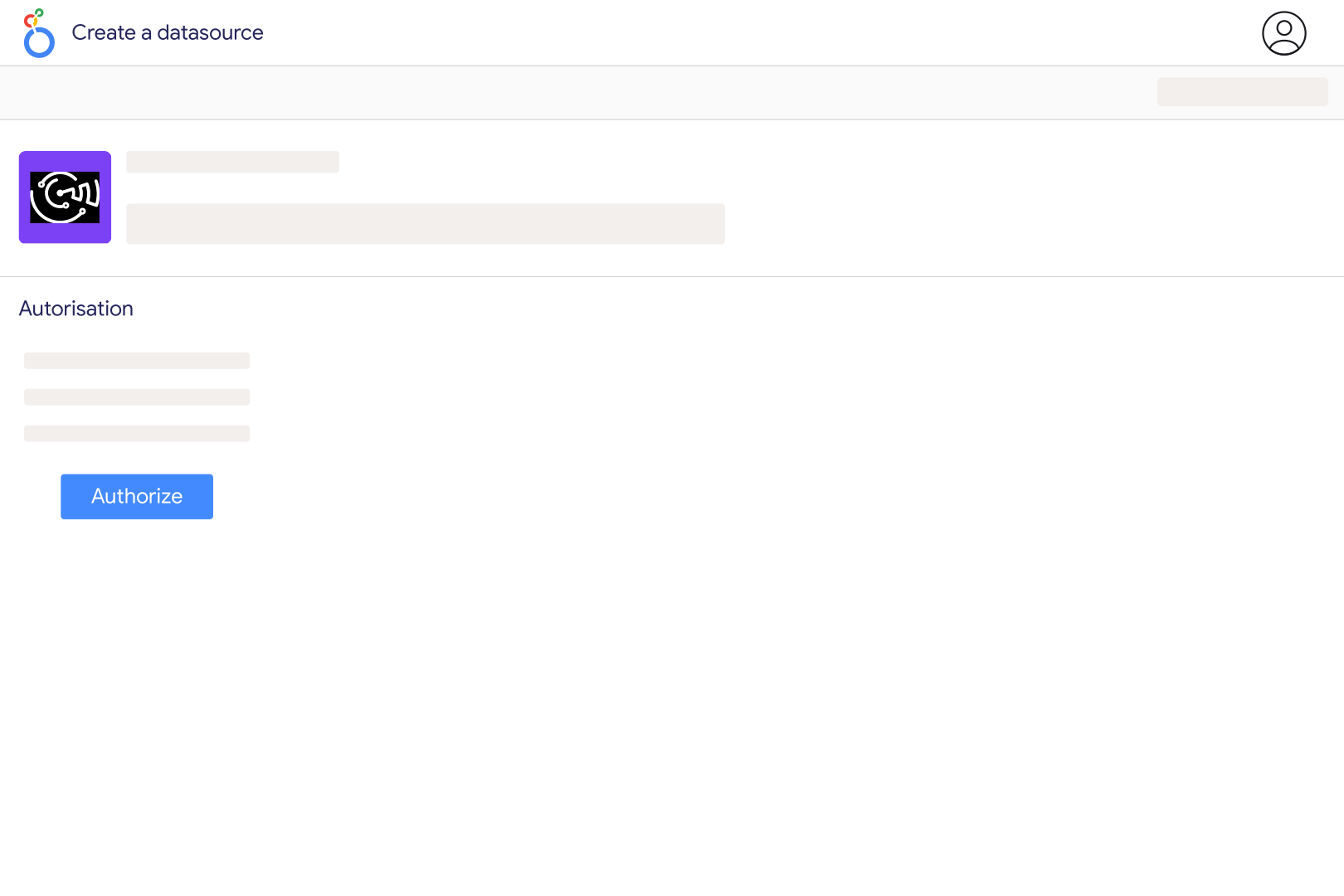
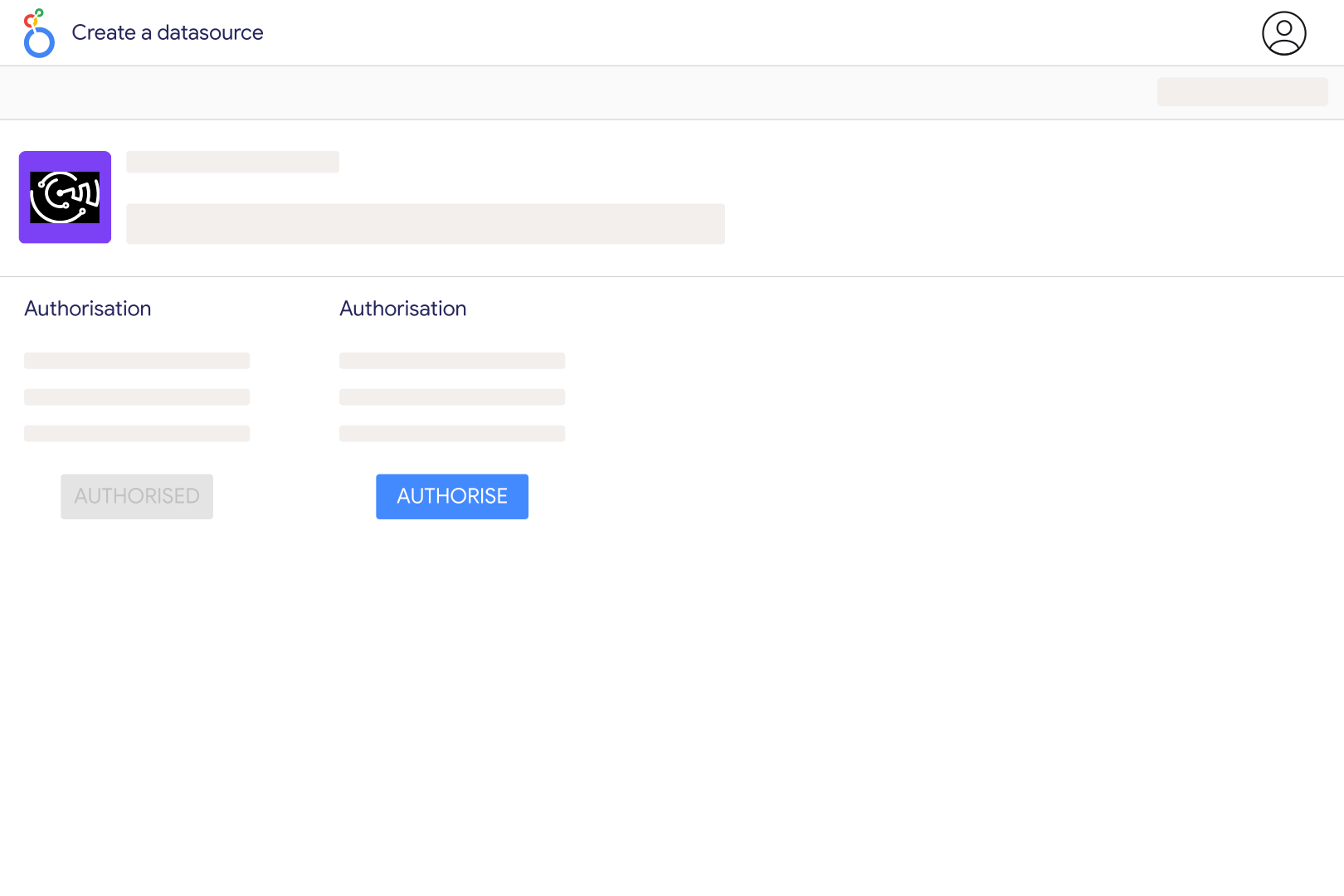
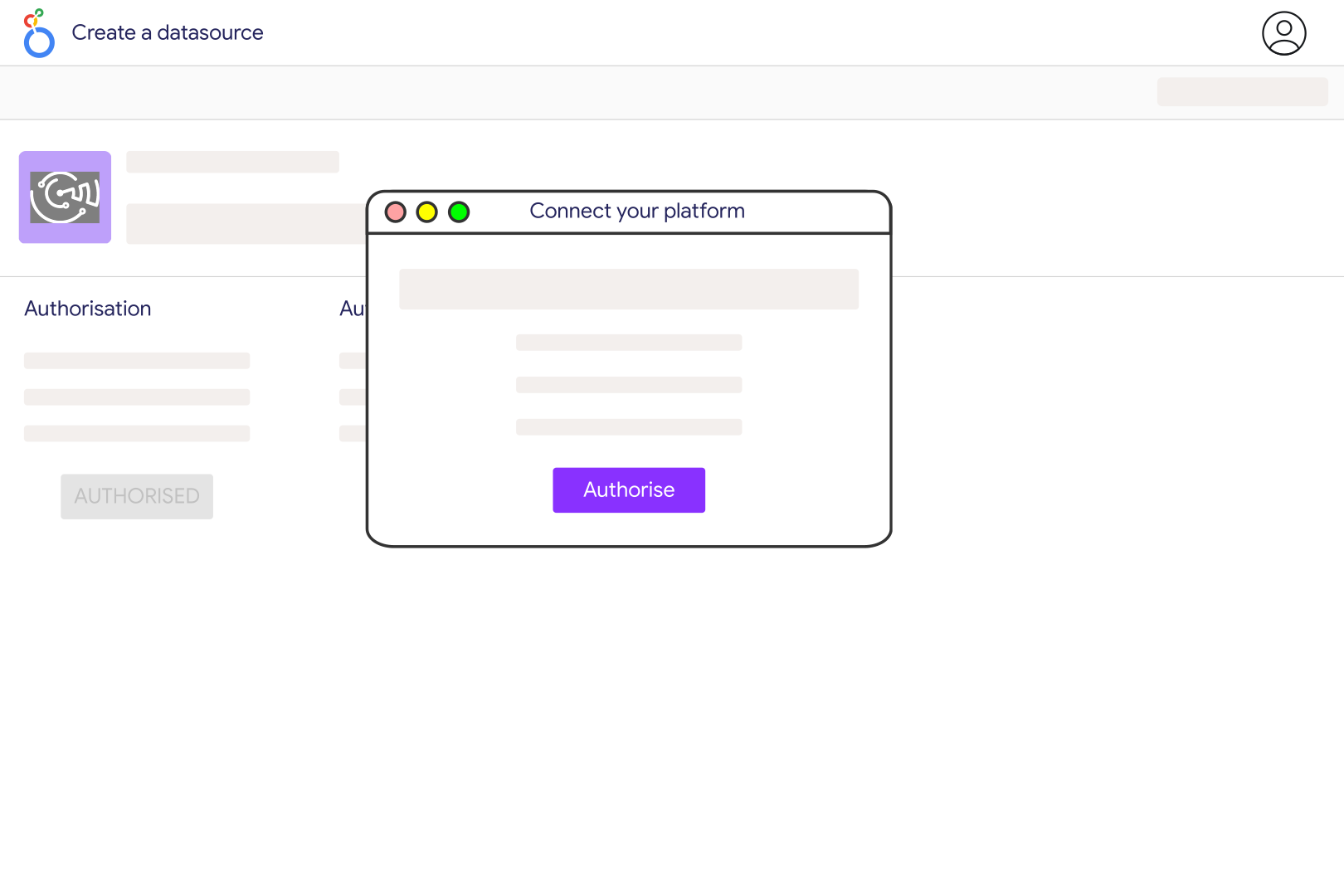
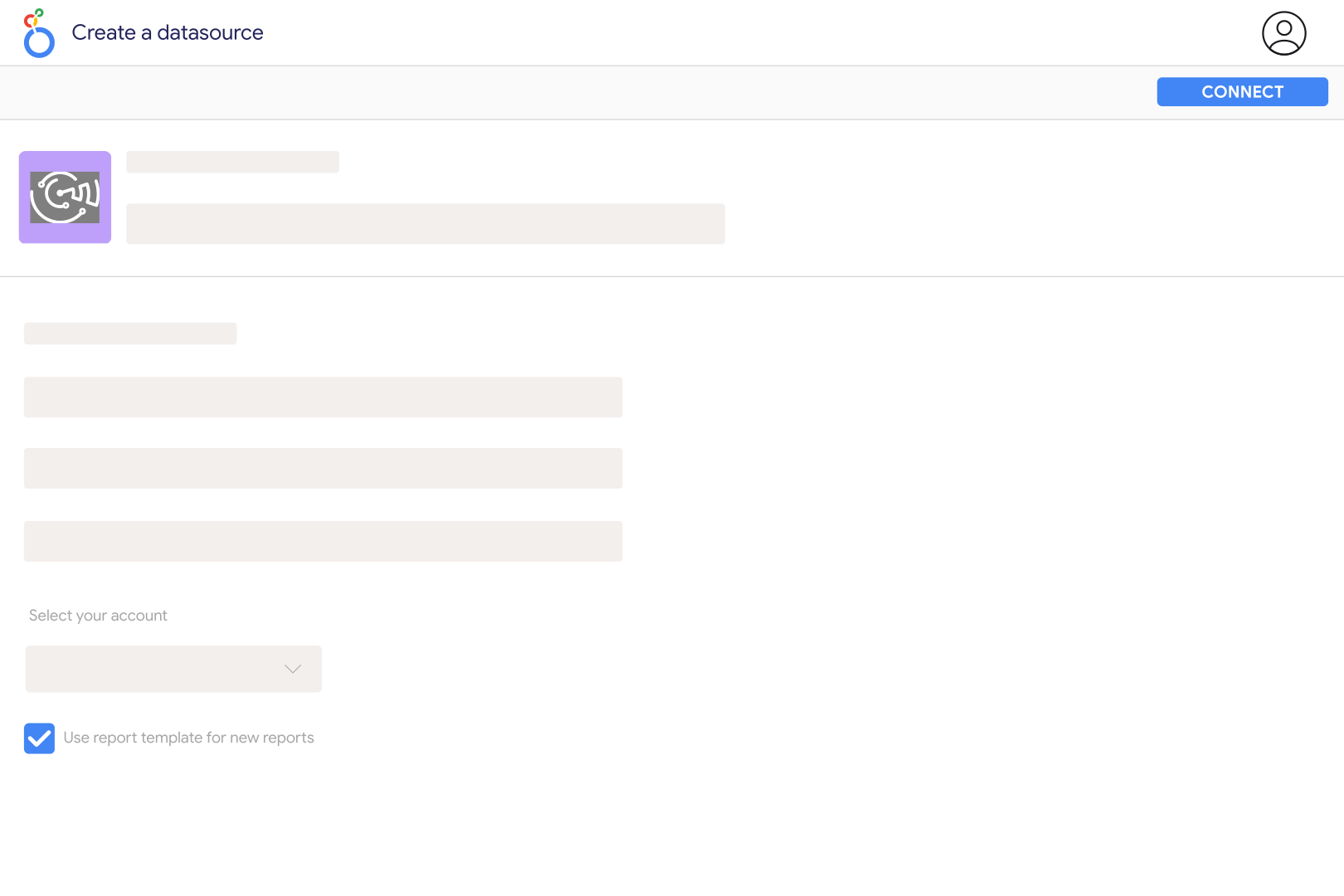
Add Google Play Review in Catchr and enter the app's package identifier from its Google Play URL. For a URL containing id=com.whatsapp, use com.whatsapp. You can configure several package identifiers separated by commas. Select the app and review language in the Catchr data source, then connect it to Looker Studio. Start with Review Date, Rating, and Review Text to check the returned feedback.
Yes. Catchr provides a language setting for Google Play Review, with English as the default. Keep the chosen language consistent when comparing periods, and label separate language views clearly. This setting is not a country or device filter, and the current review catalog does not expose those breakdowns. Do not interpret an English-language review set as a complete worldwide sample of your app's feedback.
The Google Play Review source focuses on feedback: review text, dates, ratings, reviewer names, review URLs, and helpful votes, plus separate current rating summaries. Its catalog does not include installs, revenue, crashes, device models, or app-version dimensions. For app performance reporting, use the separate Google Play Store source and check its available metrics. Reviews can explain a performance change, but they do not measure how many users experienced it.
Your dashboard average may use only the written reviews returned for a selected language and date range. Ratings can also be submitted without written reviews, and Google weights its displayed rating toward more recent feedback. Compare the same population before treating a difference as an error. Average valid Rating values rather than summing them, and label the result as the average for the retrieved reviews. Google's ratings and reviews guide explains the distinction.
Group individual records by Review Date and count distinct Review IDs. Filter Rating to one star to track that subset, and inspect Review Text to understand the complaints. Helpful Votes can help prioritize feedback, but they are current counts rather than votes received during the selected period. Keep the app-level Review Count, Average Rating, and star-count summaries in separate charts: Catchr cannot request these global fields together with individual review fields.
One request is not an unlimited archive. Catchr follows the provider's pagination tokens until results end, the requested date boundary is reached, or roughly 1,000 matching reviews have been collected. Use smaller date windows for high-volume apps and check the actual oldest and newest records returned. Google also provides developer review exports in Play Console for authorized app teams. Private testing feedback and a complete history of review edits are not exposed by this Catchr source.
Yes. Add the App Store reviews source and map the Android package and Apple app ID to the same product. Keep the platform and chosen language or storefront visible. Compare review volume, rating distribution, and recurring issues using equivalent date ranges. Do not join individual reviews by reviewer name, or assume that a review-date spike identifies the app version responsible: this source does not expose a version field.
Our team is always here to answer any questions you may have about our data connector.









