Home > Destinations > Data Studio (ex Looker Studio) > Criteo

Connect Criteo to Data Studio (ex Looker Studio)

Connect Criteo to Data Studio (ex Looker Studio) and and build automated dashboards without CSV exports, spreadsheets, or manual API setup.

Looker Studio
Power BI
Google Sheets
BigQuery
Snowflake

Used by the world's leading companies

Why do agencies use Catchr for Criteo reporting in Data Studio (Looker Studio)?

Catchr lets media buyers and agencies stop rebuilding Criteo reports by hand: the data lands in Data Studio ready to chart, for every ad account you manage.

No manual csv export
‍

Stop downloading files from Criteo every time a client report, spreadsheet, or dashboard needs fresh numbers.

Connected in minutes

Your first Criteo report can be live in a few minutes. Authorize your Criteo account, pick your ad accounts, and your data source is ready.

Built for agencies with many Advertising accounts

Pull several Advertising accounts into one data source, then filter by account to build a report per client or brand in the same Data Studio file.

Criteo to Looker Studio pricing

Choose your plan by the number of platforms and accounts you report on.

Starter

For freelancers and small teams.

$ 24 /mo

Billed monthly · cancel anytime

Platforms3
Accounts10
Start free trial

Growth

For agencies managing more clients.

$ 239 /mo

Billed monthly · cancel anytime

Platforms10
Accounts100
Start free trial

Scale

For teams reporting at scale.

$ 599 /mo

Billed monthly · cancel anytime

Platforms25
Accounts500
Start free trial

How to connect Criteo to Data Studio with Catchr?

To connect Criteo to Looker Studio (Data Studio), open the Catchr connector, authorize your Criteo account, select the ad accounts you want to report on, then create your report.

1. Open the Catchr Criteo connector in Looker Studio

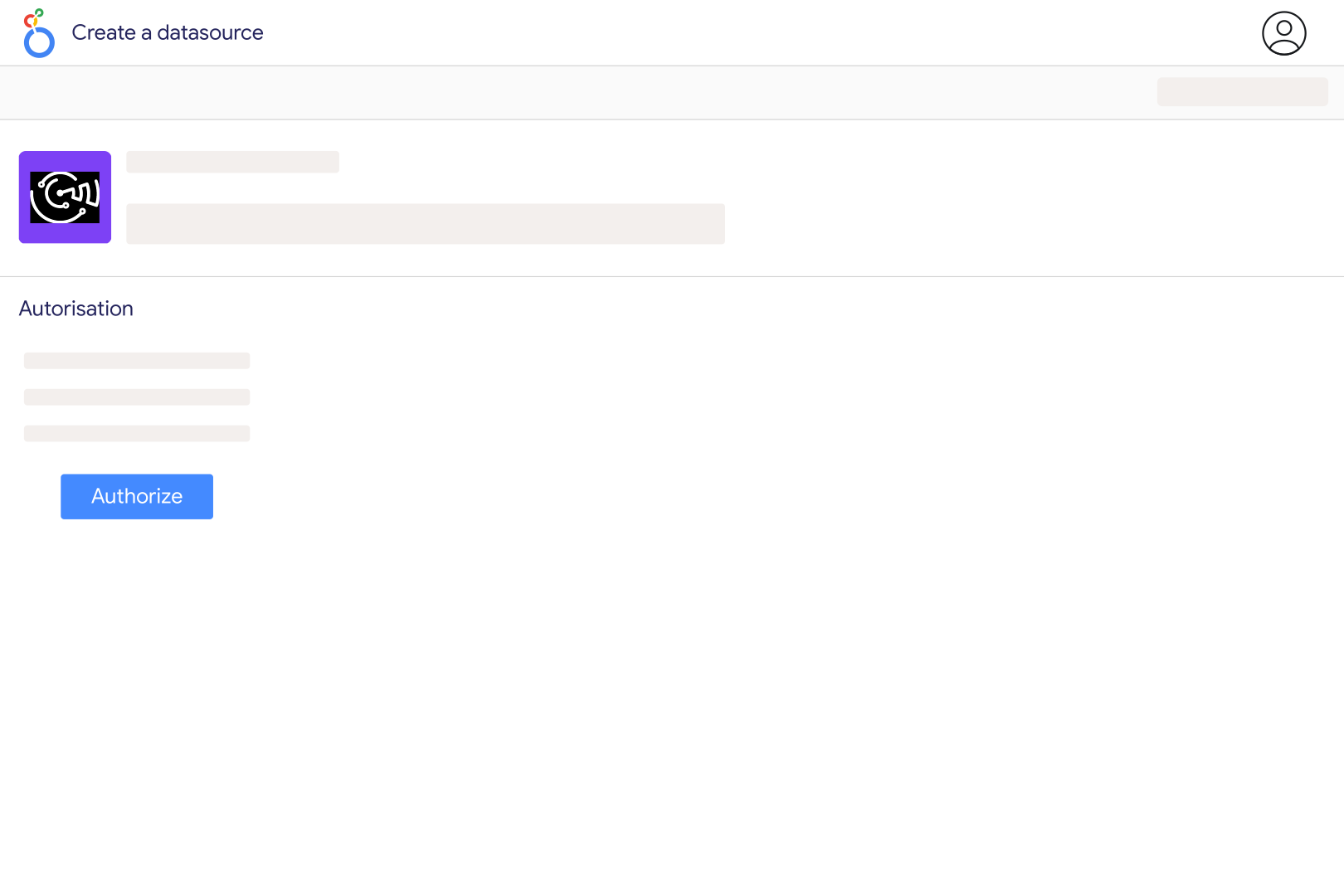
Click the connector link to open it inside Looker Studio. You will be asked to authorize the connector before creating your data source.

2. Authorize Looker Studio (Data Studio) and Catchr

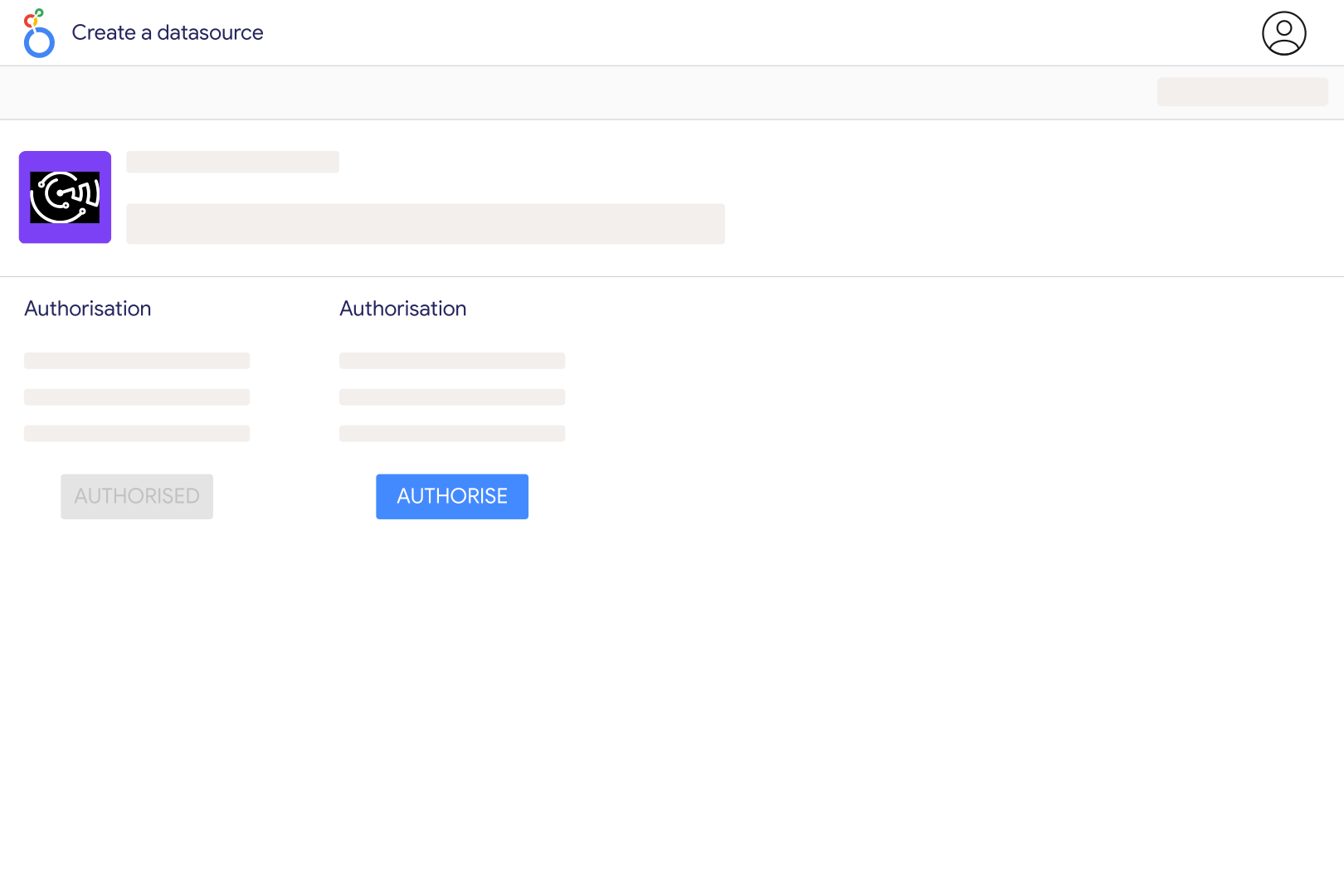
Choose the Google account you use for Looker Studio and authorize Catchr to create a secure Criteo data source.

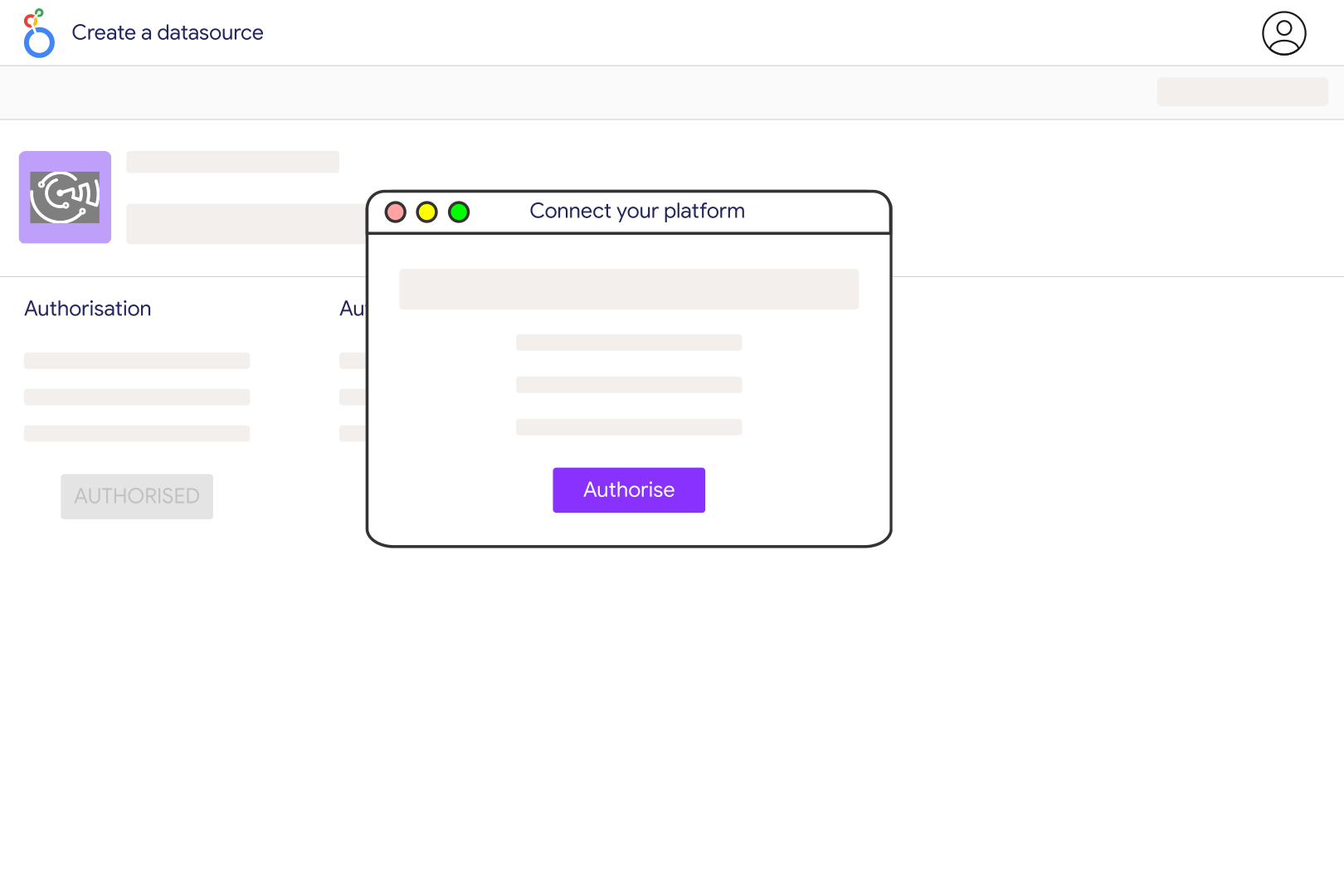
3. Connect your Criteo account

Sign in with your Criteo account that has access to the accounts you want to report on. Make sure your user has the right Criteo permissions.

4. Select your Criteo accounts

Choose one or several Advertising accounts, depending on the report you want to build.

5. Create your Data Studio report

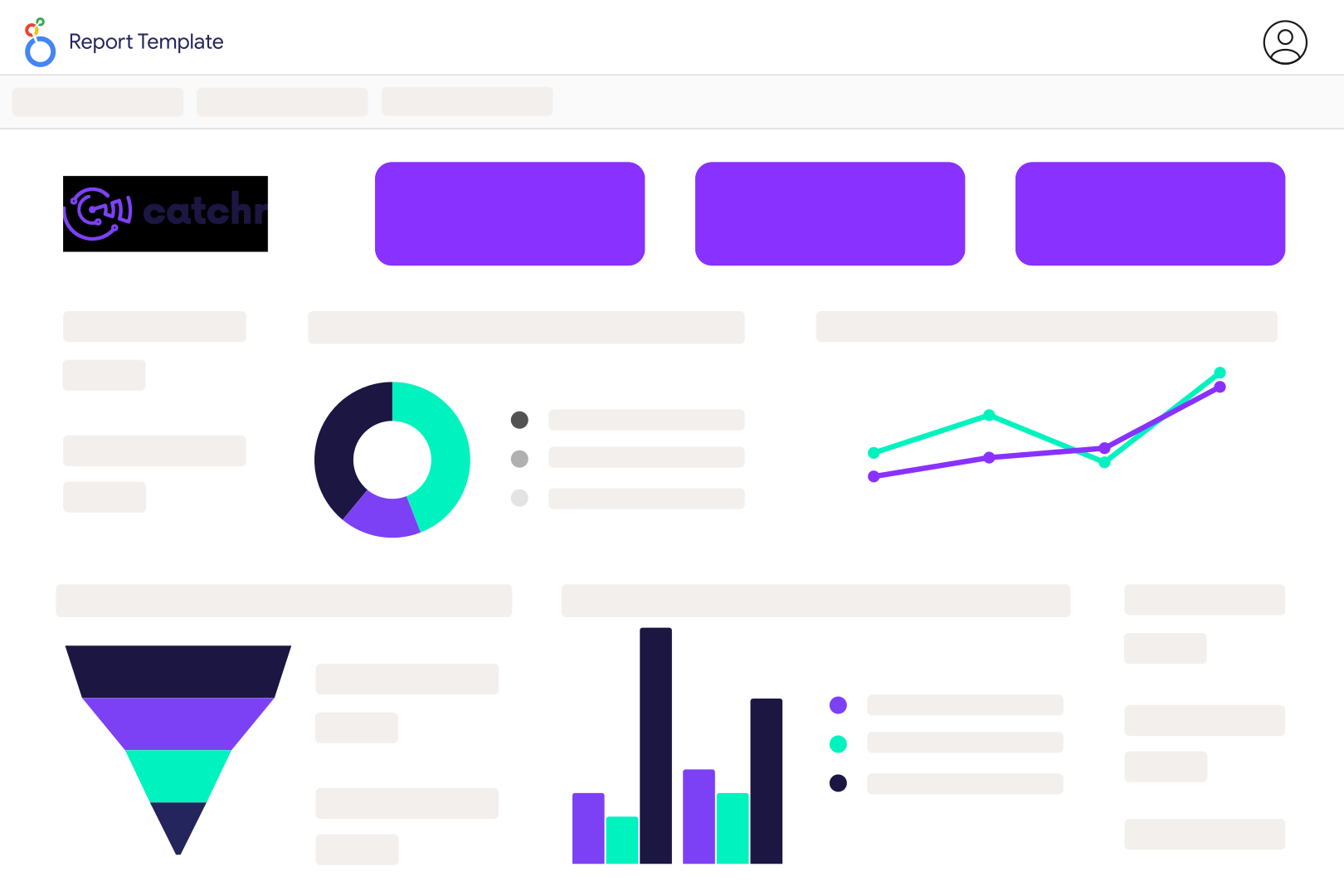
Click Create report, then add charts, scorecards, tables, filters, and date controls using your Criteo metrics and dimensions.

6. Customize your dashboard

Use Cost, Clicks, Display, Click Through Rate, Conversion Rate PC 30d, ROAS PC 30d, Campaign Name, AdSet Name, Advertiser Name, Date, Device, Channel Name and many more.

Criteo metrics and dimensions available in Data Studio

Access 112 metrics and 73 dimensions from Criteo connectors including Cost, Clicks, Display, Click Through Rate, Conversion Rate PC 30d, ROAS PC 30d, Campaign Name, AdSet Name, Advertiser Name, Date, Device, Channel Name and more.

112

Available metrics

73

Available dimensions

Build better Criteo dashboards in Data Studio (ex Looker Studio)

Use Catchr to create dashboards that show what is working, what is wasting budget, and where performance is changing.

Client reporting for agencies

Create clean Looker Studio dashboards for each client with with Cost, Clicks, Display, Click Through Rate, Conversion Rate PC 30d, ROAS PC 30d always up to date.

Budget pacing

Compare daily spend with the monthly budget of each campaign, so overspend shows up mid-month instead of on the invoice.

Review what drives results across

Compare to see where budget, traffic, or revenue is improving and where performance is dropping.

Compare with your other channels

Combine with your others marketing to understand performance across your full acquisition journey.

Keep an eye on Criteo performance

Track Criteo Cost, Clicks, Display, Click Through Rate, Conversion Rate PC 30d, ROAS PC 30d in refreshable Data Studio dashboards so you can spot changes before they become reporting problems.

Customer testimonials

What our customers say about us.

85 %
Faster
Reporting time

After three years of use, Catchr has become essential for both our teams and our clients. So far, it has been our best solution for compiling and analyzing data from different advertising platforms. It’s easy to set up, and the customer service is responsive and excellent.

Valentin Keravel
CEO, Laio – Agency

With Catchr’s automated API, we can finally collect and centralize all advertising data, connect it with booking information, and calculate the real ROAS for our restaurant clients. It gives them full visibility, more autonomy, and the ability to optimize campaigns to maximize ROI.

Corentin Largeron
Freelance
30
hours saved

The solution is a real game changer, providing optimal time savings for our data reporting. The major strength of the solution is their highly responsive and professional support.

Corentin Largeron
CEO at The Browz – Agency

Criteo to Data Studio (ex Looker Studio): FAQ

Answers to common questions about connecting data to spreadsheets, dashboards, AI assistants, and reporting tools with Catchr.

How do I connect Criteo to Looker Studio?

Add a Criteo connection in Catchr using the API Client ID and Client Secret requested in the connection form. Make sure the API application has access to the advertiser you want to report on, then select that advertiser. Open the Catchr connector in Looker Studio and create a data source. Start with Cost, Clicks and Display to check the account and dates before adding attribution metrics.

Does Criteo already offer a Looker Studio connector?

Yes. Criteo provides its own Criteo Marketing Data connector for Marketing Solutions clients. Catchr is another option when you want to manage Criteo alongside other marketing sources. Compare the available fields and setup with your needs. Marketing Solutions reporting and Retail Media reporting are separate products, so do not assume every Criteo connector covers both.

Which Criteo metrics can I report on with Catchr?

The catalog includes Cost, Clicks, Display, Visits, Qualified Visits, CPC, viewable display measures and several ROAS and cost-per-order fields. Campaign and ad set identifiers help organize performance, while Device and OS support compatible breakdowns. Choose metrics that match the campaign type and tracking available in your account; a field in the catalog does not guarantee a populated value for every advertiser.

Why are there several ROAS and cost-per-order fields?

Criteo exposes separate metric variants for different attribution scopes. Catchr field names distinguish options such as PC 1d, PC 7d, PC 30d, PV 24h and Client Attribution. Select the same variant across the measures in a chart and match it to the Criteo report you are comparing. Do not add overlapping attribution variants together or compare two ROAS fields as if they used the same rules.

Which currency does the Catchr Criteo report use?

The current Catchr reporting request asks Criteo for USD. If your Criteo interface shows another currency, cost and other monetary figures can differ even when the campaign and dates match. Label the dashboard currency clearly and compare against a report in the same currency. Do not combine these values with other accounts or channels in different currencies without a consistent conversion method.

Why does Criteo ROAS differ from GA4 or my store?

Criteo reports outcomes attributed to its advertising, while GA4 and your store use their own measurement and reporting rules. Match the date range, currency and outcome definition, then check the selected Criteo attribution variant. Recent conversions can also change previously viewed results. Use store totals for overall sales and clearly label platform-attributed performance rather than expecting both reports to be identical.

Can I compare Criteo with Google Ads and Facebook Ads?

Yes. Add Google Ads and Facebook Ads to the same Looker Studio report. Align currencies and dates before comparing costs, and use clearly labelled attribution metrics for outcomes. The same purchase may be credited by several platforms, so the sum of platform-attributed sales is not a deduplicated total.

Still have a question?

Our team is always here to answer any questions you may have about our data connector.