Starter
For freelancers and small teams.
$ 24 /mo
Billed monthly · cancel anytime
Platforms3
Accounts10









Available metrics
Available dimensions


What our customers say about us.
After three years of use, Catchr has become essential for both our teams and our clients. So far, it has been our best solution for compiling and analyzing data from different advertising platforms. It’s easy to set up, and the customer service is responsive and excellent.

With Catchr’s automated API, we can finally collect and centralize all advertising data, connect it with booking information, and calculate the real ROAS for our restaurant clients. It gives them full visibility, more autonomy, and the ability to optimize campaigns to maximize ROI.

The solution is a real game changer, providing optimal time savings for our data reporting. The major strength of the solution is their highly responsive and professional support.

This source reports on Catchr Prompt Monitoring: prompts, collected ChatGPT responses and the brand-analysis metrics stored for those responses. It is designed to track how monitored brands appear in AI answers. It does not export your personal ChatGPT conversations, OpenAI API billing or advertising results. For paid campaign performance, use the separate ChatGPT Ads source.
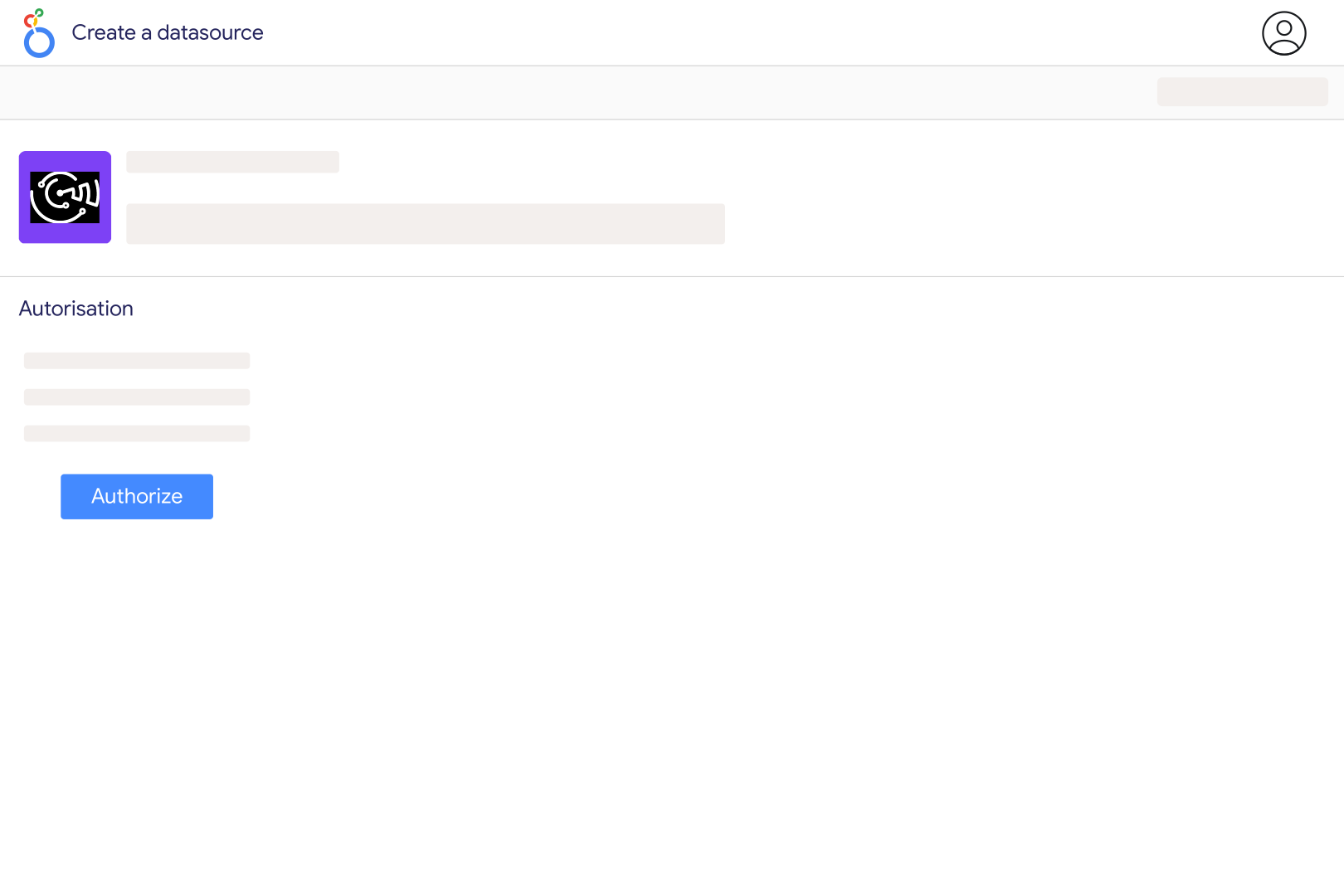
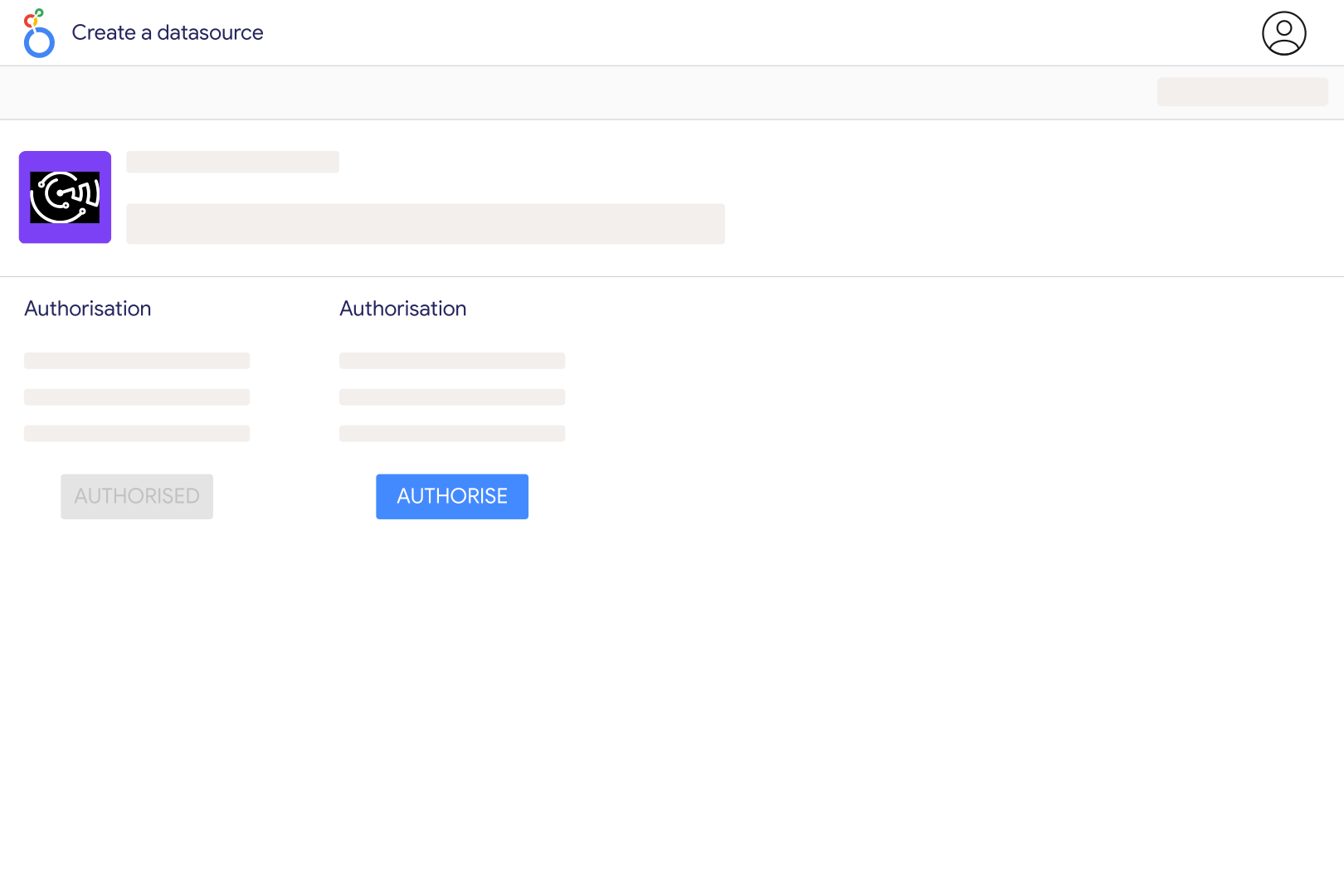
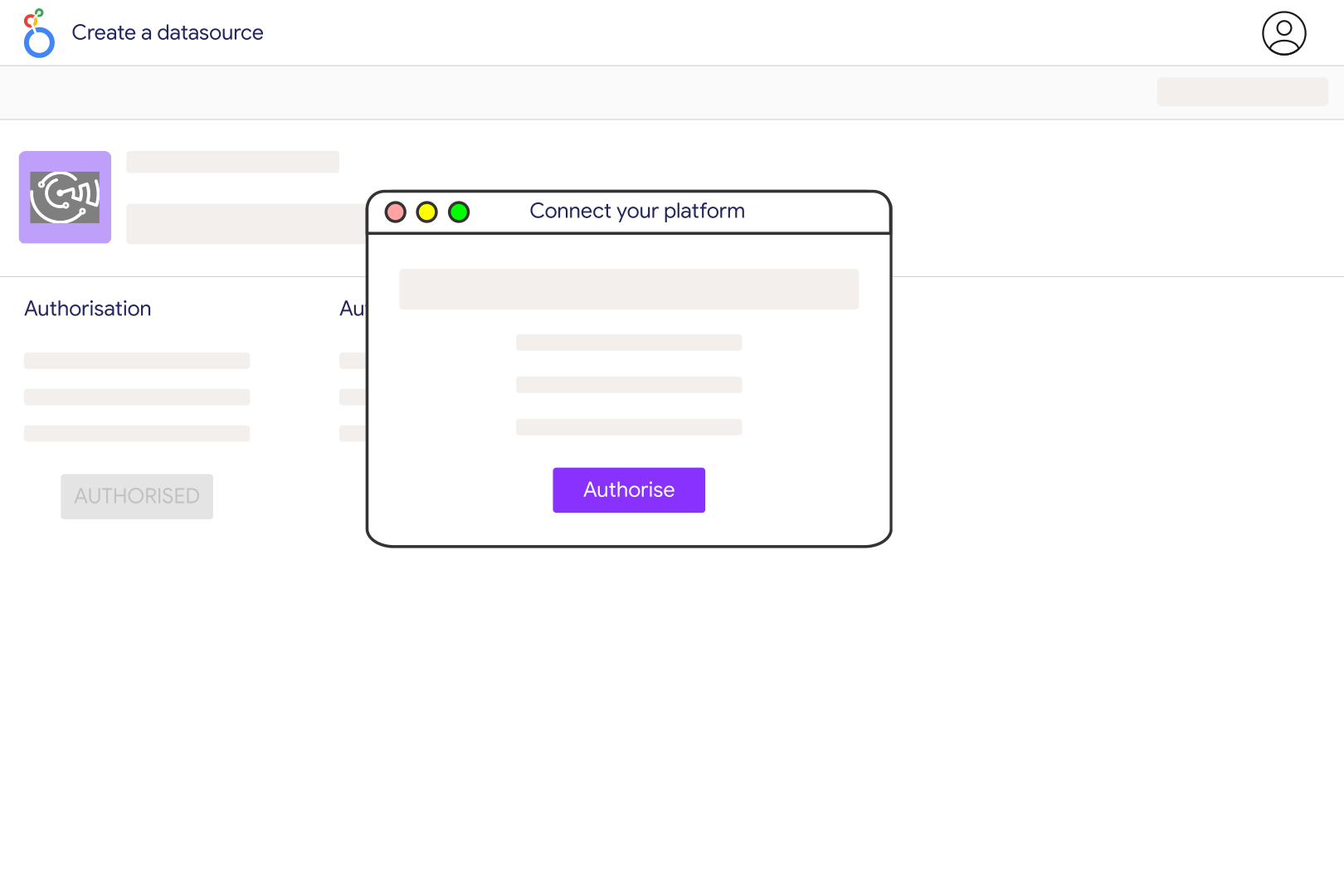
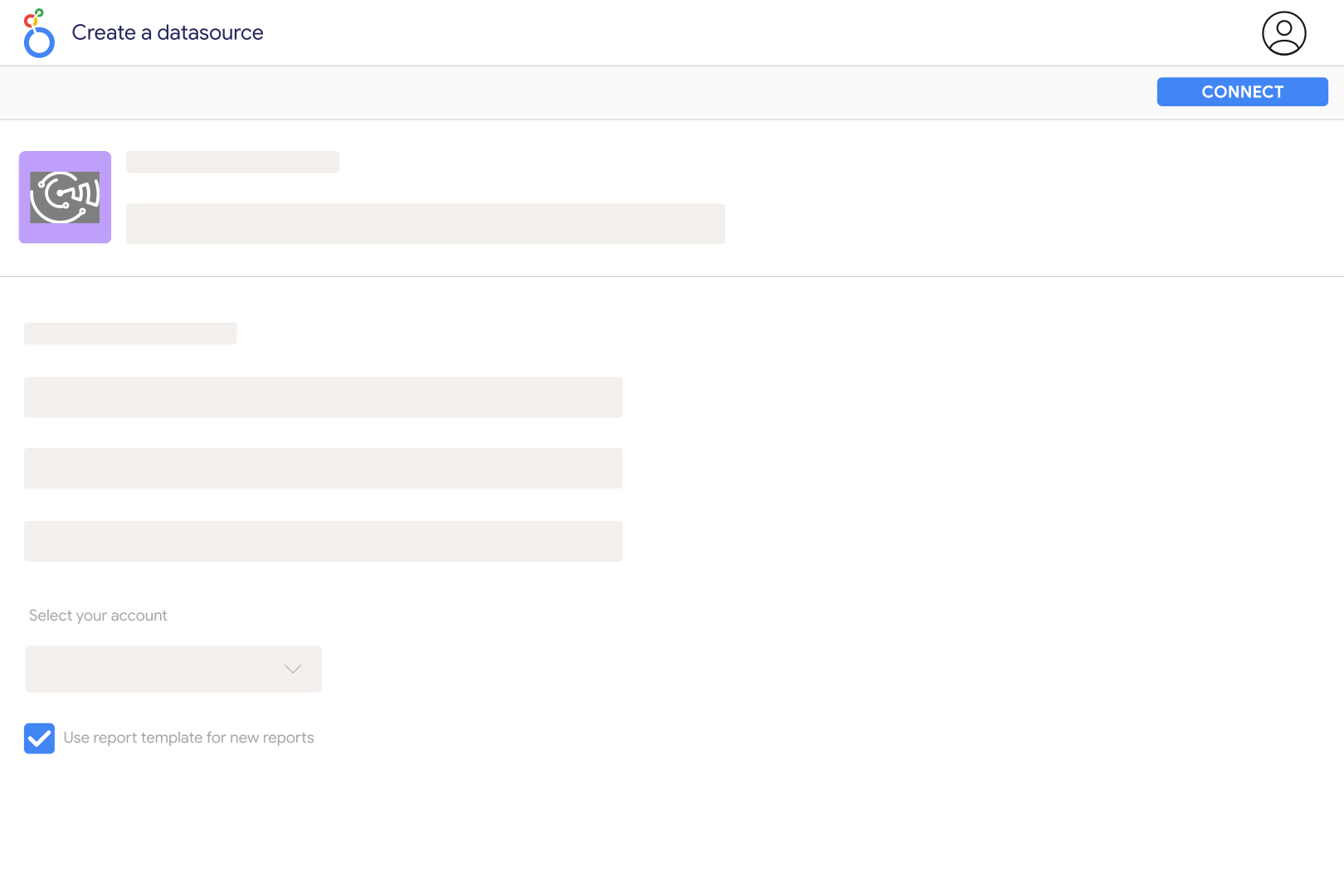
Set up a prompt monitor in your Catchr workspace with ChatGPT enabled and let it collect responses and brand analyses. Choose the Prompt Monitoring source in Catchr, select the monitor as the account, and add it to Looker Studio. Access follows your Catchr company and workspace; this connection does not ask you to export your personal ChatGPT history or supply a general OpenAI API key.
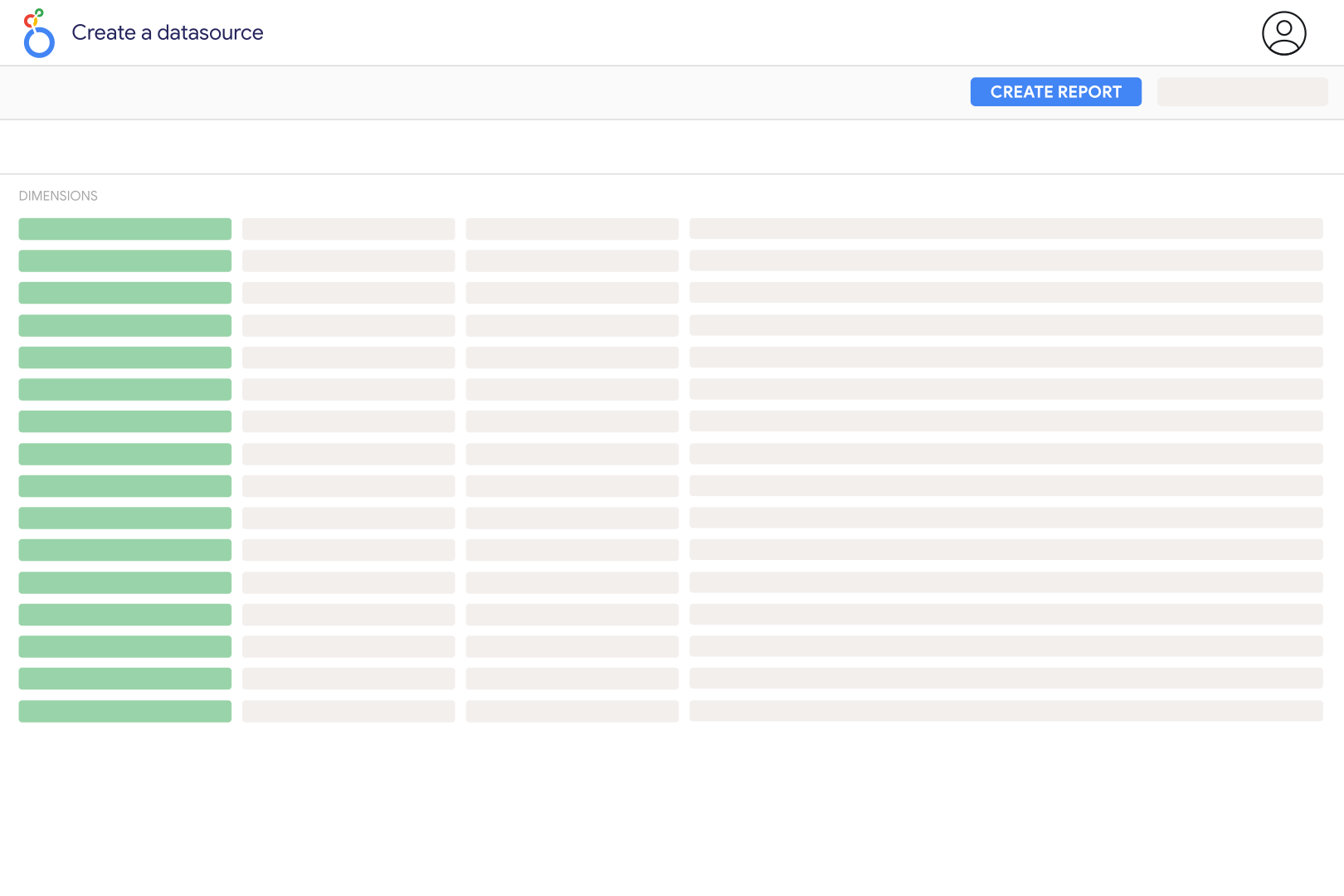
The source includes monitor and workspace names, prompt text and intent, response date, model, state and answer text, plus brand name, domain and relation. Metrics include position, frequency, prominence, citation and sentiment components and a combined Visibility Score. Use these fields to compare brands on a consistent set of monitored prompts and inspect the underlying answers when a score changes.
It is Catchr's weighted brand-analysis score, combining position, frequency, prominence, citation and sentiment components. It is not an official ChatGPT ranking, search volume estimate or percentage of all ChatGPT users who saw your brand. Compare scores within a stable monitoring scope and use the component fields and available explanation to understand what drove a change.
The source returns brand-analysis rows, so a response analyzed for several brands can appear more than once. Count distinct Response IDs when measuring collected responses, and group by brand when comparing visibility. Do not use raw row count as the number of prompts or conversations. Review Response State too, since the source exposes that state for filtering rather than silently restricting every chart to one state.
The connector reads response and brand-analysis records already stored in Catchr. Its date filter uses the stored response date; it does not recreate old ChatGPT answers on demand. An empty earlier period can therefore mean no monitored records exist. Refreshing Looker Studio also does not run a new prompt by itself: new results appear after the monitoring and analysis process stores them.
This connection sends Prompt Monitoring data into Looker Studio for reporting. Asking ChatGPT questions about marketing data is a separate Catchr AI-assistant setup. Likewise, website visits attributed to ChatGPT belong in a web analytics source such as Google Analytics; a brand mention in a monitored answer is not evidence of a website visit or purchase.
Our team is always here to answer any questions you may have about our data connector.