
Starter
For freelancers and small teams.
$ 24 /mo
Billed monthly · cancel anytime
Platforms3
Accounts10


Used by the world's leading companies











Available metrics
Available dimensions


What our customers say about us.
After three years of use, Catchr has become essential for both our teams and our clients. So far, it has been our best solution for compiling and analyzing data from different advertising platforms. It’s easy to set up, and the customer service is responsive and excellent.

With Catchr’s automated API, we can finally collect and centralize all advertising data, connect it with booking information, and calculate the real ROAS for our restaurant clients. It gives them full visibility, more autonomy, and the ability to optimize campaigns to maximize ROI.

The solution is a real game changer, providing optimal time savings for our data reporting. The major strength of the solution is their highly responsive and professional support.

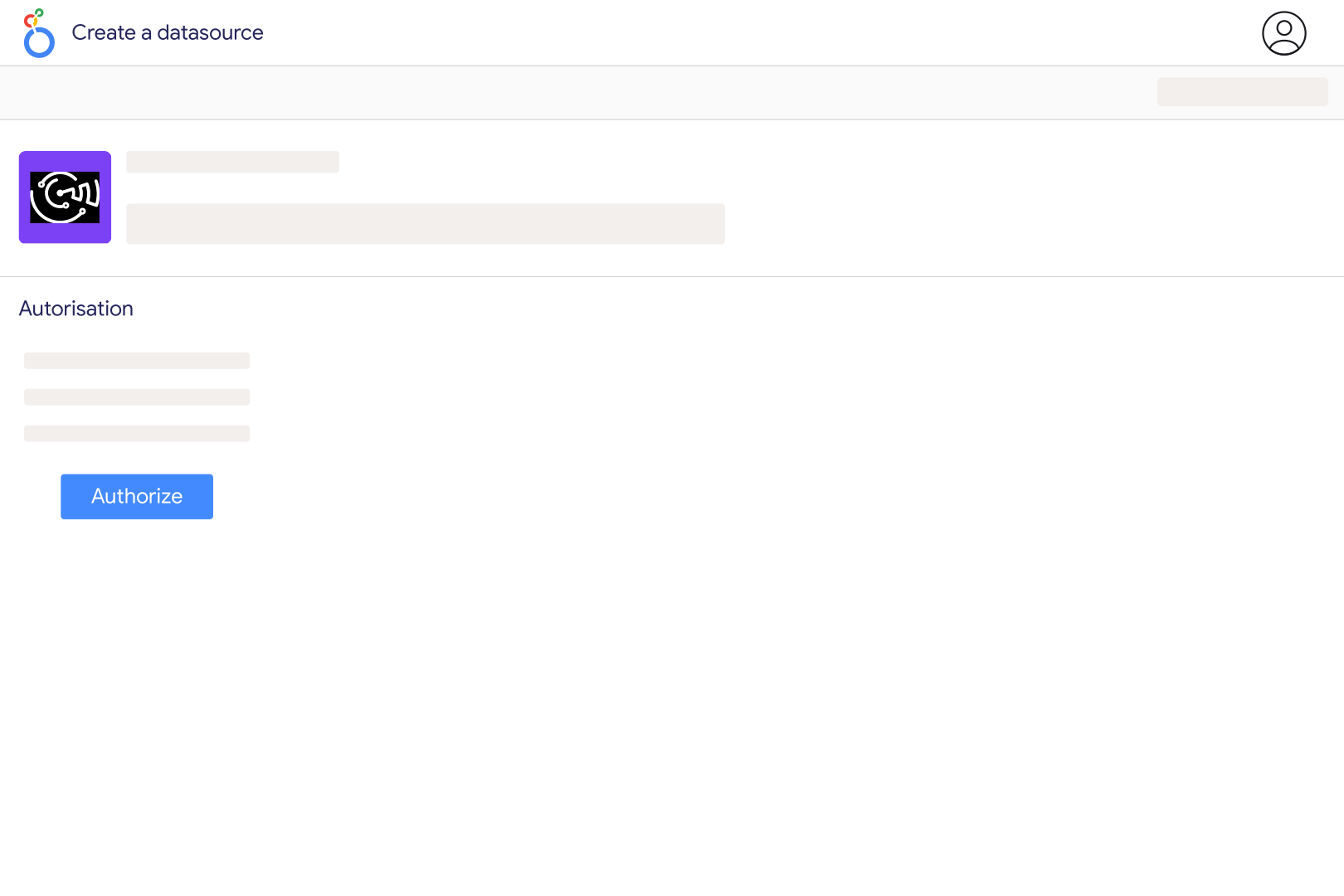
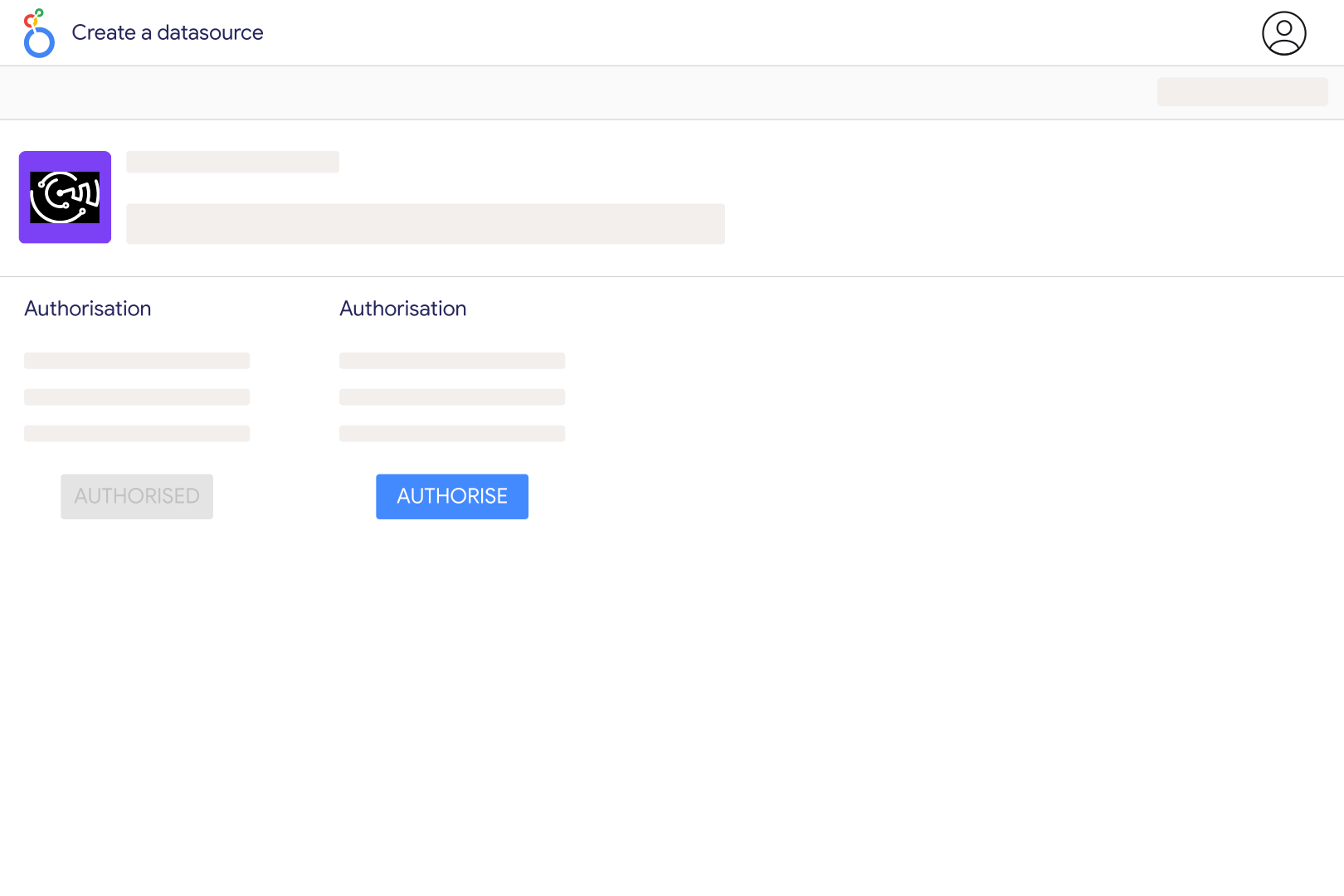
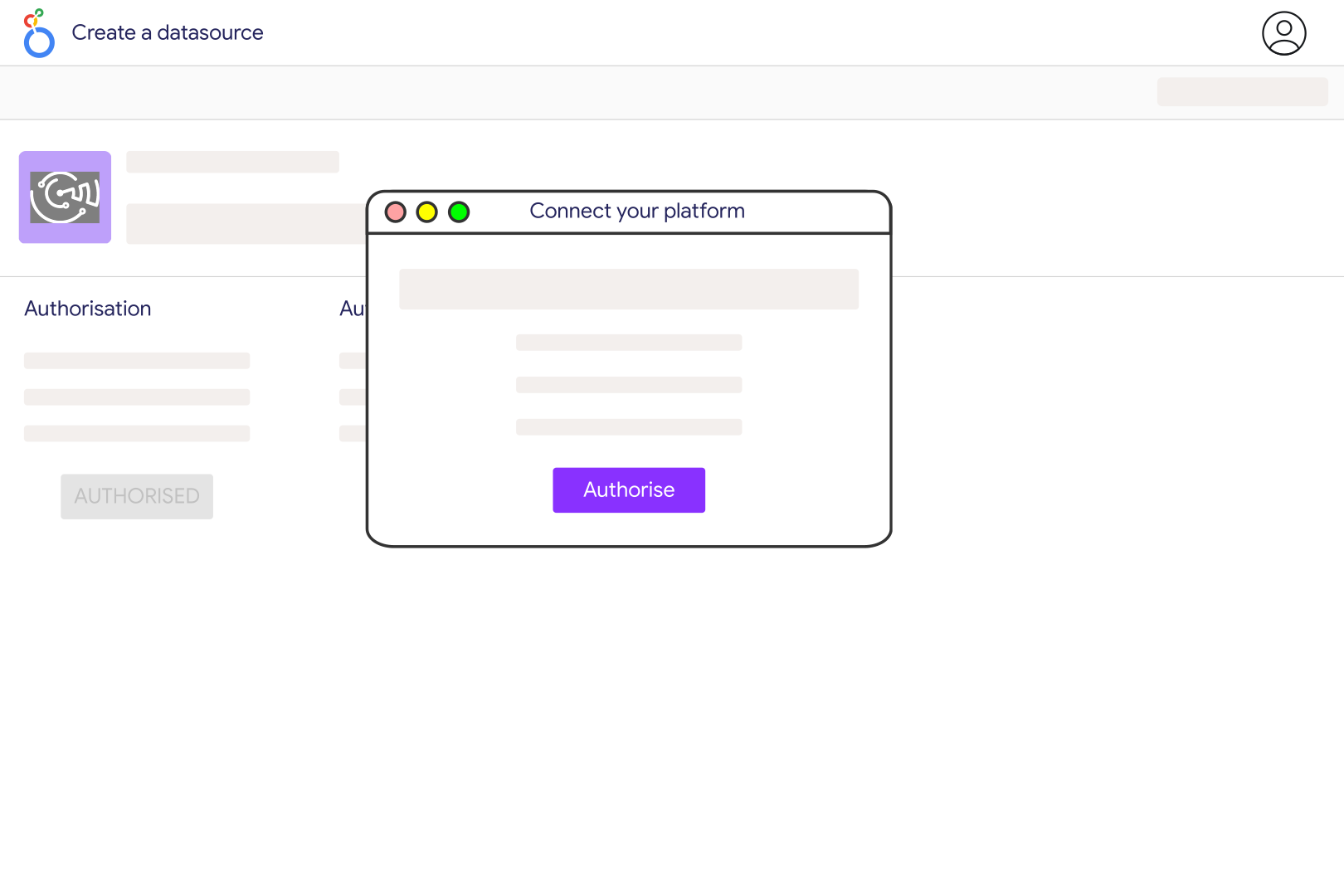
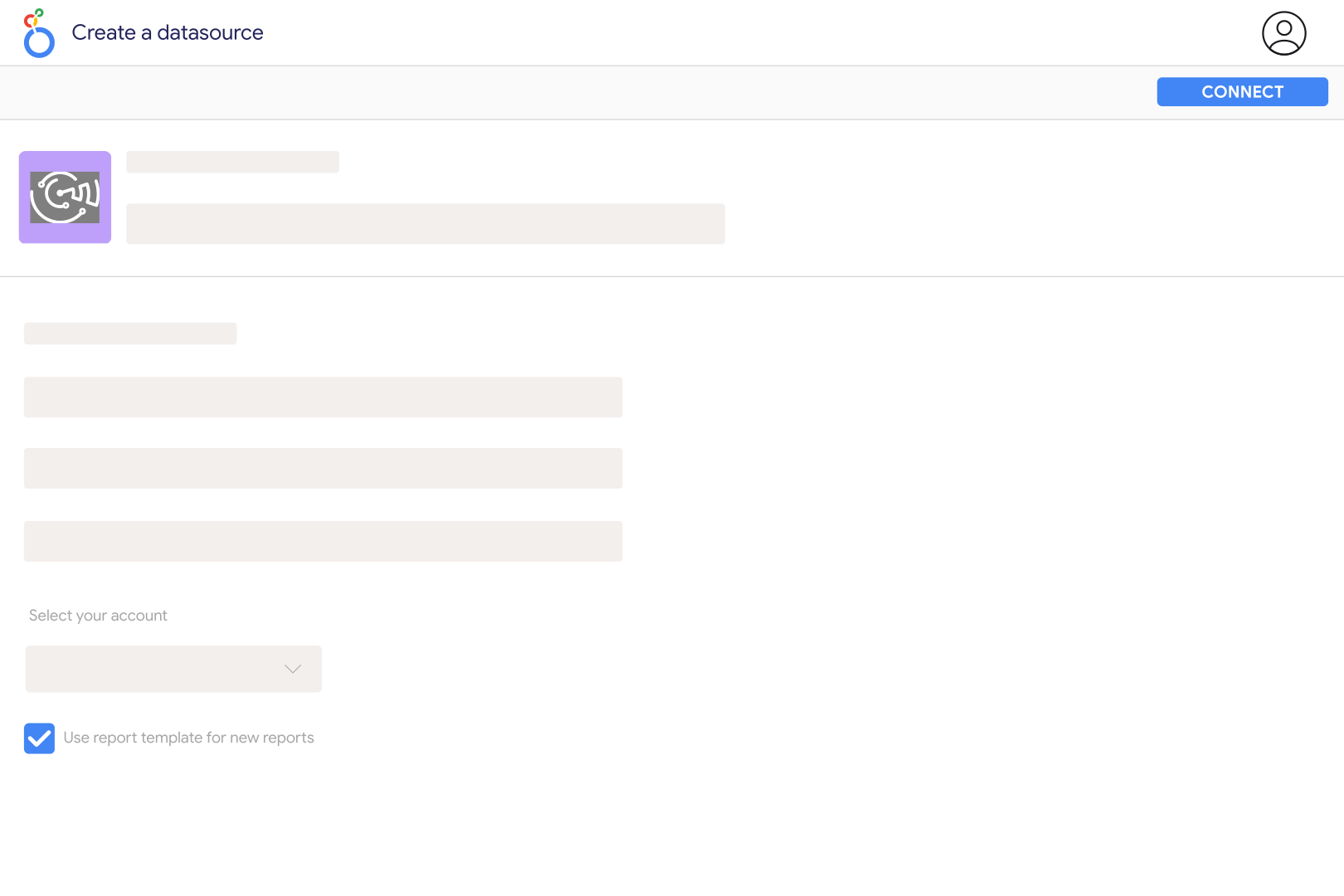
You need an advertiser account with access to the OpenAI Ads API and an Ads API key for that account. Add the key to Catchr's ChatGPT Ads connection, select the returned advertising account, then create your Looker Studio data source. This uses advertiser credentials; a personal ChatGPT subscription or a general model API key is not the connection described here.
The source exposes impressions, clicks, spend, CTR, CPC, CPM and conversions, with supported account, campaign, ad group and ad details. Use entity IDs to keep similarly named campaigns distinct. This is a reporting connector: adding a chart does not create a campaign, change a budget or upload conversion events.
No. The reported Conversions field represents click-through conversions. OpenAI treats view-through conversions separately, and Catchr does not add them to this field. Compare it with the matching click-through column in Ads Manager rather than a broader conversion total, and check the applicable attribution settings before interpreting a difference.
Catchr supports one of those segment families per request where the account has access to the breakdown. Build separate charts for product, country and device. Conversions cannot be selected with those segments in this connector. Campaign targeting settings describe configuration, so they should not be used as a substitute for actual country-level performance.
These metrics are ratios. Calculate CTR from total clicks divided by total impressions, CPC from total spend divided by total clicks, and CPM from total spend divided by total impressions times 1,000. Do not add row-level ratios. Use the same currency, entity level and date scope, and handle zero clicks or impressions explicitly.
The connector uses reporting date fields to request time buckets; without one, it requests a summary for the selected range. Daily and monthly reporting can be segmented, while segmented hourly requests fall back to daily. Campaign start and end dates describe the campaign schedule, not the dates on which impressions or clicks occurred.
Each Ads API key resolves one advertising account in Catchr, so connect the accounts separately before combining their reports. You can compare them with Google Ads or Facebook Ads, keeping attribution and currencies aligned. For brand visibility in collected AI answers, use Prompt Monitoring, which measures a different activity.
Our team is always here to answer any questions you may have about our data connector.









