
Starter
For freelancers and small teams.
$ 24 /mo
Billed monthly · cancel anytime
Platforms3
Accounts10


Used by the world's leading companies











Available metrics
Available dimensions


What our customers say about us.
After three years of use, Catchr has become essential for both our teams and our clients. So far, it has been our best solution for compiling and analyzing data from different advertising platforms. It’s easy to set up, and the customer service is responsive and excellent.

With Catchr’s automated API, we can finally collect and centralize all advertising data, connect it with booking information, and calculate the real ROAS for our restaurant clients. It gives them full visibility, more autonomy, and the ability to optimize campaigns to maximize ROI.

The solution is a real game changer, providing optimal time savings for our data reporting. The major strength of the solution is their highly responsive and professional support.

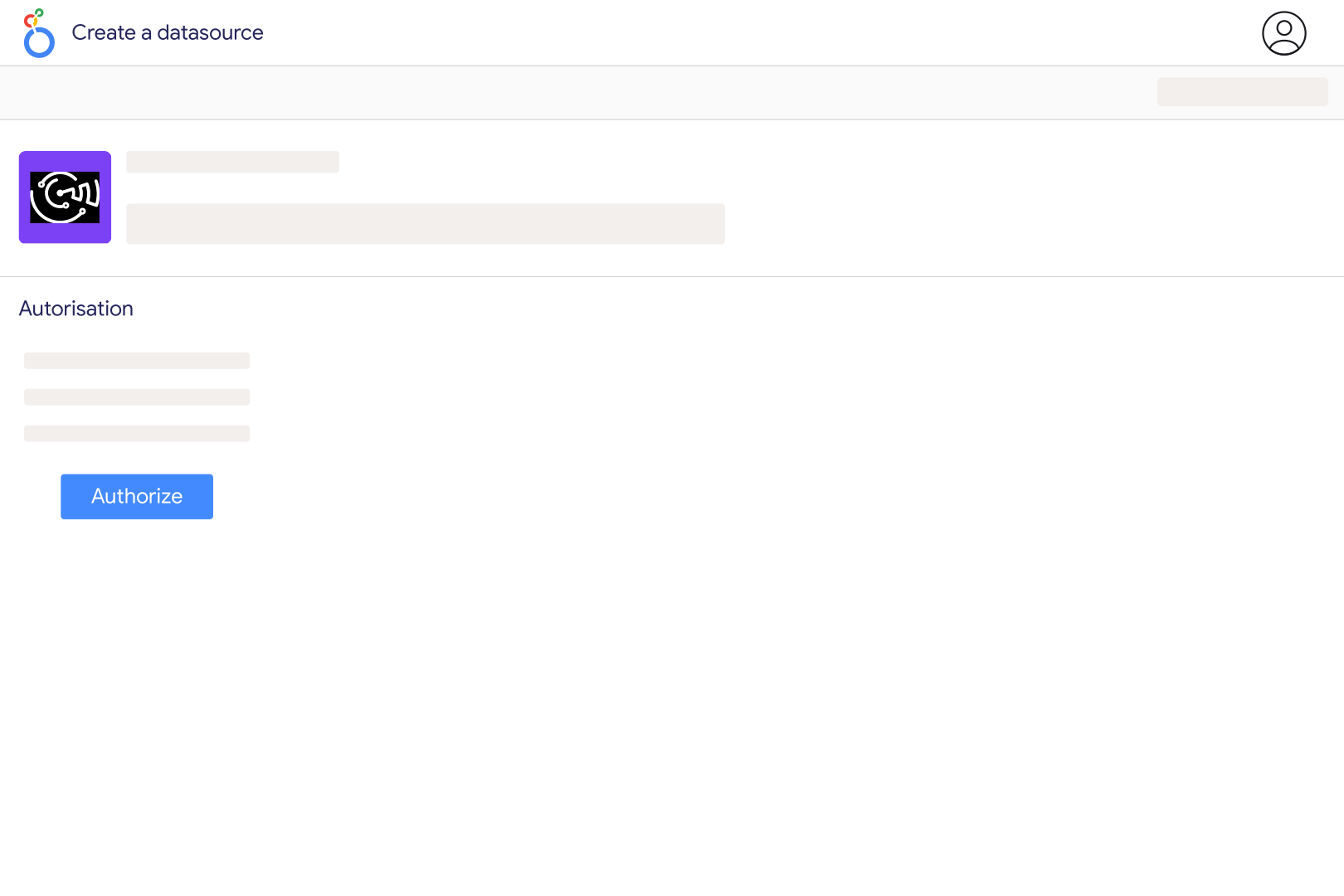
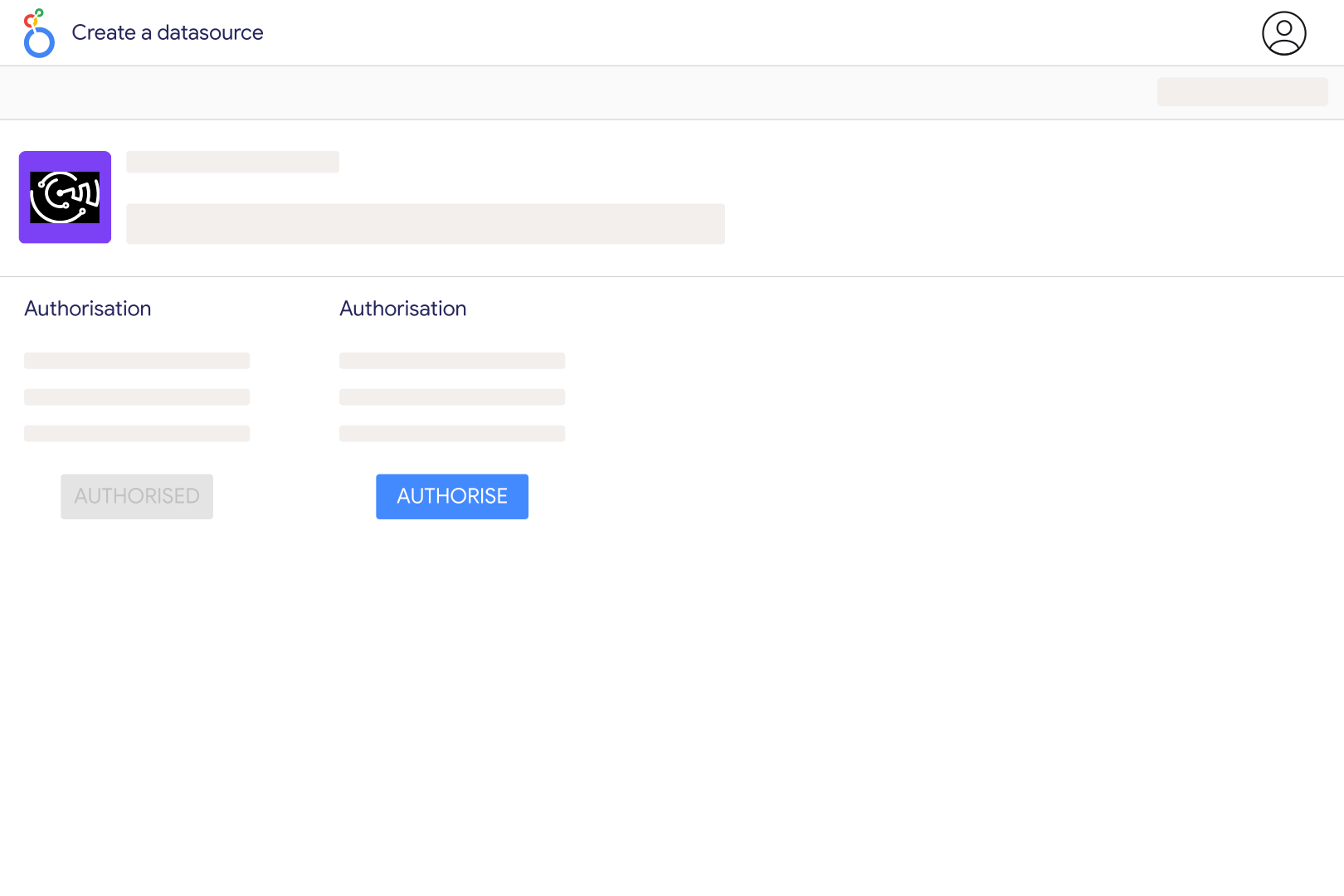
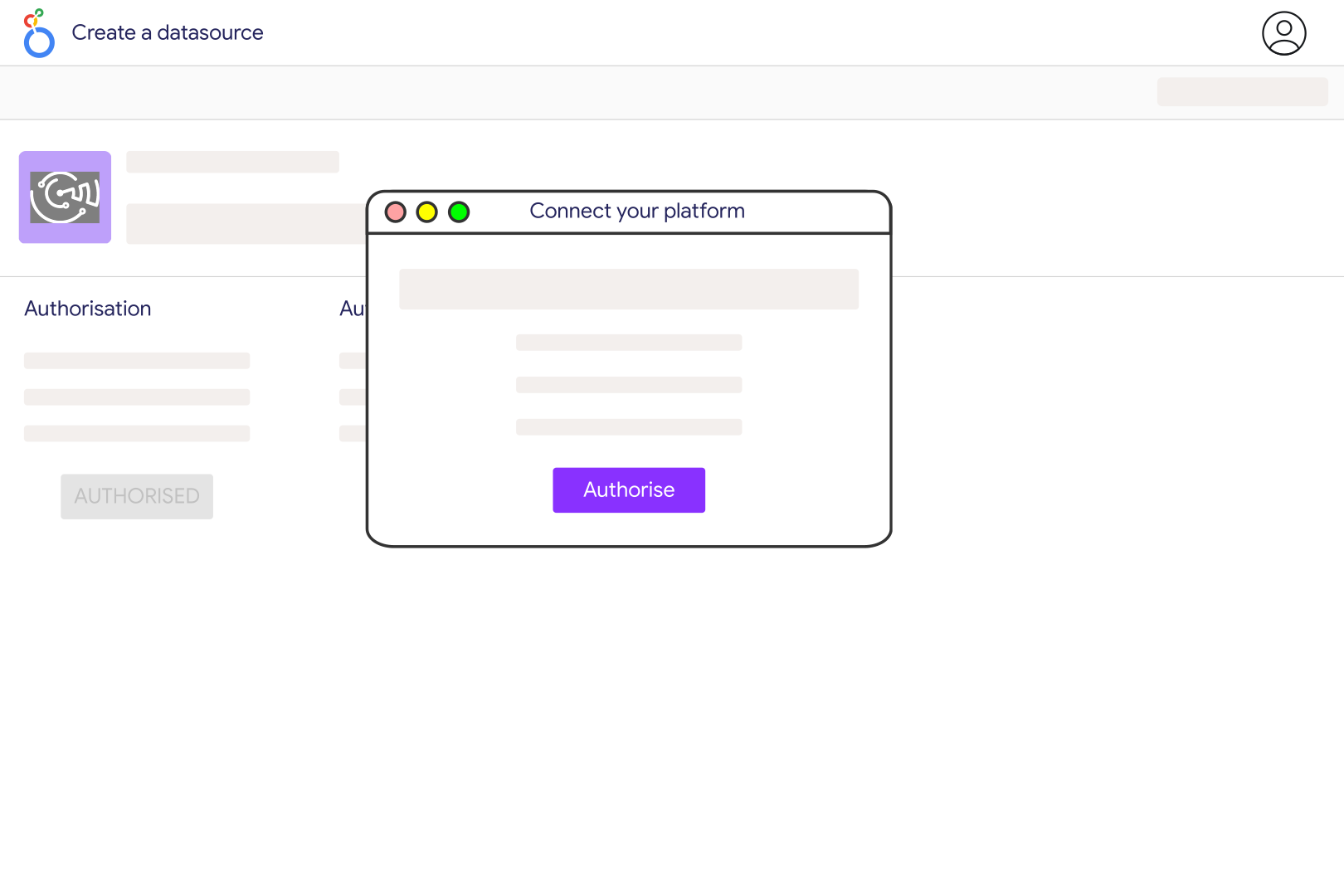
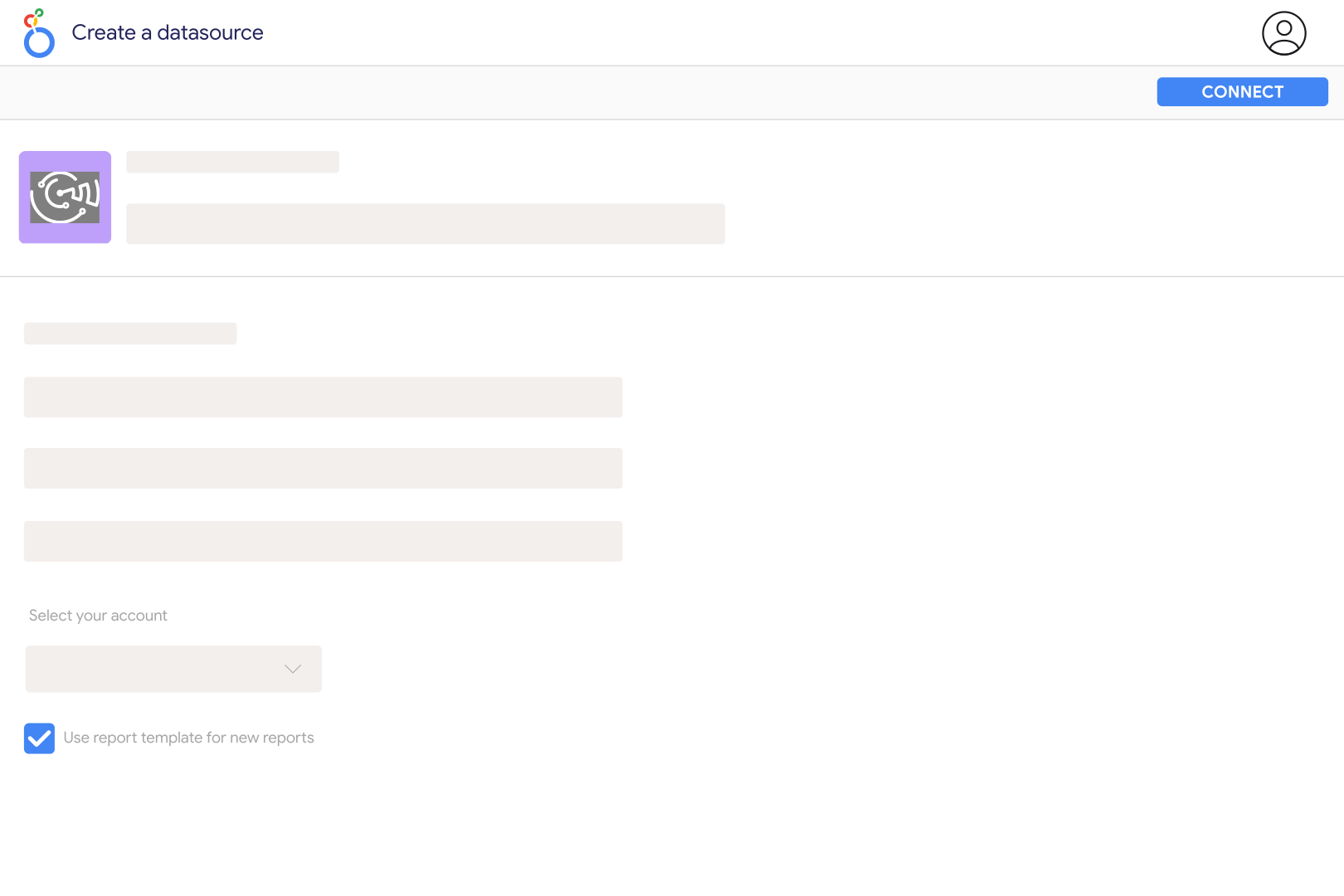
Authorize your Xero account in Catchr and grant access to the organisation you want to report on. Select that organisation in the Catchr connection, then open the Catchr connector in Looker Studio to create your data source. Start with a table of invoice numbers, dates, statuses and totals so you can check the records before building scorecards.
The connector includes organisations, contacts, invoices, invoice lines, payments, tracking categories and tracking options. Invoice fields include Total, Subtotal, Total Tax, Amount Due, Amount Paid, status and currency. Use invoice rows for document totals and invoice-line rows for item or account-code analysis. These are different levels of detail, so repeating a document total across its lines can inflate your charts.
Yes. Use Invoice Type to separate receivables from payables, then filter Invoice Status to match the documents you want to include. Keep sales and purchase totals in separate charts unless your calculation explicitly handles their different meanings. Check currency and whether your metric includes tax before comparing a dashboard total with Xero.
The current Catchr Xero connector selects invoices and payments using their last-updated time. Invoice Date and Payment Date are separate fields. An invoice issued during a month may be excluded if its last update falls outside the requested period. Use a sufficiently broad extraction range and then filter the document date for your analysis; a narrow monthly request is not automatically a complete monthly invoice ledger.
Use Amount Due with Due Date, Invoice Status and the invoice identifier to find outstanding documents in the extracted records. Keep the extraction range broad enough to include older invoices. These balances reflect the current records returned by Xero, not a reconstructed balance at a past month-end. Do not add invoice balances to contact-level outstanding totals, because they can describe the same debt.
The current connector supplies accounting records such as invoices and payments, rather than the full Xero profit and loss report. Invoice totals alone omit other accounting entries and adjustments, so they should not be labelled net profit. Use Xero for the complete statement and use Looker Studio for clearly defined invoice, payment and customer analyses based on the fields available.
You can authorize the organisations you have access to and bring their data into a Looker Studio report. Keep the organisation identifiable in each data source or chart, and standardize currencies, date definitions and account mappings before combining totals. This comparison does not automatically perform intercompany eliminations. For wider reporting, add other sources from the Catchr Looker Studio connectors.
Our team is always here to answer any questions you may have about our data connector.









