Starter
For freelancers and small teams.
$ 24 /mo
Billed monthly · cancel anytime
Platforms3
Accounts10


Used by the world's leading companies










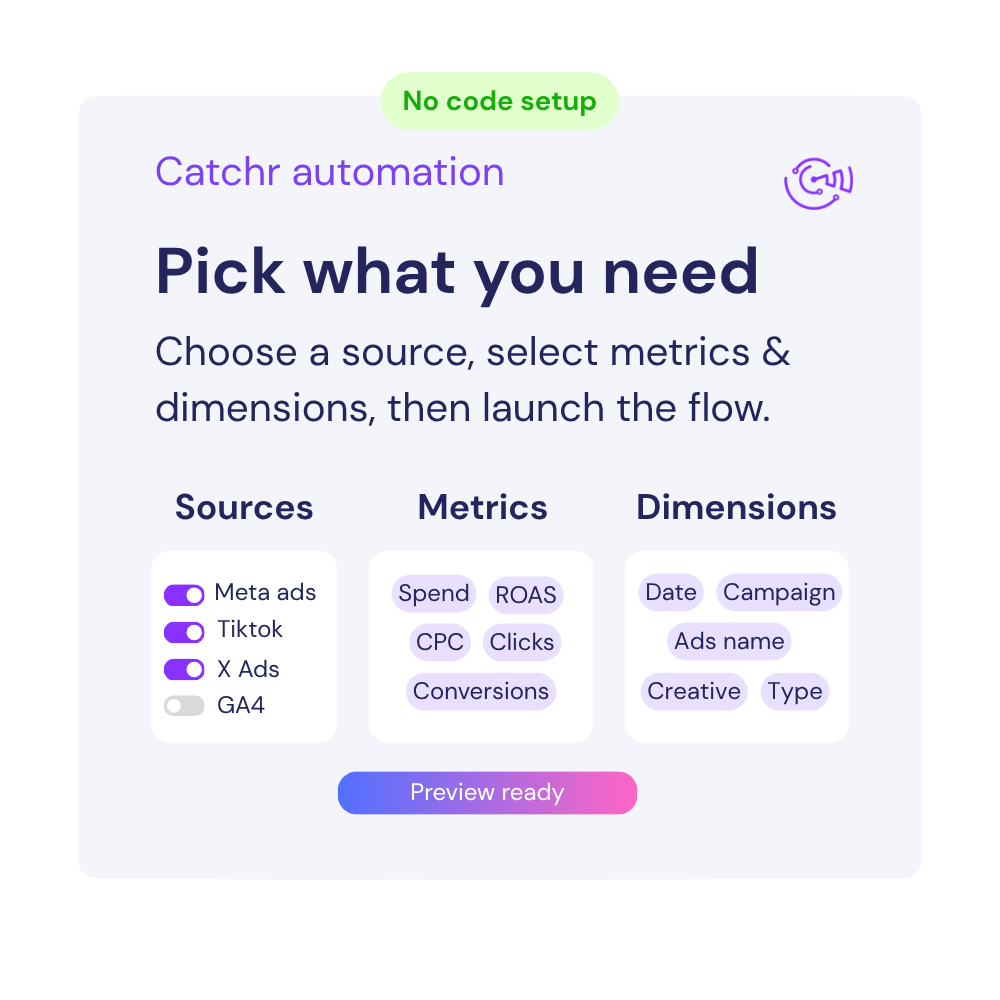
Available metrics
Available dimensions


What our customers say about us.
After three years of use, Catchr has become essential for both our teams and our clients. So far, it has been our best solution for compiling and analyzing data from different advertising platforms. It’s easy to set up, and the customer service is responsive and excellent.

With Catchr’s automated API, we can finally collect and centralize all advertising data, connect it with booking information, and calculate the real ROAS for our restaurant clients. It gives them full visibility, more autonomy, and the ability to optimize campaigns to maximize ROI.

The solution is a real game changer, providing optimal time savings for our data reporting. The major strength of the solution is their highly responsive and professional support.

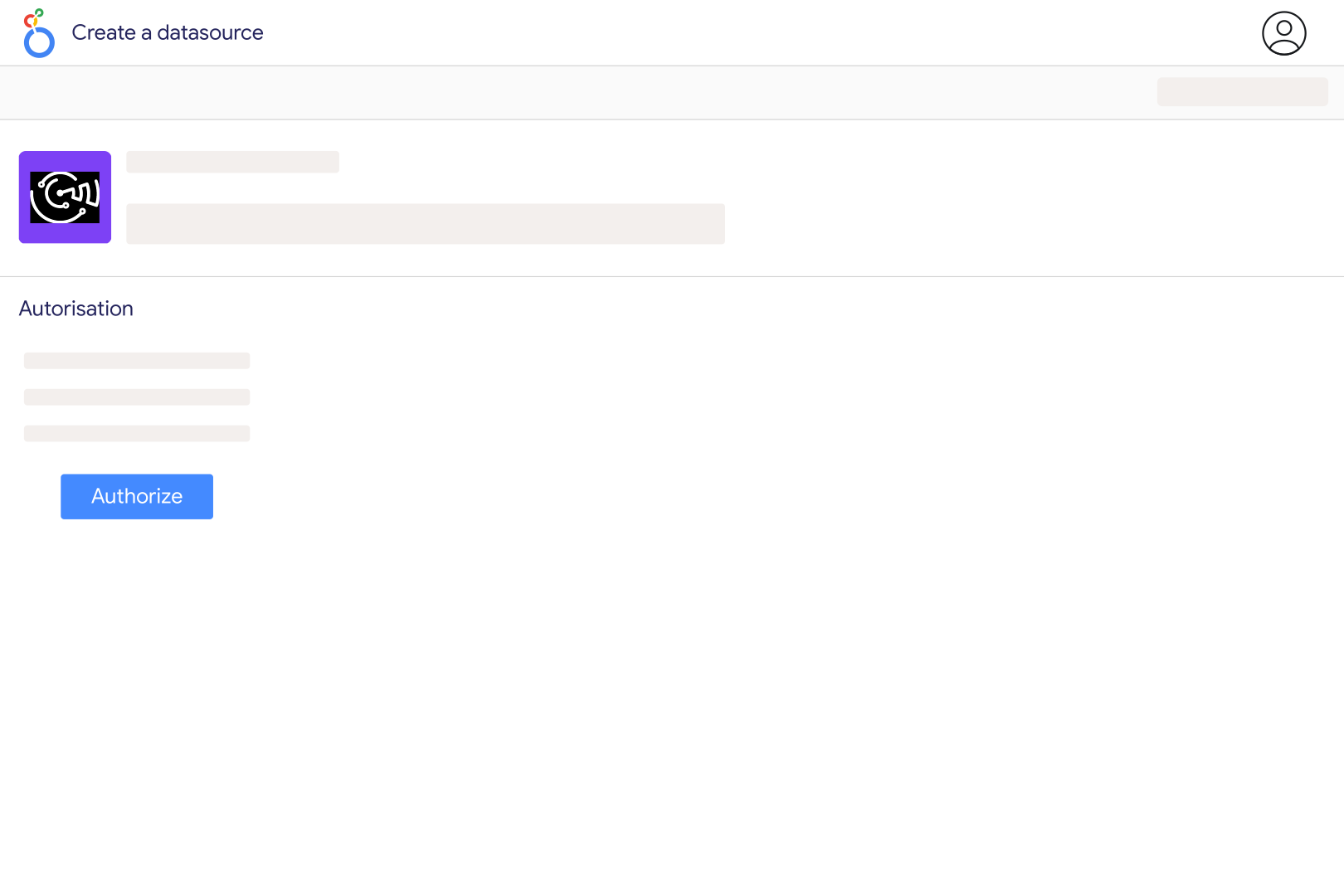
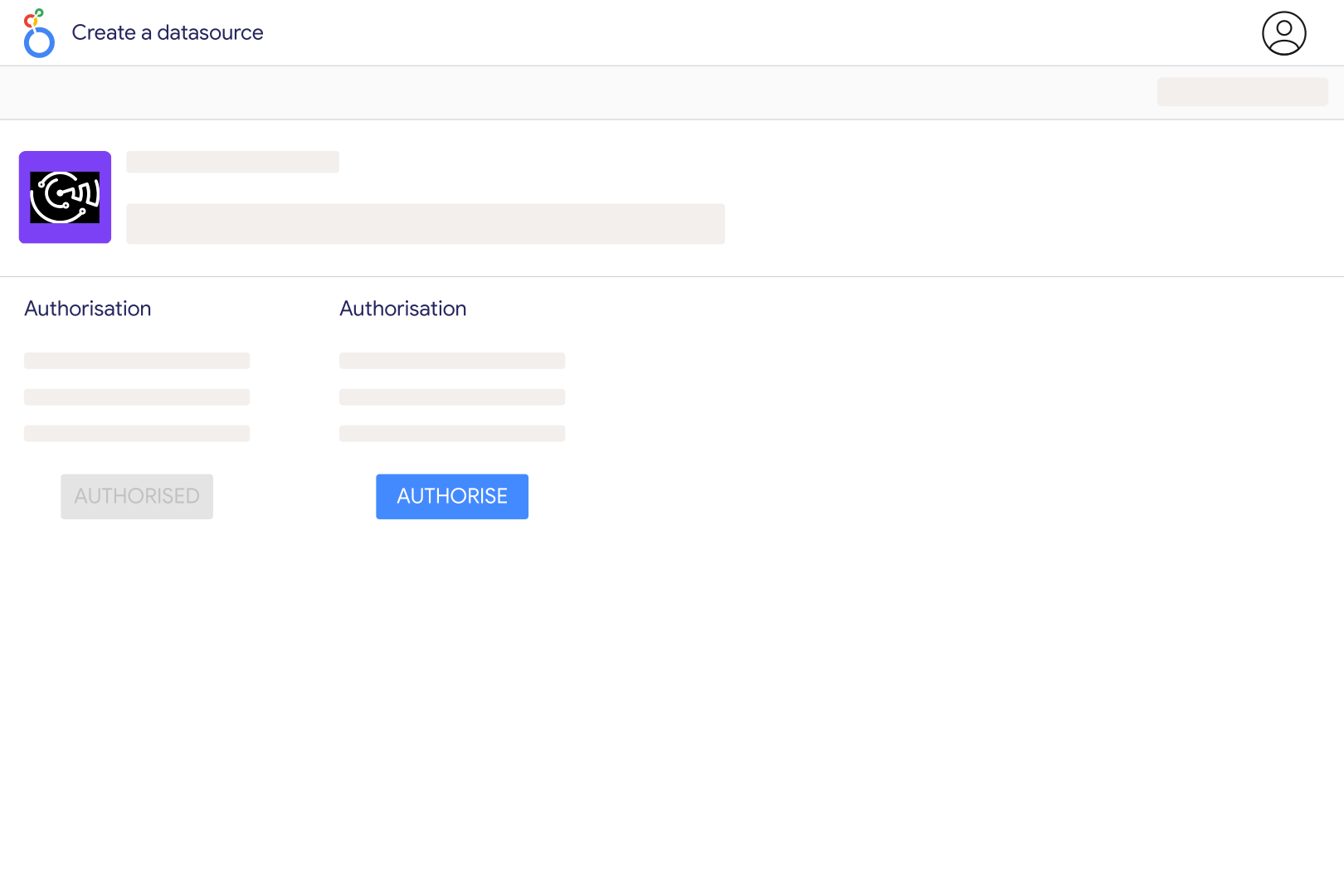
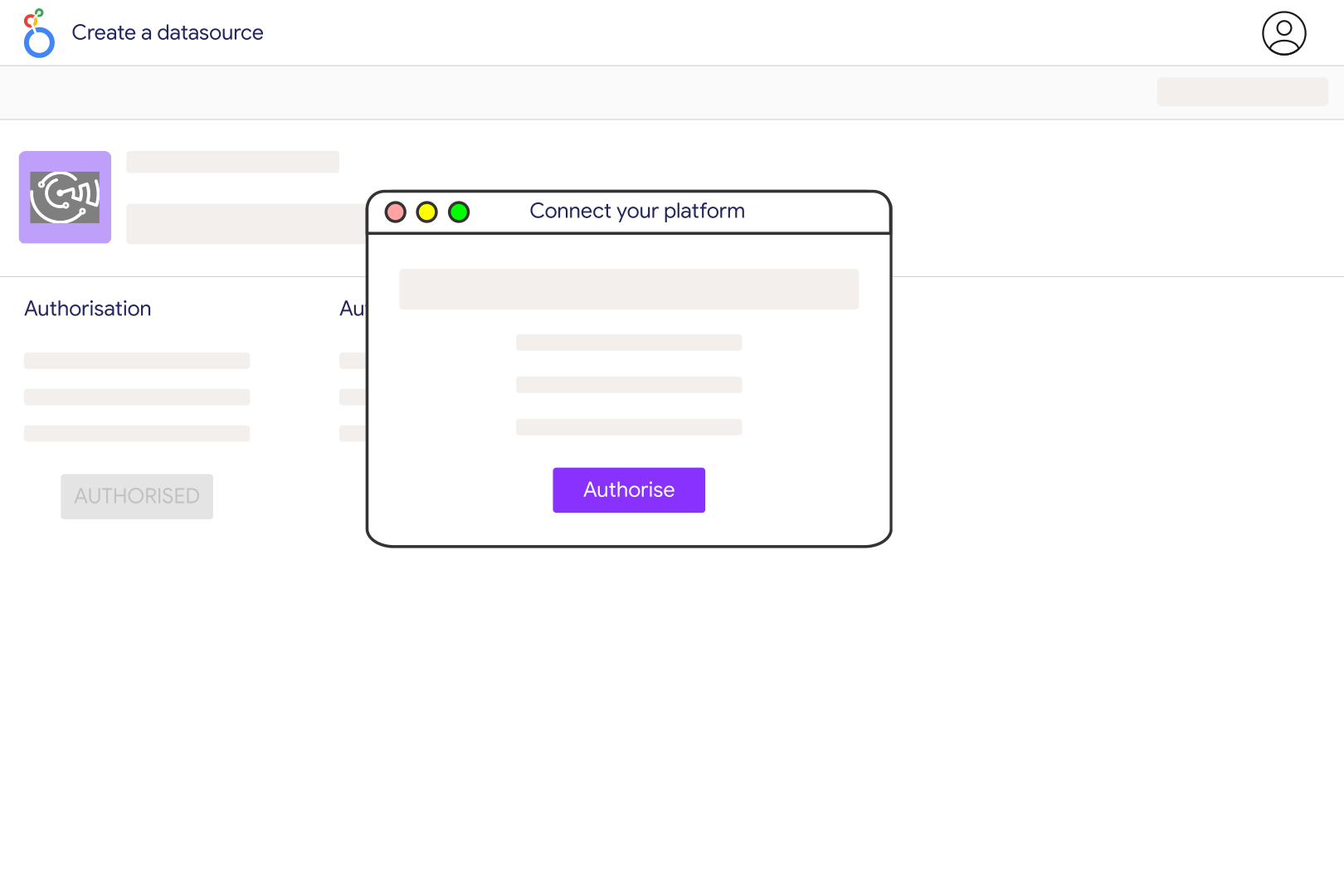
Add Tripadvisor Review in Catchr and enter the listing identifier found after the letter d in the Tripadvisor URL. In a URL containing Hotel_Review-g60763-d93437-Reviews, the listing identifier is 93437, not the location code 60763. Configure additional identifiers separated by commas if needed, select the listing in the Catchr data source, and add it to Looker Studio. Check a few review titles and dates against the listing before building your charts.
Catchr exposes review title, text, rating, date, language, reviewer details, and the review URL when available. Its catalog also includes value, service, sleep quality, location, and cleanliness ratings. These category fields may be empty when they do not apply or were not returned. Use averages of valid ratings and show the response count for each category; do not convert a missing category rating into a zero.
The current connector does not expose a Popularity Ranking field. A review average is not a substitute: Tripadvisor's ranking considers review quality, recency, quantity, and consistency, and compares businesses with others around them. Use your dashboard to monitor feedback and rating trends, but read your ranking from Tripadvisor itself. Tripadvisor's ranking explanation describes why similar average ratings can lead to different positions.
Yes, where reply data is returned. Include Reply Text and Reply Date beside each review to identify responses and calculate elapsed time from the review date when both dates are populated. Filter reviews with an empty reply to build a follow-up list, then check the original review before taking action. The returned reply is a current view, not a complete response-edit history. Catchr reports the data; management responses are published through Tripadvisor.
Group individual reviews by Review Date and count distinct Review IDs. Average valid Rating values for a trend covering that same set of reviews. The separate Review Count and Average Rating summary fields describe the listing's current totals, rather than a monthly time series. Keep summaries in separate charts because Catchr cannot request listing-level totals together with individual review fields. Review dates also describe publication, not necessarily the date of the visit.
A single request is not an unlimited archive. Catchr stops paging when the available results or requested date boundary are reached, or after roughly 1,000 matching reviews have been collected. For heavily reviewed listings, use smaller date ranges and inspect the dates and count actually returned before interpreting a long-term trend. The current listing Review Count can exceed the individual reviews included in your dashboard, and missing older reviews should not be treated as months with no feedback.
Yes. Add separate Booking.com reviews and Airbnb reviews sources, then map each listing to the same property. Show the platform and rating scale: Booking.com uses a ten-point review scale, while Tripadvisor and Airbnb use five-point ratings. Compare review volume, recent feedback, and recurring service issues side by side. Rescaling a number alone does not make the platforms' scoring methods or reviewer populations equivalent.
Our team is always here to answer any questions you may have about our data connector.