Starter
For freelancers and small teams.
$ 24 /mo
Billed monthly · cancel anytime
Platforms3
Accounts10


Used by the world's leading companies









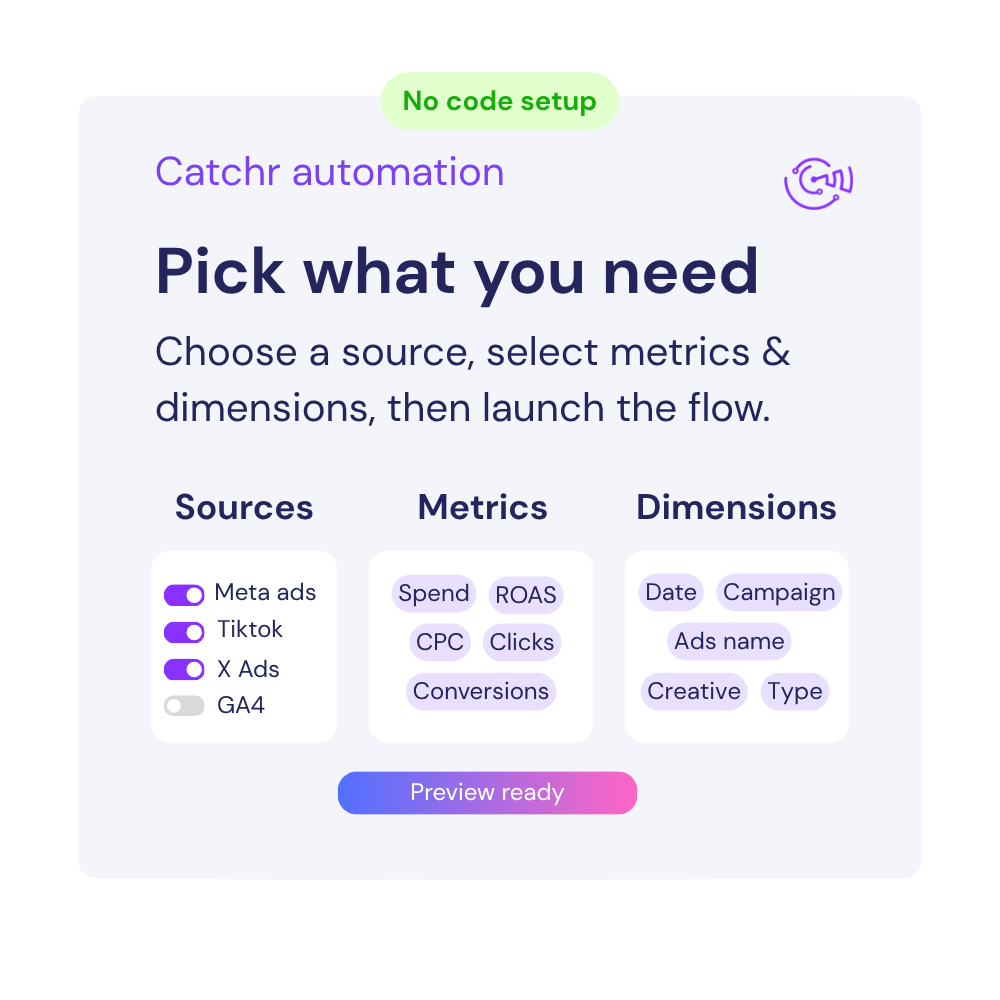
Available metrics
Available dimensions


What our customers say about us.
After three years of use, Catchr has become essential for both our teams and our clients. So far, it has been our best solution for compiling and analyzing data from different advertising platforms. It’s easy to set up, and the customer service is responsive and excellent.

With Catchr’s automated API, we can finally collect and centralize all advertising data, connect it with booking information, and calculate the real ROAS for our restaurant clients. It gives them full visibility, more autonomy, and the ability to optimize campaigns to maximize ROI.

The solution is a real game changer, providing optimal time savings for our data reporting. The major strength of the solution is their highly responsive and professional support.

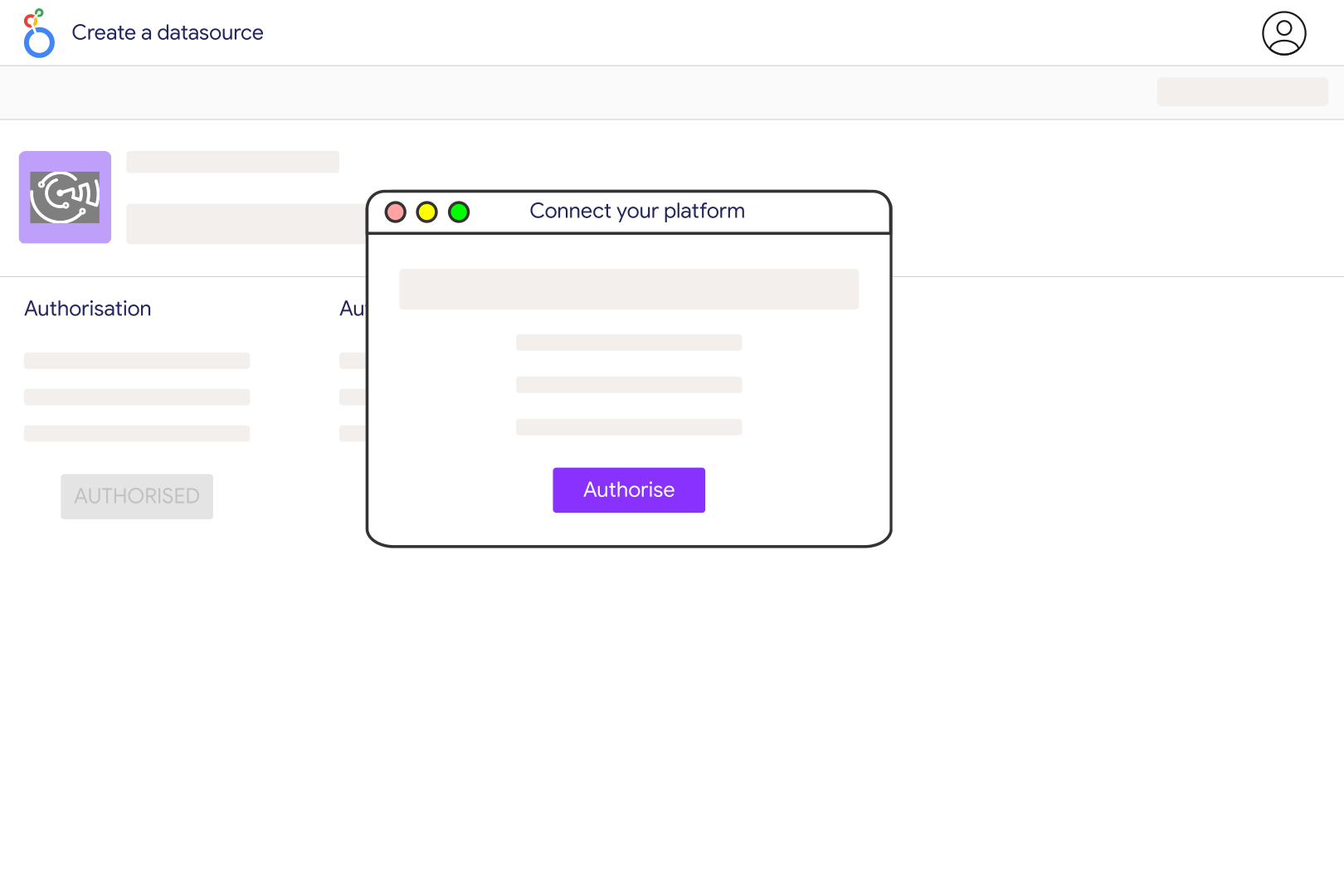
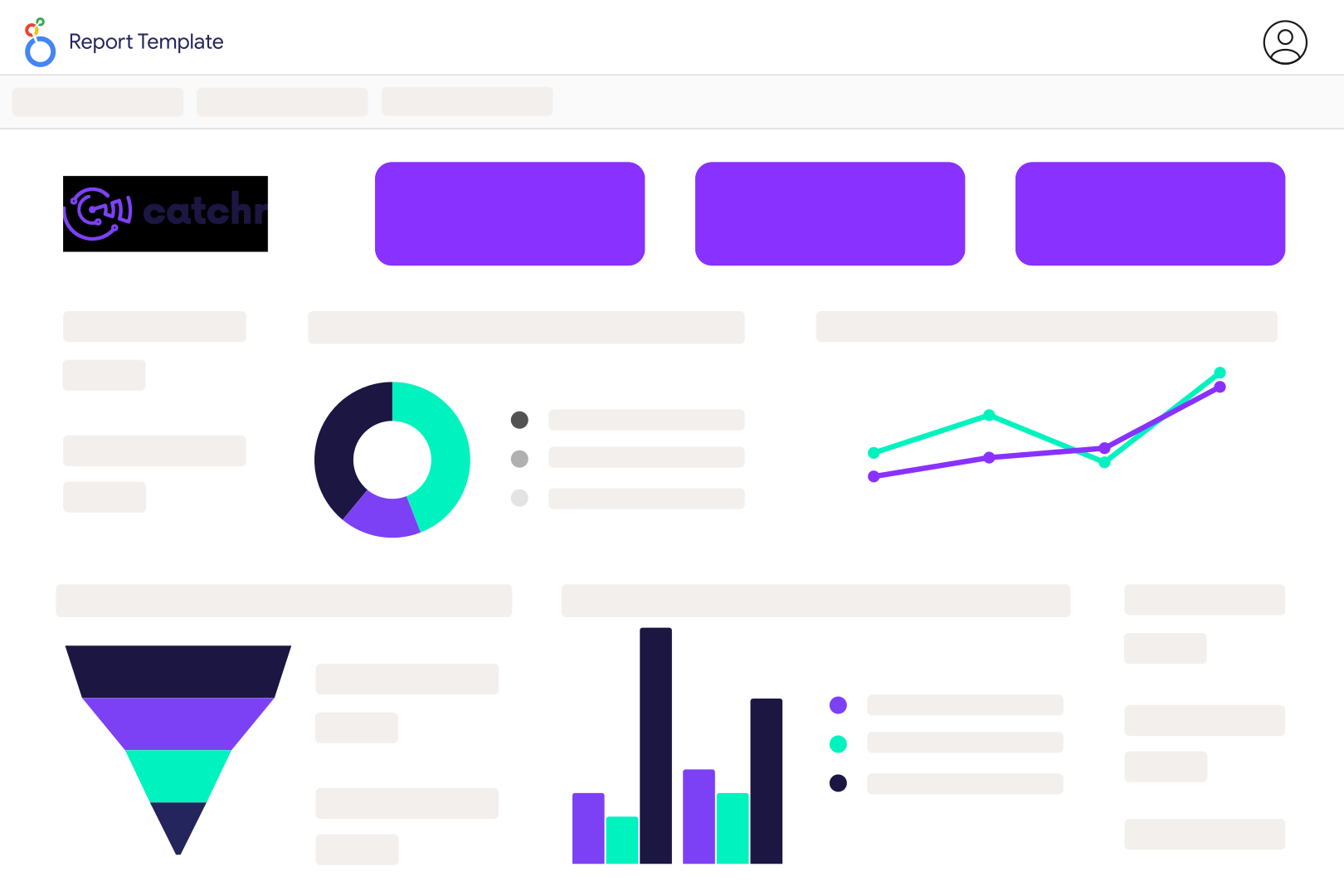
A working direct LINE Ads reporting connection is not currently available in Catchr. For a dashboard you can use now, export a LINE Ads performance report, import it into Google Sheets and connect that worksheet to Looker Studio. This route lets you build charts from your own campaign data, but the LINE Ads export must be updated separately.
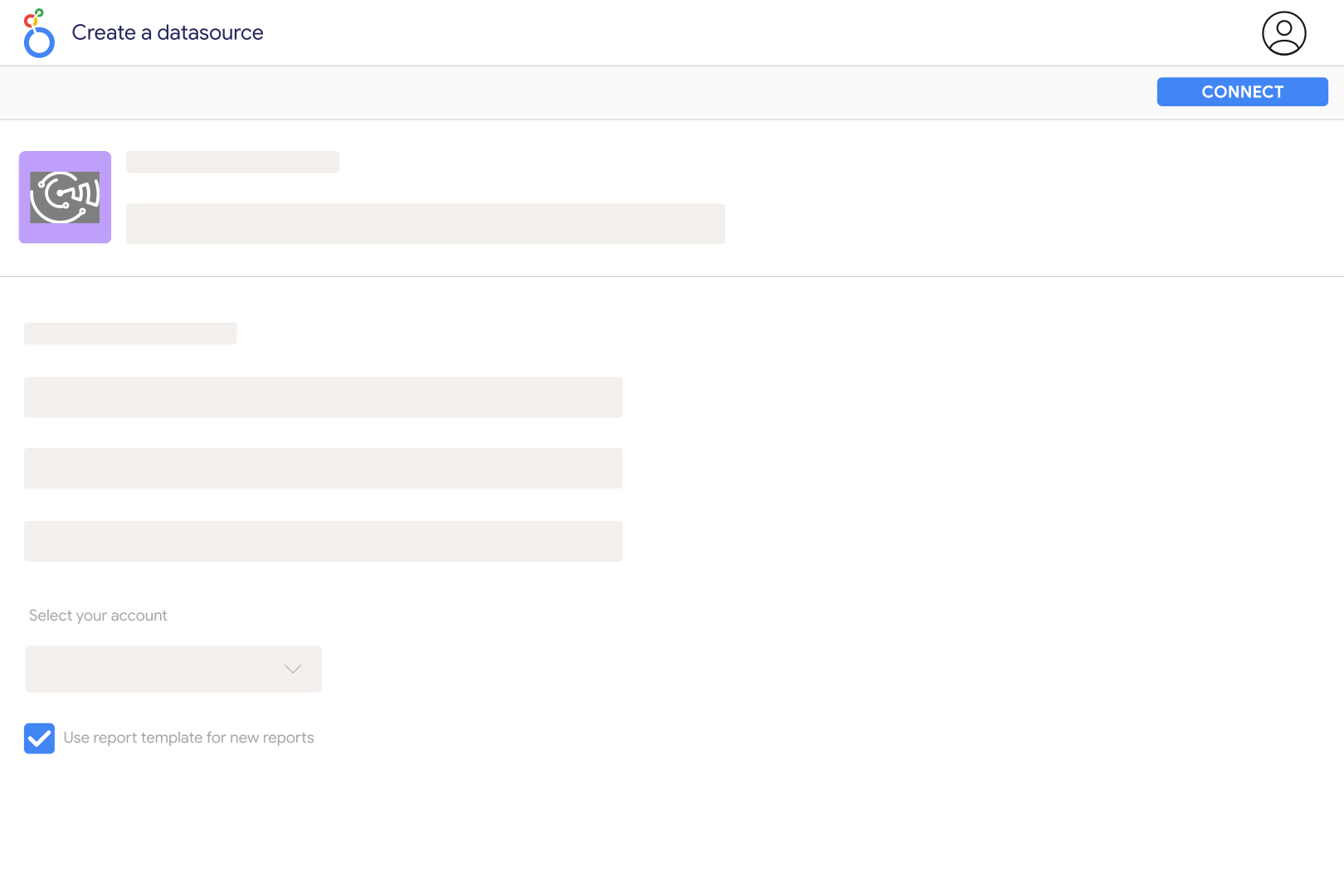
In your LINE Ads account, open the performance-report section, choose the reporting period and level, then generate and download the report. Include a date column if you need daily charts. Import the results into a Google Sheets worksheet, then use Looker Studio's Google Sheets connector to select that worksheet. Menu names can vary by market.
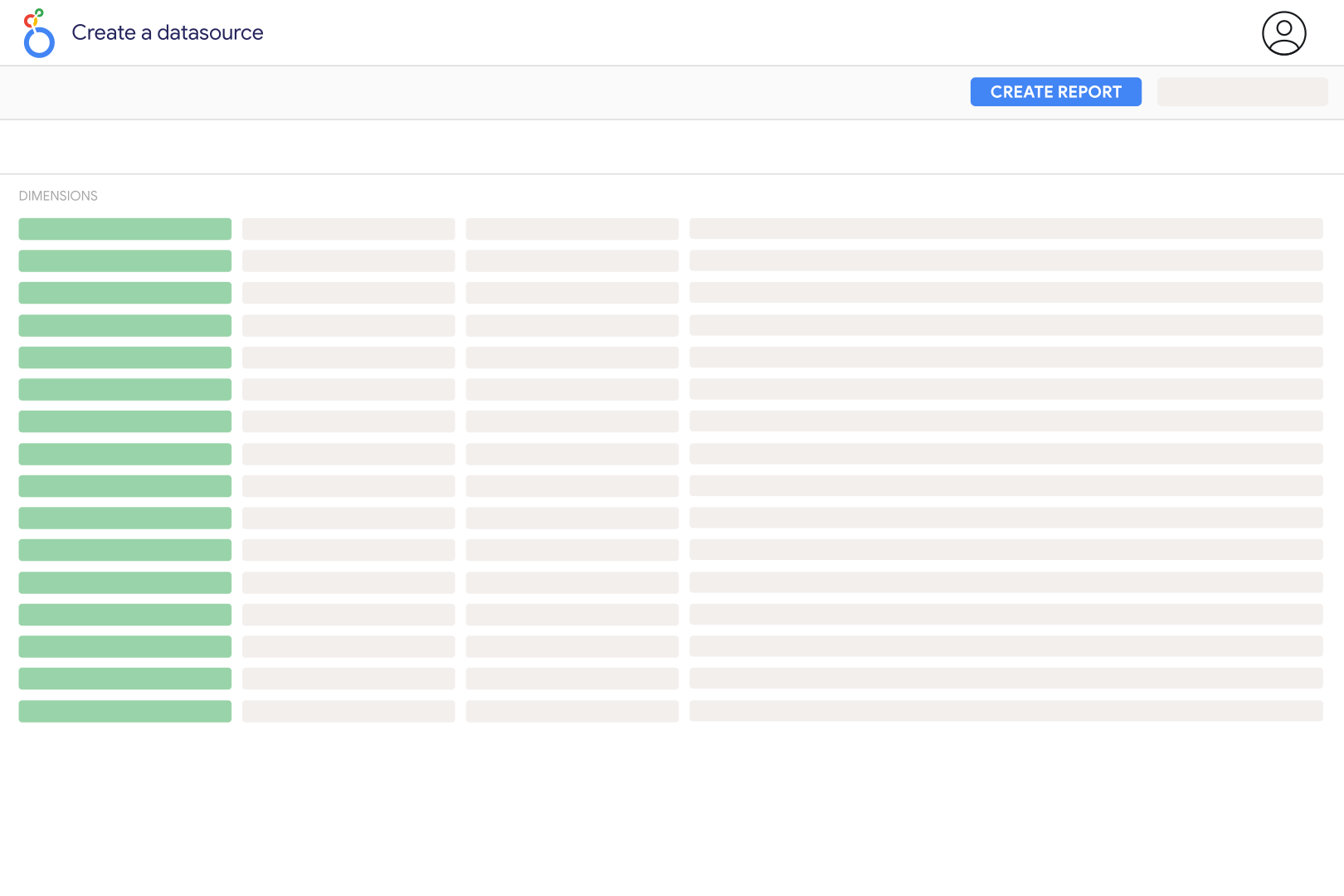
Start with cost, impressions, clicks and the conversion metrics relevant to the campaign objective. Keep account, campaign and ad group identifiers alongside names so repeated names remain distinguishable. Calculate CTR from total clicks divided by total impressions, CPC from cost divided by clicks, and CPA from cost divided by conversions. Keep currencies separate and handle zero denominators before showing those ratios.
A LINE Ads performance export describes paid advertising results. Do not treat it as a complete report of LINE Official Account messages, chat activity or organic audience engagement. If you need those results in the same dashboard, obtain the corresponding Official Account data separately and label each source clearly.
Check that conversion tracking is configured for the website or app outcome you want to measure, and that the relevant conversion columns are included in the report. LINE Tag and custom conversions measure selected website actions; an advertising dashboard does not create that tracking for you. Compare the same action and reporting period before assuming missing conversions mean the campaign generated no results.
Looker Studio can read updated values from a connected worksheet, but it does not download a new LINE Ads performance report for you. Refresh the export and replace the relevant data in the sheet, or use a separately verified process to maintain it. Avoid appending overlapping exports without removing duplicate account, date and campaign rows.
Yes. Place your exported LINE Ads results beside Google Ads and Facebook Ads in one report. Align currencies, dates and campaign identifiers, and show when the LINE Ads export was last updated. Label each platform's conversion definition rather than presenting their summed conversions as unique purchases.
Our team is always here to answer any questions you may have about our data connector.