Starter
For freelancers and small teams.
$ 24 /mo
Billed monthly · cancel anytime
Platforms3
Accounts10


Used by the world's leading companies








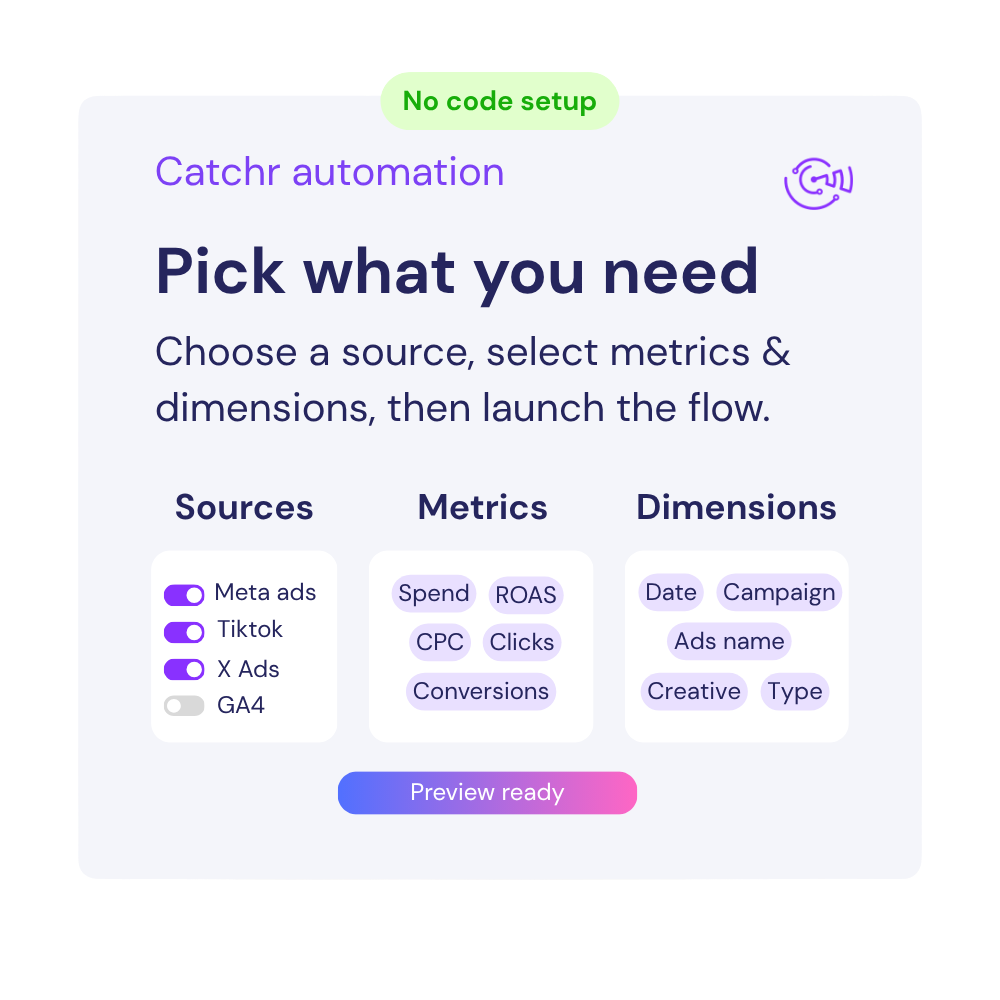


Available metrics
Available dimensions


What our customers say about us.
After three years of use, Catchr has become essential for both our teams and our clients. So far, it has been our best solution for compiling and analyzing data from different advertising platforms. It’s easy to set up, and the customer service is responsive and excellent.

With Catchr’s automated API, we can finally collect and centralize all advertising data, connect it with booking information, and calculate the real ROAS for our restaurant clients. It gives them full visibility, more autonomy, and the ability to optimize campaigns to maximize ROI.

The solution is a real game changer, providing optimal time savings for our data reporting. The major strength of the solution is their highly responsive and professional support.

Add your ActiveCampaign account to Catchr using the account URL and API key requested during setup. Open the Catchr ActiveCampaign connector in Looker Studio, authorize your Google account, and select your connected source. Create a campaign table with sends, unique opens, subscriber clicks, and unsubscribes to start comparing email performance.
Catchr includes sent counts, total and unique opens, link clicks, subscriber clicks, hard and soft bounces, unsubscribes, and replies. Campaign name, ID, type, status, and send date provide context. Use campaign IDs to distinguish sends that share a name, and keep scheduled or unfinished campaigns separate from completed campaigns.
Link clicks include repeated interactions with campaign links. Subscriber clicks count distinct contacts who clicked in that campaign, making them useful for measuring audience response. The unique links field describes distinct links clicked and should not be treated as the number of people who clicked. Choose the metric that matches your question before building a click-rate chart.
Yes. The connector exposes automation IDs, names, status, and entered and exited counts, together with campaign fields that identify an associated automation. These help you organize reporting by workflow. An automation entry or exit is not automatically a purchase or a won deal; define the outcome you want to measure separately.
Check whether the campaign was sent and whether open or link tracking was enabled. A draft campaign or a campaign with tracking disabled cannot produce the same engagement statistics as a tracked, completed send. Verify the selected account, campaign status, and date field before treating an empty metric as a failed campaign.
Compare the same campaign IDs and make sure you are using total or unique metrics consistently. Campaign creation date, scheduled date, and send date represent different moments. Also check whether repeated rows from a blend duplicate campaign totals, and allow for engagement that arrived after the earlier report was viewed.
Yes. Add Google Analytics 4 to compare email engagement with website sessions and key events. Use consistent campaign tagging on email links and align those values before blending sources. Email clicks and tracked website sessions measure different activity, so identical totals are not expected.
Our team is always here to answer any questions you may have about our data connector.