Starter
For freelancers and small teams.
$ 24 /mo
Billed monthly · cancel anytime
Platforms3
Accounts10


Used by the world's leading companies








Available metrics
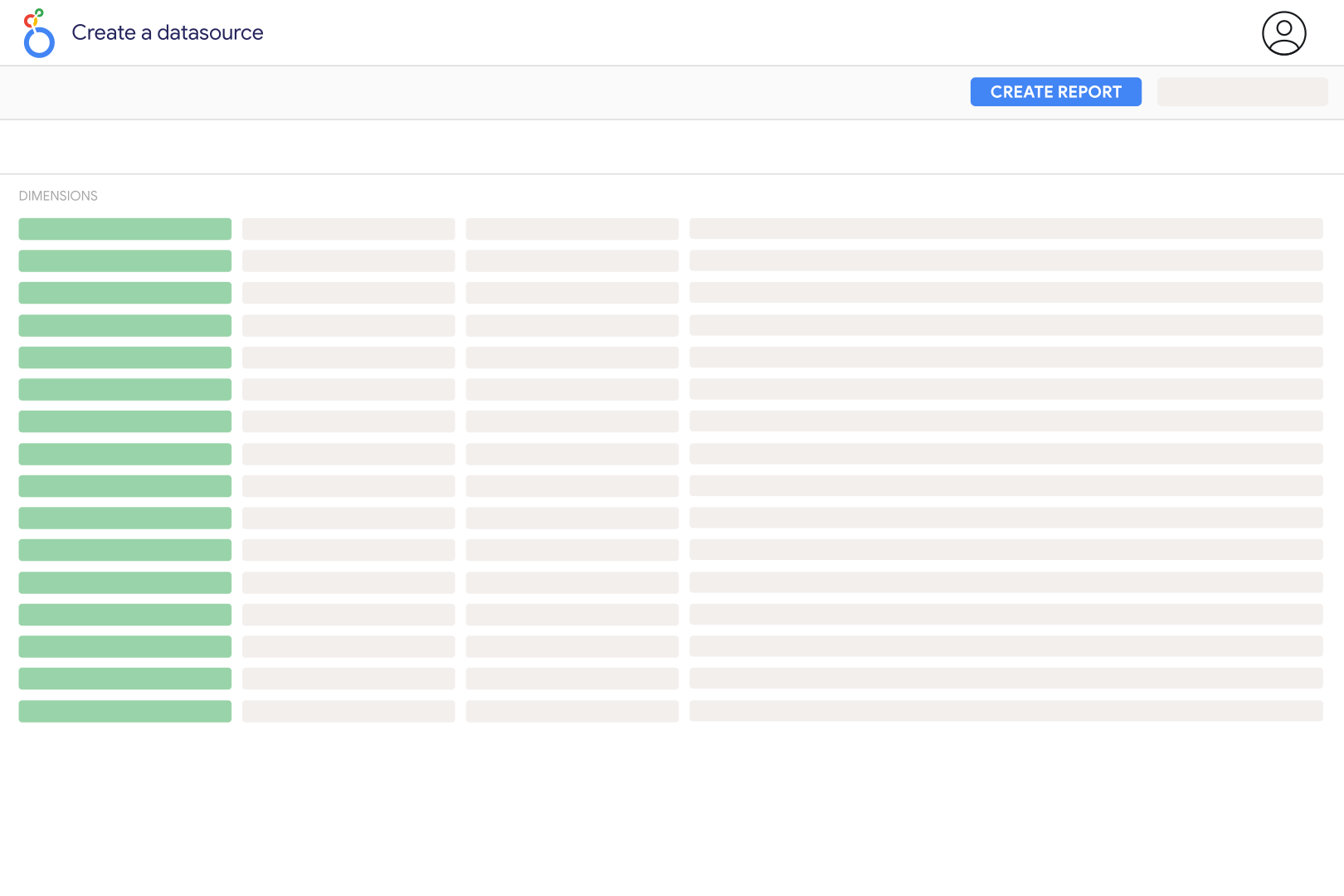
Available dimensions


What our customers say about us.
After three years of use, Catchr has become essential for both our teams and our clients. So far, it has been our best solution for compiling and analyzing data from different advertising platforms. It’s easy to set up, and the customer service is responsive and excellent.

With Catchr’s automated API, we can finally collect and centralize all advertising data, connect it with booking information, and calculate the real ROAS for our restaurant clients. It gives them full visibility, more autonomy, and the ability to optimize campaigns to maximize ROI.

The solution is a real game changer, providing optimal time savings for our data reporting. The major strength of the solution is their highly responsive and professional support.

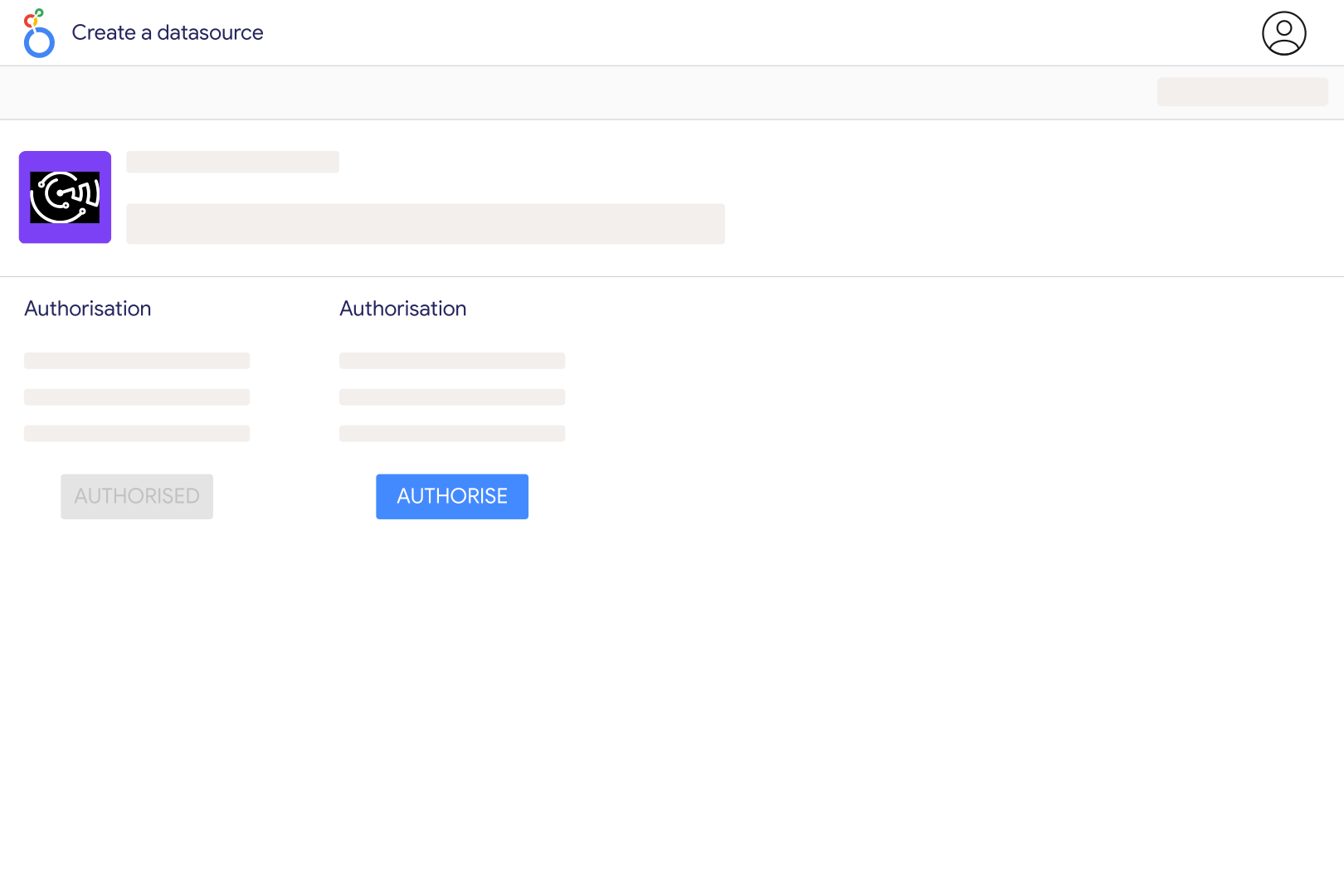
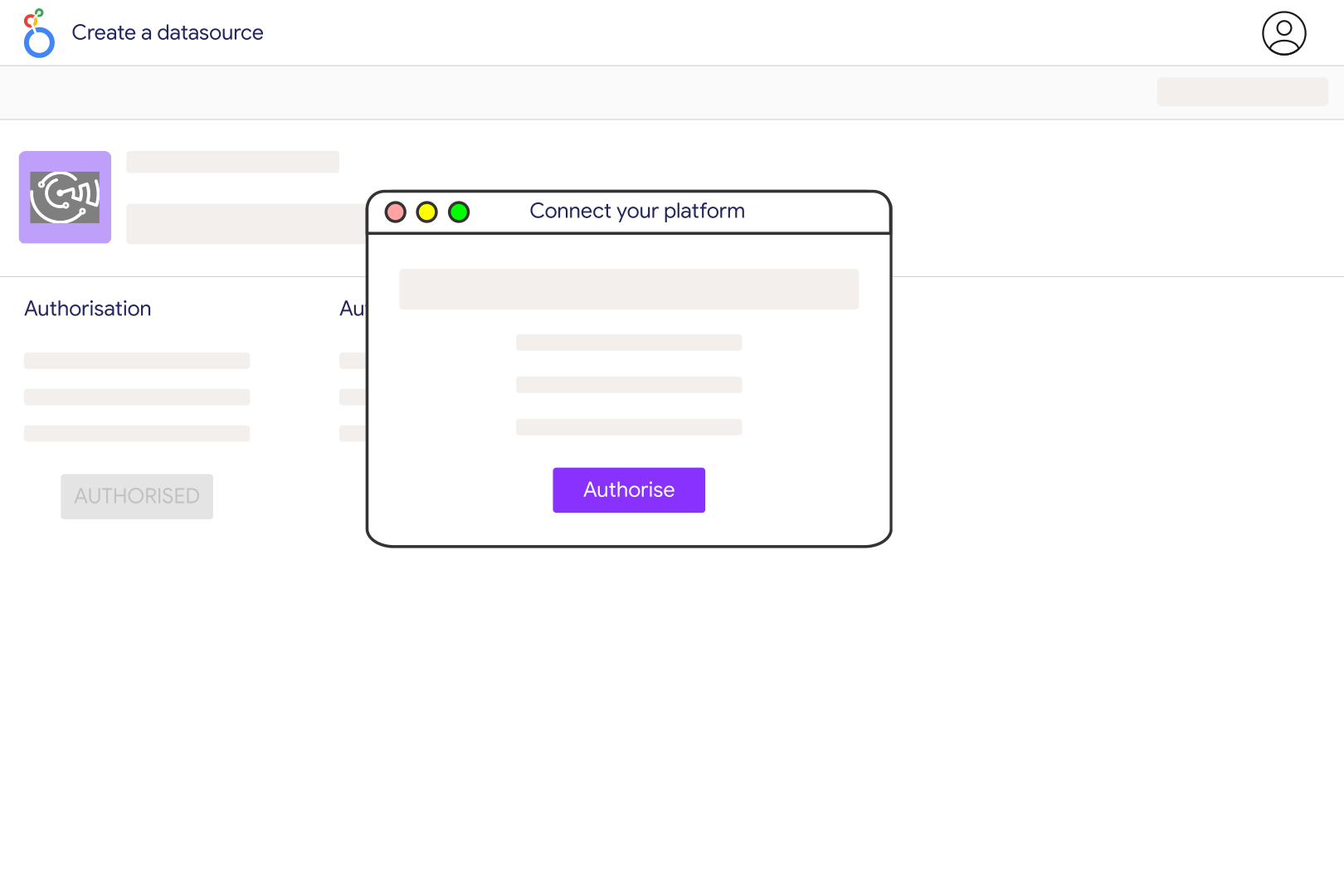
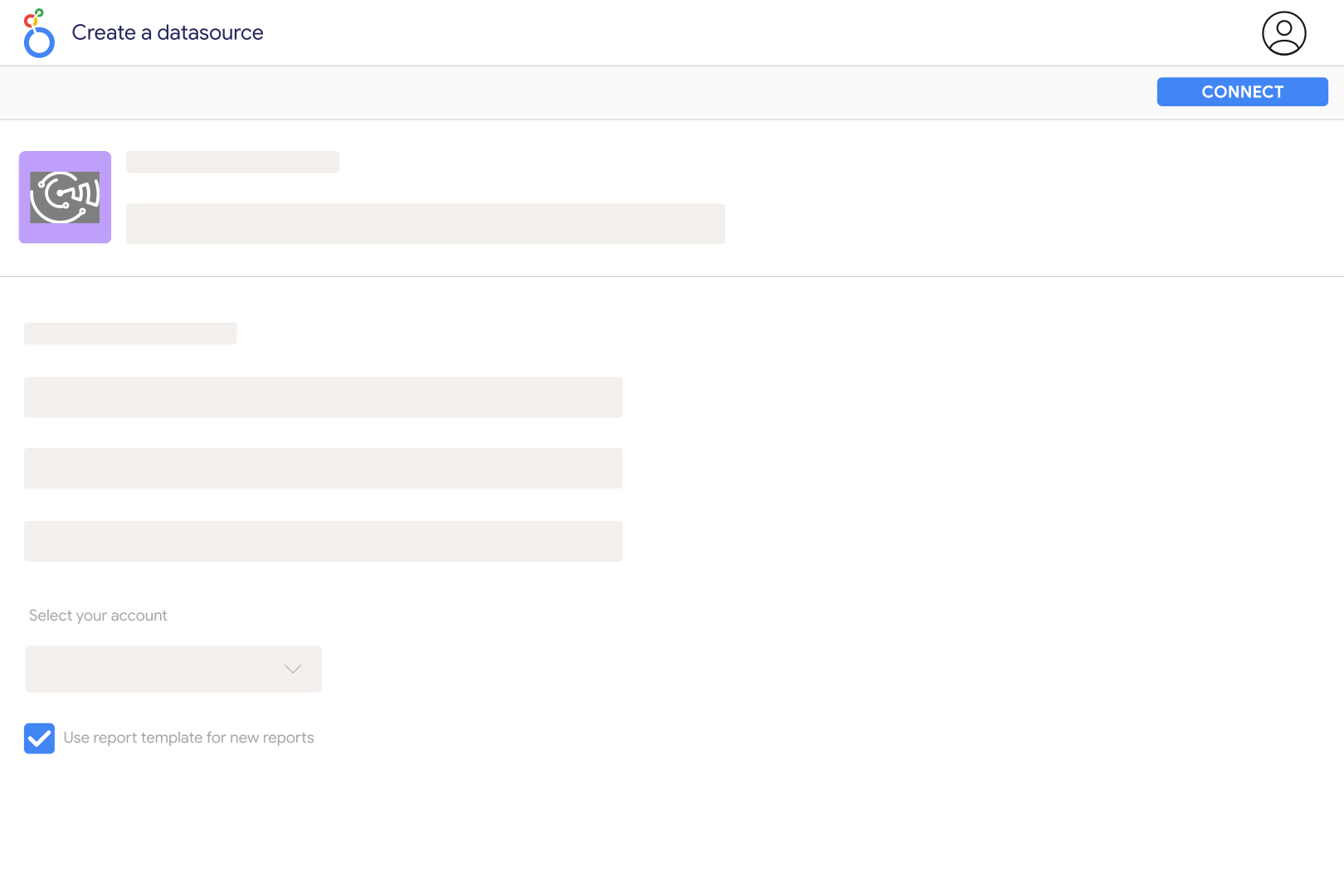
Add Indeed Review in Catchr and enter the company identifier from its Indeed URL. For indeed.com/cmp/Google, use Google. Multiple identifiers can be entered separated by commas. Select the company in your Catchr data source, connect it to Looker Studio, and check Review Date, Review Title, and Rating against the intended employer profile. This connection reports company reviews rather than jobs or candidate applications.
No. Catchr reports the review information returned by the source, not the author's private account identity. Indeed describes its company reviews as anonymous and collects context such as job title, job status, and location. Use Reviewer, Reviewer Employee Type, and Reviewer Location as review context rather than verified names or employee identifiers. The connector does not provide private contact details or a way to match an anonymous review to an HR record.
Alongside the overall Rating, Catchr's individual review catalog includes work-life balance, compensation and benefits, job security and advancement, management, and job culture ratings when available. It also exposes review text, Pros, Cons, location, language, and employment-status context. Average the valid responses for each category and show the number of available ratings. An unanswered category should remain missing, rather than being counted as a zero score.
Yes, where Reviewer Location and Reviewer Employee Type are populated. Use those fields to compare review volume, average ratings, and recurring topics across the returned groups. Standardize location labels carefully and retain an unknown group for missing values. These are descriptions supplied with reviews, not a verified workforce census. Include sample sizes so a handful of comments does not appear equivalent to a large body of feedback.
Group individual reviews by Review Date and count distinct Review IDs. Average valid Rating values for a score covering those same rows. The separate company-level Review Count and Average Rating are current summaries; they cannot be requested together with individual review fields and do not become historical snapshots when a date filter changes. Keep summary scorecards separate from dated review charts, and use the original review links to investigate changes in feedback.
No. Indeed Review is an employer-feedback source, with no current catalog fields for sponsored-job spend, job impressions, applications, candidate status, or cost per hire. It also does not expose an employer-response history. Use your recruitment or advertising data separately to analyze hiring outcomes. You can add Glassdoor reviews for a broader employer-reputation comparison while keeping each platform's ratings and review counts distinct.
Check the company identifier, review-date range, and returned coverage. Catchr retrieves pages of 20 reviews and stops after roughly 1,000 matching reviews, when results end, or at the date boundary. Indeed also allows authors to delete reviews or replace an existing review with an updated submission. A fresh extract is therefore not a permanent archive of every past version. Use smaller date windows for high-volume companies and consult Indeed's review guidance when investigating a change.
Our team is always here to answer any questions you may have about our data connector.