
Starter
For freelancers and small teams.
$ 24 /mo
Billed monthly · cancel anytime
Platforms3
Accounts10


Used by the world's leading companies











Available metrics
Available dimensions


What our customers say about us.
After three years of use, Catchr has become essential for both our teams and our clients. So far, it has been our best solution for compiling and analyzing data from different advertising platforms. It’s easy to set up, and the customer service is responsive and excellent.

With Catchr’s automated API, we can finally collect and centralize all advertising data, connect it with booking information, and calculate the real ROAS for our restaurant clients. It gives them full visibility, more autonomy, and the ability to optimize campaigns to maximize ROI.

The solution is a real game changer, providing optimal time savings for our data reporting. The major strength of the solution is their highly responsive and professional support.

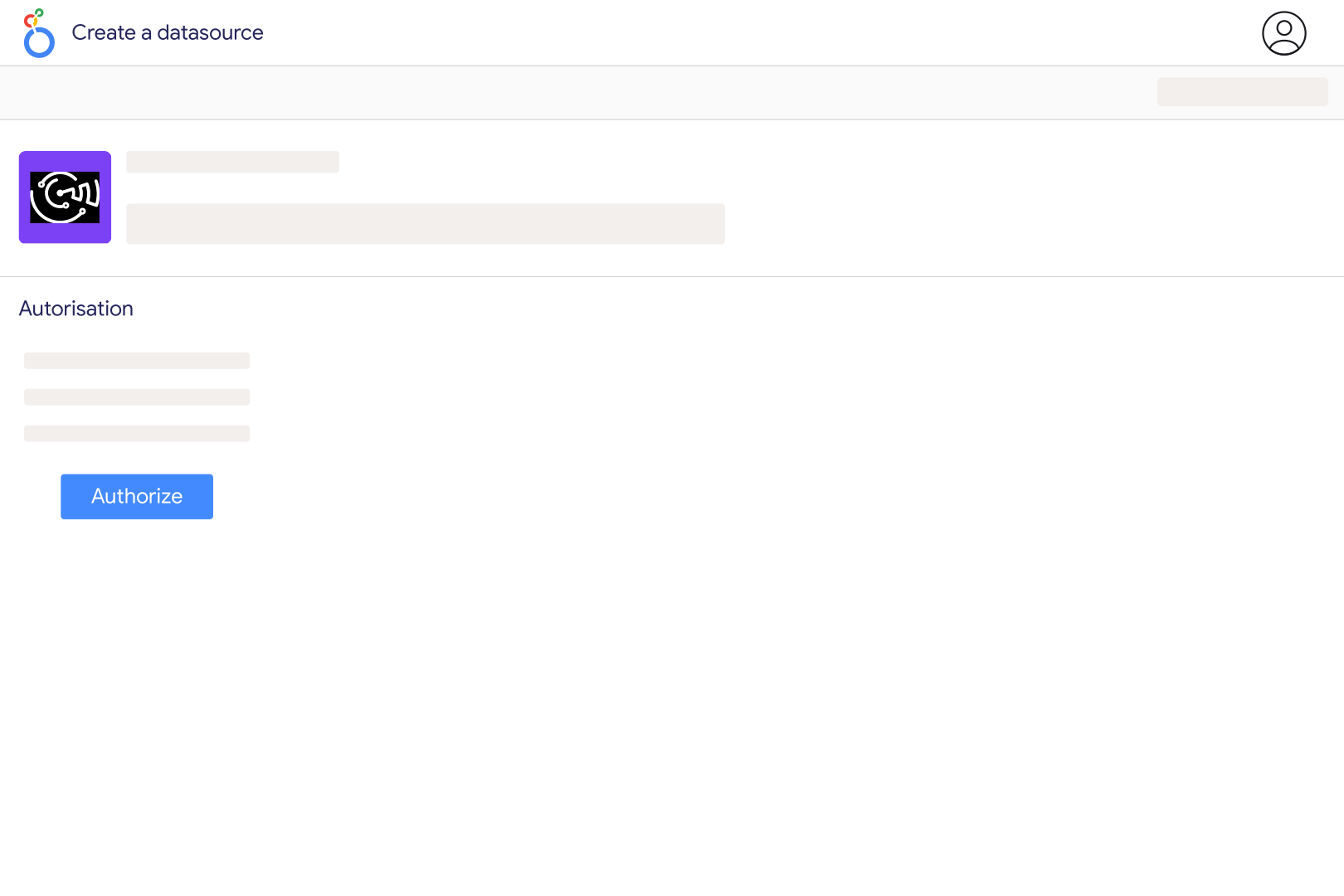
Yes. Google provides a native Google Sheets connector. Select your spreadsheet and worksheet to create a data source. Catchr also offers a Sheets source if you want to manage this connection alongside other sources in Catchr. Choose the route that fits your workflow; a paid partner connector is not required simply to visualize a spreadsheet.
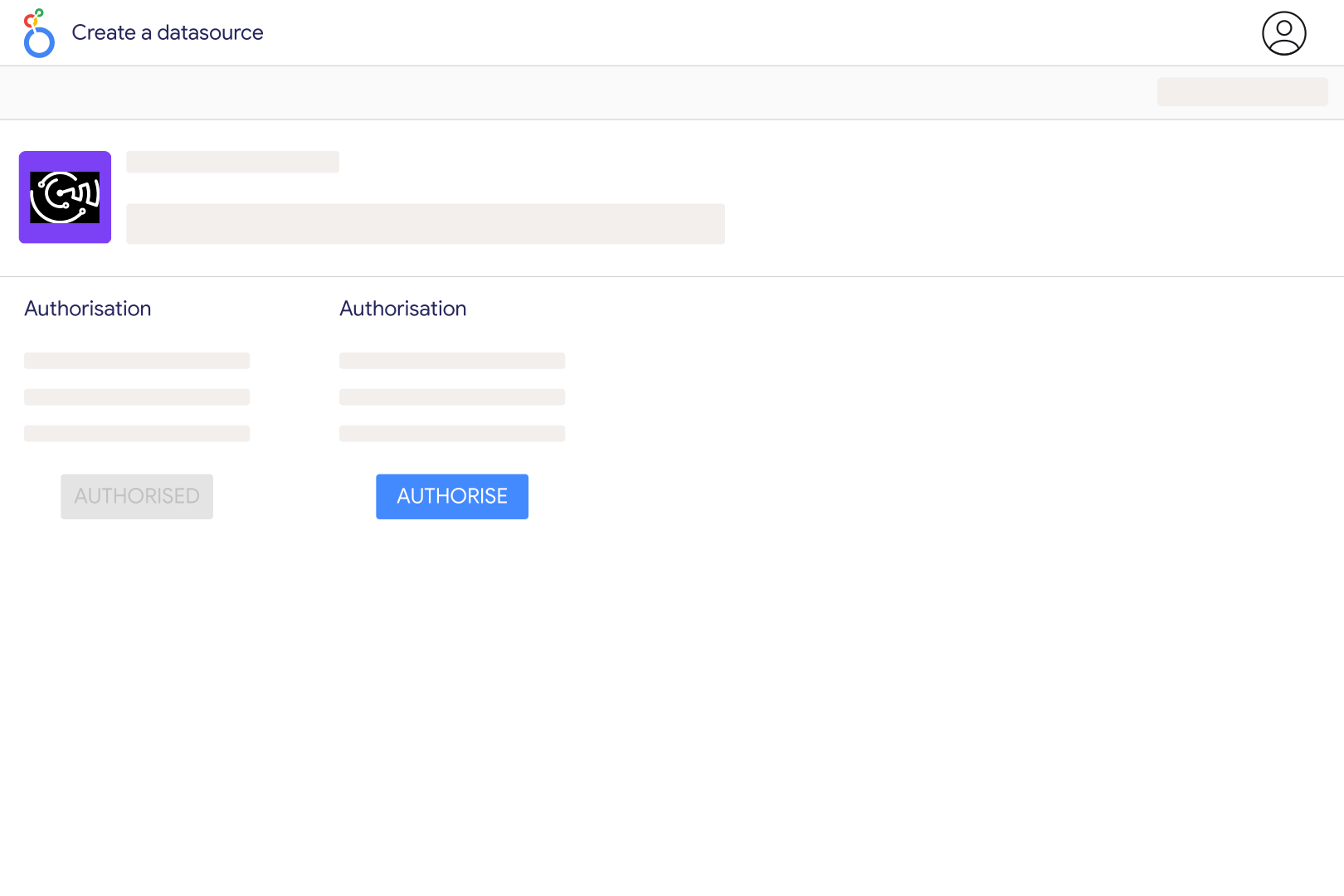
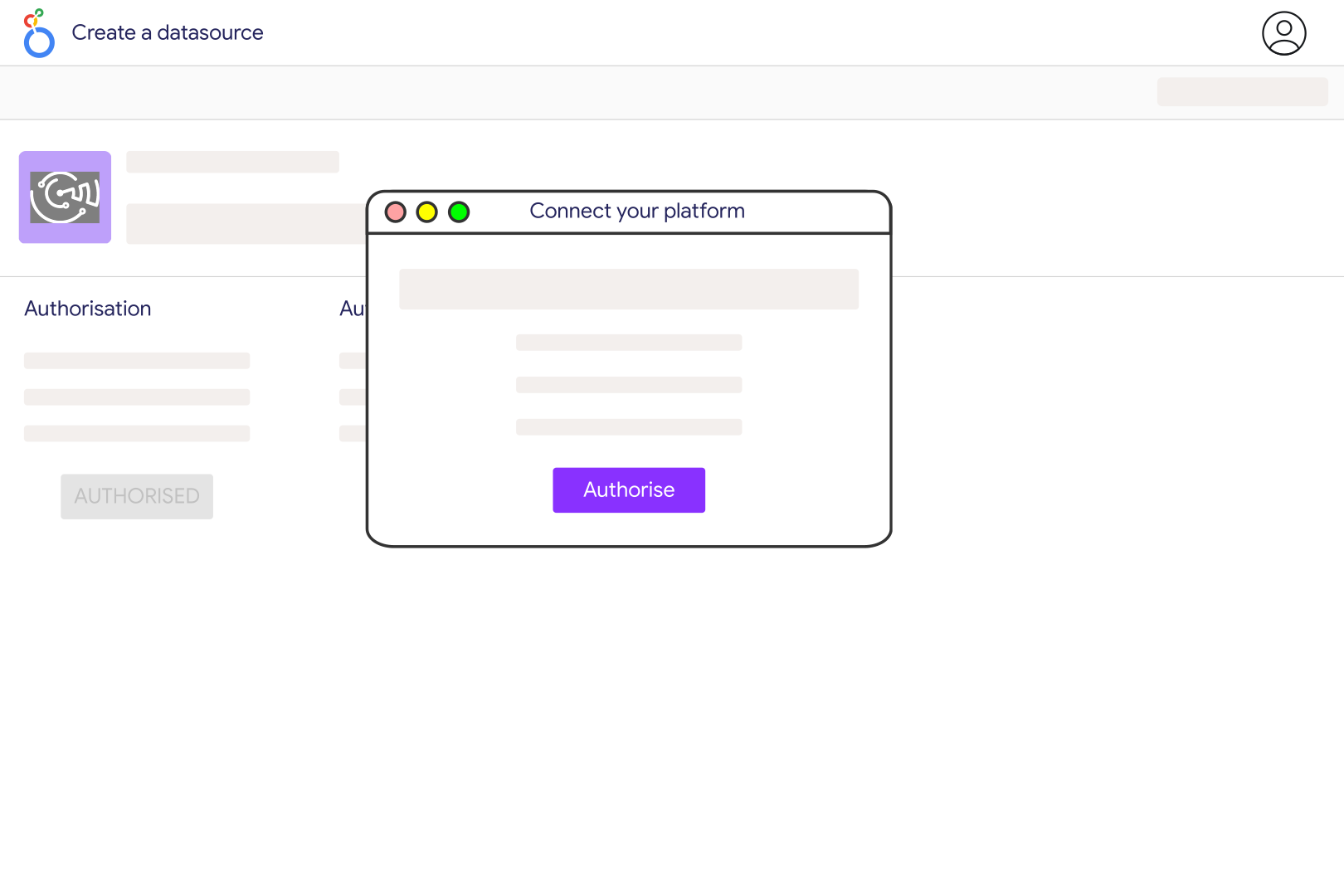
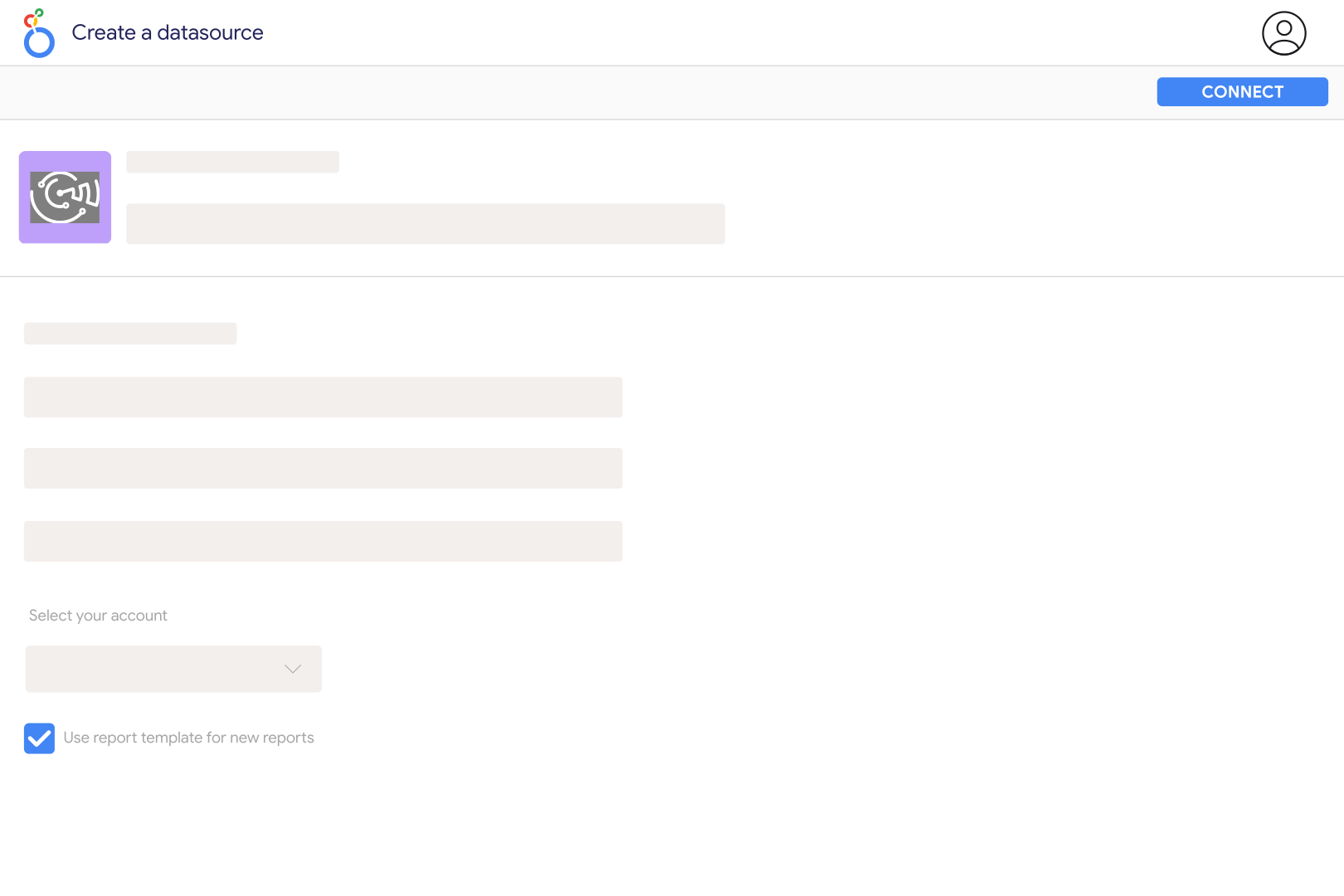
Enter the spreadsheet URL or ID when creating the Google Sheets connection, then authorize a Google account that can read it. Select the worksheet tabs you need and create a Looker Studio data source with the Catchr connector. Catchr reads the spreadsheet you supply; it does not scan your entire Google Drive to discover files.
Use a simple table with one header row and one consistent type of record per data row. Keep each column consistently numeric, date-based or text-based, and avoid mixing totals with detail rows. Catchr samples data to infer field types. Use genuine numeric and date cells where possible, and keep identifiers as text when leading zeros matter.
Catchr supports selecting multiple tabs, but the columns must line up by position. Column A in one tab should represent the same information as column A in another, and so on. The first discovered label is used, and conflicting types can become text. Standardize column order, names and types before combining tabs, rather than relying on matching header names alone.
Mixed values in the sampled cells can make a column appear as text. Check for currency symbols stored inside text, inconsistent date formats or labels mixed with numbers. Correct the underlying cells and refresh the fields. For date controls, select the actual date column from your sheet rather than an unrelated generic date field from the connector catalog.
Refreshing report values and refreshing the field list are different actions. After changing columns, refresh the Catchr source fields and then refresh the data source fields in Looker Studio. Review charts that use removed or renamed columns. Keep the sheet structure stable when other people depend on the report.
No. This source reads the current contents of the selected tabs. If you overwrite last month’s values, the connector cannot reconstruct them from the report date range. Keep dated rows or snapshots in the sheet when you need a historical trend, and use the date column to filter those records. Report caching can also delay the appearance of recent edits.
Our team is always here to answer any questions you may have about our data connector.









