
Starter
For freelancers and small teams.
$ 24 /mo
Billed monthly · cancel anytime
Platforms3
Accounts10


Used by the world's leading companies











Available metrics
Available dimensions


What our customers say about us.
After three years of use, Catchr has become essential for both our teams and our clients. So far, it has been our best solution for compiling and analyzing data from different advertising platforms. It’s easy to set up, and the customer service is responsive and excellent.

With Catchr’s automated API, we can finally collect and centralize all advertising data, connect it with booking information, and calculate the real ROAS for our restaurant clients. It gives them full visibility, more autonomy, and the ability to optimize campaigns to maximize ROI.

The solution is a real game changer, providing optimal time savings for our data reporting. The major strength of the solution is their highly responsive and professional support.

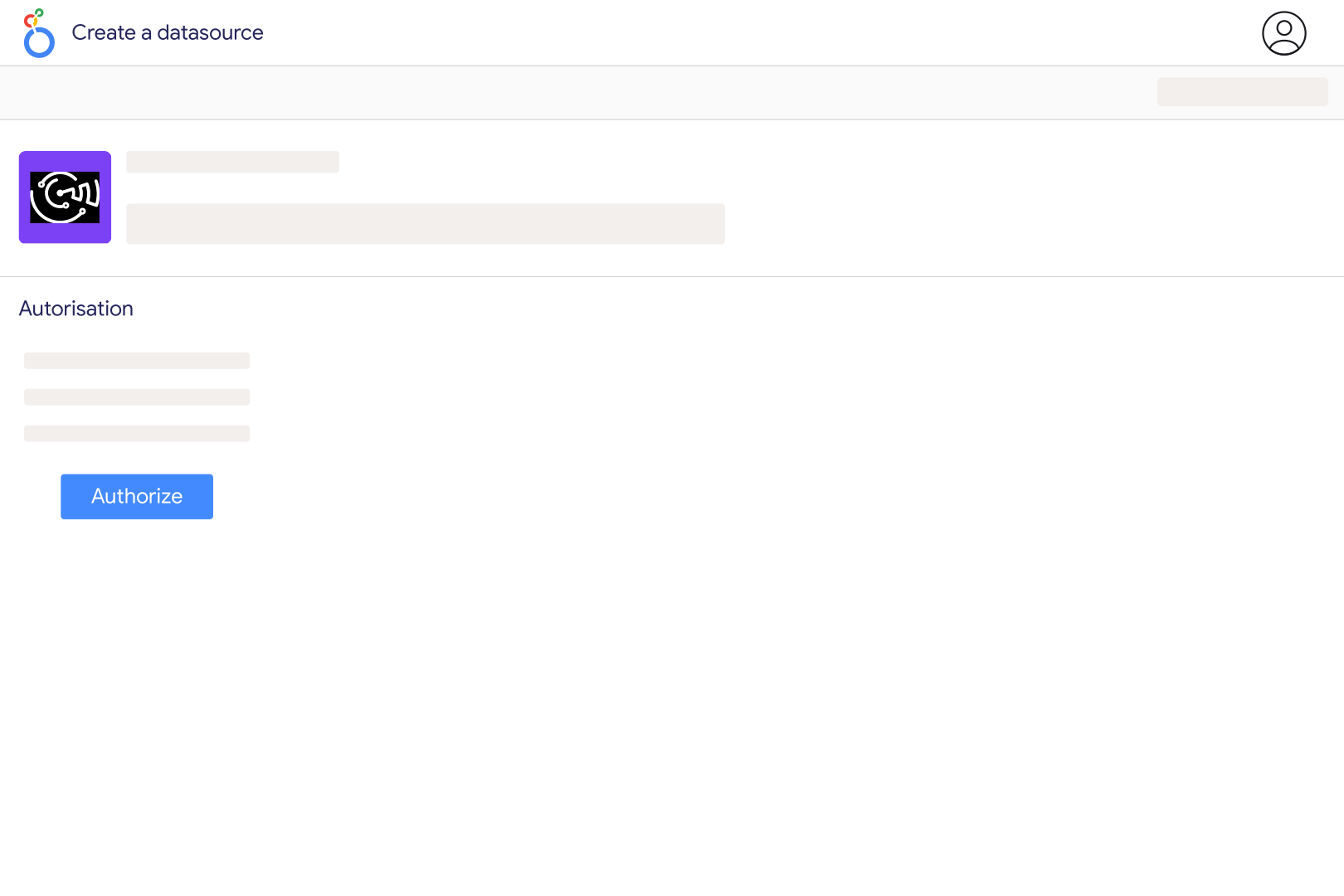
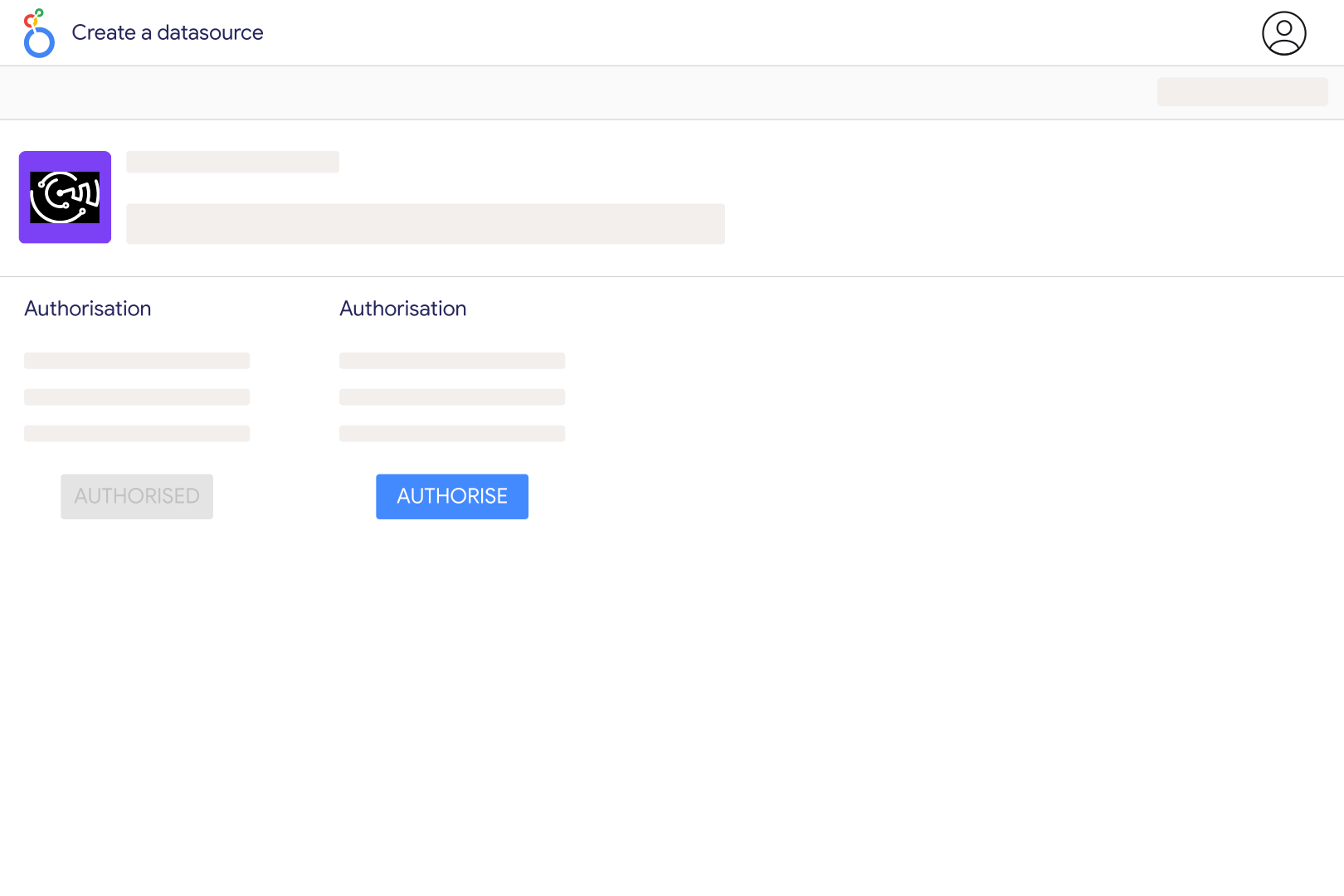
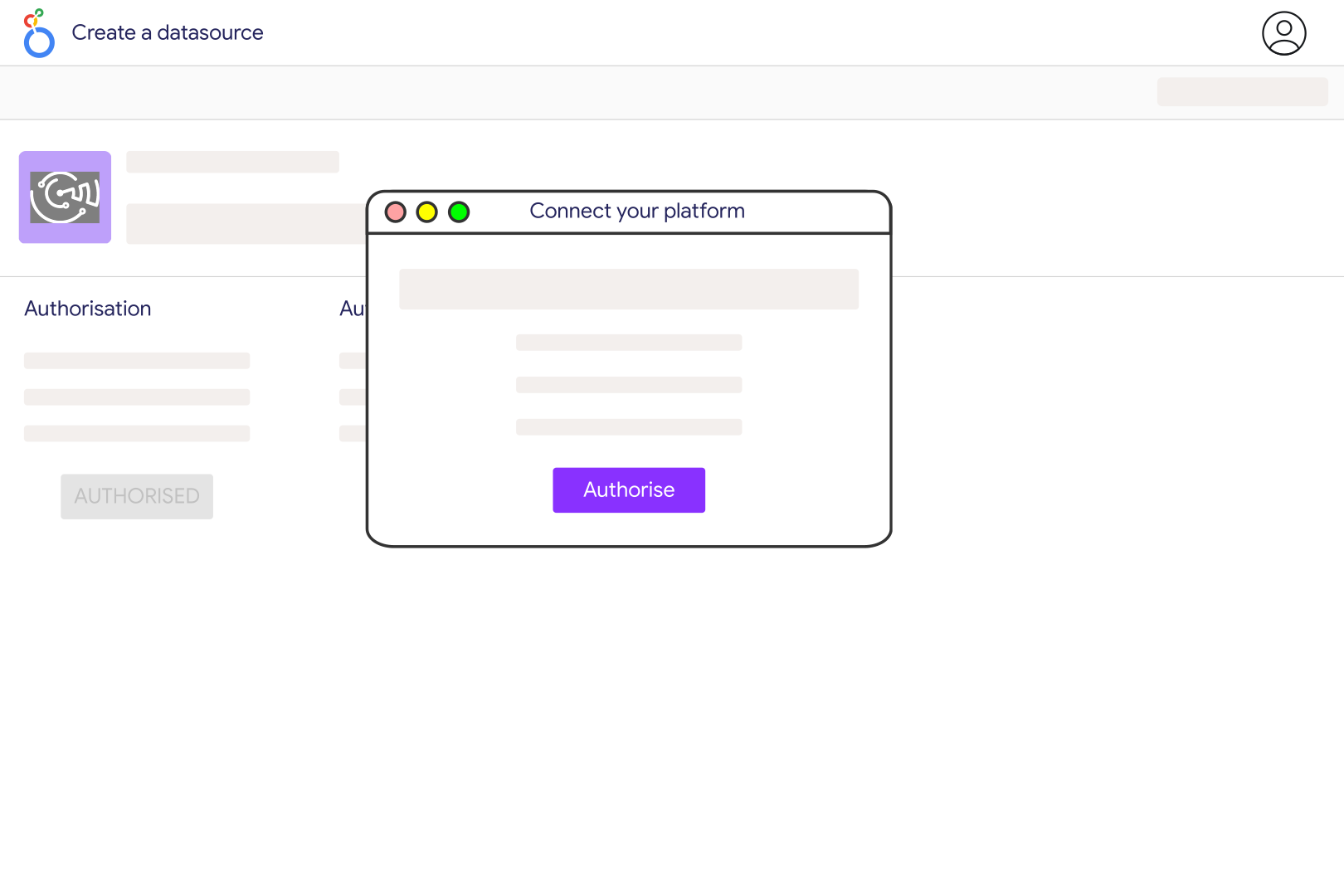
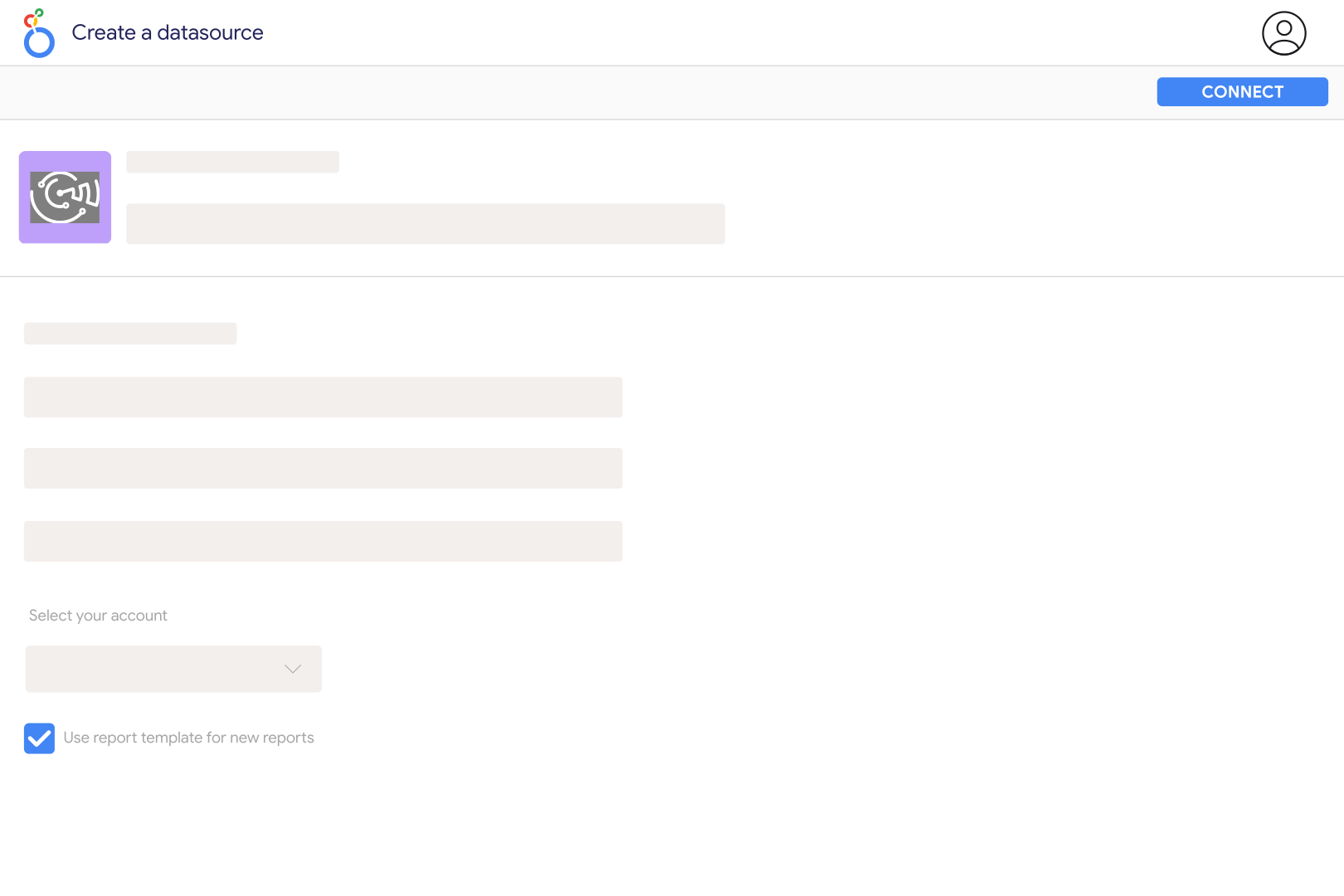
Add AdsWizz in Catchr using an AdsWizz API key with reporting access, then select an advertiser available through that connection. Open the Catchr AdsWizz connector in Looker Studio and create your data source. Start with a small report for a completed period and compare its rows and totals with an AdsWizz export before sharing the dashboard with clients.
The Catchr catalog includes Audio Impressions, Total Impressions, Total Reach - Unique Users, LTR/VTR, audio quartiles and clicks. It also includes companion-banner, Second Screen, ShakeMe and conversion fields where those features and measurements apply. Keep audio delivery separate from companion display activity so a combined impression total does not look like a count of audio listens.
Listen-through rate describes how much ad playback reached completion. Listen-through conversions describe downstream actions attributed to an audio exposure. A completed listen is not automatically a purchase or lead. Show LTR/VTR alongside the relevant conversion field, and use the Audio Pixel Action dimension when you need to identify the type of tracked outcome.
Catchr's AdsWizz fields include Total Conversions, Click-Through Conversions, Listen-Through Conversions, View-Through Conversions, Conversion Value, CPA and Return on Ad Spend. Results depend on the attribution and measurement configured in AdsWizz, such as AudioPixel tracking. Connecting the reporting source does not create conversion tracking or recover untracked purchases. Confirm the action and monetary units before comparing these results with store revenue.
AdsWizz reports limit the number of breakdowns in one request. Catchr already includes Advertiser, and adds a daily time breakdown when the chart uses Date. Start with Date, a metric and one useful breakdown such as Campaign or Publisher. Split country, device and other analyses into separate charts if adding them together exceeds the reporting limit.
Match the advertiser, metrics, filters and reporting period first. Catchr requests daily date windows in UTC, so an export using local dates can differ at the edges of the period. Compare the returned rows as well as the total. If rows are still missing with matching settings, send Catchr support the advertiser, dates and field selection so the report can be checked before you use it for billing or client reconciliation.
No. The same person may appear in several days, campaigns or publisher groups, so adding unique-user counts can double-count listeners. Request reach for the full period without a daily breakdown and verify it against the matching AdsWizz report. For cross-channel dashboards with Spotify Ads, keep each platform's reach separate unless you have a measurement method that deduplicates listeners across platforms.
Our team is always here to answer any questions you may have about our data connector.









