
Starter
For freelancers and small teams.
$ 24 /mo
Billed monthly · cancel anytime
Platforms3
Accounts10


Used by the world's leading companies











Available metrics
Available dimensions


What our customers say about us.
After three years of use, Catchr has become essential for both our teams and our clients. So far, it has been our best solution for compiling and analyzing data from different advertising platforms. It’s easy to set up, and the customer service is responsive and excellent.

With Catchr’s automated API, we can finally collect and centralize all advertising data, connect it with booking information, and calculate the real ROAS for our restaurant clients. It gives them full visibility, more autonomy, and the ability to optimize campaigns to maximize ROI.

The solution is a real game changer, providing optimal time savings for our data reporting. The major strength of the solution is their highly responsive and professional support.

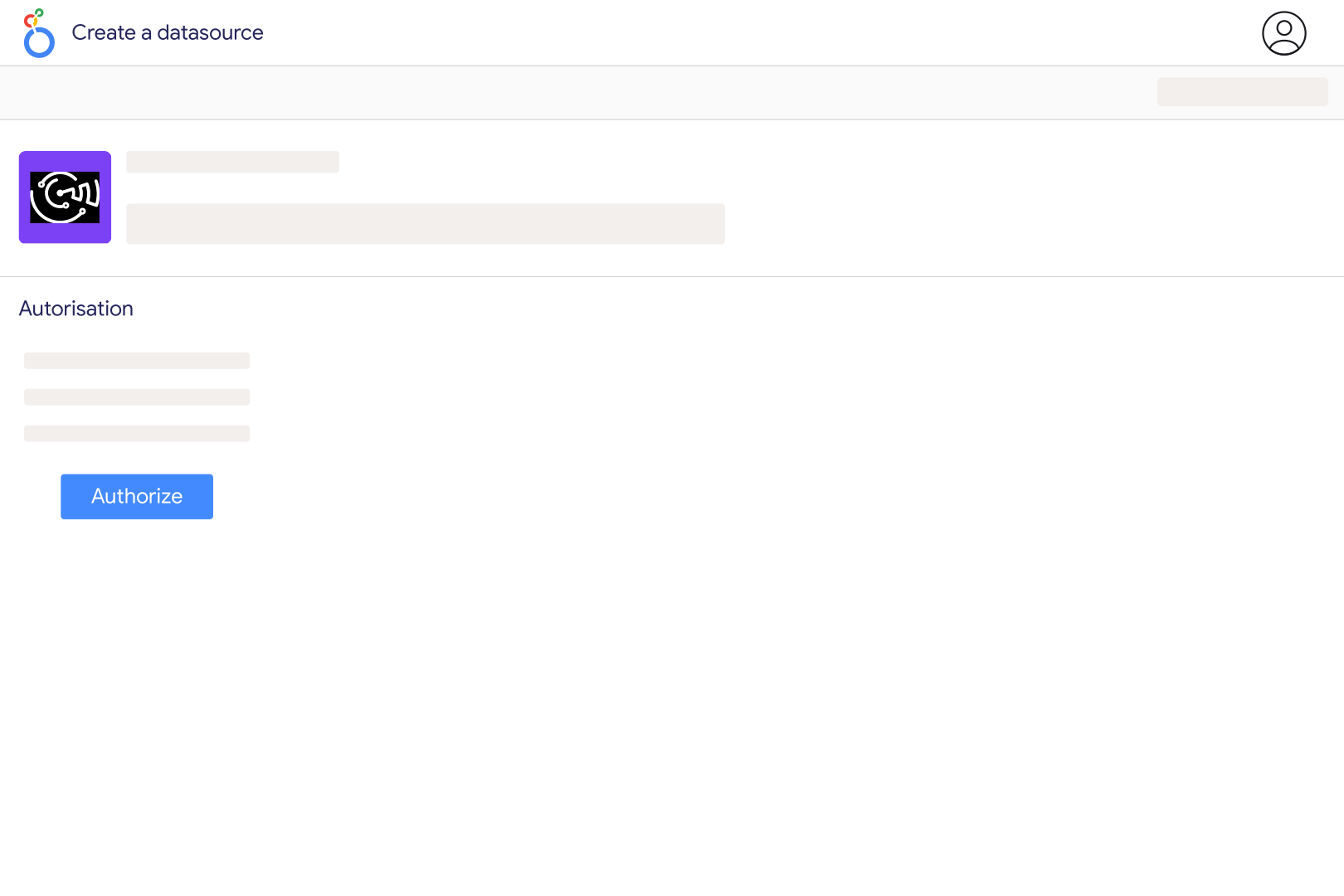
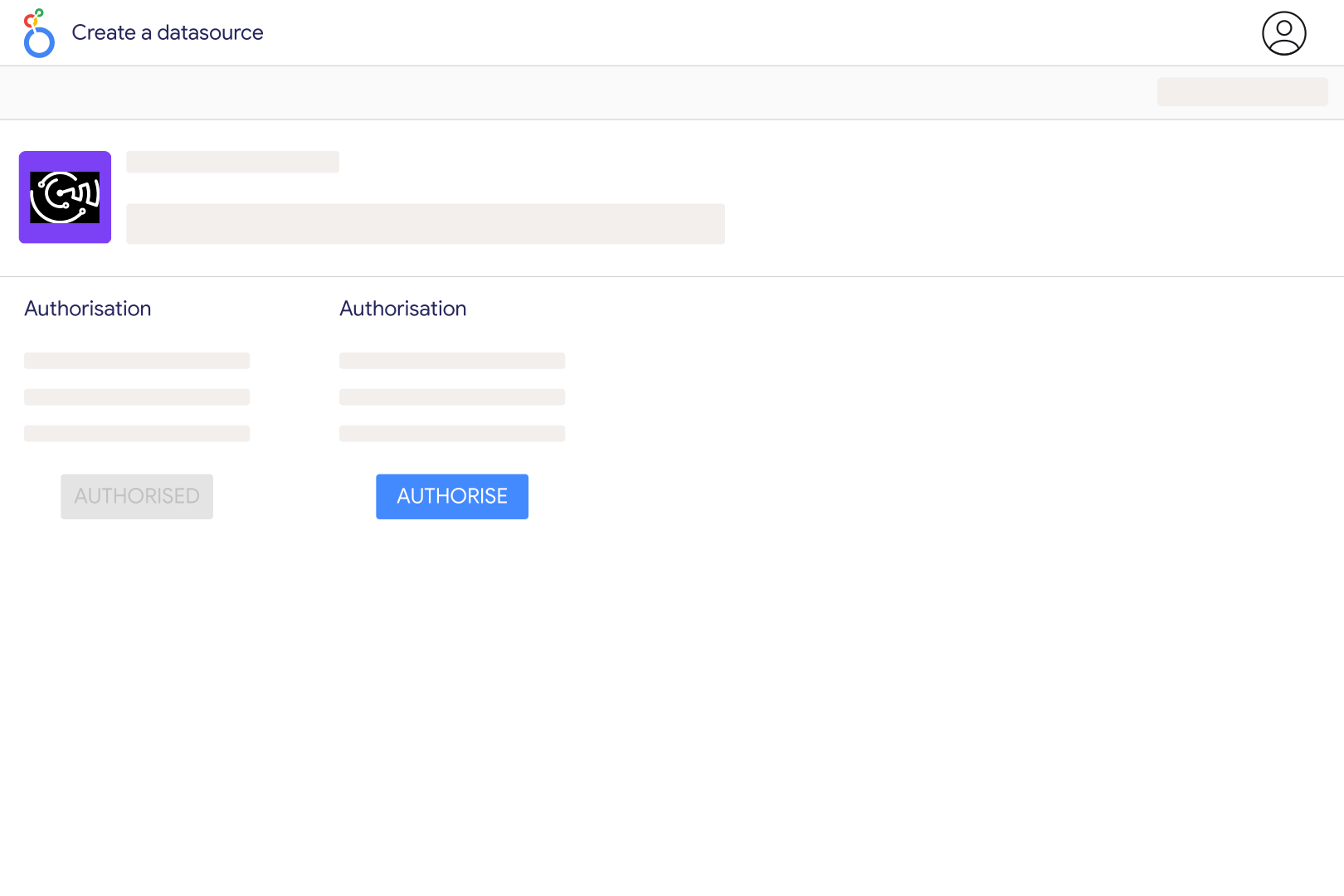
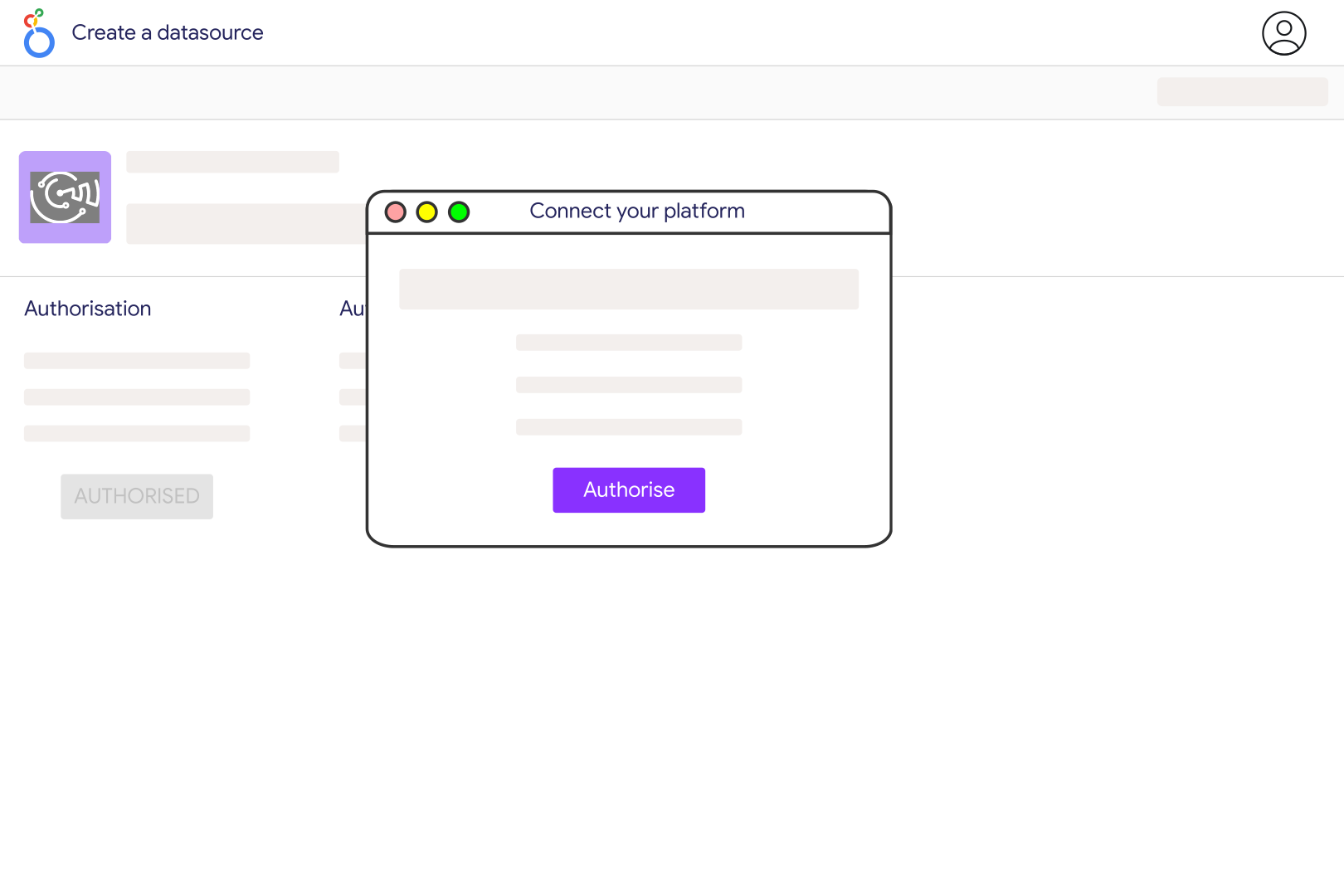
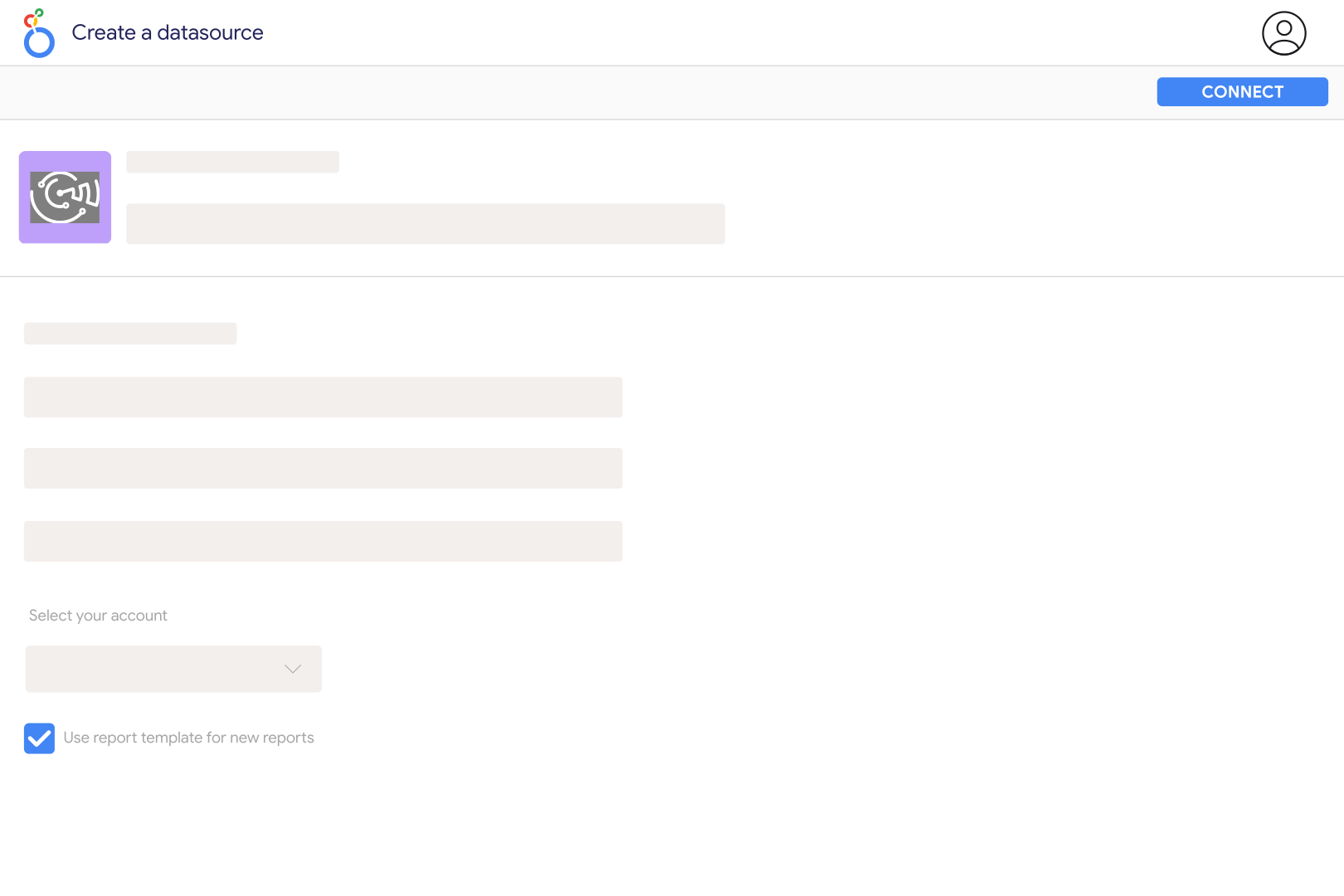
Connect your Magento store to Catchr using the store URL and integration credentials requested during setup: Consumer Key, Consumer Secret, Access Token, and Access Token Secret. Then open the Catchr Magento connector in Looker Studio, authorize Google, select the store, and create your report.
The connector exposes orders and order items, including order IDs, statuses, store information, customer-group fields, totals, taxes, shipping, discounts, paid amounts, and refunds. Product-level fields include SKU, product type, prices, and quantities ordered, invoiced, shipped, cancelled, or refunded. Choose fields that match the stage of the sale you want to measure.
These describe different stages of the order lifecycle. An order can exist before it has been fully invoiced or paid, and later cancellations or refunds can change the amounts involved. Keep those totals as separate measures and align order status filters with your reporting goal rather than labeling every order total as collected revenue.
Magento exposes base-currency and order-currency fields, along with their currency codes and exchange-rate information. Choose one consistent basis for financial comparisons. If orders use several currencies, do not add their unconverted grand totals; group by currency or use a validated common-currency measure.
Yes. Order-item fields distinguish quantities ordered, invoiced, shipped, cancelled, and refunded, while order fields include refund totals. These can help identify changes in fulfillment and returns. Keep order-level and item-level amounts separate, and do not interpret an order’s current refund total as the amount refunded on its creation date.
Adding item details can repeat order-level values for each product row. Use distinct order IDs to count orders and the corresponding item totals for product analysis. Check product type and row structure for configurable or bundled products before summing quantities, so that related rows are not counted as separate customer orders.
Yes. Add Google Analytics 4 to compare store orders with tracked website activity. Validate transaction IDs and align store scope, currencies, and dates before joining purchase data. Magento records commerce operations, while GA4 depends on event tracking, so their order and revenue figures can differ.
Our team is always here to answer any questions you may have about our data connector.









