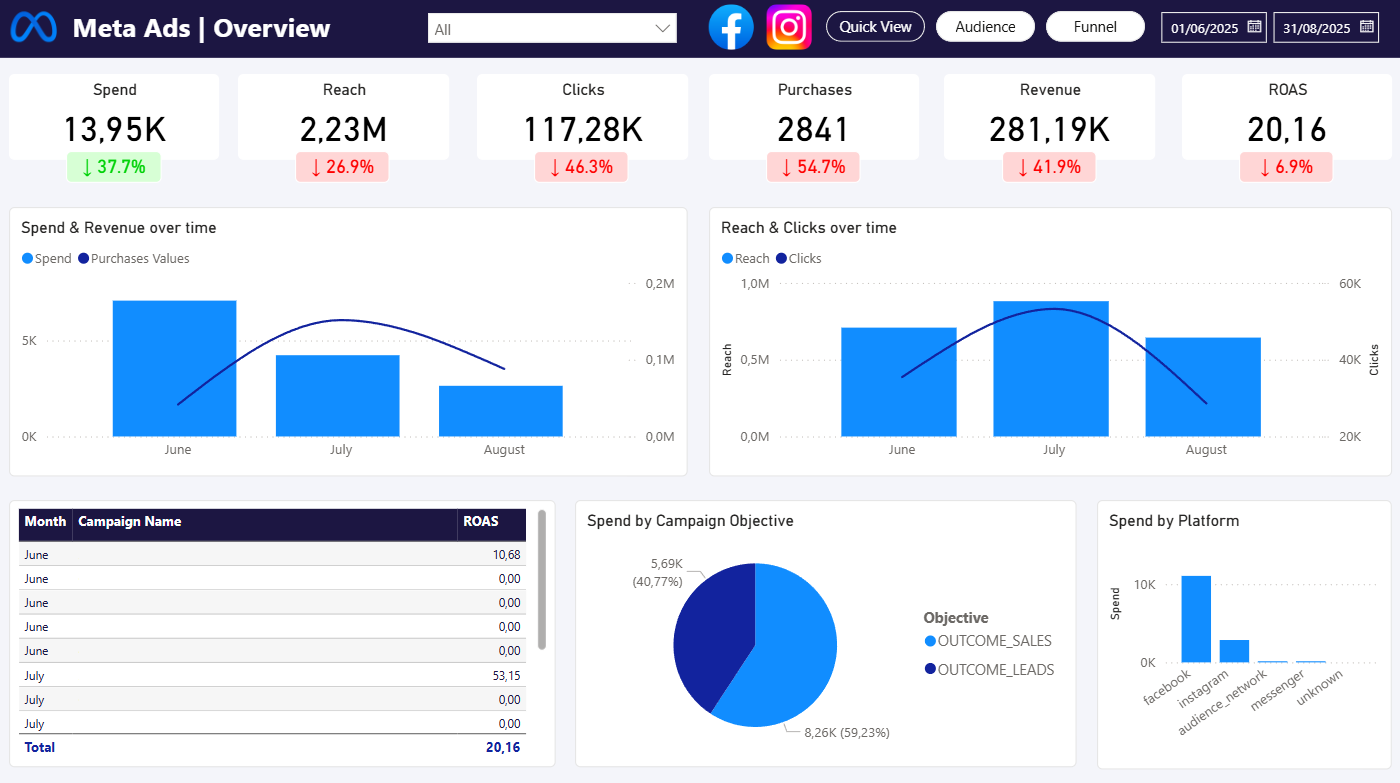
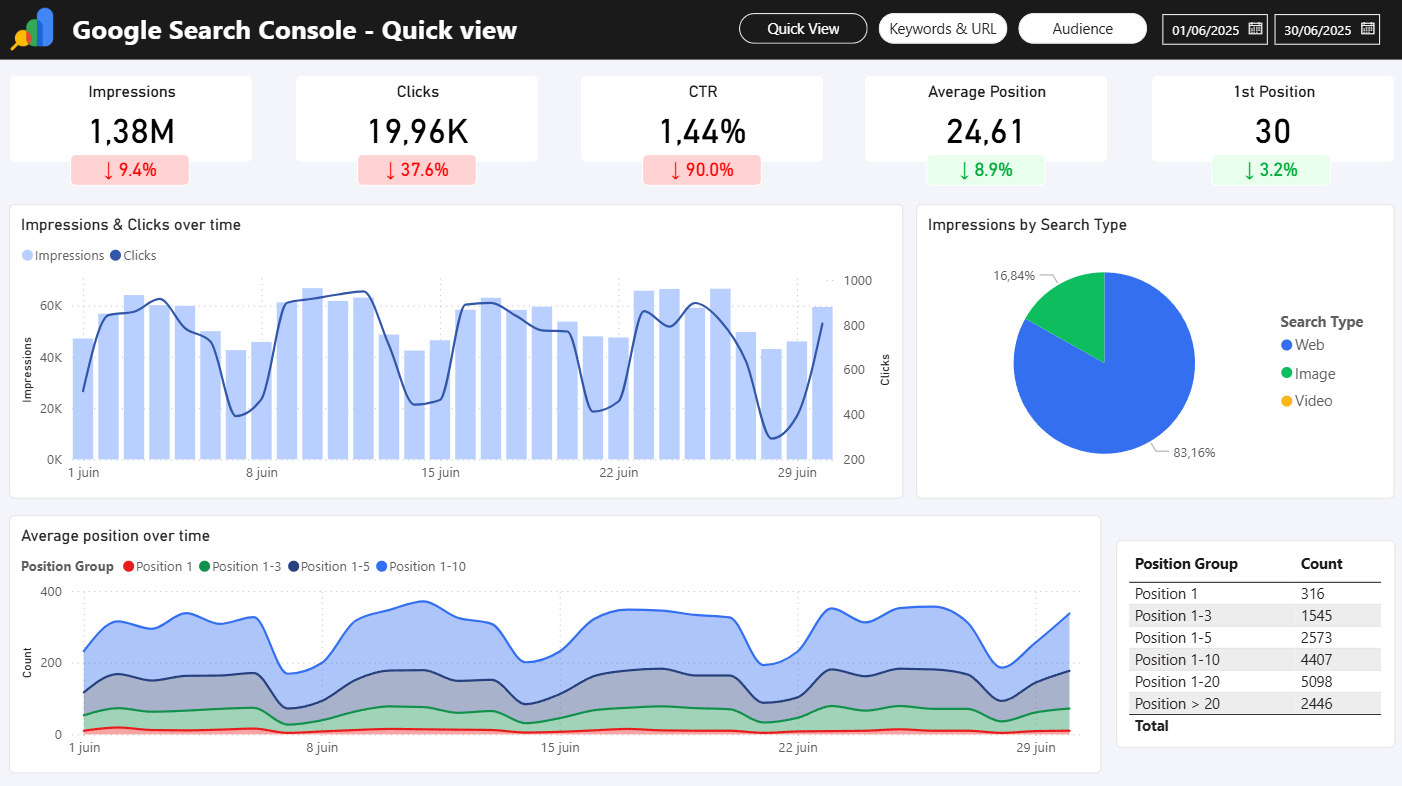
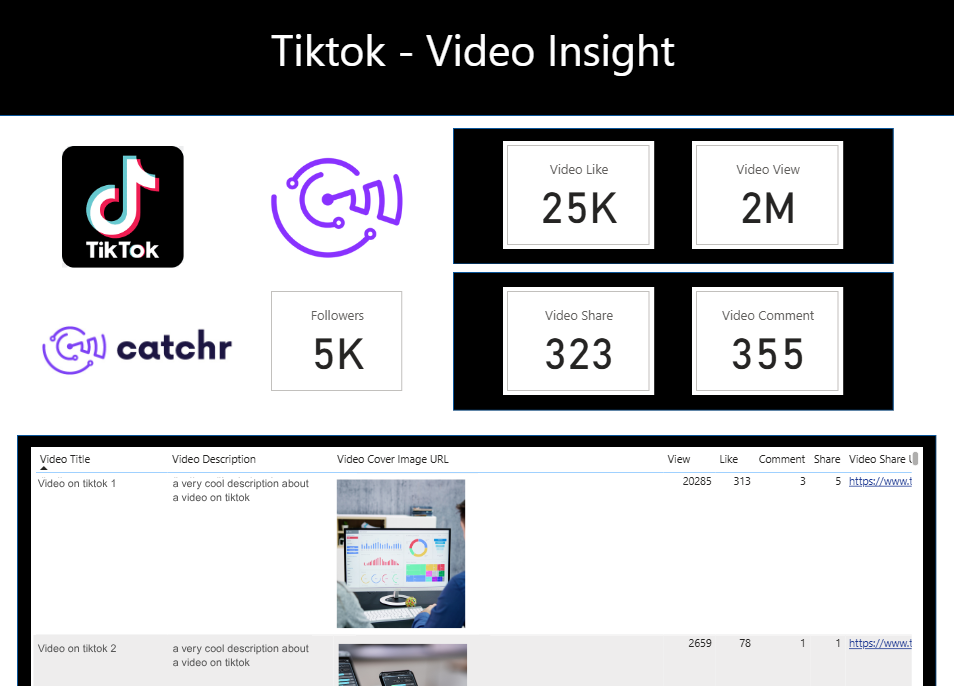
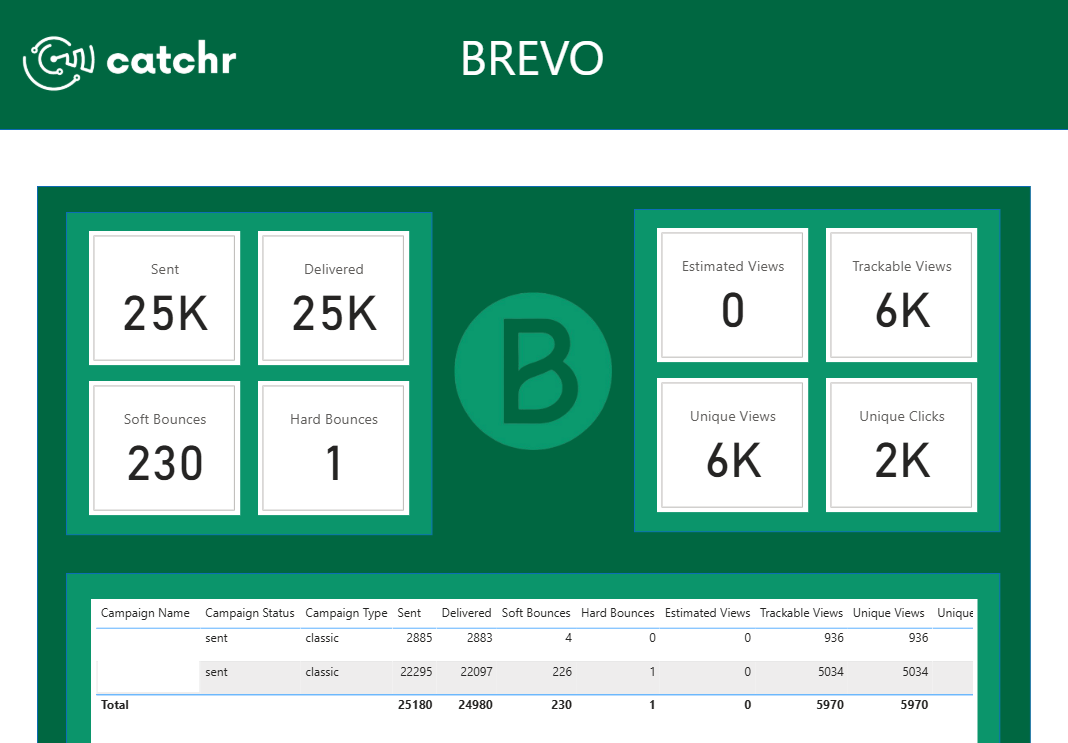
Free Power BI template to analyze your Google Analytics 4 data in a visual, structured report.
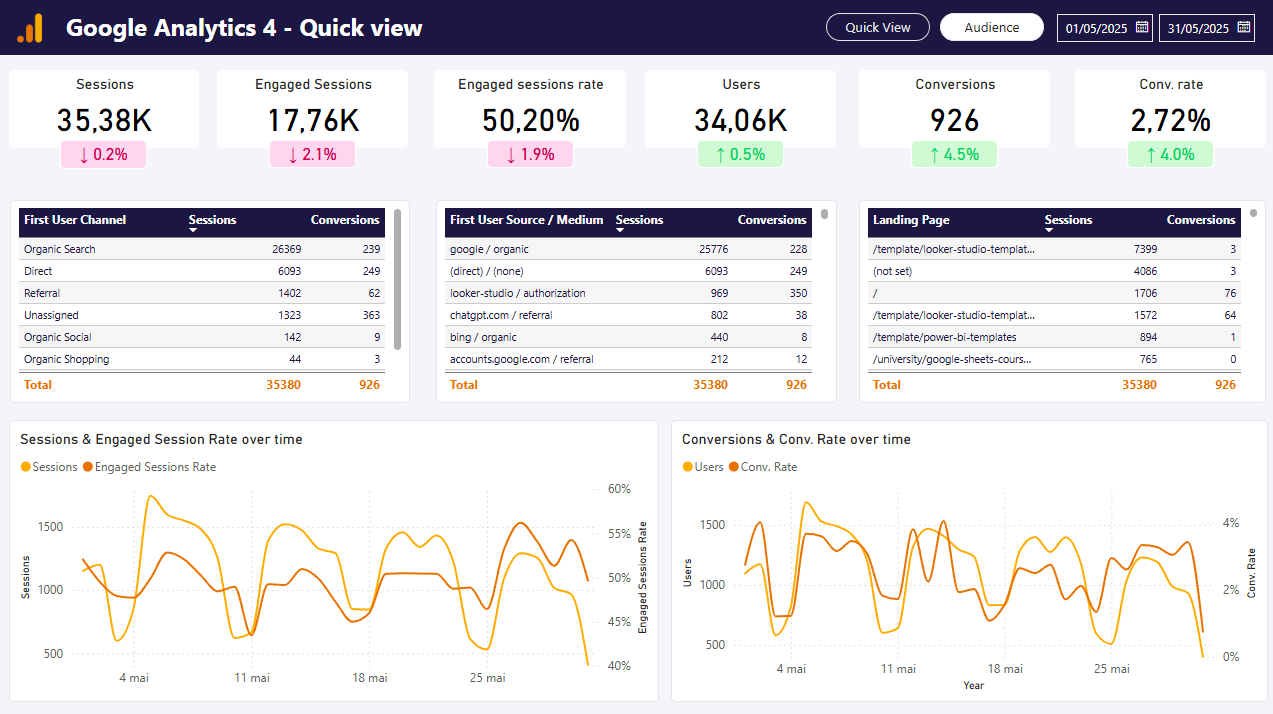
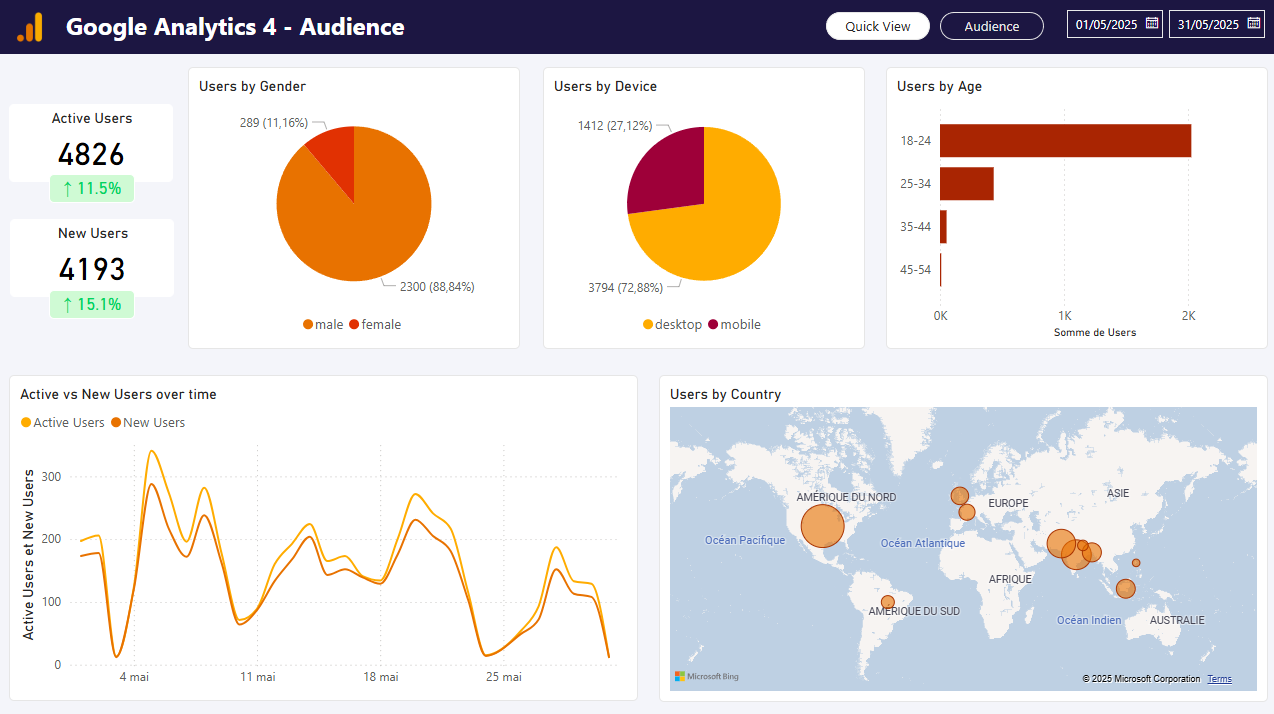

Use a free Power BI template to explore your GA4 data with clarity. Track sessions, users, conversions, and engagement metrics in an interactive dashboard built for performance analysis. This template works thanks to 2 queries, linked by date:
Performances
Measure created for: Engaged Sessions Rate, Conversions Rate, Variations.
Audience
Performances
Audience
Authorize the marketing platform you want to query. A query uses one source, but it can include multiple accounts from that source.
In Power BI Desktop, select Get data, choose Web, keep the Basic URL option, paste the saved Catchr URL, and connect.
Enjoy this template with your data, automatically refresh, so always up-to-date.
Move from connected data to useful reporting faster with dashboard patterns built around real marketing workflows.
Our teams is always here to responds to any question you could have about our data connector.
Connect your marketing platforms and build a data workflow your entire agency can use.