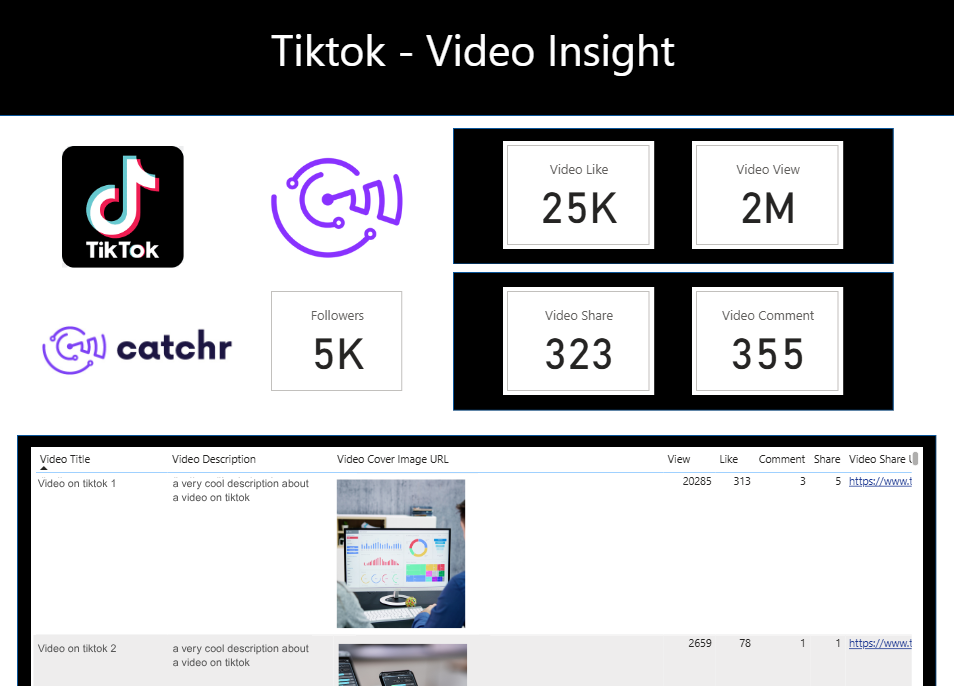
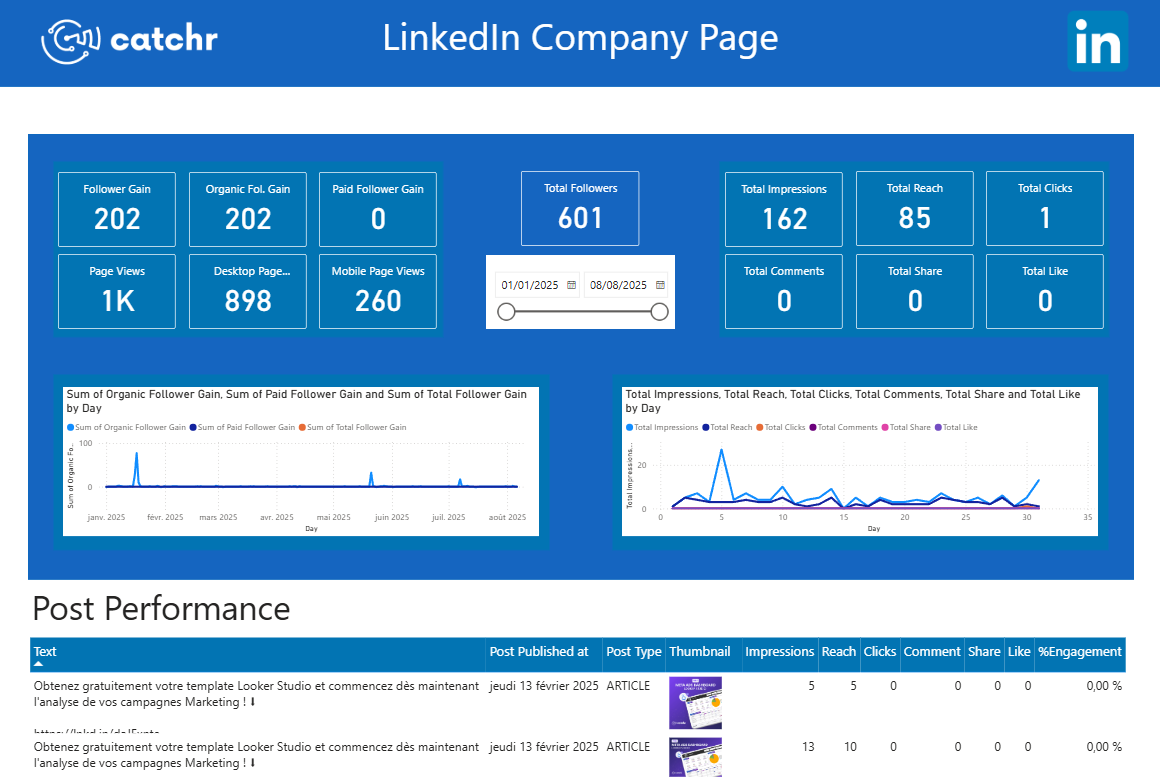
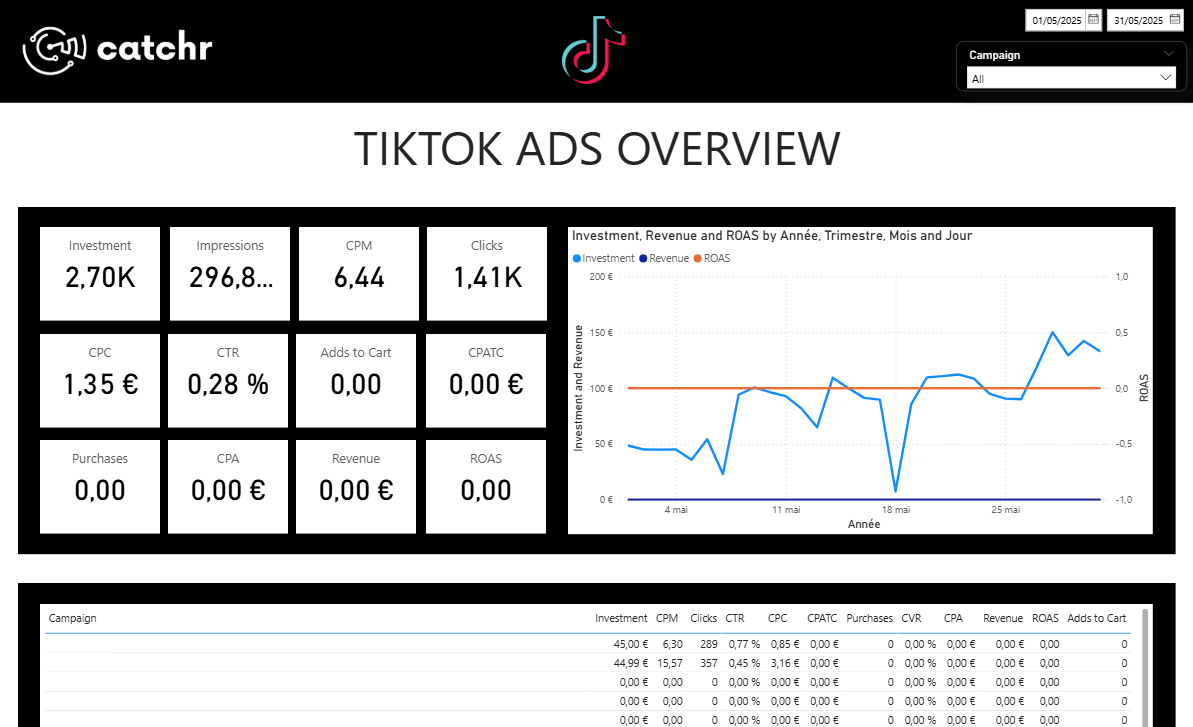
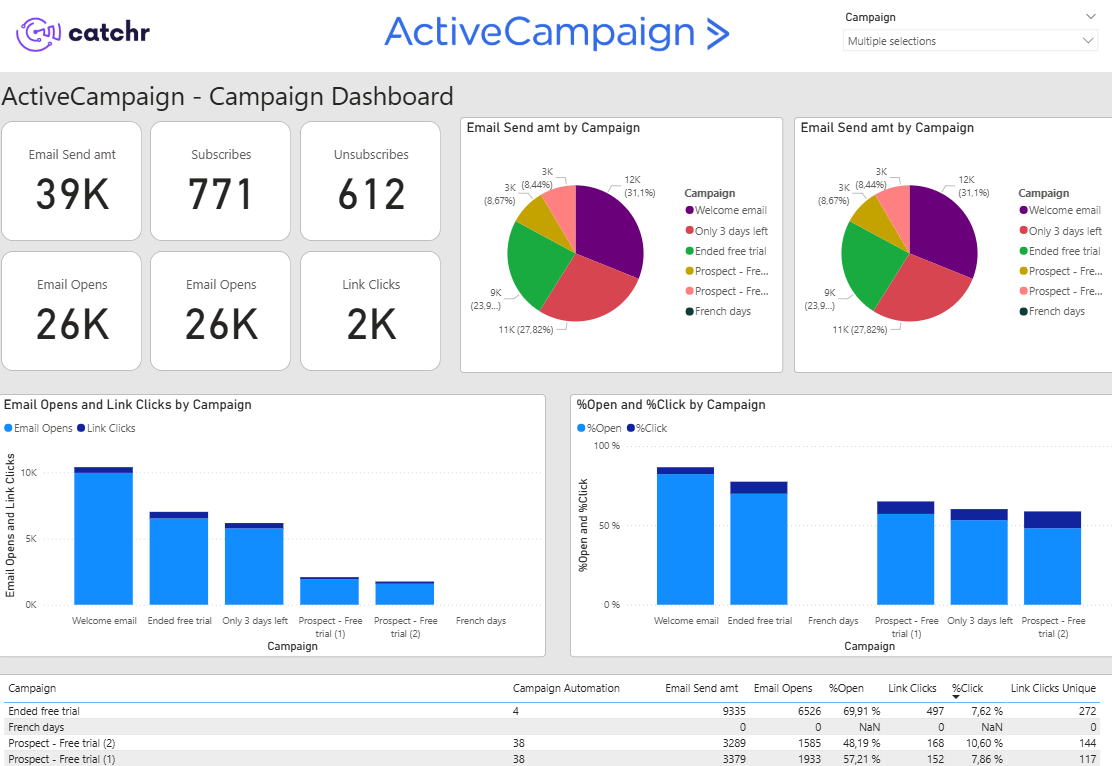
Description
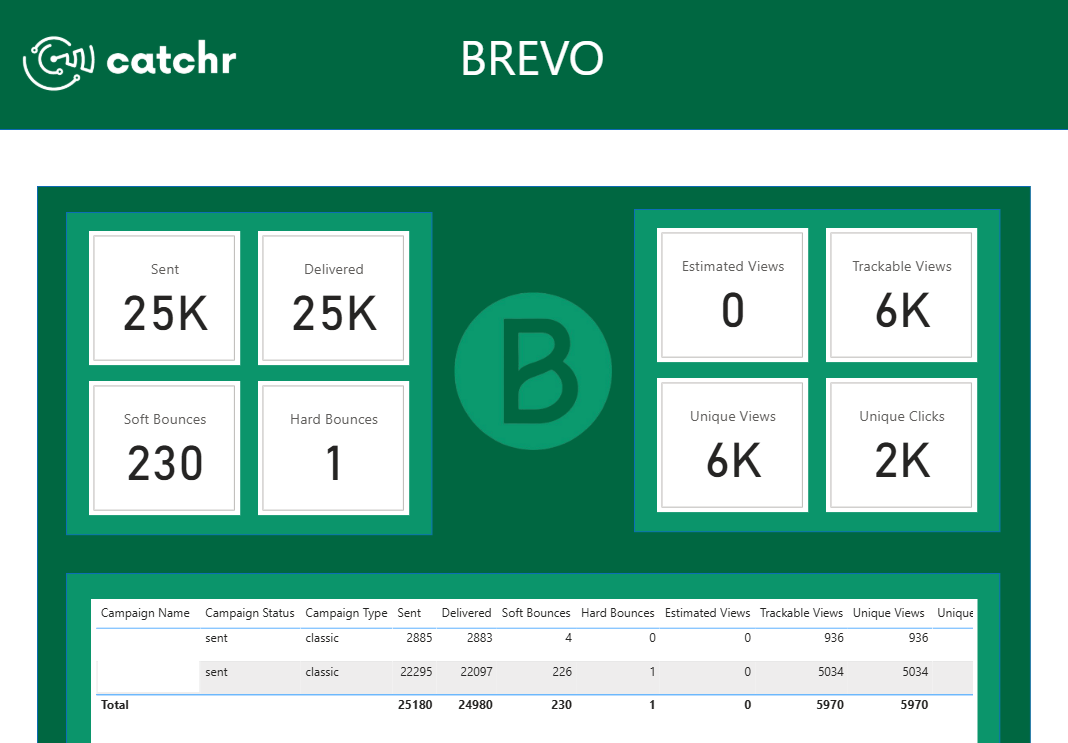
Import your Brevo data into Power BI easily and get ready to share a report in no-time thanks to our template!
Want to get more informations about the data sources used in this template? Find out all you need.
Click Get this template button at the top of this page. Now, time to set it up on Power BI!
Connect your data thanks to the Catchr connector used in this template.
Enjoy this template with your data, automatically refresh, so always up-to-date.
Catchr automatically centralizes all your marketing data through 80+ connectors and sends it directly into Power BI. Keep your reports always up to date instantly and effortlessly.
A clean, analytics-ready dataset for Power BI, so you can build reliable reports faster and keep a single source of truth.
From signup to synchronized data in just minutes. No code, no complexity, your insights are instantly available!
All your platforms, one place. From Google Ads to TikTok, unify every data source powering your Power BI dashboards.
Access free articles, lessons, and dashboard templates give you the keys to faster, simpler data analysis. Save time on preparation and gain clear methods to transform your marketing data into confident, data-driven decisions.
Get 100+ dashboard templates for free, to start analyzing your Marketing data on Looker Studio, Power BI, and Google Sheets!

Get insights on marketing analytics, and tools that turn data into growth. Find everything to stay ahead.

Develop your skills with complete and practical Looker Studio & Google Sheets lessons.
Every Power BI template shared by Catchr is fully customizable. Catchr also offers free lessons to help you master Power BI and easily adapt these templates to your business goals.
Go to Power BI universityGot questions? Our team is here to help!
Feel free to contact us to book a free demo and learn how to use this template and connector.
A Power BI template is a pre-built report, typically a .pbit file, designed to help you create dashboards faster. It includes ready-made pages, visuals, measures, and a data model layout, so you can connect your data, refresh, and start exploring insights quickly, then customize it to your needs.
Yes, this template is free. You can connect your own data or use it as a model for your reports. The only paid element is the connector, which comes with a 14-day free trial so you can fully explore the features before subscribing.
> About connectors pricingCatchr offers more than 80 connectors to help you centralize and visualize your data on Power BI and more. Explore the complete integrations library.
You can share a Power BI template with anyone by sending them the file, typically a .pbit. Anyone who receives it can open it in Power BI Desktop and connect their own data. Once you publish the report to the Power BI Service and become the owner, you can manage permissions and choose who can view or edit it. You can share your reports through your workspace, apps, or direct sharing links, depending on your organization’s settings.