Your client wants a campaign live next week and a clear performance update the week after. You need to research the offer, create assets, capture leads, and explain the results. Each job calls for different software—and some of it may already be in the client's account.
The best marketing tools help you complete that work with fewer manual steps. For an agency or freelancer, the right choice also depends on how many client accounts you manage, who needs access, and what you have promised to deliver.
This guide compares 12 tools by the work they support, then shows how a small agency could put a practical selection together.
The best marketing tools at a glance
Use this table to find the part of your workflow that needs attention. You can build a useful marketing stack with a small subset of these tools.
| Tool | Best fit | Free access and cost considerations | Main buying question |
|---|---|---|---|
| Ahrefs | SEO research and competitor analysis | Paid research plans; limited free tools for your own sites | Will you use the research capabilities regularly? |
| Canva | Campaign graphics and reusable visual assets | Free plan; paid plans expand content, brand, and team features | Which brand and collaboration features do you need? |
| Buffer | Scheduling social content across accounts | Free for up to three channels; paid plans priced by channel | How many social accounts need publishing and approvals? |
| Brevo | Email campaigns and automated follow-up | Free plan includes 300 email sends per day; paid tiers have sending and contact limits | What happens to the bill as your list and sending volume grow? |
| HubSpot | Marketing connected to a CRM | Free tools; paid Marketing Hub pricing depends on edition, seats, and marketing contacts | Which capabilities does the client's existing CRM already cover? |
| Unbounce | Dedicated campaign landing pages | Paid plans with different traffic, domain, user, and feature allowances | Do you need a dedicated builder beyond the client's CMS? |
| Google Analytics 4 | Website and app performance measurement | Standard Analytics is available at no charge | Are you measuring the actions that matter to the client? |
| Microsoft Clarity | Understanding how visitors interact with pages | Free heatmaps and session recordings | Which page or interaction needs investigation? |
| Data Studio (Looker Studio) | Shareable client dashboards | No-cost self-service version; Pro and paid connectors can add costs | Can the report access the data and reach the right people? |
| Catchr | Connecting marketing data to reporting tools | 14-day trial; plans sized primarily by platforms and accounts | Are the required sources, accounts, and destinations covered? |
| Zapier | Automating work between applications | Free plan includes 100 tasks per month; paid tiers expand capacity and capabilities | Can an existing integration already handle the transfer? |
| Asana | Coordinating campaign tasks and deadlines | Free Personal plan for up to two users; paid team plans | Who needs to produce, review, and approve the work? |
Plan details checked on November 16, 2026. Follow the official links for current pricing, billing terms, and allowances.
We selected these tools for common agency and freelance workflows, using their published capabilities and plan information. This is an editorial shortlist, not a hands-on benchmark. Catchr publishes this guide and is included for its role in connecting marketing data to reporting tools.
Choose your tools around the work you sell
Start with a deliverable: a month's social content, a lead-generation campaign, or a recurring client report. Write down the steps needed to produce it and identify where work gets delayed or repeated.
Then check what the client already has. A CRM may cover forms and follow-up emails. A website platform may already provide a suitable landing-page builder. Adding a second product is worthwhile when it solves a specific limitation you can name.
Compare the cost at your expected usage. For social publishing, count individual social accounts. For email, count contacts and sends. For reporting, count source platforms and client accounts. Include the people who need to work in the tool and any features required for their roles.
Before committing, decide who owns the account and how the client will retain access to assets, reports, and customer records when your work ends. That decision can affect which subscription makes sense.
Research, create, and launch campaigns
1. Ahrefs: for SEO research and competitor analysis
Ahrefs is a useful choice when your work includes deciding which search topics deserve a page or article. Its Keywords Explorer helps you investigate keyword ideas and search metrics, giving you evidence to assess an opportunity before assigning content.

For a client campaign, the useful output is a shortlist of topics with a clear audience and purpose. Explain why each belongs in the plan, rather than handing over a spreadsheet sorted by search volume.
Check research limits, project allowances, and user access when comparing plans. Ahrefs' free offering for your own sites has a different scope from its paid research tools. A recurring SEO service gives you more reason to invest than an occasional keyword check.
2. Canva: for creating campaign assets
Canva suits marketers producing social graphics, presentations, and other visual assets from a repeatable design approach. Its templates and editor give you a starting point; your job is to apply the client's message and visual identity consistently.

For a campaign, create an approved master design and use it to guide the supporting assets. Keep the editable work organized so the next round of changes is easy to make.
The free and paid plans differ in content access, brand features, and other capabilities. Choose based on the assets and collaboration you need. If the client already has a design workspace, working there may make review and handover simpler.
3. Buffer: for social publishing across client accounts
Buffer helps organize and schedule posts across supported social networks. It fits a recurring social service where approved content needs to go out across several accounts without managing each publishing queue separately.
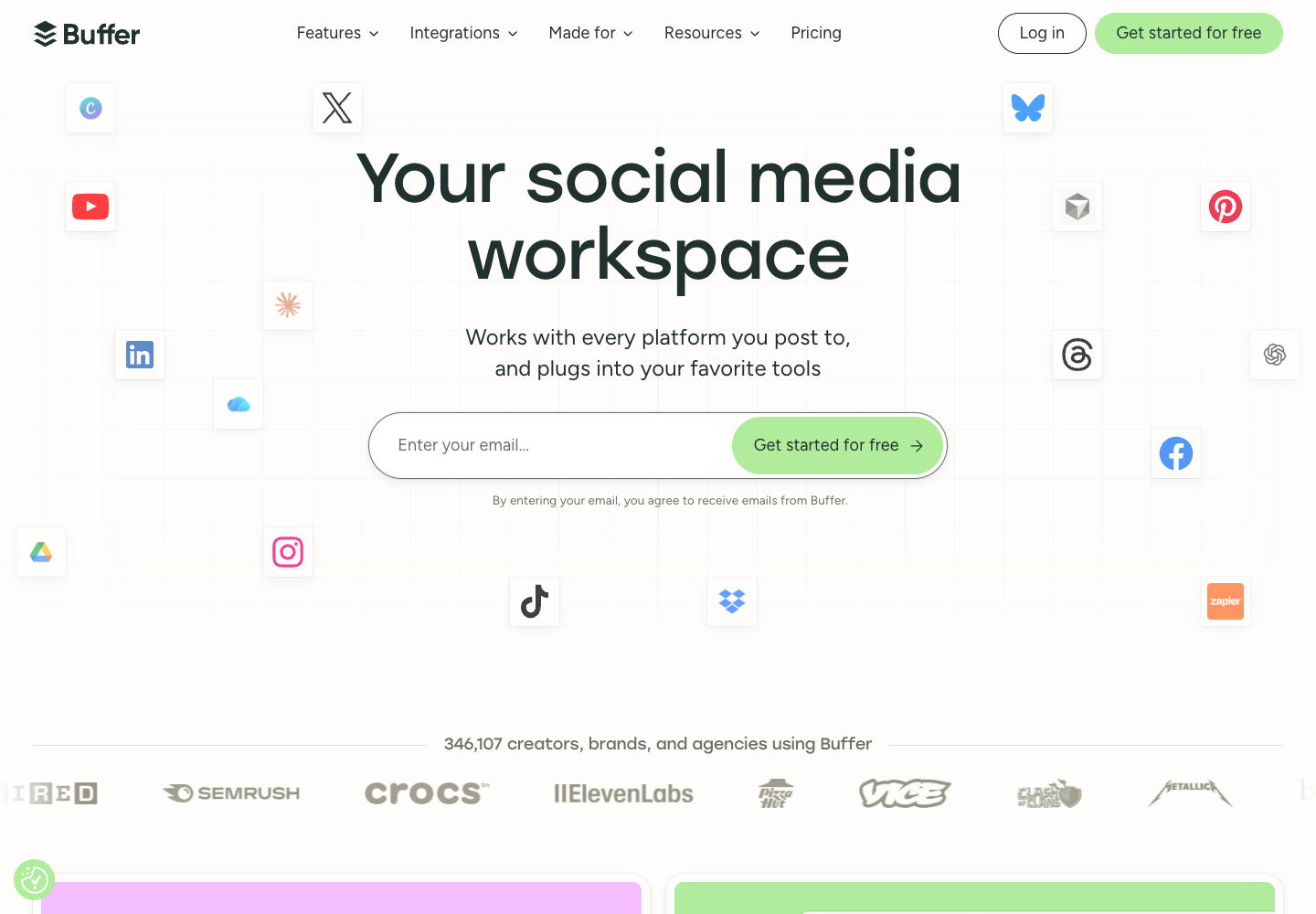
The important unit is the channel, meaning an individual connected social account. Count the accounts you will actually manage across your clients before comparing subscriptions.
Buffer's Team plan includes content approval workflows and access levels. Those can matter when one person drafts and another reviews. The free plan supports up to three channels, but its one-user setup and scheduling limits make it a different proposition from a shared agency workflow.
4. Brevo: for email campaigns and follow-up
Brevo supports email campaigns and automation, making it worth considering when a client needs newsletters or follow-up messages for new subscribers. A practical first workflow is a welcome email that delivers the resource someone requested, followed by relevant next steps.

Evaluate the whole workflow: the form, the contact record, the message, and the reporting. If the client's existing platform already handles it well, an additional email product may add maintenance without improving the service.
Brevo's plan documentation lists limits for sending, stored contacts, automation, and marketing seats. The free allowance is 300 sends per day, so a larger newsletter sent at once needs a different plan. Check both sending volume and contact capacity as the list grows.
5. HubSpot: for connecting marketing work to the CRM
HubSpot is relevant when the client needs to connect campaign activity with ongoing contact and sales management. Its CRM provides a place to manage customer information, while Marketing Hub adds capabilities for marketing execution.

For lead generation, define the handoff: where the new contact appears, who follows up, and how the team records whether the lead is qualified. A clear process makes the CRM useful to both the agency and the client.
Check Marketing Hub pricing against the exact functions you need. Free CRM access does not mean every marketing automation feature is included. Paid editions have marketing-contact and seat allowances, and some have onboarding fees. Review those before moving an established workflow.
6. Unbounce: for dedicated landing pages
Unbounce is a landing-page builder for campaigns that need a focused destination. Consider it when the client's existing site makes campaign pages difficult to launch, revise, or test.

For a lead-generation campaign, the page should carry the ad's promise through to a clear offer and form. Review that complete journey before choosing additional features.
The plan comparison separates page-building capacity, traffic allowances, domains, users, and testing features. A/B testing is listed with the Experiment plan; it is not something to assume every subscription includes. Match the plan to the campaign's expected traffic and the number of client domains you need to support.
Measure performance and prepare client reports
7. Google Analytics 4: for measuring website activity
Google Analytics helps you examine how people reach and use a website or app. For an agency, its value depends on whether the setup captures the actions the client cares about.

For a lead-generation site, identify and verify the event that represents a successful inquiry. In GA4, an important business action can be marked as a key event.
Be precise about the resulting number. A key-event count is not automatically a count of unique, qualified prospects. Google supports different counting methods, and sales qualification happens elsewhere. Use Analytics to understand site performance, then label the business outcomes from the client's records separately.
8. Microsoft Clarity: for investigating page friction
Microsoft Clarity offers free heatmaps and session recordings to help you examine how visitors interact with a page. It is useful when a performance report raises a question that aggregate numbers cannot answer alone.

Suppose the campaign sends visitors to a form, but few inquiries arrive. Review the relevant page interactions to look for patterns worth investigating: repeated clicks, limited scrolling, or trouble completing a step.
Treat those observations as evidence for a hypothesis. A recording can show what happened in that session; it does not establish that a particular redesign will increase conversions. Combine what you observe with the campaign data, then choose a focused change to evaluate.
9. Data Studio (Looker Studio): for shareable dashboards
Data Studio, previously known as Looker Studio, lets you build and share interactive reports. Google's self-service version is available at no charge; Pro adds paid capabilities.

For a client report, begin with the questions the meeting needs to answer. A compact view of spending, outcomes, and changes is often more useful than a long dashboard containing every available metric.
The reporting tool also needs a path to each data source. Start with native connections where they cover the job, then assess partner connectors for the remaining requirements. Include any connector subscriptions in the budget. If you are choosing the reporting destination itself, see our comparison of PPC reporting tools.
10. Catchr: for connecting marketing data to your reports
Catchr is useful when recurring reporting begins with collecting data from several marketing platforms. Its Data Studio connectors bring sources such as Meta Ads and Google Ads into the reporting workflow, so you can build reports around connected data.

The roles are complementary: Catchr provides access to source data, and Data Studio presents it. Report opening or refreshing can request data; availability still depends on the source and the reporting setup. This should not be treated as a promise that every number updates instantly.
Before choosing a plan, list the platforms and accounts you need. Catchr's pricing is primarily based on those capacities, with destination capabilities varying by plan. Its 14-day trial lets you check a real reporting use case before subscribing.
Keep metric definitions visible. Connecting platforms does not, by itself, establish a unique cross-channel lead count or reconcile their attribution rules.
Keep campaign handoffs moving
11. Zapier: for automating transfers between apps
Zapier is useful when someone repeatedly copies information from one application to another. Its published Unbounce-to-HubSpot workflow, for example, can use a form submission to create or update a contact by email address.

First check whether the tools' existing integration already handles the job. Use Zapier when it fills a real gap, and test the fields and behavior you depend on before applying it to live work.
Plan capacity includes task allowances, so estimate the expected workload rather than simply counting automations. The free plan includes 100 tasks per month. Make sure someone owns the workflow and checks failures when a connection or field changes.
12. Asana: for coordinating delivery
Asana gives campaign work a shared place for tasks, responsibilities, and deadlines. Its campaign-management guidance connects planning, asset production, review, and measurement.

For a small agency, a useful project might include drafting the landing page, approving the creative, checking the form, launching the campaign, and preparing the first report. Give each task an owner and a clear completion condition.
Check user and feature allowances before inviting the team. The Personal plan currently supports two users, so a three-person agency should evaluate a suitable paid plan if everyone needs access. If your existing project tool already keeps this work clear, keep using it.
A practical marketing stack for a small agency
Consider an illustrative three-person agency serving five clients. One client is launching a lead-generation campaign on Google Ads and Meta Ads. The client already has a website, a CRM, and GA4.
The agency's immediate deliverables are approved creative, a working inquiry journey, and a weekly performance update. Here is how it could decide what to add.
| Task | Existing setup | Add only if… | Client deliverable |
|---|---|---|---|
| Create campaign graphics | Client's design assets and guidelines | Canva fills a gap in production or reusable templates | Approved campaign assets |
| Publish the landing page | Client's website platform | The current builder cannot support the campaign; assess Unbounce | A working page and form |
| Follow up with inquiries | Client's CRM and email setup | Existing follow-up is insufficient; assess HubSpot or Brevo against that need | A documented lead handoff |
| Investigate page performance | GA4 | Clarity can help investigate a specific interaction problem | An observation and a testable hypothesis |
| Prepare the weekly report | Native ad reports and CRM records | Catchr and Data Studio address repeated data collection and presentation work | A report with clearly labeled metrics |
| Coordinate delivery | Existing project tool | Tasks or approvals need a shared workflow; assess Asana | Owners, deadlines, and review status |
This campaign does not automatically need a new SEO research subscription or social scheduling tool. Those become relevant when the agency adds the corresponding services.
Budget using the actual accounts involved. For example, Google Ads and Meta Ads across five clients could mean two platforms and ten source accounts if every client has one account on each platform. The number of clients alone would not describe that reporting setup.
For the weekly update, keep three layers distinct:
- Advertising activity: spending and platform-reported results for each channel.
- Website activity: the relevant events measured in GA4.
- Business outcomes: inquiries or qualified leads recorded in the client's CRM, using an agreed definition.
The same person can appear in more than one measurement system. Adding Google Ads conversions to Meta Ads conversions does not establish a total of unique leads. Label each figure by its source and use the agreed business record for the client outcome.
Finish the report with what changed, what you think needs investigation, and the next action. Our marketing report guide explains how to choose the audience, purpose, and metrics for that conversation.
Test one client workflow before adding more tools
Choose one authorized client account and a concrete deliverable, then work through the complete process:
- Confirm access and ownership. Check that the people doing the work can use the required accounts and that the client can retain the finished assets.
- Run a small test. Create a sample asset, submit a test inquiry, or build a report for a short period. Confirm that the expected result appears in the next tool.
- Check the numbers. Compare report data with its source using matching dates, currency, account scope, and metric definitions. Investigate differences before sharing.
- Test the handoff. Have the intended reviewer open the asset or report and confirm that access works and the output is understandable.
- Record what the tool changed. Identify which manual step it removed, what maintenance remains, and whether the subscription supports the service you sell.
If gathering campaign data is the step slowing down your client reports, start there. Explore Catchr's Data Studio connectors and use the 14-day trial to connect one client's marketing sources to your reporting tool.