
Starter
For freelancers and small teams.
$ 24 /mo
Billed monthly · cancel anytime
Platforms3
Accounts10


Used by the world's leading companies











Available metrics
Available dimensions


What our customers say about us.
After three years of use, Catchr has become essential for both our teams and our clients. So far, it has been our best solution for compiling and analyzing data from different advertising platforms. It’s easy to set up, and the customer service is responsive and excellent.

With Catchr’s automated API, we can finally collect and centralize all advertising data, connect it with booking information, and calculate the real ROAS for our restaurant clients. It gives them full visibility, more autonomy, and the ability to optimize campaigns to maximize ROI.

The solution is a real game changer, providing optimal time savings for our data reporting. The major strength of the solution is their highly responsive and professional support.

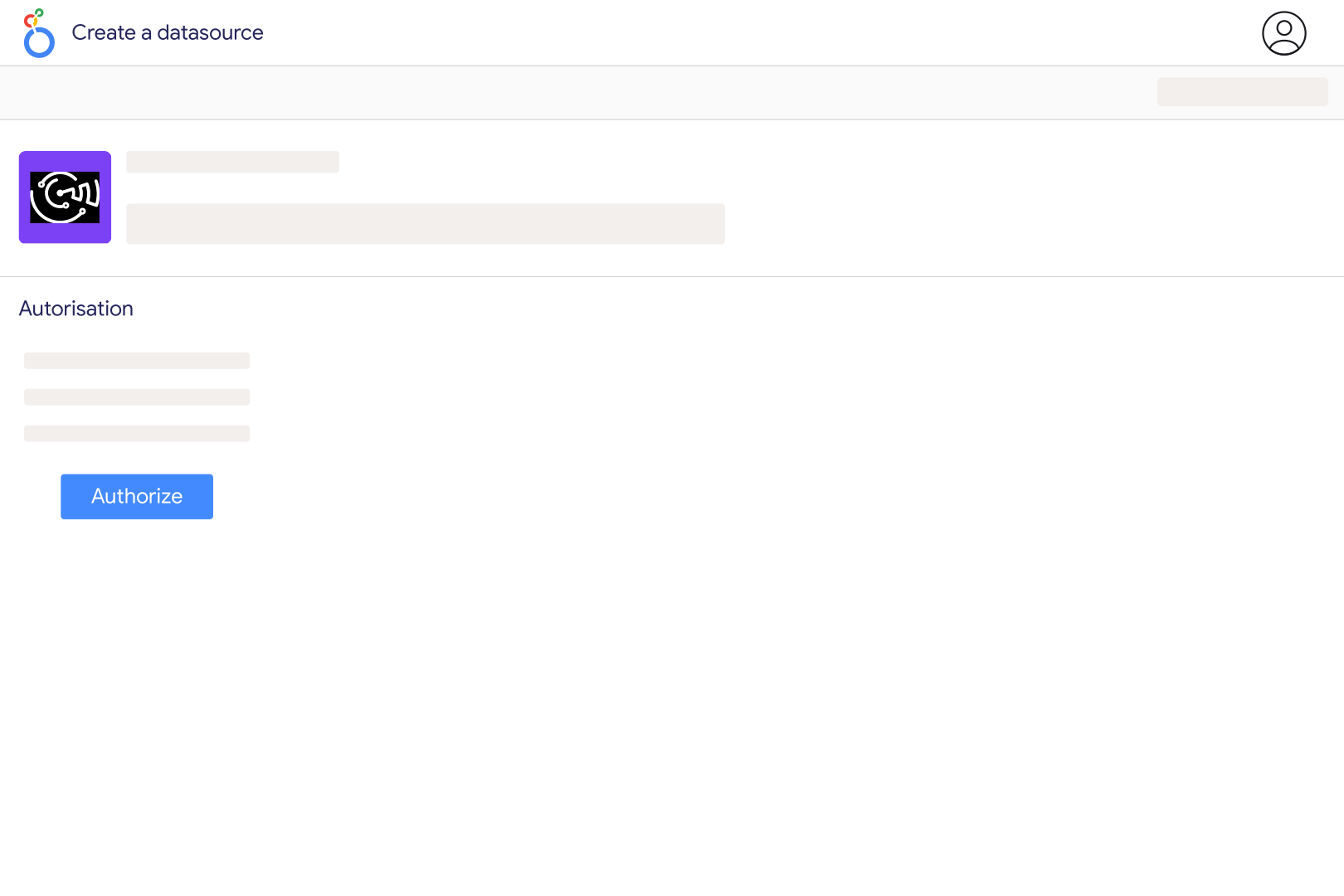
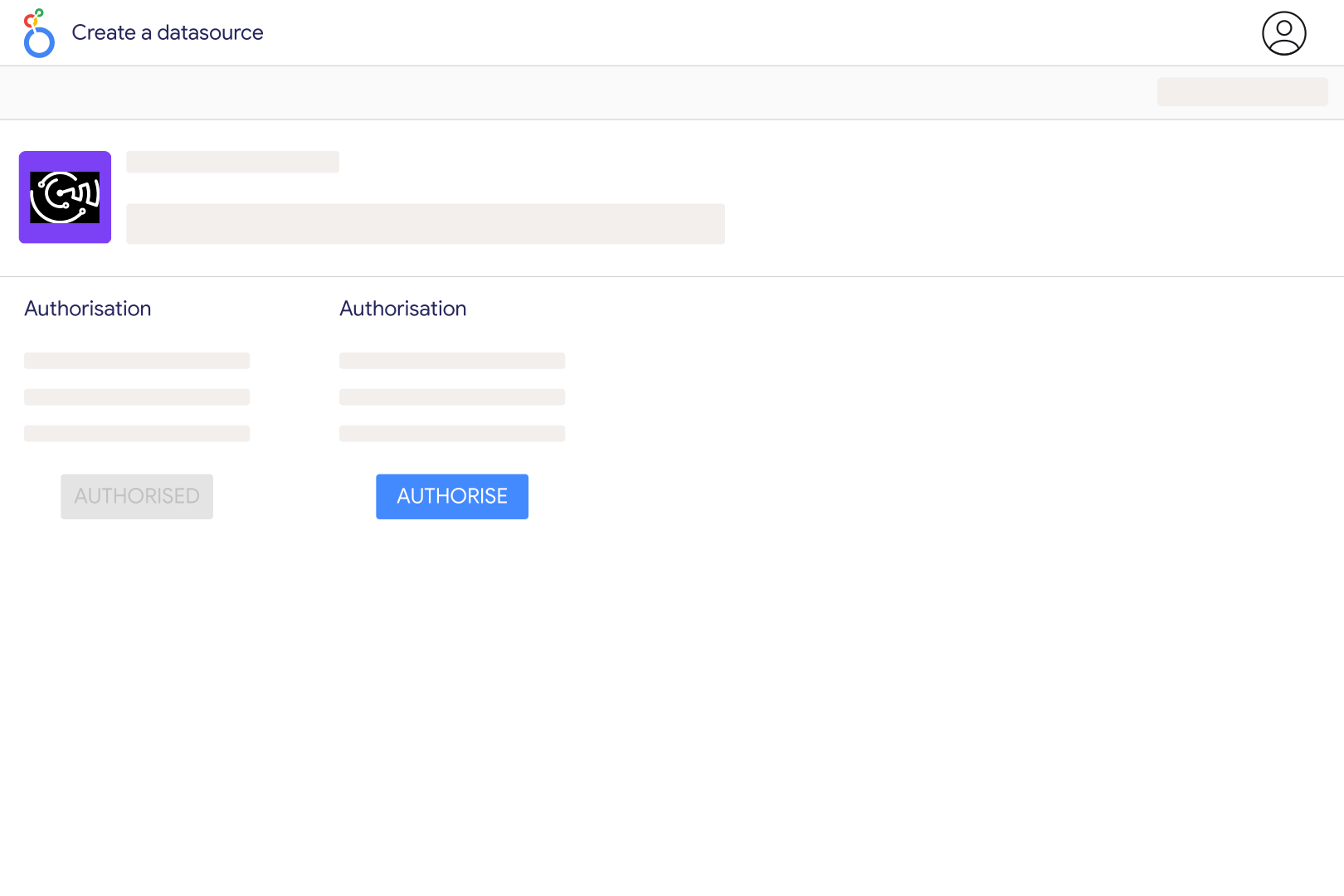
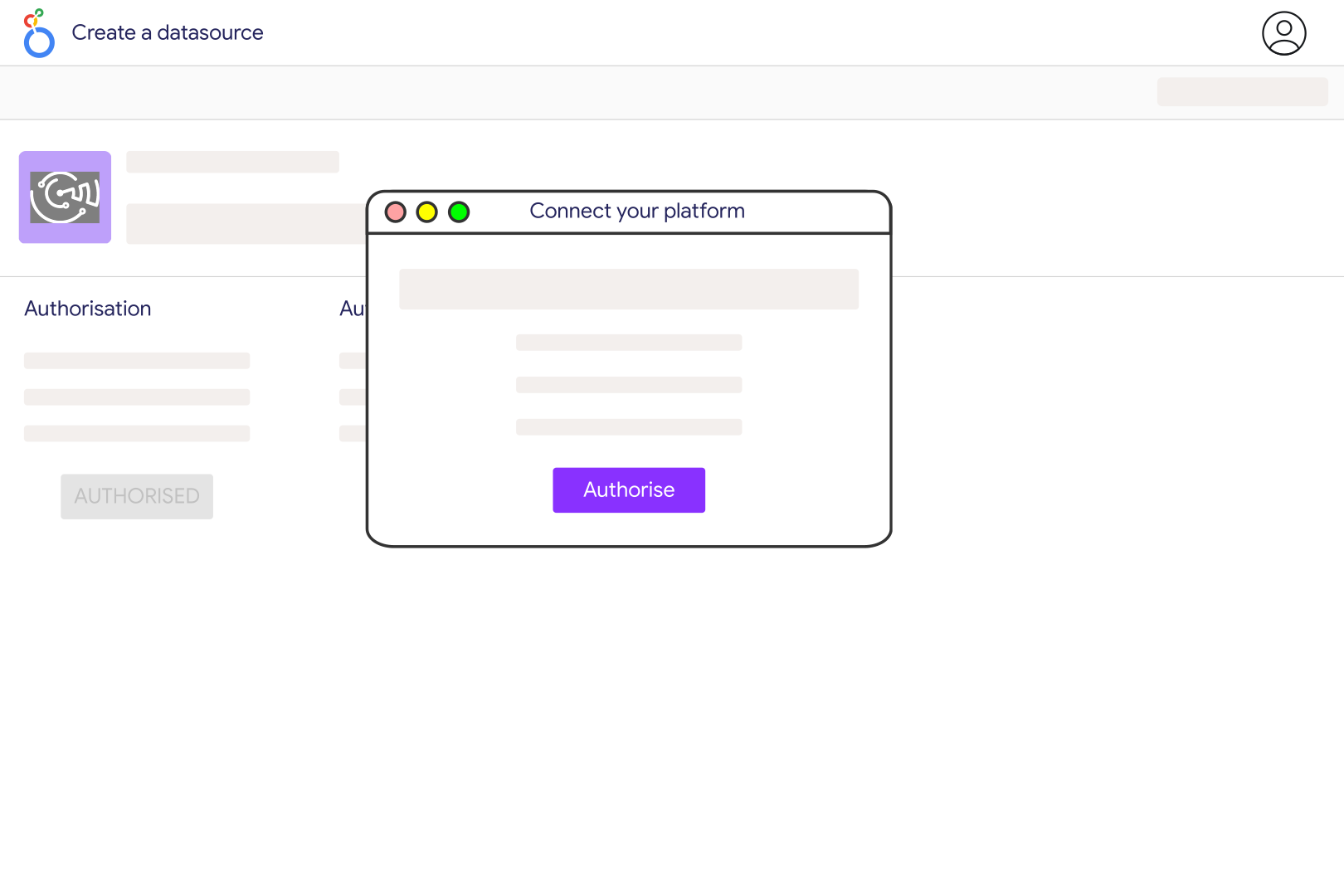
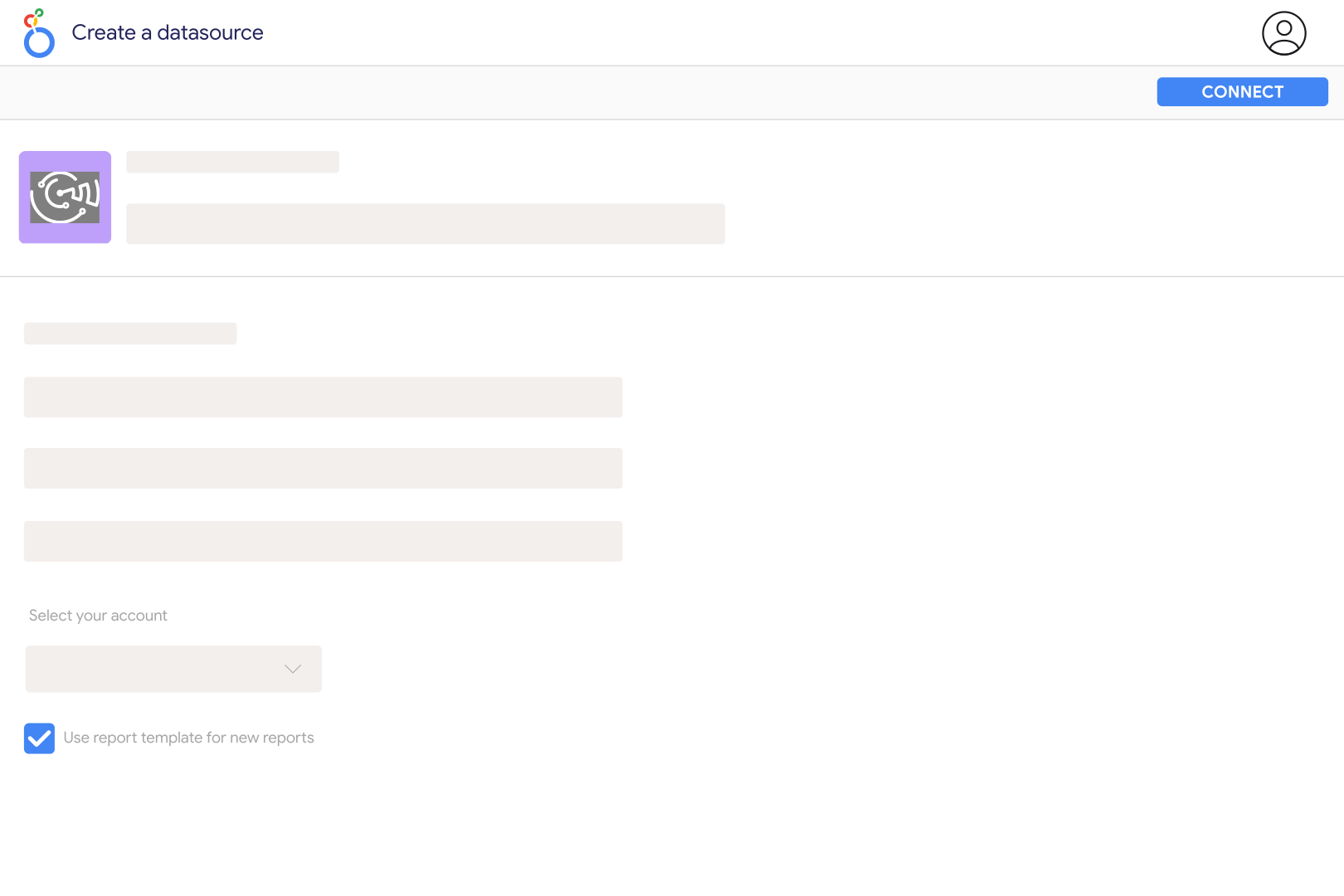
Add Trustpilot Review in Catchr and enter the identifier from the company's Trustpilot profile URL. For example, a profile at trustpilot.com/review/slack.com uses slack.com. Several identifiers can be entered as a comma-separated list. Select the profile in your Catchr data source, connect it to Looker Studio, and check a table of Review Title, Rating, and Review Date before building your dashboard.
Catchr exposes individual review titles, text, ratings, dates, reviewer information, country codes, likes, review URLs, and company reply text and dates when available. Separate profile totals include Review Count, Average Rating, and counts by star rating. This is a review-reporting source: invitation delivery, TrustBox impressions, profile search performance, and Trustpilot's own AI insight dashboards are not included in its current field catalog.
A simple average of the reviews in your dashboard is not the TrustScore. Trustpilot explains that its score considers more than an arithmetic mean, including the influence of recent customer experiences. Your dashboard may also cover only a selected period or a subset of reviews. Label a calculation based on individual Rating values as average review rating, and do not relabel it TrustScore. Catchr's catalog does not expose a dedicated TrustScore field.
Use Review Date to group individual reviews by month and count distinct Review IDs. Calculate the average of valid Rating values or group reviews by their star rating to show the distribution for that period. Profile-level Review Count and star-count totals are current summary values, not monthly changes. Request these totals in separate charts: Catchr does not allow profile summary fields and individual review fields in the same request.
Yes, for the reviews and reply data returned by the connector. Build a review table with Rating, Review Text, Reply Text, and the review URL; filter empty Reply Text to identify reviews that appear unanswered in the retrieved data. Where both dates are present, calculate the elapsed time between Review Date and Reply Date. This measures the reply currently returned, not a complete history of every response or edit. Publish replies in Trustpilot itself.
A single request should not be treated as a complete archive. Catchr pages through reviews and stops after roughly 1,000 matching reviews, or when it reaches the available results or requested date boundary. For a high-volume profile, use smaller date windows and compare the returned coverage before drawing conclusions. Profile totals can exceed the individual reviews retrieved, and historical profile ratings cannot be reconstructed simply by moving a date filter on a current summary chart.
Yes. Add the review sources separately and map each profile to the correct business or location before combining results. Keep the platform, review count, date range, and scoring method visible so a Trustpilot score is not mistaken for an equivalent Google measure. A useful comparison shows recent review volume, the share of low ratings, and recurring complaints side by side. Catchr also provides a Google Business Profile source for reporting on local business performance.
Our team is always here to answer any questions you may have about our data connector.









