Catchr connects to 100+ marketing platforms, centralizes your data, and keeps it automated so your team can access performance, report with confidence, ask AI what changed, and plan next actions.








Each client brings a different mix of ad platforms, analytics tools, CRMs, ecommerce stores, and reporting requirements. Catchr connects every source once and makes the data available wherever your team needs it.
 Meta Ads · Client A
 Google Ads · Client A
 GA4 · Client A
 HubSpot · Client A
 Shopify · Client A
Use the same connected data to build reports, investigate performance, work in spreadsheets, or feed your agency's data stack.




Why did CPA increase? Which campaigns lost momentum? Give your AI assistant access to live marketing data and investigate performance without collecting the numbers first.



.svg)

Connect paid media, analytics, CRM, and ecommerce data directly to Looker Studio, Power BI, or your preferred reporting tool.


Build pacing checks, campaign reviews, monthly summaries, margin calculations, and custom client reports using the spreadsheet workflow your team already knows.

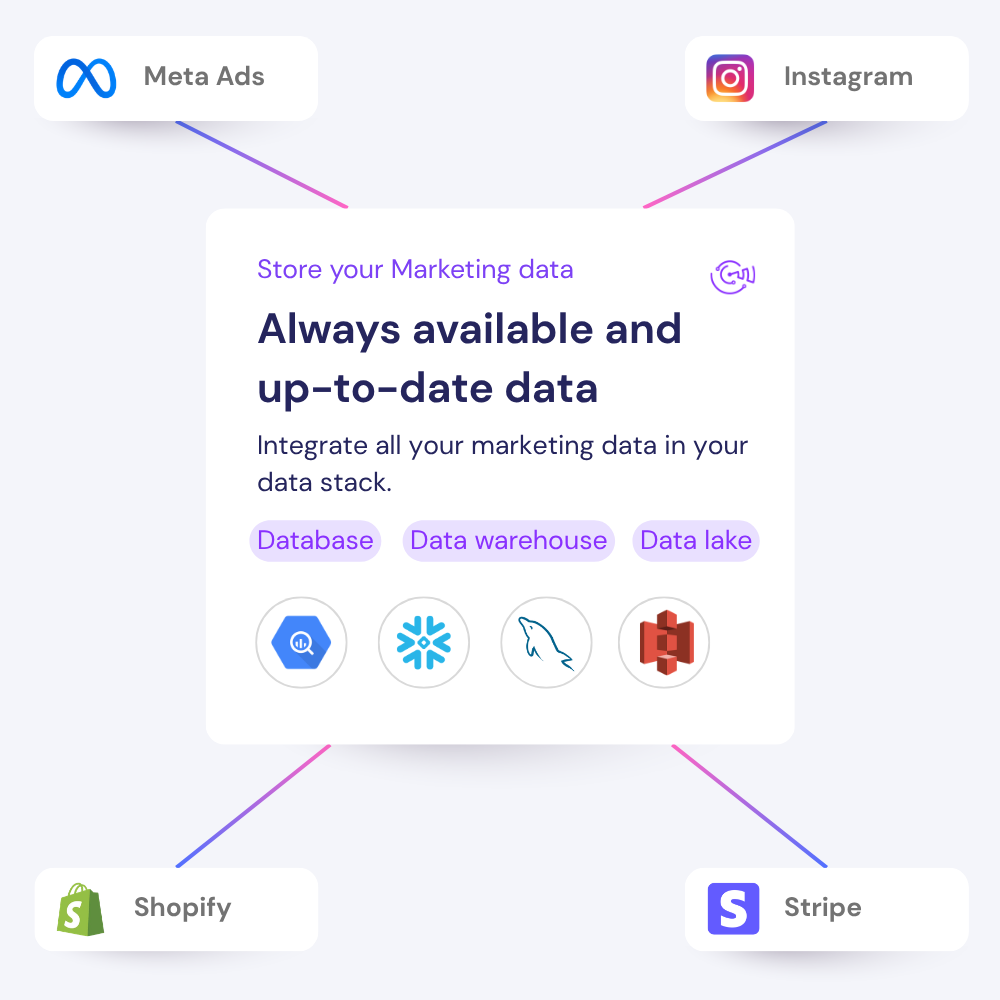
When a client asks for a new report, a BigQuery export, or an AI analysis, your team does not need to rebuild the data pipeline from scratch.
Build the data workflow once, then let Catchr keep every destination current.
Use the same connected data to build reports, investigate performance, work in spreadsheets, or feed your agency's data stack.
Authenticate all the platforms used, then choose the exact accounts your team needs for reporting and analysis.
Meta Ads
3 advertising accounts
Connected
Google Ads
2 advertising accounts
Connected
Google Analytics 4
1 web property
Connected
HubSpot
1 CRM portal
Connected
Meta Ads
Google Ads
GA4
 Looker Studio
Google Sheets
AI assistants
Looker Studio
Google Sheets
AI assistants
 BigQuery
Select the tools used by your team and client. Catchr reuses the connected sources instead of making you rebuild a pipeline for each destination.
Open a client report, ask Claude or ChatGPT about performance, work in a spreadsheet, or send the data to your warehouse.
Open your report
Looker Studio
Ready to query
Ask your data
Claude or ChatGPT
MCP connected
Open your spreadsheet
Google Sheets
Export ready
Store the data
BigQuery
First sync scheduled
Connect paid media, analytics, CRM, ecommerce, SEO, email, and organic social platforms from one place.
Client reportReady to queryPacing sheetExport readyAI analysisReady to askMeta AdsGoogle AdsHubSpot
Live queryScheduled exportAI analysisFrom agency reporting to ecommerce performance, Catchr keeps the data moving behind the client-facing work.
Connect your marketing platforms and build a data workflow your entire agency can use.