
Starter
For freelancers and small teams.
$ 24 /mo
Billed monthly · cancel anytime
Platforms3
Accounts10


Used by the world's leading companies











Available metrics
Available dimensions


What our customers say about us.
After three years of use, Catchr has become essential for both our teams and our clients. So far, it has been our best solution for compiling and analyzing data from different advertising platforms. It’s easy to set up, and the customer service is responsive and excellent.

With Catchr’s automated API, we can finally collect and centralize all advertising data, connect it with booking information, and calculate the real ROAS for our restaurant clients. It gives them full visibility, more autonomy, and the ability to optimize campaigns to maximize ROI.

The solution is a real game changer, providing optimal time savings for our data reporting. The major strength of the solution is their highly responsive and professional support.

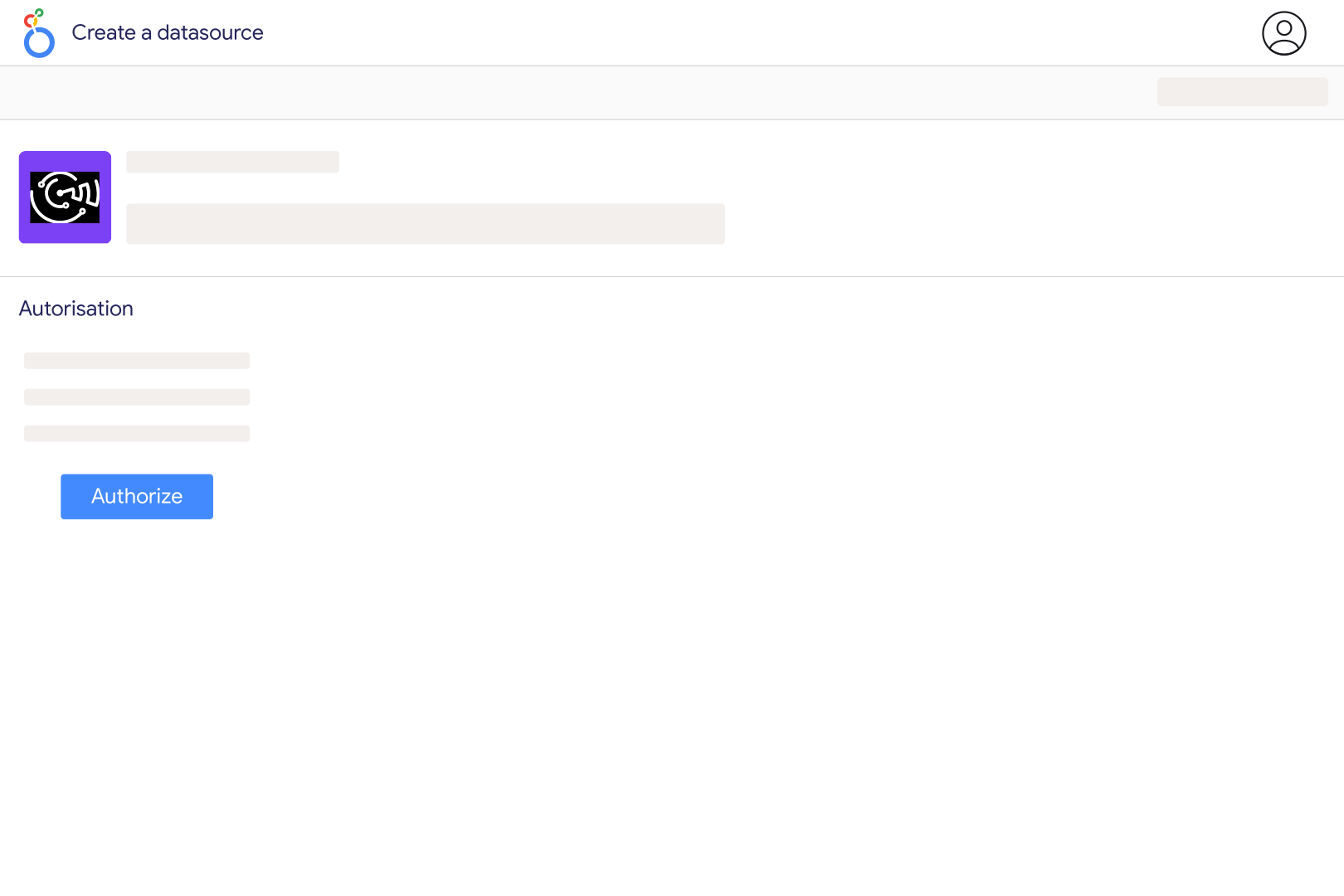
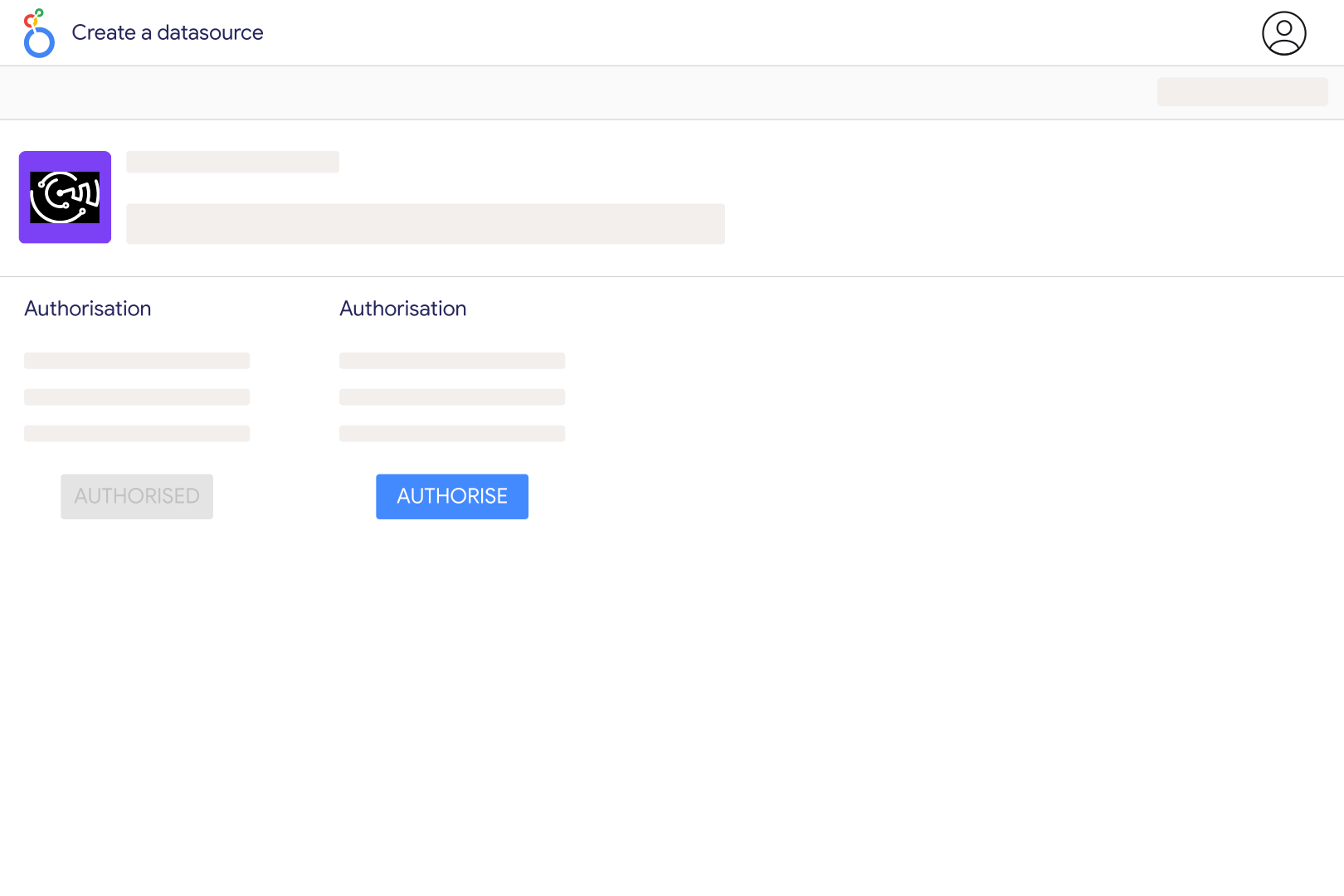
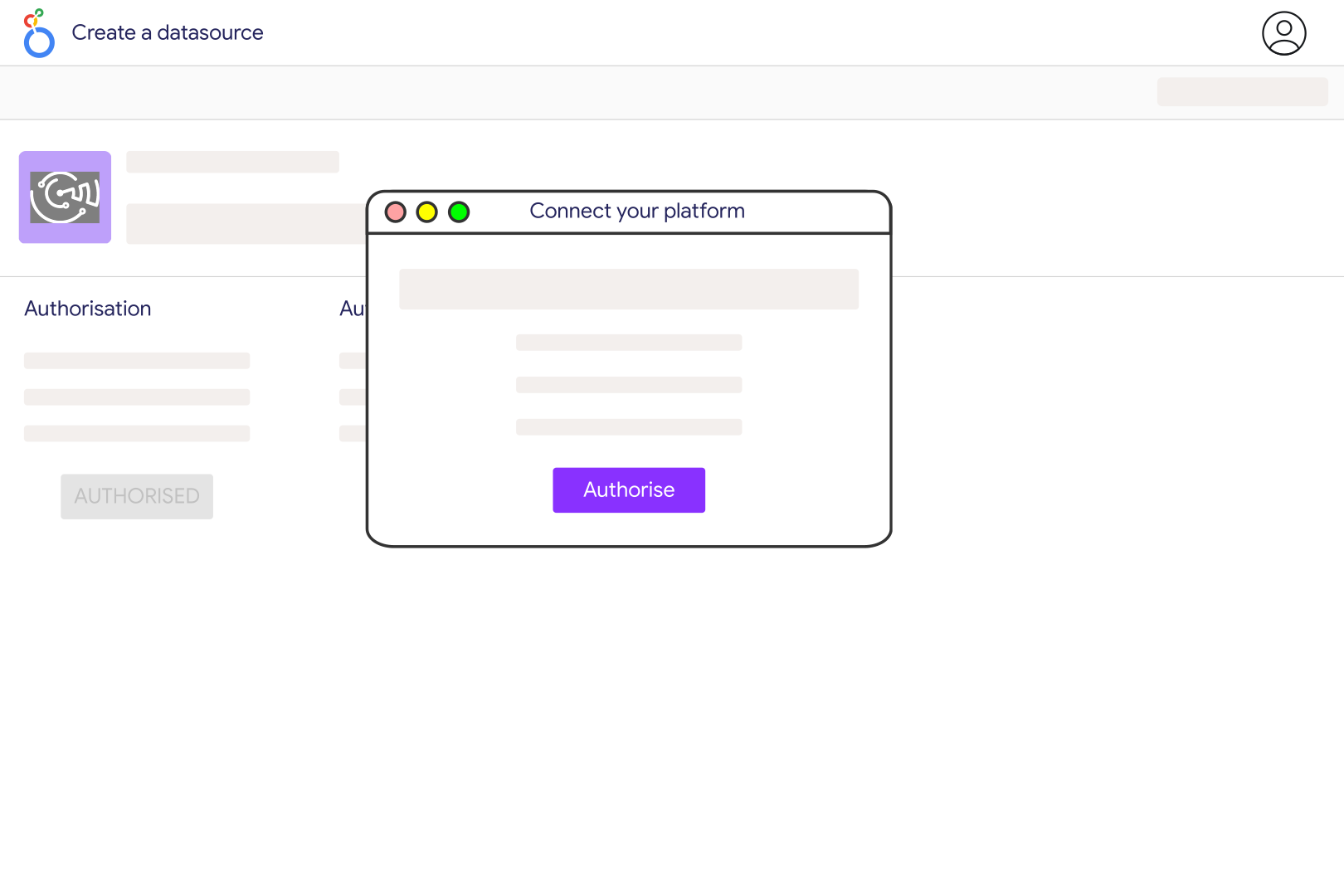
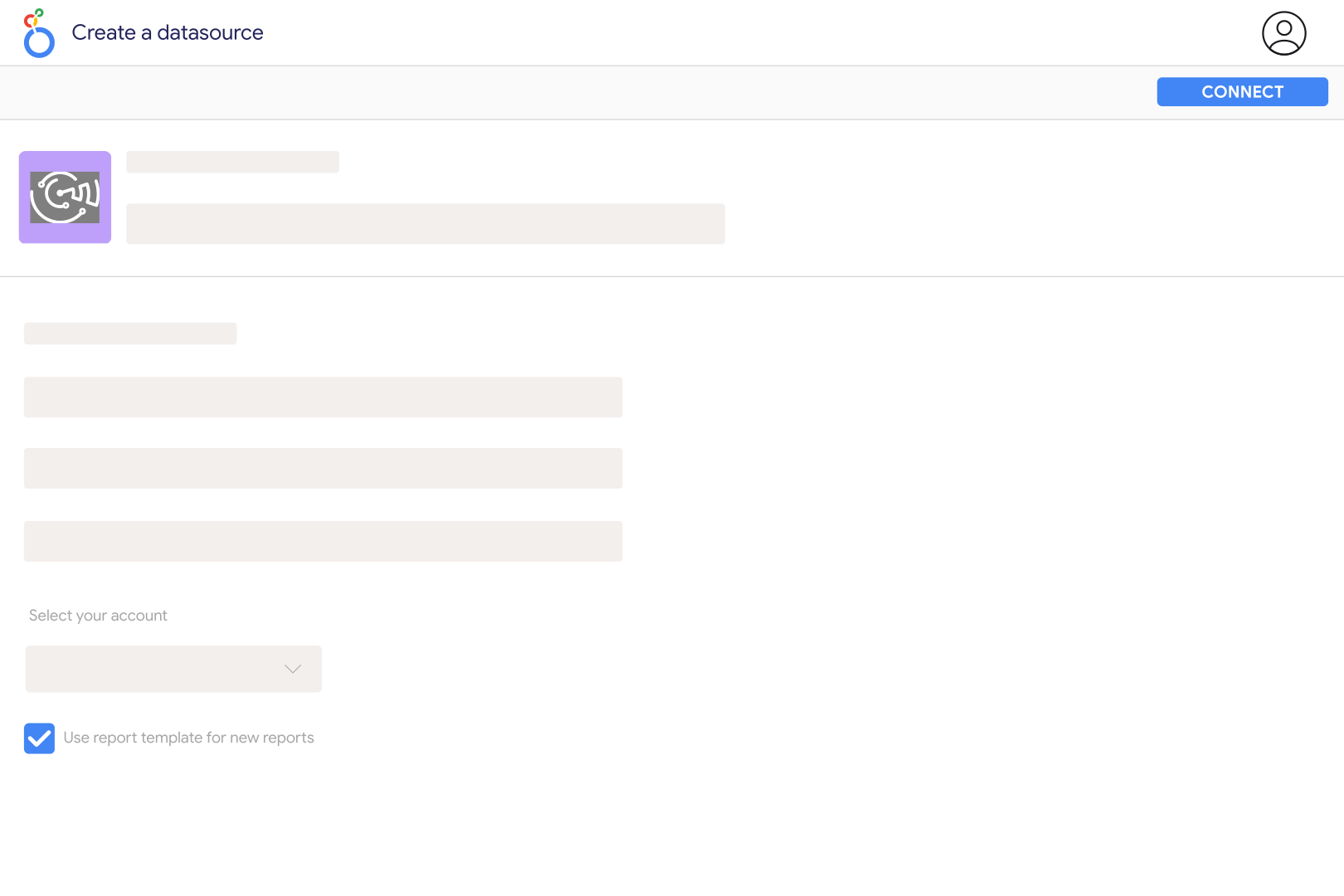
Open the Catchr Facebook Pages connector in Looker Studio, authorize your Google account, and connect the Facebook user who has access to the Page's insights. Select the Page and create the data source. A Facebook Page is the reporting asset; a personal profile is not interchangeable with it. Grant the requested Page and insights permissions when connecting.
Check the Facebook user used to authorize Catchr, the Pages included in that authorization and the user's access to Page insights. Meta requires insights access, including the Page's Analyze task and relevant permissions. Advertising account access alone is not enough. Reconnect after changing permissions, and confirm that the expected Page appears before rebuilding charts.
Start with supported Page media views, unique media viewers, follows and post interactions, then add available video and post-level metrics. Choose fields for the specific Page or post scope you need. Avoid building new charts around fields marked deprecated, and do not sum daily follower balances as though they were new followers gained during the period.
Meta retired several Page Insights metrics, including legacy reach, impressions and some unique video-view fields. An old field that becomes empty does not necessarily mean your audience disappeared. Replace it with the supported view-based field appropriate to the chart, such as Page Total Media View Unique or Post Total Media View Unique. Keep the definition change visible when comparing periods; a replacement metric is not automatically identical to the retired one.
Post media views are lifetime counters for individual posts, while Page media views can describe daily activity. A post's creation date and the date someone viewed it are different. Use a post table to compare content and a Page-level time series to track daily activity. Unique viewers can overlap across posts and days, so adding those counts does not produce a deduplicated Page audience.
Catchr exposes available paid and organic media-view breakdowns and a separate follower-view breakdown. For post views, the connector does not allow follower views in the same request as paid or organic views, so use separate charts. Follower status and advertising distribution describe different things: an organic view is not necessarily a follower view, and a non-follower view is not necessarily paid.
Use the Facebook Ads connector for campaign spend and attributed conversions. Private Page Insights require access to the Page; they do not unlock a competitor's private analytics. For supported public information, use the separate Facebook public data source. Label each source and metric scope clearly when showing them in one dashboard.
Our team is always here to answer any questions you may have about our data connector.









