
Starter
For freelancers and small teams.
$ 24 /mo
Billed monthly · cancel anytime
Platforms3
Accounts10


Used by the world's leading companies











Available metrics
Available dimensions


What our customers say about us.
After three years of use, Catchr has become essential for both our teams and our clients. So far, it has been our best solution for compiling and analyzing data from different advertising platforms. It’s easy to set up, and the customer service is responsive and excellent.

With Catchr’s automated API, we can finally collect and centralize all advertising data, connect it with booking information, and calculate the real ROAS for our restaurant clients. It gives them full visibility, more autonomy, and the ability to optimize campaigns to maximize ROI.

The solution is a real game changer, providing optimal time savings for our data reporting. The major strength of the solution is their highly responsive and professional support.

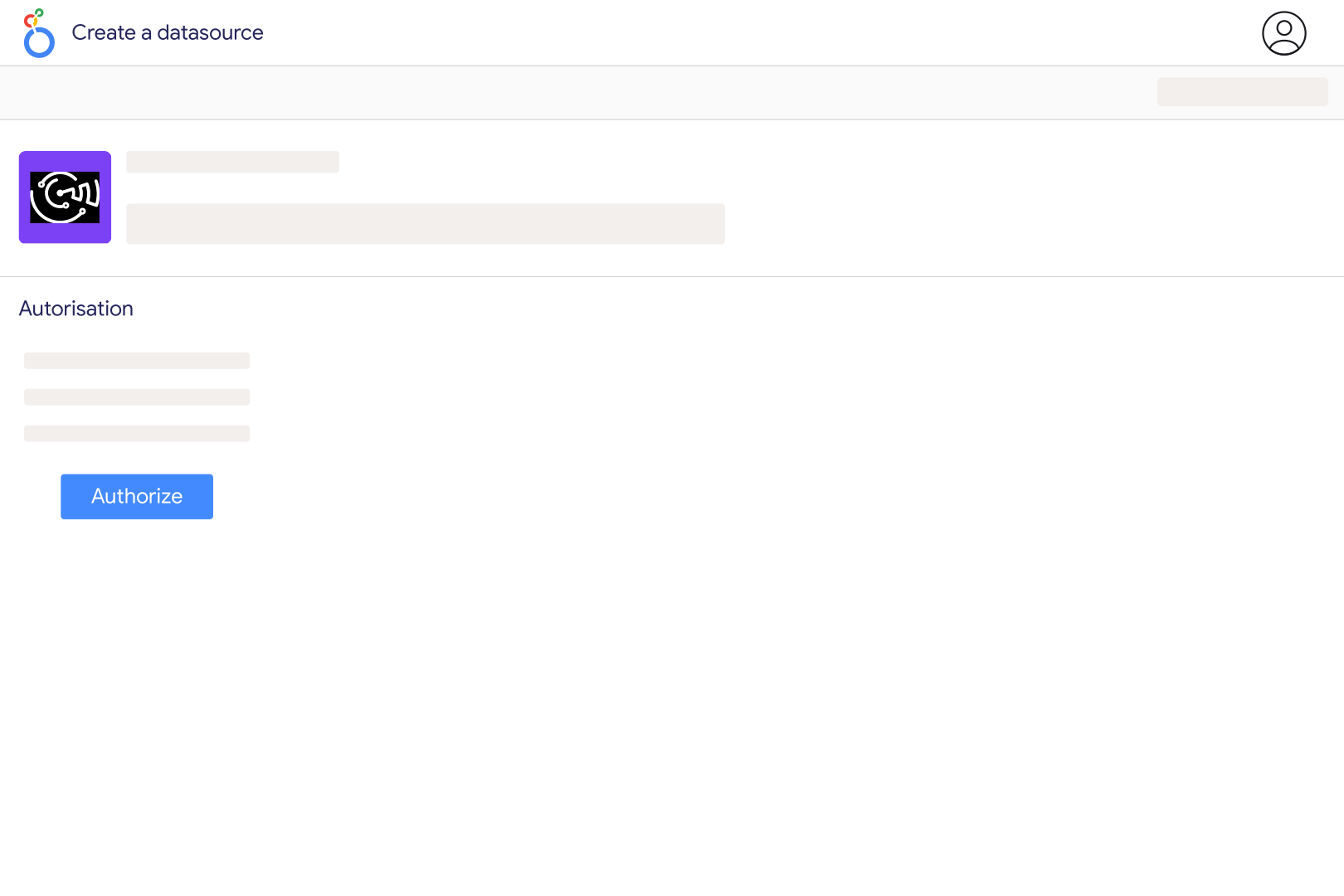
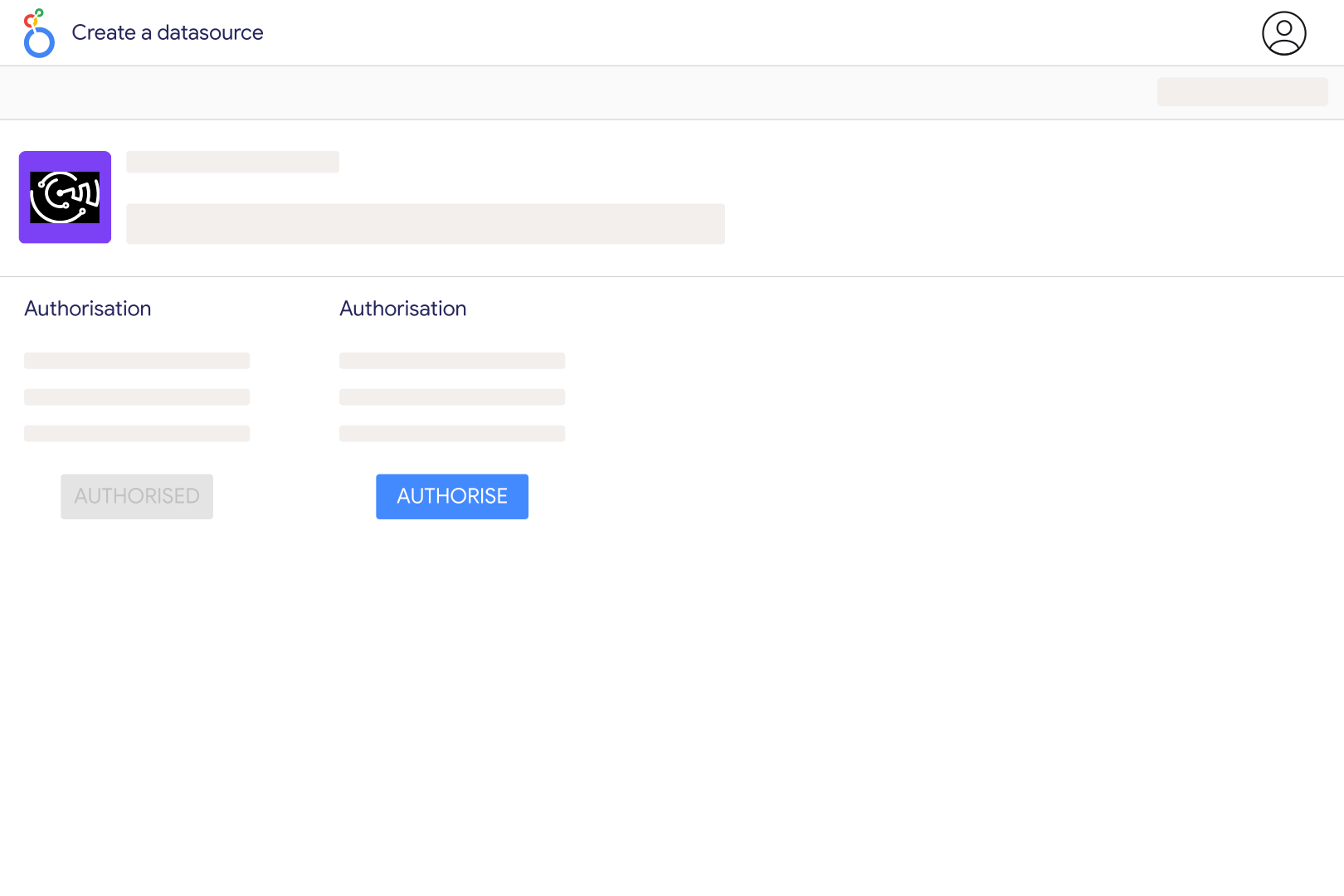
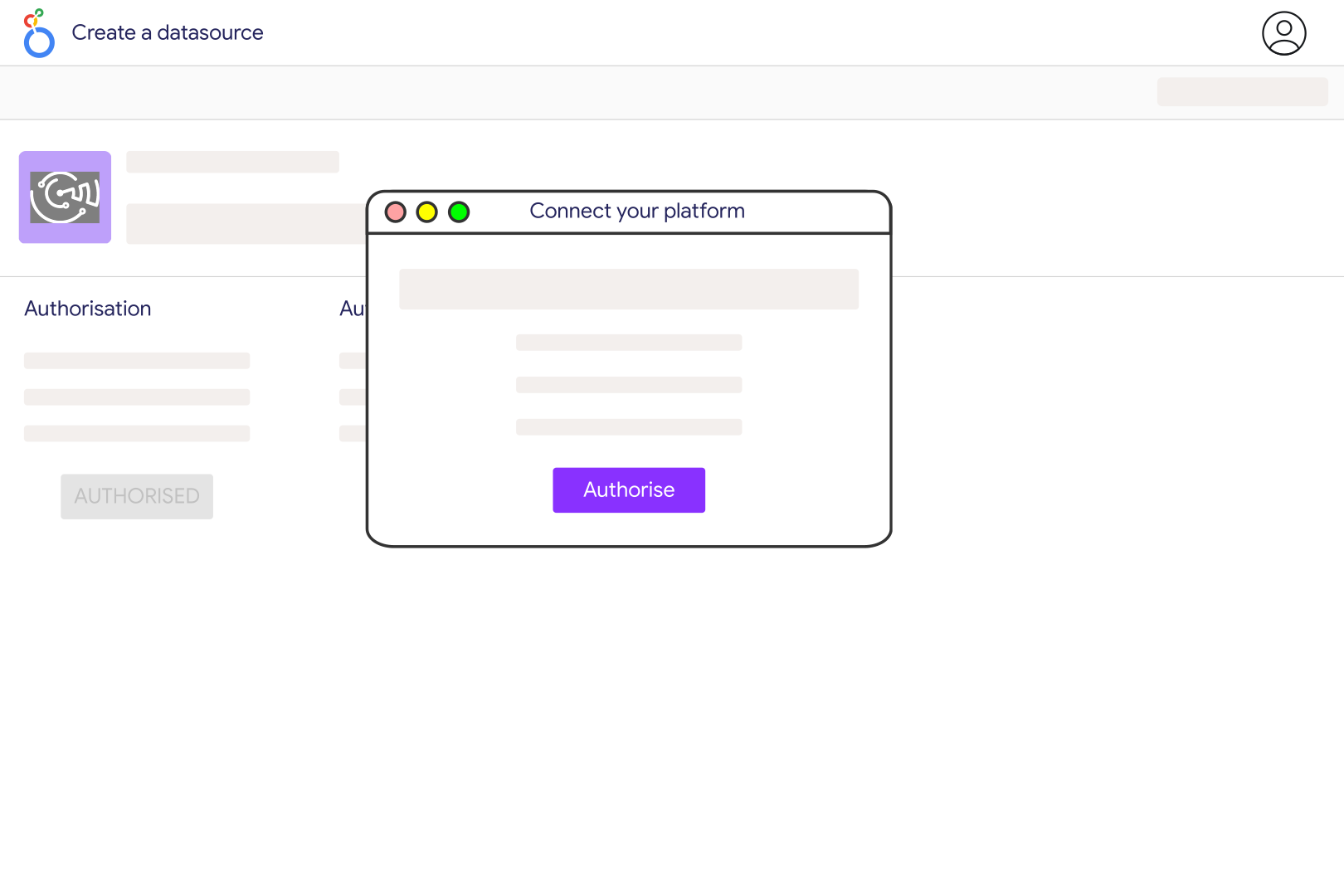
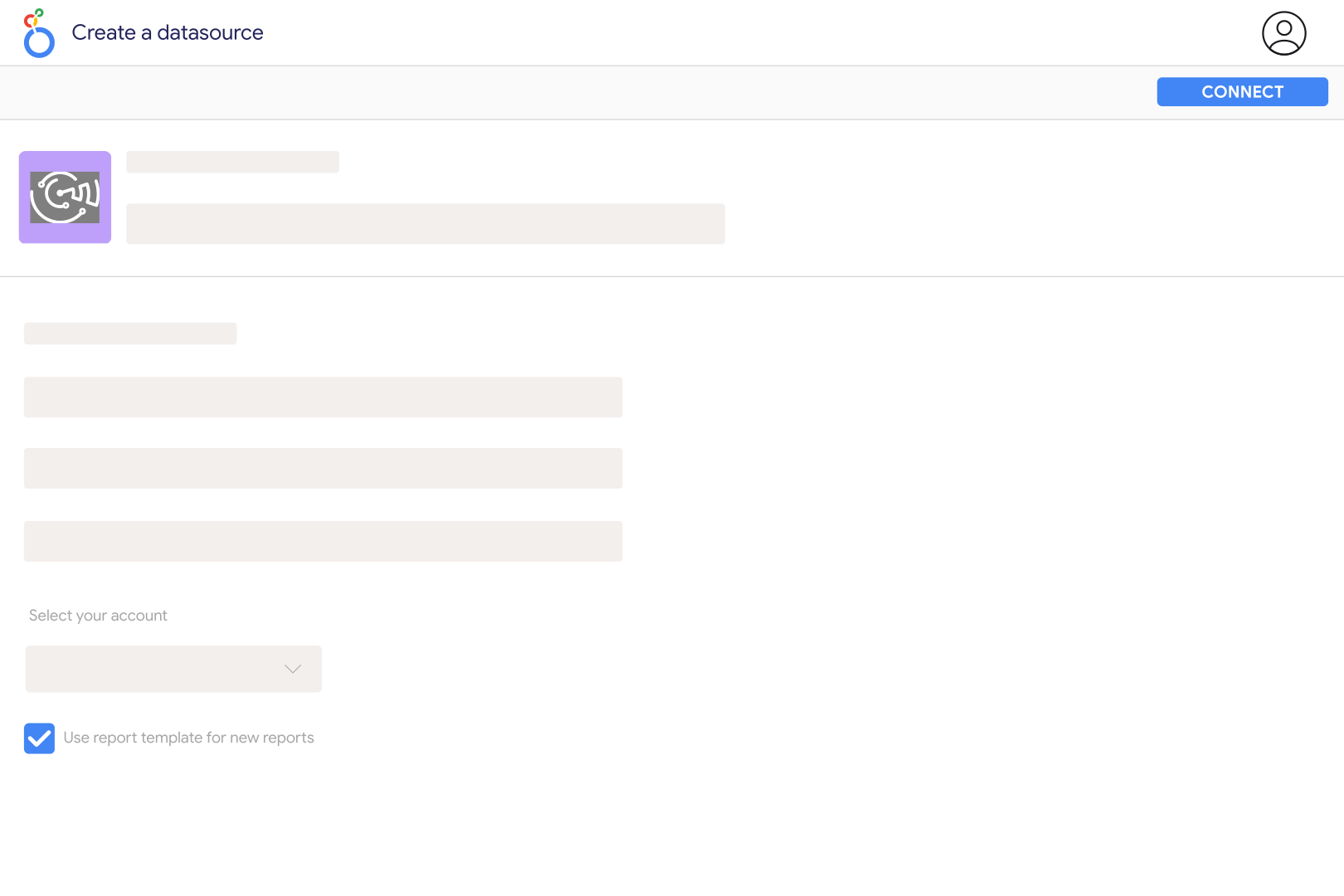
Add Piano Analytics to Catchr using your Access Key, Secret Key, and Site ID. You can find the Site ID through Piano Data Query. Then open the Catchr Piano Analytics connector in Looker Studio, authorize your Google account, select the source, and create a report using the available properties and metrics.
Yes. Catchr accepts one or several Site IDs during setup, separated by commas. The credentials must have access to the selected sites. Keep site ID or site name in your report when comparing properties, and align tracking definitions before treating their metrics as directly comparable.
The connector includes events, visits, identified-user metrics, clicks, conversions, time spent, product and cart activity, and audio/video metrics. Properties such as event name, device, browser, site, and media content provide reporting context. The data available for your site depends on what its Piano implementation actually tracks.
A single visit can include several pages or level-two sections, so it can appear in several rows of a breakdown while counting only once at site level. Adding those rows therefore does not recreate a deduplicated site total. Use a metric calculated at the intended scope for summary cards and keep detailed breakdowns for navigation analysis.
Piano needs event timestamps to measure elapsed time. A visit with only one recorded event has no later timestamp from which to calculate duration, and very short durations can also be affected by rounding. A zero or missing measured duration does not prove that the visitor spent no time reading the page.
Yes. Catchr exposes media-content properties and metrics such as starts, playbacks, playback time, buffering, errors, and completion thresholds. These require the corresponding media events to be tracked in Piano. Compare the same metric definitions across players and content types; a start, a playback, and a completed view are different events.
Yes. Add Google Ads or another advertising source to compare acquisition spending with tracked website activity. Align campaign identifiers and dates before blending. Platform-attributed conversions and Piano conversions may follow different attribution rules, so keep their definitions visible instead of assuming their totals should match.
Our team is always here to answer any questions you may have about our data connector.









