

Project managers spend a significant amount of time searching for updates, creating tasks, summarizing meetings, identifying blockers, and transferring information between tools.
Model Context Protocol, or MCP, gives compatible AI assistants a standardized way to access approved project data and actions. Depending on the server, an AI assistant may be able to create tasks, update deadlines, summarize project activity, review workloads, manage issues, or generate status reports.
This guide compares ten official MCP servers that can help project managers reduce administrative work and access live project information through AI.
Pricing note: Prices and MCP availability were checked in July 2026. Vendors may change their plans, pricing, usage limits, and access conditions.
Best project management MCP servers at a glance
1. Asana MCP
Best for cross-functional project management
What is Asana?
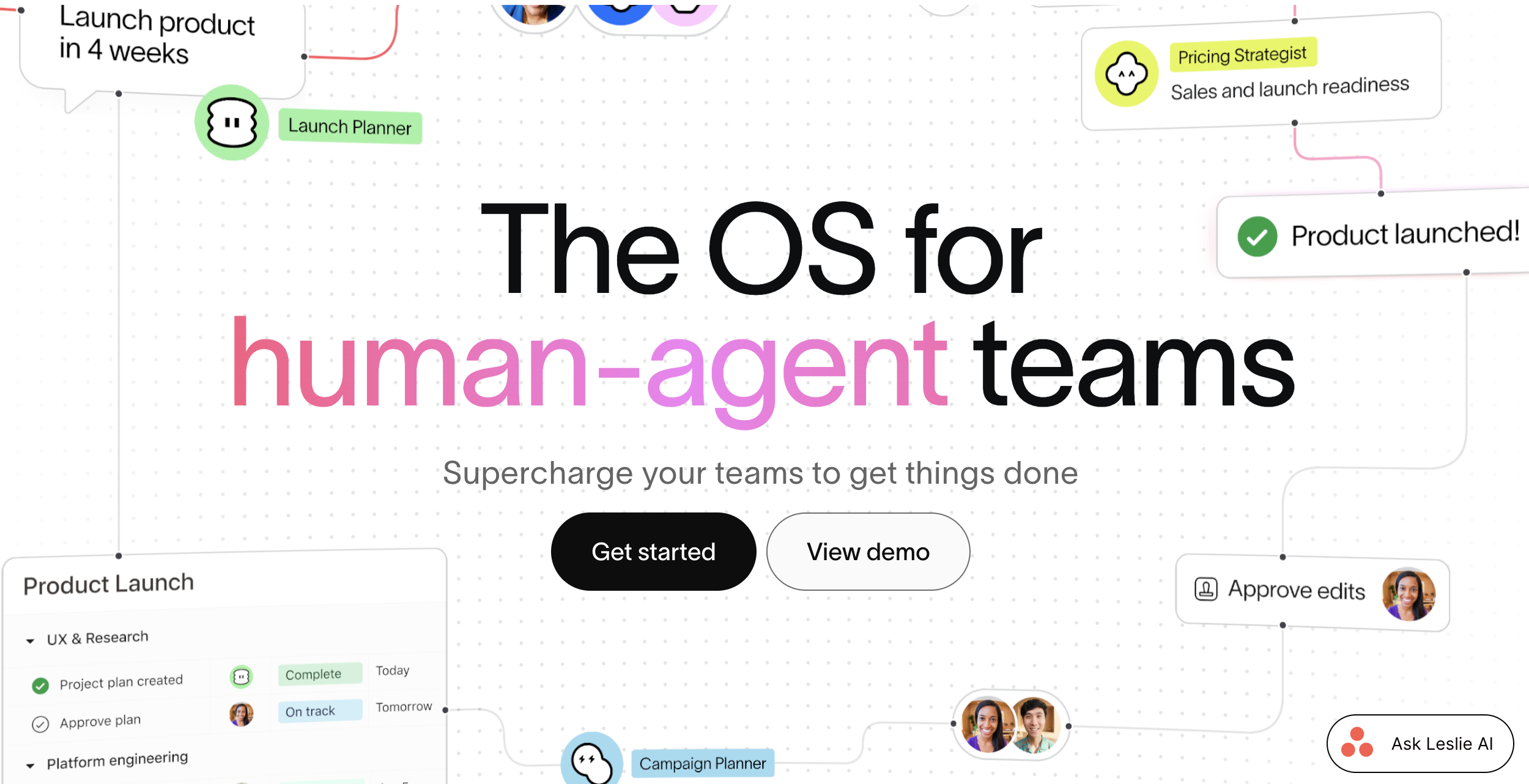
Asana is a work management platform for organizing tasks, projects, programs, portfolios, goals, and team workloads.
It is designed for cross-functional work rather than one specific department. Marketing, operations, product, HR, and leadership teams can use the same platform while maintaining separate projects and workflows.
Compared with more customizable tools such as Airtable or monday.com, Asana provides a more structured project hierarchy built around tasks, projects, portfolios, and company goals.
How its MCP server helps
Asana’s official V2 MCP server allows compatible AI assistants to read and write information in an Asana workspace.
A project manager can use an AI assistant to find projects, check portfolios, review workload, create and assign tasks, start projects, update work, and retrieve task details without manually navigating through Asana.
The V2 server became generally available in February 2026 and uses OAuth authentication. MCP access remains limited to the projects and information the authenticated user is already permitted to view.
Pricing: Asana has a free Personal plan for up to two users. Starter costs $10.99 per user per month when billed annually, while Advanced costs $24.99.
Advantages
- Strong structure for tasks, projects, portfolios, and goals.
- Suitable for projects involving several departments.
- MCP supports both information retrieval and workspace actions.
Disadvantages
- The free plan is limited to two users.
- Advanced portfolio and resource-management tools require higher plans.
Explore how Asana MCP allows AI assistants to securely read and update projects, tasks, portfolios, and other workspace information.
Best for combining tasks, documents, time tracking, and reporting
What is ClickUp?
ClickUp is an all-in-one productivity and project management platform.
It combines tasks, projects, documents, whiteboards, chat, calendars, goals, dashboards, forms, time tracking, workload management, and sprint tools inside one workspace.
Compared with Asana, ClickUp provides more built-in features and customization at lower plan levels. The trade-off is that the platform can feel more complex because teams have many settings, views, and workspace structures to configure.
How its MCP server helps
ClickUp’s official MCP server allows AI assistants such as ChatGPT, Claude, Cursor, and Visual Studio Code to work with ClickUp data.
An assistant can create and route tasks, assign owners, set priorities and deadlines, search tasks and documents, summarize comments, post updates, create portfolio reports, and manage time entries.
ClickUp MCP is available on every ClickUp plan.
Pricing: ClickUp offers a Free Forever plan with unlimited members and tasks. Unlimited costs $7 per user per month when billed annually, while Business costs $12.
Advantages
- Combines many project and productivity tools in one platform.
- Strong task, reporting, chat, and time-tracking capabilities.
- MCP is included on every plan.
Disadvantages
- The large number of features can make setup complicated.
- Organizations must upgrade the complete workspace rather than individual users.
Discover how ClickUp MCP connects AI assistants to tasks, documents, comments, time entries, and project workflows.
3. monday MCP
Best for visual and highly customizable project workflows
What is monday.com?
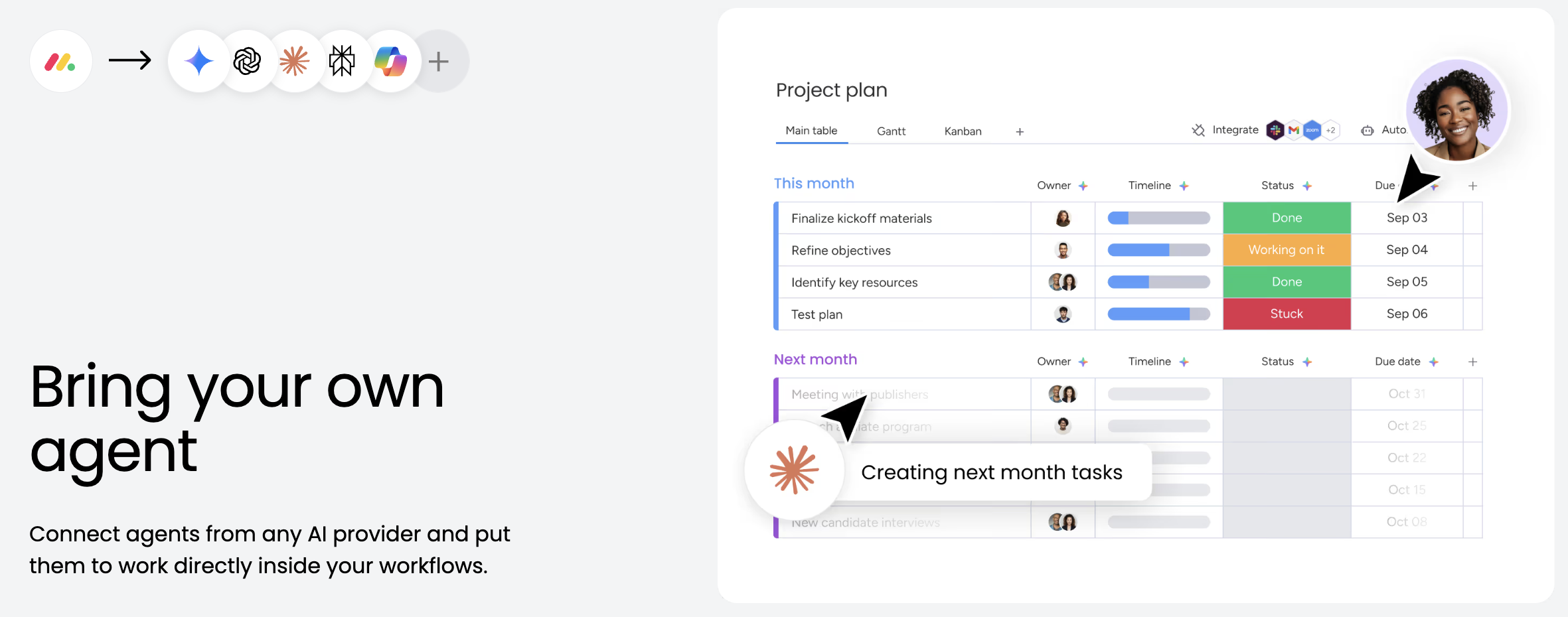
monday.com is a visual work management platform built around customizable boards, columns, items, dashboards, automations, forms, and documents.
Teams can configure monday.com for project management, marketing operations, product development, CRM, support, or other business workflows.
Its main differentiator is flexibility. A board can represent a project plan, campaign calendar, production pipeline, resource schedule, or approval workflow without requiring a traditional database structure.
How its MCP server helps
monday MCP gives compatible AI assistants secure access to monday.com workspaces.
Project managers can create boards and tasks, update owners or deadlines, convert meeting notes into work items, review overdue tasks, analyze blockers across several boards, create project documents, build dashboards, and produce executive reports using natural language.
The server is preinstalled for all monday.com accounts and is available on all plans at no additional cost. Each user connects through OAuth and can only access information available through their monday.com permissions.
Pricing: monday.com offers a free plan for up to two users. In the current European pricing view, Basic starts at €9 per seat per month, Standard at €12, and Pro at €19 when billed annually.
Advantages
- Highly visual and adaptable to different project types.
- Broad MCP capabilities across boards, items, documents, and dashboards.
- MCP is included on every plan.
Disadvantages
- The pricing model uses seat bundles, which may create unused licenses.
- Heavy customization can lead to inconsistent workflows between teams.
Explore how monday MCP enables AI assistants to work with boards, items, documents, dashboards, and other monday.com data.
4. Atlassian Rovo MCP Server
Best for Jira projects and technical teams
What is Atlassian Jira?
Jira is a project and issue-management platform commonly used by software, product, IT, and technical operations teams.
It supports backlogs, sprints, Kanban boards, issues, epics, releases, dependencies, roadmaps, workflows, and reporting. Confluence, another Atlassian product, is used for documentation and team knowledge.
Compared with general work-management tools, Jira offers deeper support for software development, agile processes, issue tracking, and technical workflows.
How its MCP server helps
The Atlassian Rovo MCP Server connects AI clients to Jira, Confluence, Compass, Jira Service Management, and Bitbucket.
Project managers can search and summarize Jira work items, create or update issues, retrieve project status, search Confluence documentation, generate work from meeting notes, and coordinate project information across Atlassian products.
The cloud-hosted server became generally available in February 2026 and applies existing Atlassian permissions through OAuth 2.1.
Pricing: Jira has a free plan for up to ten users. Standard currently starts at $7.91 per user per month, while Premium starts at $14.54. Rovo credits are included with paid Jira and Confluence subscriptions.
Advantages
- Excellent for agile, software, IT, and technical projects.
- Connects project tasks with Confluence documentation.
- Supports both reading and updating project information.
Disadvantages
- Can feel complicated for simple nontechnical projects.
- Some tools and authentication methods require administrator configuration.
Learn how the Atlassian Rovo MCP Server connects AI assistants to Jira, Confluence, Bitbucket, and other Atlassian products.
5. Linear MCP
Best for product development and software projects
What is Linear?
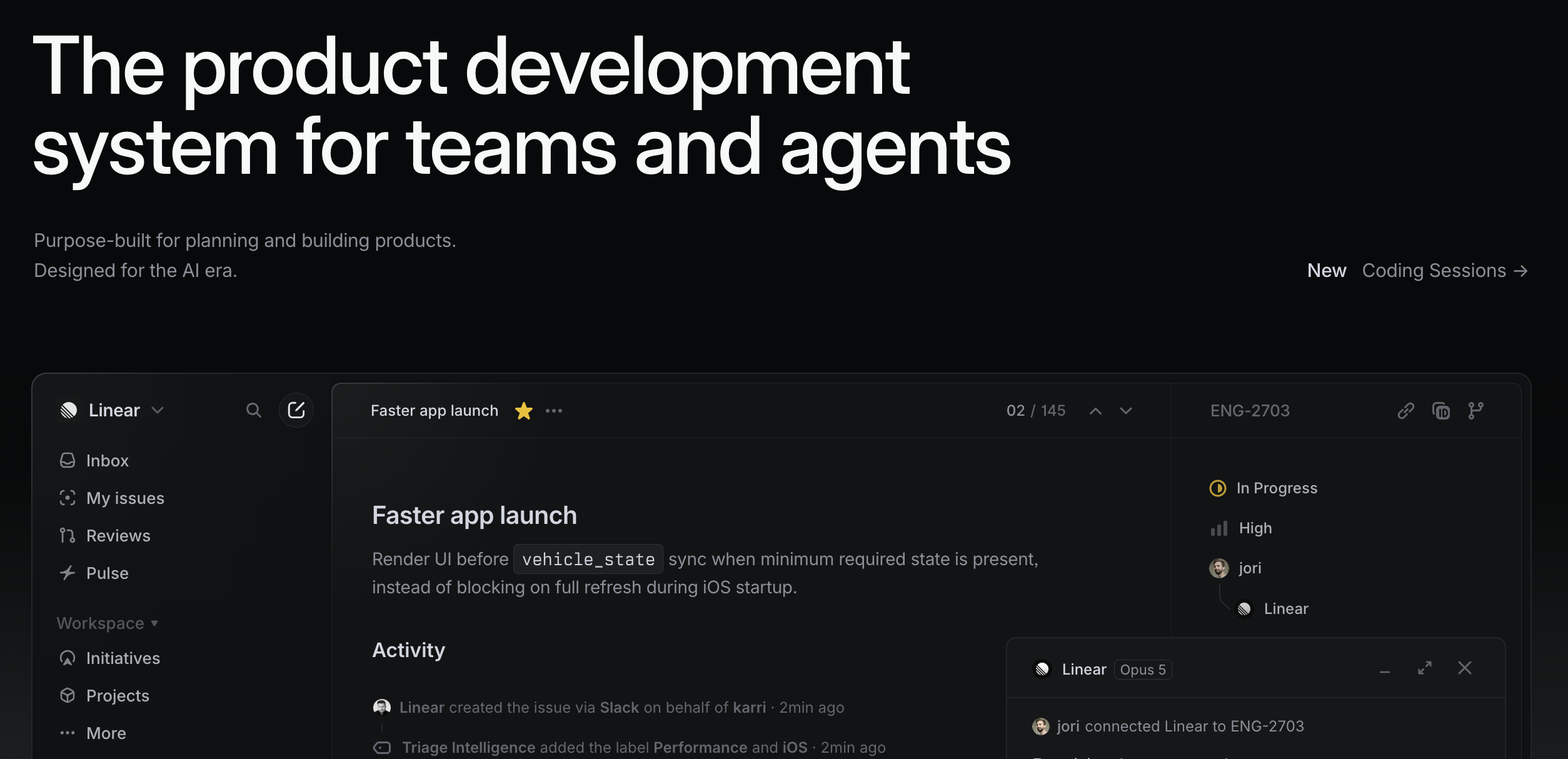
Linear is a product development and issue-tracking platform designed for software teams.
It combines issues, projects, cycles, roadmaps, initiatives, milestones, product requests, triage, releases, and integrations with development tools.
Linear is generally more streamlined and opinionated than Jira. It offers fewer configuration options but emphasizes speed, clear workflows, and a modern interface for product and engineering teams.
How its MCP server helps
Linear MCP lets compatible AI clients work with issues, projects, milestones, initiatives, project updates, and other Linear information.
A project manager can transform a planning document into a structured project, create parent issues and sub-issues, assign work, organize milestones, and retrieve project updates using natural-language instructions.
Linear expanded its server in February 2026 to support initiatives, milestones, and project updates. MCP access is included across Linear plans.
Pricing: Linear offers a free plan with unlimited members, two teams, and up to 250 issues. Basic costs $10 per user per month, while Business costs $16 when billed annually.
Advantages
- Fast and focused interface for product teams.
- Strong support for issues, milestones, cycles, and initiatives.
- MCP access is included even on the free plan.
Disadvantages
- Less appropriate for general business projects.
- Provides fewer customization options than Jira or monday.com.
Discover how Linear MCP helps AI assistants manage projects, initiatives, milestones, issues, and project updates.
6. Airtable MCP
Best for building customized project-management systems
What is Airtable?
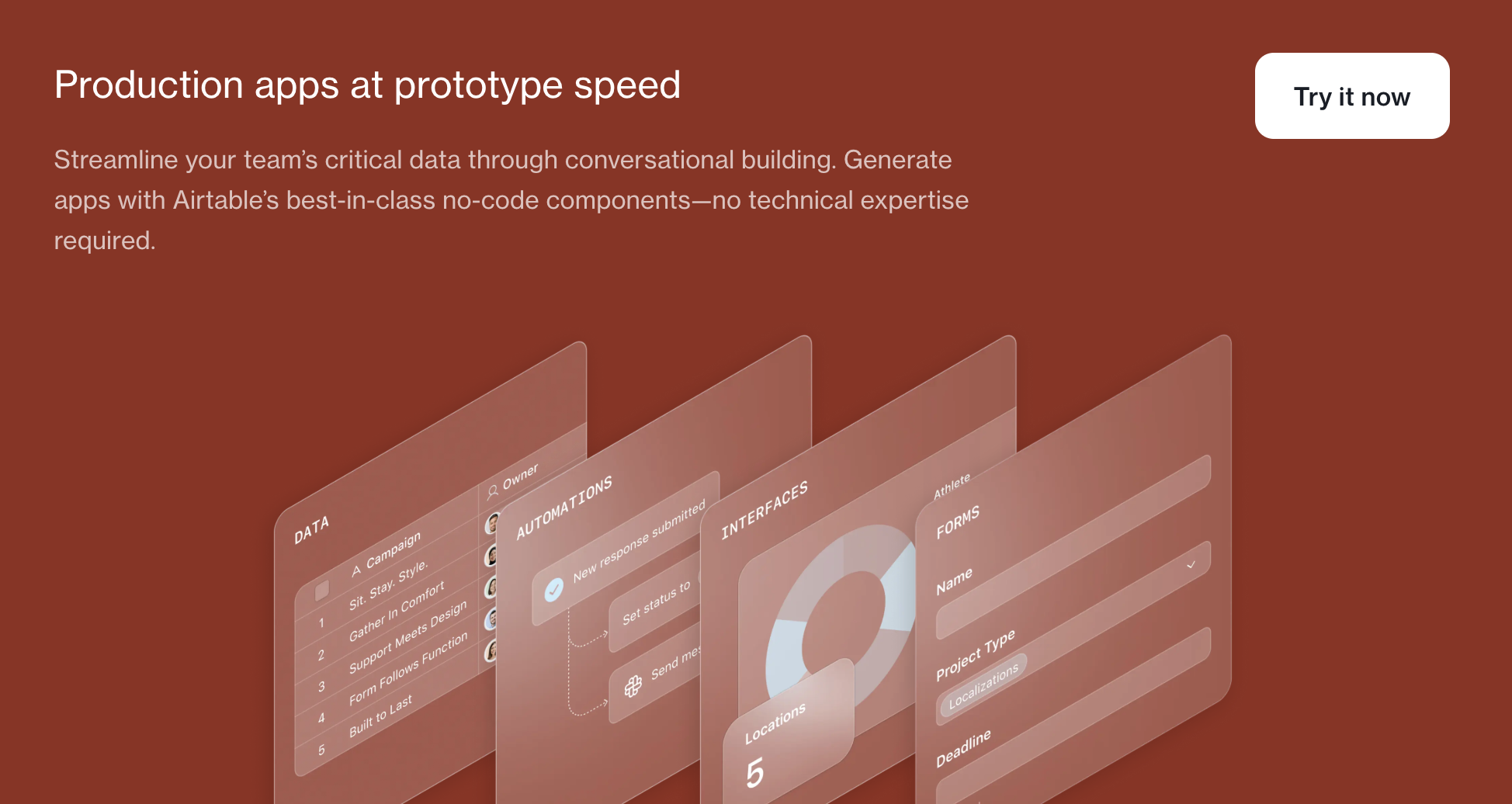
Airtable is a relational database and no-code application platform with a spreadsheet-style interface.
Teams use it to manage projects, content calendars, product roadmaps, campaigns, operations, resources, approvals, and structured business information.
Unlike Asana or Linear, Airtable does not impose a fixed project hierarchy. Teams can create their own tables, linked records, fields, interfaces, views, and automations around the way their organization works.
How its MCP server helps
Airtable MCP enables AI assistants to search, analyze, create, and update data stored in Airtable bases.
A project manager could ask an assistant to find all at-risk projects, summarize blockers, create a new project table, update task records, analyze workload, or retrieve project information across linked tables.
MCP is available on every Airtable plan, and its permissions mirror the access level of the connected user. Read-only users can retrieve information but cannot create or modify records.
Pricing: Airtable offers a free plan. Team costs $20 per user per month when billed annually, while Business costs $45.
Advantages
- Highly flexible relational data structure.
- Suitable for complex or unusual project workflows.
- MCP is available on all plans.
Disadvantages
- Teams must design and maintain their own project structure.
- Costs can increase when many collaborators need editing permissions.
Explore how Airtable MCP gives AI assistants secure access to search, analyze, create, and update information in Airtable bases.
7. Notion MCP
Best for documentation-led project management
What is Notion?
Notion is a collaborative workspace that combines documents, internal wikis, databases, project trackers, forms, calendars, and knowledge management.
Teams commonly use Notion when project plans, meeting notes, requirements, decisions, research, and task databases need to remain closely connected.
Compared with Asana or ClickUp, Notion is stronger as a flexible documentation and knowledge environment but offers fewer advanced project controls for workload, portfolio, or resource management.
How its MCP server helps
Notion’s hosted MCP server gives compatible AI assistants secure read and write access to a Notion workspace.
An assistant can search project pages, summarize meeting notes, create documents, update project databases, produce plans, retrieve decisions, and organize information into new pages or structured databases.
Notion MCP connects through OAuth and only provides access to information available to the authenticated user.
Pricing: Notion has a free plan. Plus costs $10 per user per month, while Business costs $20.
Advantages
- Strong combination of documentation and lightweight project tracking.
- Flexible databases and project templates.
- Hosted MCP server supports reading and writing.
Disadvantages
- Less suitable for advanced resource or portfolio management.
- Workspaces can become difficult to navigate without clear governance.
Discover how Notion MCP securely connects AI assistants to workspace content with read and write capabilities.
8. GitHub MCP Server
Best for managing code-based software projects
What is GitHub?
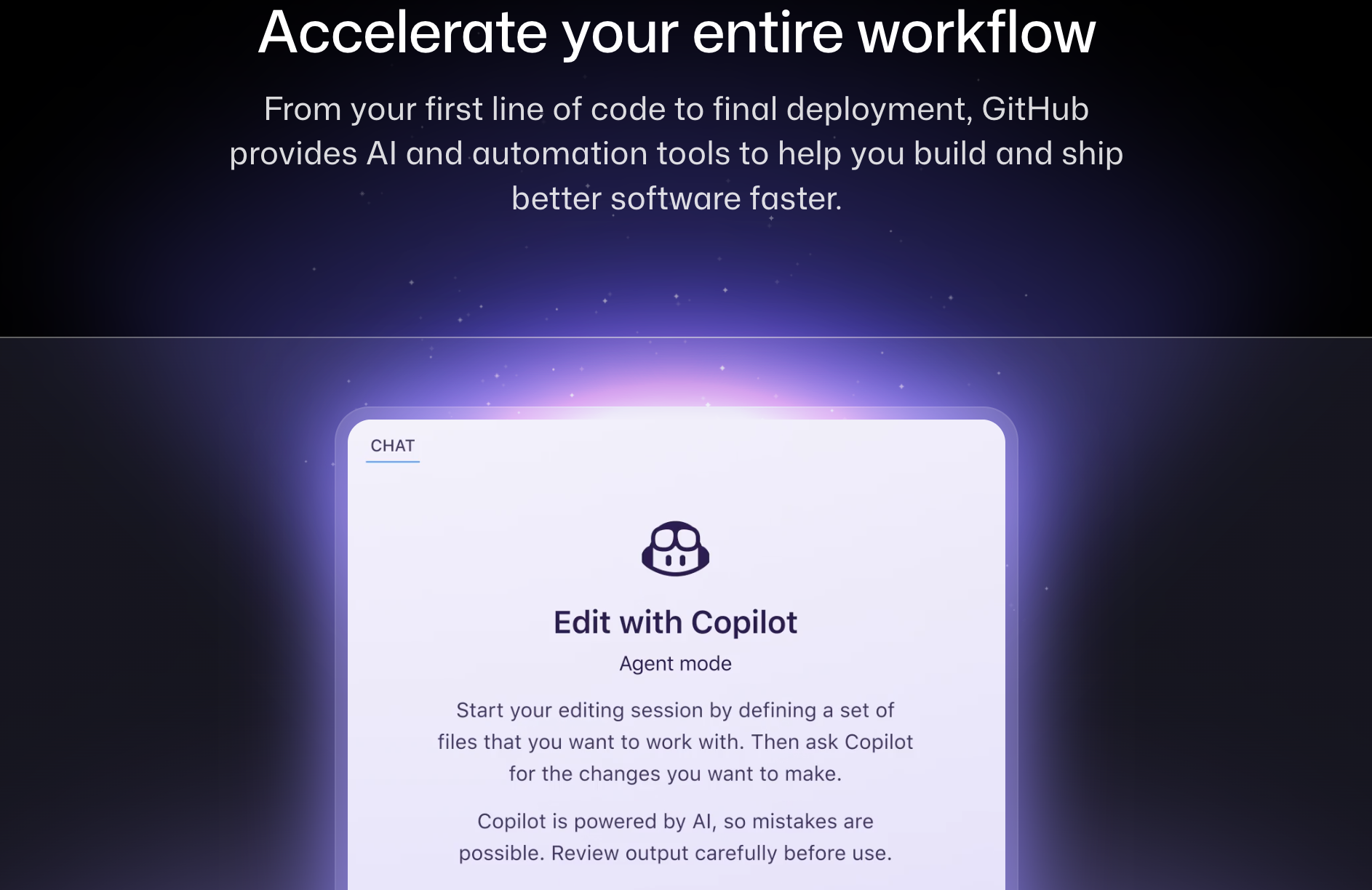
GitHub is a software development platform for hosting code, collaborating on repositories, managing issues, reviewing pull requests, running automated workflows, and planning releases.
GitHub Projects provides boards, tables, roadmaps, custom fields, and automation around issues and pull requests.
Unlike Linear or Jira, GitHub keeps project management directly connected to the code, commits, reviews, releases, and deployment workflows used to deliver software.
How its MCP server helps
GitHub’s official MCP server allows AI tools to interact with repositories, issues, pull requests, project activity, workflows, releases, and development information.
Project managers and technical leads can ask an AI assistant to create issues, review open pull requests, retrieve repository information, investigate build failures, monitor development activity, or help maintain project boards.
The GitHub MCP server is available to all GitHub users, although individual tools may require paid GitHub or Copilot features.
Pricing: GitHub has a free plan with unlimited public and private repositories. Team starts at $4 per user per month, while Enterprise starts at $21.
Advantages
- Keeps project execution closely connected to development work.
- Strong issue, pull-request, workflow, and repository capabilities.
- MCP is available to users on every GitHub plan.
Disadvantages
- Primarily relevant to software projects.
- Some advanced MCP actions require GitHub Copilot or paid features.
Explore how the GitHub MCP Server allows AI assistants to work with repositories, code, issues, pull requests, workflows, and releases.
9. Slack MCP Server
Best for project communication and decision context
What is Slack?
Slack is a team communication platform organized around channels, messages, files, calls, canvases, lists, applications, and automated workflows.
Teams often create a channel for each project, making Slack an important source of decisions, updates, meeting discussions, approvals, risks, and informal project knowledge.
Slack is not a full replacement for a project-management platform, but its Lists and Canvases features can support lightweight task tracking and project documentation.
How its MCP server helps
Slack’s official MCP server lets external AI agents search and use real-time conversational information while respecting Slack permissions.
A project manager can retrieve previous decisions, summarize long project channels, identify action items, search files, draft updates, and send approved messages without manually reviewing every conversation.
Slack’s Real-Time Search API and MCP server became generally available in February 2026.
Pricing: Slack has a free plan. Pro costs $7.25 per active user per month when billed annually, while Business+ costs $15.
Advantages
- Gives AI access to project conversations and decisions.
- Useful for project summaries, updates, and coordination.
- Works alongside dedicated project-management tools.
Disadvantages
- Does not provide the full planning controls of Asana, Jira, or ClickUp.
- Important decisions may be difficult to retrieve if channels are poorly organized.
Learn how the Slack MCP Server gives AI assistants secure access to real-time project conversations, files, decisions, and workspace context.
10. Zapier MCP
Best for automating work across project-management platforms
What is Zapier?
Zapier is a no-code automation platform that connects thousands of business applications.
It is not a dedicated project-management system. Instead, it acts as an integration layer between project tools, calendars, email platforms, spreadsheets, messaging applications, forms, CRMs, and other systems.
How its MCP server helps
Zapier MCP gives compatible AI assistants access to more than 30,000 actions across over 9,000 applications.
A project manager could use an assistant to create tasks, update a spreadsheet, schedule meetings, send stakeholder emails, post progress updates, or transfer information between platforms that do not yet provide an official MCP server.
MCP is included on every Zapier plan. Each MCP tool call consumes two tasks from the connected Zapier account’s existing quota.
Pricing: Zapier offers a free plan with 100 monthly tasks. Professional starts at $19.99 per month, while Team starts at $69.
Advantages
- Connects thousands of project and business applications.
- Useful when a platform does not have a native MCP server.
- Straightforward no-code configuration.
Disadvantages
- Each MCP action consumes Zapier tasks.
- Capabilities depend on the actions supported by each connected application.
Explore how Zapier MCP enables AI assistants to perform approved actions across thousands of project-management and business applications.
How to choose the right project management MCP server
Choose Asana, ClickUp, or monday.com for general project management across several departments.
Asana provides a clear structure for projects, portfolios, and goals. ClickUp combines the largest number of productivity features inside one platform. monday.com is best for teams that need highly visual and customized workflows.
Choose Jira, Linear, or GitHub for product and software development. Jira is the most configurable, Linear provides a faster and more focused experience, and GitHub keeps project work directly connected to the codebase.
Choose Airtable when the organization needs to build a custom project database. Choose Notion when documentation and project knowledge are more important than advanced planning controls.
Slack is useful for accessing project conversations and decisions, while Zapier can connect the complete project stack and automate actions between platforms.
Many teams will benefit from combining several MCP servers. For example, a product team could use Linear for planning, GitHub for development, Notion for specifications, and Slack for communication.
Connect marketing projects with performance data
Project-management platforms show whether work is assigned, progressing, delayed, or complete. They do not necessarily show whether a completed marketing project produced the expected business results.
Catchr MCP connects ChatGPT and Claude to data from more than 100 marketing, advertising, analytics, CRM, ecommerce, email, SEO, and social platforms.
Marketing project managers can use Catchr alongside their project-management tools to compare project delivery with campaign performance, channel results, traffic changes, leads, and other marketing outcomes.
Catchr complements the project-management platforms in this ranking rather than replacing them. It adds the performance-data context needed to evaluate what happened after a campaign, launch, or marketing initiative was delivered.

.png)