
.png)

Company knowledge is rarely stored in one place. Important information may be spread across internal wikis, shared drives, documents, project-management tools, Slack conversations, product documentation, and employee files.
Model Context Protocol, or MCP, gives compatible AI assistants a standardized way to search and work with these systems. Depending on the server and the permissions granted, an AI assistant may retrieve documents, summarize internal knowledge, create pages, update documentation, or search across several business applications.
This guide compares ten official MCP servers that can help organizations make their knowledge more accessible and useful in 2026.
Pricing note: Prices and MCP availability were checked in July 2026. Vendors may change their plans, pricing, usage limits, and access conditions.
Best knowledge management MCP servers at a glance
1. Glean MCP Server
Best for unified company-wide knowledge search
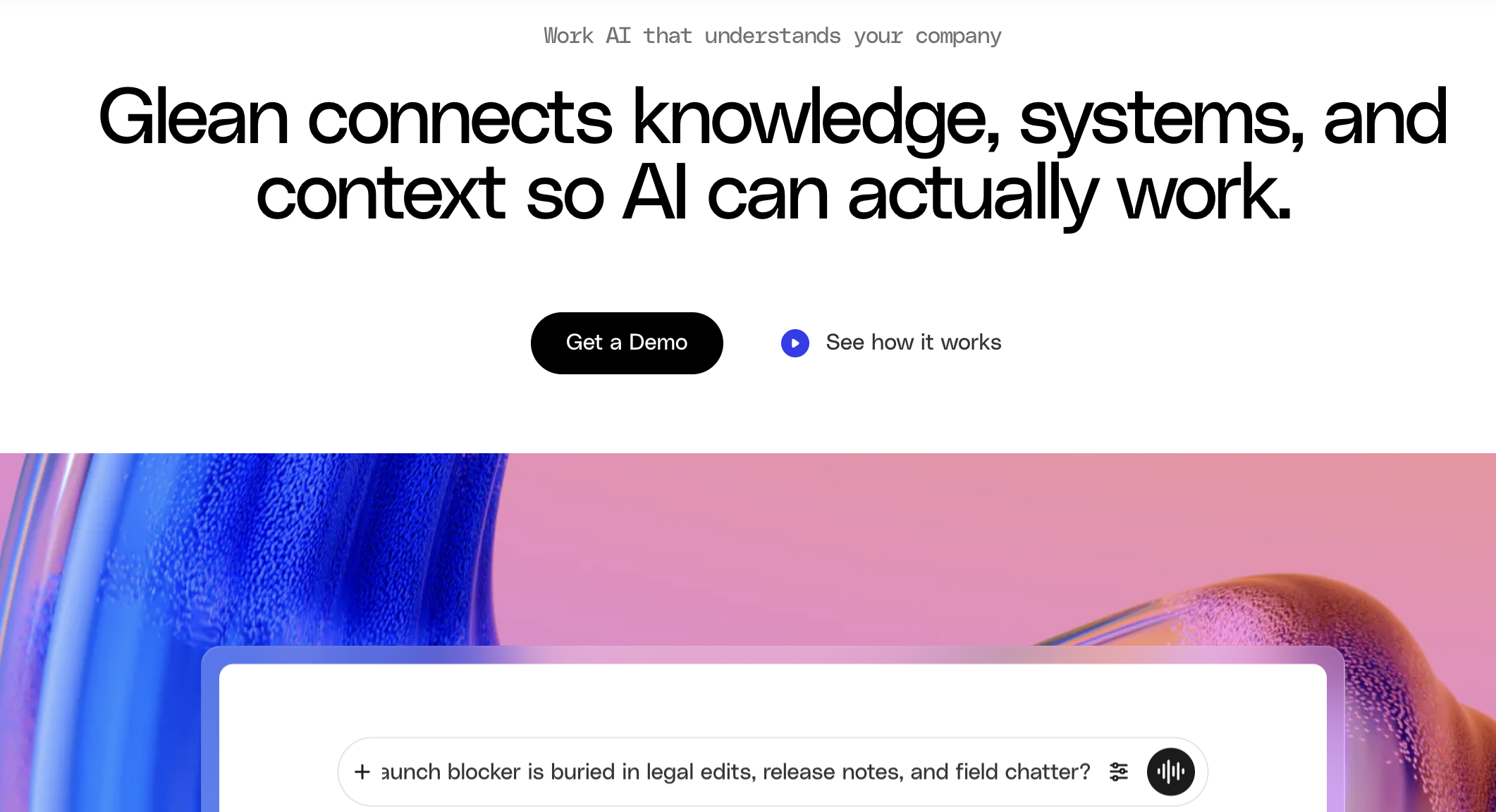
What is Glean?
Glean is an enterprise search and work AI platform that connects information from different business applications.
It indexes company documents, conversations, people, tickets, projects, and other workplace information. Its knowledge graph helps Glean understand how content, employees, teams, and business concepts relate to each other.
Unlike a traditional company wiki, Glean does not require all knowledge to be manually moved into one platform. It searches across the systems where information already exists.
How its MCP server helps
Glean’s managed remote MCP server gives compatible AI tools access to an organization’s enterprise knowledge base.
AI assistants can use Glean tools to search company information, retrieve documents, generate answers, and access organization-specific context. Results respect the connected user’s existing permissions through Glean’s knowledge graph and authentication system.
Because Glean connects information from multiple applications, its MCP server can provide broader context than an MCP server connected to only one document platform.
Pricing: Glean uses custom enterprise pricing. MCP usage is also subject to usage-based FlexCredit pricing.
Advantages
- Searches across multiple business applications.
- Uses company relationships and permissions to improve results.
- Provides unified context instead of isolated app-level searches.
- Supports OAuth, SSO, and user-scoped permissions.
Disadvantages
- Pricing is not publicly disclosed.
- Implementation may require connecting and indexing many data sources.
- MCP usage can create additional usage-based charges.
Explore how the Glean MCP Server gives AI assistants permission-aware access to company knowledge, documents, people, and connected workplace information.
2. Guru MCP Server
Best for verified and governed company knowledge
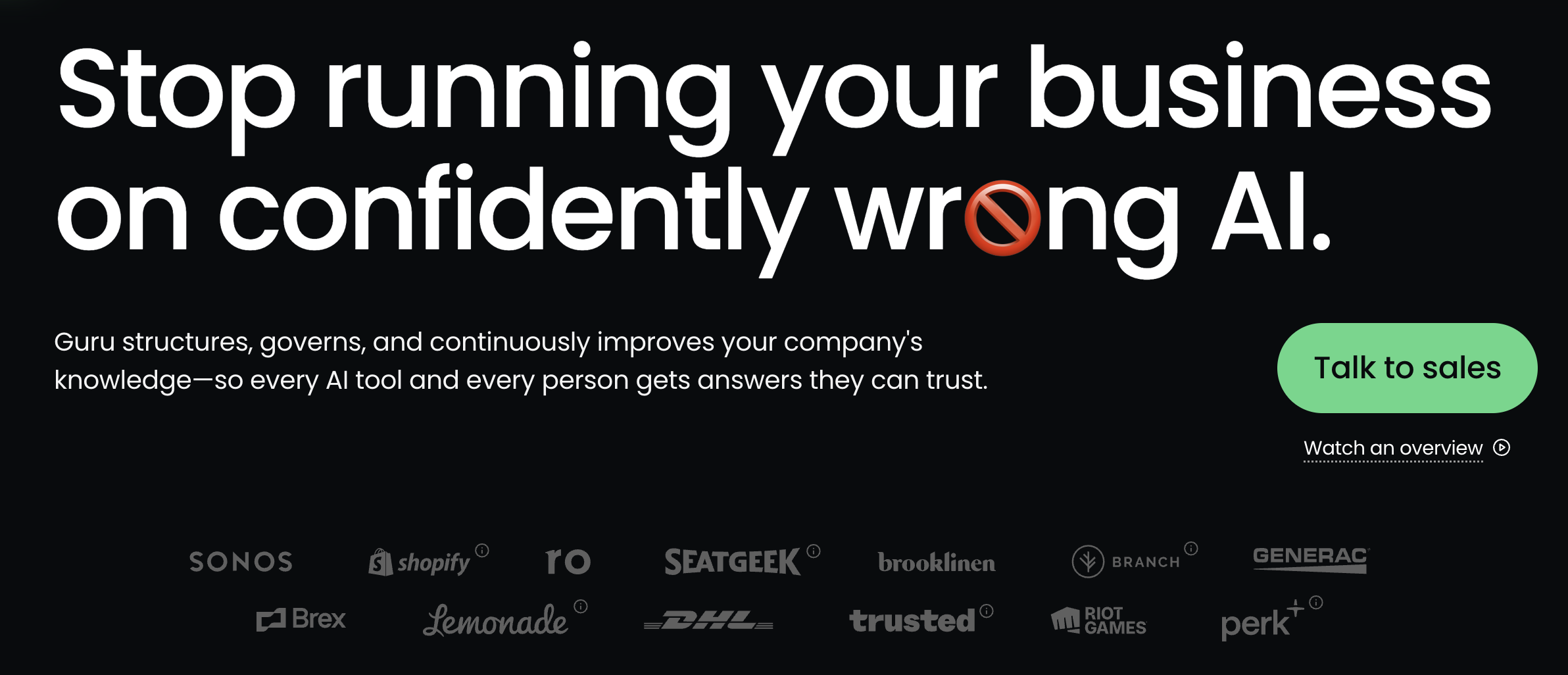
What is Guru?
Guru is a knowledge management platform focused on creating, verifying, governing, and distributing trusted company information.
Teams use Guru to store policies, processes, product information, sales playbooks, support procedures, and internal guidance. Content owners can verify information and identify knowledge that has become outdated.
Guru differs from enterprise search platforms such as Glean because it does not only retrieve existing content. It also helps teams structure, govern, and continuously improve their source of truth.
How its MCP server helps
Guru’s official remote MCP server gives AI assistants secure access to an organization’s Guru knowledge base.
Its tools can search and retrieve verified Guru Cards, generate answers through Knowledge Agents, create draft content, and update existing cards. Access remains permission-aware and uses OAuth 2.0 with SSO support.
This allows companies to make the same governed knowledge available inside different AI assistants without recreating separate knowledge integrations for every tool.
Pricing: Guru uses custom pricing based on the organization’s scale, knowledge complexity, and AI requirements. The subscription includes the platform and implementation expertise rather than a simple public per-seat plan.
Advantages
- Strong content-verification and governance features.
- Helps identify outdated, duplicated, or missing knowledge.
- MCP supports both retrieving and maintaining content.
- Answers can include citations, lineage, and audit trails.
Disadvantages
- Public list pricing is unavailable.
- More structured implementation than a simple team wiki.
- Teams must assign ownership to maintain high-quality knowledge.
Learn how the Guru MCP Server connects AI assistants to verified company knowledge and supports searching, answering questions, and maintaining Guru Cards.
3. Notion MCP
Best for flexible internal knowledge bases
What is Notion?
Notion is a collaborative workspace combining documents, internal wikis, databases, project trackers, forms, calendars, and lightweight applications.
Organizations use it to maintain company handbooks, meeting notes, procedures, product specifications, onboarding information, project documentation, and team wikis.
Compared with Guru, Notion gives teams more freedom to structure their workspace. However, it provides fewer built-in processes for formally verifying whether knowledge is still accurate.
How its MCP server helps
Notion’s hosted MCP server gives compatible AI assistants secure read and write access to a Notion workspace.
An assistant can search pages and databases, retrieve content, create new pages, update existing information, and modify database properties. Several tools can be combined in one request, such as finding information and using it to create a new summary page.
Access is limited to the information available to the authenticated Notion user.
Pricing: Notion offers a free plan. Plus starts at $10 per user per month, while Business and Enterprise plans provide additional collaboration, security, and administrative features.
Advantages
- Flexible combination of documents, databases, and wikis.
- Official hosted MCP server requires no self-hosting.
- Supports both reading and writing workspace content.
- Free plan available.
Disadvantages
- Workspaces can become disorganized without clear governance.
- It does not provide Guru-style knowledge verification by default.
- Sensitive pages require careful permission management.
Discover how Notion MCP gives AI assistants secure access to search, create, and update content across a Notion workspace.
4. Atlassian Rovo MCP Server
Best for Confluence and Jira knowledge
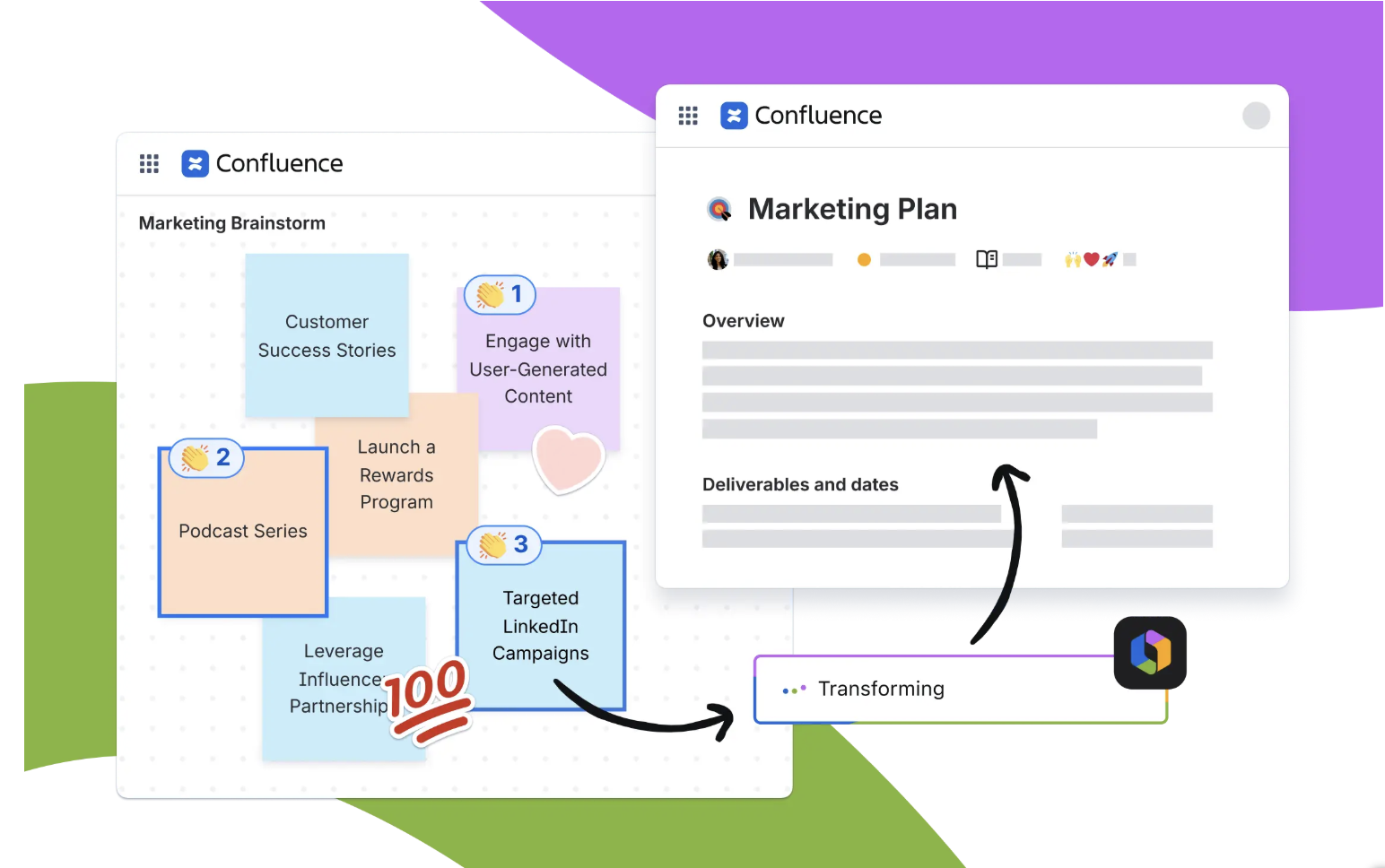
What is Confluence?
Confluence is Atlassian’s collaborative documentation and knowledge management platform.
Teams use it for internal wikis, project documentation, policies, meeting notes, technical specifications, decision records, and company announcements. Its connection with Jira makes it particularly useful when documentation needs to remain linked to projects, issues, and development work.
Rovo adds enterprise search, AI chat, and agents across Atlassian products.
How its MCP server helps
The Atlassian Rovo MCP Server connects external AI clients to Confluence, Jira, Jira Service Management, Bitbucket, and other Atlassian applications.
AI assistants can search and retrieve Confluence pages, summarize knowledge, create or update content, retrieve Jira information, and connect documentation with active project work. Existing Atlassian permissions continue to apply.
The cloud-hosted server became generally available in February 2026.
Pricing: Confluence offers a free plan for up to ten users. Standard starts at $5.42 per user per month, while Premium starts at $10.44. Rovo capabilities are included in paid Confluence subscriptions.
Advantages
- Strong combination of documentation and project context.
- Useful for technical, product, and engineering knowledge.
- Supports both content retrieval and updates.
- Applies existing Atlassian permissions.
Disadvantages
- Confluence spaces can become difficult to navigate at scale.
- Atlassian administration can be complex.
- Less suitable for companies that do not use the Atlassian ecosystem.
Explore how the Atlassian Rovo MCP Server connects AI assistants to Confluence, Jira, Bitbucket, and other Atlassian applications.
5. Box MCP Server
Best for secure enterprise document knowledge
What is Box?
Box is an enterprise content management platform for storing, sharing, securing, approving, and collaborating on business documents.
It includes file storage, document workflows, electronic signatures, metadata, retention policies, security controls, compliance features, and Box AI.
Box is particularly relevant to organizations where knowledge is mainly stored in files rather than wiki pages.
How its MCP server helps
Box MCP gives AI agents access to enterprise content through a hosted OAuth connection.
Agents can search Box content, work with folders and files, retrieve metadata, and use Box AI to analyze information across multiple documents. Box security policies and user permissions continue to control which content can be accessed.
The remote Box MCP server is generally available for Business plans and above.
Pricing: Box Business starts at $15 per user per month when billed annually, with a minimum of three users. Business Plus starts at $25, while Enterprise starts at $35. Box AI and MCP operations may consume AI Units depending on the action.
Advantages
- Strong security, governance, and compliance controls.
- Useful for knowledge stored across many documents.
- Supports multi-file AI analysis.
- Respects existing Box permissions.
Disadvantages
- Advanced MCP and Box AI use can consume additional units.
- Less suitable for collaborative wiki-style knowledge.
- Business plans require a minimum number of users.
Learn how the Box MCP Server gives AI agents secure access to Box files, folders, metadata, search tools, and Box AI capabilities.
6. Google Drive MCP Server
Best for Google Workspace files and documents
What is Google Drive?
Google Drive is Google Workspace’s cloud file storage and collaboration platform.
It stores Google Docs, Sheets, Slides, PDFs, uploaded files, and shared folders. Because Google Workspace is widely used for everyday collaboration, Drive often contains a large portion of an organization’s working knowledge.
Google Drive is primarily a file repository rather than a governed knowledge management platform. Its main strength is real-time document collaboration.
How its MCP server helps
Google’s official remote Drive MCP server allows AI agents to securely interact with Google Drive data.
Its tools can search files, list recent files, read and download content, retrieve file metadata and permissions, copy files, and create new files. Google Drive access controls determine which content the connected user and agent can access.
As of July 2026, the server is available through the Google Workspace Developer Preview Program.
Pricing: Google Workspace Business Starter starts at $7 per user per month with an annual commitment. Standard starts at $14 and Plus at $22.
Advantages
- Direct access to widely used Google Workspace content.
- Supports file search, reading, creation, and copying.
- Applies existing Drive permissions.
- Valuable for organizations already using Google Workspace.
Disadvantages
- The MCP server remains in Developer Preview.
- Drive does not automatically verify whether documents are current.
- Important knowledge can become fragmented across shared drives and folders.
Explore how the Google Drive MCP Server allows AI agents to securely search, read, create, copy, and manage files stored in Google Drive.
7. Microsoft SharePoint Work IQ MCP
Best for Microsoft-based enterprise knowledge management
What is SharePoint?
Microsoft SharePoint is an enterprise content, intranet, and collaboration platform.
Organizations use it to create internal sites, document libraries, knowledge portals, lists, policy centers, departmental workspaces, and employee intranets.
SharePoint provides deeper enterprise governance and integration with Microsoft 365 than lighter tools such as Notion. However, it typically requires more administration and information architecture.
How its MCP server helps
The Work IQ SharePoint MCP server gives Microsoft agents access to SharePoint operations.
Its tools can work with sites, lists, list items, columns, document libraries, files, folders, and sharing settings. The server is currently available in preview through Microsoft Copilot Studio and Microsoft Foundry.
The server applies Microsoft identity and SharePoint permissions, although users require an eligible Microsoft 365 Copilot license.
Pricing: Microsoft 365 Copilot costs $30 per user per month, paid annually, in addition to a qualifying Microsoft 365 subscription.
Advantages
- Deep integration with SharePoint and Microsoft 365.
- Supports structured sites, lists, libraries, and files.
- Suitable for enterprise intranets and governed content.
- Uses existing Microsoft permissions and identity controls.
Disadvantages
- The MCP server remains in preview.
- Requires a Microsoft 365 Copilot license.
- SharePoint implementation and governance can be complex.
Learn how the Work IQ SharePoint MCP Server connects AI agents to SharePoint sites, lists, document libraries, files, folders, and sharing operations.
8. Dropbox Dash MCP
Best for knowledge distributed across multiple applications
What is Dropbox Dash?
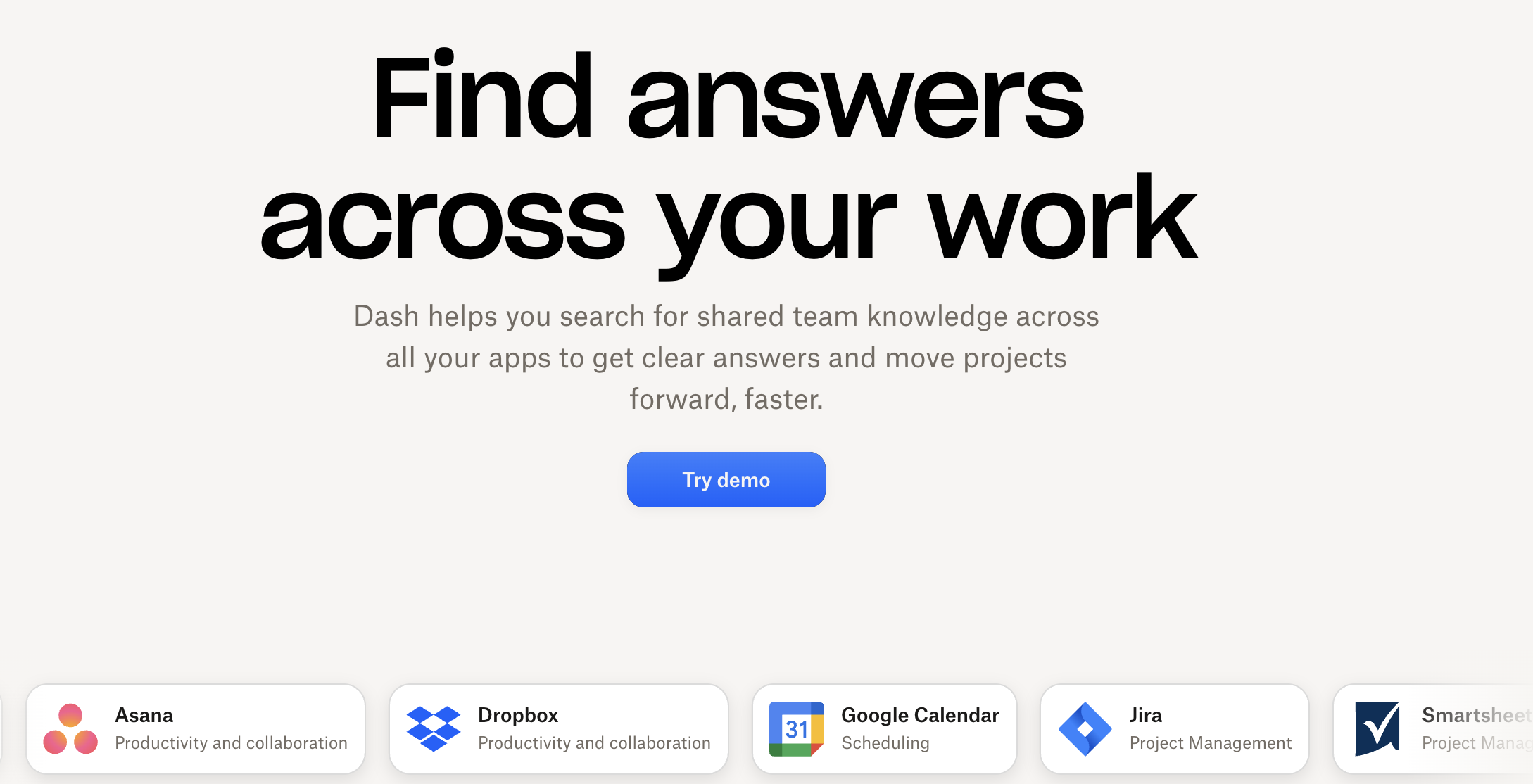
Dropbox Dash is an AI-powered universal search and knowledge workspace.
It connects to applications such as Dropbox, Google Drive, Microsoft 365, Slack, and Notion, allowing employees to search documents and information without remembering where they were stored.
Dash differs from the standard Dropbox file platform because it is designed to search and organize content across several connected applications.
How its MCP server helps
The Dropbox Dash MCP server brings Dash’s enterprise search into compatible AI assistants.
Its dash search capability can search company content across connected sources and filter results by file type, source, or application-specific labels. Search results continue to respect the user’s permissions in the original connected platform.
The remote MCP server is available to Dropbox Dash users and supports clients such as Claude and Cursor.
Pricing: Dash for Teams starts at $15 per user per month when billed annually, or $19 monthly. Dash for Business costs $35 per user per month annually.
Advantages
- Searches knowledge across several connected applications.
- Reduces the need to know where a document is stored.
- Supports filters for more precise searches.
- Respects source-level permissions.
Disadvantages
- Value depends on the number and quality of connected applications.
- The MCP server is currently focused mainly on search.
- Dash is an additional subscription on top of other workplace tools.
Discover how the Dropbox Dash MCP Server brings permission-aware enterprise search across connected applications into compatible AI assistants.
9. Slack MCP Server
Best for conversational and informal company knowledge
What is Slack?
Slack is a workplace communication platform organized around channels, direct messages, files, canvases, workflows, and integrated applications.
Many important company decisions, explanations, troubleshooting steps, and project updates are discussed in Slack before they are formally documented elsewhere.
This makes Slack a valuable source of recent and informal knowledge, although it should not be treated as the company’s only permanent knowledge base.
How its MCP server helps
Slack’s official MCP server gives AI assistants secure access to workspace or enterprise data.
Depending on user permissions, assistants can search conversations, channels, files, and members, retrieve message history, send messages, and create or manage canvases. The MCP server and Real-Time Search API became generally available in February 2026.
This can help employees retrieve previous decisions or find answers hidden inside long conversations.
Pricing: Slack offers a free plan with 90 days of searchable message history. Pro costs $7.25 per active user per month when billed annually, while Business+ costs $15.
Advantages
- Provides access to recent and informal team knowledge.
- Useful for retrieving decisions and previous discussions.
- Supports search, messaging, and canvas actions.
- Integrates with many workplace applications.
Disadvantages
- Important information can be difficult to find in poorly organized channels.
- The free plan limits searchable history.
- Slack conversations should be converted into formal documentation when necessary.
Explore how the Slack MCP Server enables AI assistants to search conversations, retrieve and send messages, manage canvases, and access workspace context.
10. GitBook MCP
Best for product and technical knowledge
What is GitBook?
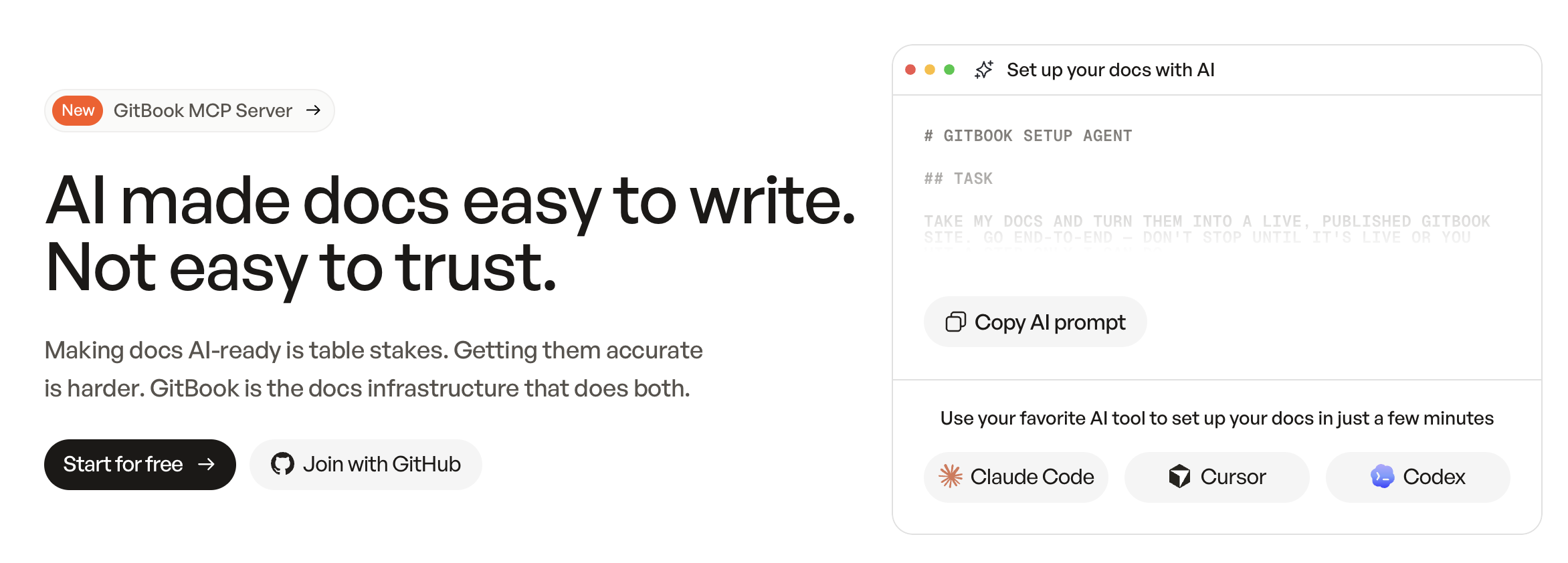
GitBook is a documentation platform for creating and publishing product guides, technical documentation, API references, help centers, and internal knowledge.
It combines a visual editor with Git-based workflows, version history, change requests, reusable content, OpenAPI support, and documentation publishing.
Compared with general internal wikis, GitBook is more focused on product, developer, and customer-facing documentation.
How its MCP server helps
GitBook provides MCP access at both the organization and published-documentation levels.
AI tools can connect to an organization’s MCP server to work with GitBook content. Published GitBook documentation also automatically generates an MCP server that external AI tools can query. Only the latest published version is exposed, helping agents use current documentation rather than outdated drafts.
This is particularly useful for product teams that want AI assistants to retrieve accurate documentation while users or developers work.
Pricing: GitBook offers a free individual plan. Premium starts at $65 per site per month, while Ultimate starts at $249 per site per month when billed annually. Additional organization members cost $12 per user per month.
Advantages
- Designed specifically for structured product documentation.
- Automatically creates an MCP server for published documentation.
- Supports Git-based and visual editing workflows.
- Helps AI assistants retrieve the latest published content.
Disadvantages
- Less suitable for broad company-wide operational knowledge.
- Pricing combines per-site and per-user fees.
- Private and authenticated documentation requires additional configuration.
Learn how GitBook MCP allows AI tools to work with organization content and access structured knowledge from published documentation.
How to choose the right knowledge management MCP server
Choose Glean or Dropbox Dash when company knowledge is distributed across many applications. Glean provides a more enterprise-focused knowledge graph and search platform, while Dropbox Dash offers accessible universal search across connected tools.
Choose Guru when content accuracy, verification, and governance are the main priorities.
Choose Notion or Confluence for collaborative internal knowledge bases. Notion offers greater flexibility, while Confluence is particularly effective for teams already using Jira and other Atlassian products.
Choose Box, Google Drive, or SharePoint when company knowledge primarily exists in files and document libraries. Box emphasizes enterprise content security, Google Drive provides real-time collaboration, and SharePoint offers structured intranet and document-management capabilities.
Use Slack to retrieve conversational knowledge and GitBook for product or technical documentation.
Many organizations will benefit from using several MCP servers together. A company could use Guru for verified policies, Slack for recent discussions, Box for controlled documents, and GitBook for customer-facing technical documentation.
Connect company knowledge with current marketing data
Knowledge management platforms store policies, documentation, processes, and previous decisions. They do not always provide access to current marketing and performance information.
Catchr MCP connects ChatGPT and Claude to data from more than 100 marketing, analytics, advertising, CRM, ecommerce, email, SEO, and social platforms. Teams can use it alongside their knowledge-management tools to add current campaign, channel, traffic, and performance context to AI workflows.
Catchr complements knowledge-management platforms rather than replacing them. It provides a live marketing-data layer that can be combined with the documented knowledge available through the MCP servers in this ranking.
.png)