
.png)

Developers frequently switch between code repositories, cloud platforms, databases, deployment logs, monitoring tools, API clients, and payment infrastructure.
Model Context Protocol, or MCP, gives AI coding assistants a standardized way to access these systems. An MCP server can provide an assistant with live technical context and, when permissions allow, let it perform actions such as creating an issue, querying a database, reviewing deployment logs, or managing cloud resources.
This guide compares ten official MCP servers that can make AI-assisted software development more useful in 2026.
Pricing note: Prices and MCP availability were checked in July 2026. Vendors may change their plans, usage limits, and access conditions.
Best developer MCP servers at a glance
1. GitHub MCP Server
Best for repositories, issues, pull requests, and CI/CD
What is GitHub?
GitHub is a software-development platform for hosting Git repositories and collaborating on code.
It combines source control, pull requests, code reviews, issue tracking, project boards, releases, package hosting, security scanning, and GitHub Actions for continuous integration and deployment.
Because so much of the software-development lifecycle happens inside GitHub, it is often the most valuable MCP connection for an AI coding assistant.
How its MCP server helps
The official GitHub MCP Server allows AI tools to read repositories and code files, search project content, manage issues, work with pull requests, inspect commits, analyze GitHub Actions runs, and support release workflows.
GitHub provides both a hosted remote server and a local open-source version. Developers can also enable specific toolsets or individual tools, helping reduce unnecessary access and control which GitHub actions the AI assistant can perform.
Pricing: GitHub offers a free plan with unlimited public and private repositories. GitHub Team starts at $4 per user per month. Some compute, storage, Codespaces, and Copilot capabilities have separate usage charges.
Advantages
- Covers a large part of the software-development lifecycle.
- Supports both repository searches and write actions.
- Fine-grained toolsets can limit the AI assistant’s capabilities.
- Available as both a remote and local MCP server.
Disadvantages
- Broad write permissions can create risks if they are not restricted.
- The most useful experience requires teams to keep issues and repositories well organized.
Explore how the GitHub MCP Server connects AI coding assistants to repositories, issues, pull requests, workflows, and other GitHub resources.
2. GitLab MCP Server
Best for unified DevSecOps workflows
What is GitLab?
GitLab is a DevSecOps platform combining source-code management, merge requests, issue tracking, CI/CD, releases, security scanning, compliance, package registries, and project planning.
Unlike teams that assemble separate tools for source control, pipelines, security, and deployment, GitLab customers can manage much of the software-delivery lifecycle from one platform.
How its MCP server helps
GitLab’s MCP server exposes tools that integrate with existing GitLab development workflows. Its documented capabilities include interacting with projects, issues, merge requests, pipelines, and other GitLab resources from compatible AI environments.
GitLab documents the server as a beta capability, while broader MCP client support in the GitLab Duo Agent Platform reached general availability. Availability may depend on the GitLab version, deployment model, account tier, and GitLab Credits.
Pricing: GitLab offers a free plan. Premium costs $29 per user per month, billed annually, while Ultimate uses custom pricing. Premium currently includes a monthly GitLab Credits allowance for the GitLab Duo Agent Platform.
Advantages
- Connects source control, CI/CD, planning, and security.
- Useful for organizations standardizing on one DevSecOps platform.
- Supports GitLab.com, Self-Managed, and Dedicated environments.
Disadvantages
- The MCP server remains a beta capability.
- Availability and usage may depend on GitLab Credits and configuration.
- GitLab’s broader platform can be complex for smaller teams.
Learn how the GitLab MCP Server securely connects AI assistants to GitLab projects, issues, merge requests, pipelines, and development workflows.
3. Sentry MCP
Best for debugging production errors and performance problems
What is Sentry?
Sentry is an application-observability platform focused on helping developers detect and resolve software problems.
It provides error tracking, stack traces, release information, distributed tracing, logs, session replay, performance monitoring, profiling, and application-health information.
Unlike source-control tools, Sentry focuses on what happens after software is running. It gives developers production context that may not be visible in the repository.
How its MCP server helps
Sentry MCP connects coding assistants to Sentry organizations, projects, issues, errors, traces, logs, releases, and performance information.
A developer can ask an assistant to investigate an error, understand its impact, examine relevant production context, or initiate supported Sentry and Seer workflows. Sentry describes the server as being designed primarily for human-in-the-loop coding agents and debugging use cases.
Pricing: Sentry has a free Developer plan. The Team plan currently has a base price of $26 per month when billed annually, with additional usage charged according to errors, logs, spans, replays, and other telemetry.
Advantages
- Gives AI assistants real production-error context.
- Useful for investigating errors, traces, and performance issues.
- Remote OAuth server reduces local configuration.
- Strong complement to GitHub or GitLab.
Disadvantages
- The server is optimized for debugging rather than every Sentry administration task.
- Usage-based observability costs can increase at scale.
- AI suggestions still require developer review before code changes are deployed.
Discover how Sentry MCP gives AI coding assistants access to errors, issues, traces, releases, and production debugging context.
4. AWS MCP Server
Best for managing and troubleshooting AWS infrastructure
What is AWS?
Amazon Web Services is a cloud platform providing compute, storage, databases, networking, analytics, machine learning, security, and other infrastructure services.
AWS is highly flexible, but developers often need to navigate large amounts of documentation, configuration, permissions, logs, and service-specific APIs.
How its MCP server helps
The AWS MCP Server combines access to current AWS documentation with authenticated AWS API operations and sandboxed script execution.
Developers can use it to research services, inspect infrastructure, troubleshoot resources, compare architectural options, and perform approved actions against AWS accounts. Authentication uses AWS Identity and Access Management and SigV4, with an MCP proxy available to connect OAuth-based clients to local AWS credentials.
The AWS MCP Server became generally available in May 2026. It currently operates through endpoints in Northern Virginia and Frankfurt but can make API calls to resources in other AWS Regions.
Pricing: There is no additional charge for the AWS MCP Server itself. Customers pay for the AWS resources created or accessed and any applicable data-transfer or API costs.
Advantages
- Combines official documentation with authenticated infrastructure actions.
- Uses existing AWS IAM permissions.
- Useful for troubleshooting, architecture, provisioning, and cost analysis.
- No separate MCP subscription.
Disadvantages
- AWS permissions require careful configuration.
- An incorrect write action can affect live cloud infrastructure.
- Costs remain dependent on the underlying AWS services used.
Explore how the AWS MCP Server connects AI agents to AWS documentation, authenticated API operations, infrastructure resources, and sandboxed scripts.
5. Cloudflare MCP Servers
Best for Cloudflare infrastructure, logs, and edge applications
What is Cloudflare?
Cloudflare is a cloud platform providing content delivery, DNS, web security, serverless compute, storage, databases, networking, observability, and AI-development services.
Developers use products such as Workers, Pages, R2, D1, Durable Objects, KV, Queues, and the Cloudflare network to deploy and operate applications close to users.
How its MCP servers help
Cloudflare maintains remote MCP servers that can search Cloudflare documentation, interact with the Cloudflare API, and query logs and analytics.
Its Cloudflare API MCP server uses a search-and-execute “Code Mode” approach rather than loading thousands of individual API tools into the AI model’s context. The generated JavaScript runs inside an isolated Worker sandbox. Users authenticate through OAuth and select the permissions granted to the agent.
Cloudflare also provides developer tooling for building and deploying custom remote MCP servers using Workers and Streamable HTTP.
Pricing: Cloudflare has a free developer tier. The Workers Paid plan starts at $5 per month, with included usage and additional charges based on requests, compute, storage, and other services.
Advantages
- Broad access to Cloudflare’s developer platform.
- Efficient Code Mode approach reduces tool-schema context usage.
- OAuth and API-token authentication are supported.
- Cloudflare is also a strong platform for hosting custom MCP servers.
Disadvantages
- The range of Cloudflare products can be difficult for new users.
- Infrastructure actions require strict permission and confirmation controls.
- Costs depend on which Cloudflare services the agent uses.
Learn how Cloudflare MCP Servers give AI agents managed access to Cloudflare configurations, services, logs, analytics, and API actions.
6. Vercel MCP
Best for frontend deployments and project logs
What is Vercel?
Vercel is a cloud platform designed for deploying web applications, particularly projects built with Next.js and modern frontend frameworks.
It provides automatic deployments, preview environments, serverless and edge compute, a global delivery network, build logs, observability, storage integrations, AI tooling, and collaboration features.
How its MCP server helps
Vercel MCP is a hosted remote server using OAuth. It lets approved AI assistants search Vercel documentation, inspect projects, review deployments, and analyze deployment logs.
The server works with coding environments including Claude Code, ChatGPT, Codex CLI, Cursor, VS Code with Copilot, Windsurf, and Gemini tools. Vercel MCP is currently in beta and is available across Vercel plans.
Pricing: Vercel’s Hobby plan is free. Pro costs $20 per month, includes $20 in usage credit, and adds team collaboration and higher usage allowances. Additional compute, storage, transfer, and build usage may be charged separately.
Advantages
- Fast setup through a hosted OAuth server.
- Useful access to deployment and build context.
- Broad support across popular AI coding tools.
- Included on all Vercel plans.
Disadvantages
- The MCP server is still in beta.
- Only clients reviewed by Vercel can connect.
- Infrastructure and usage charges can become complex as projects
Discover how Vercel MCP securely connects AI coding tools to Vercel projects, deployments, logs, documentation, and analytics.
7. Supabase MCP
Best for Postgres databases and backend development
What is Supabase?
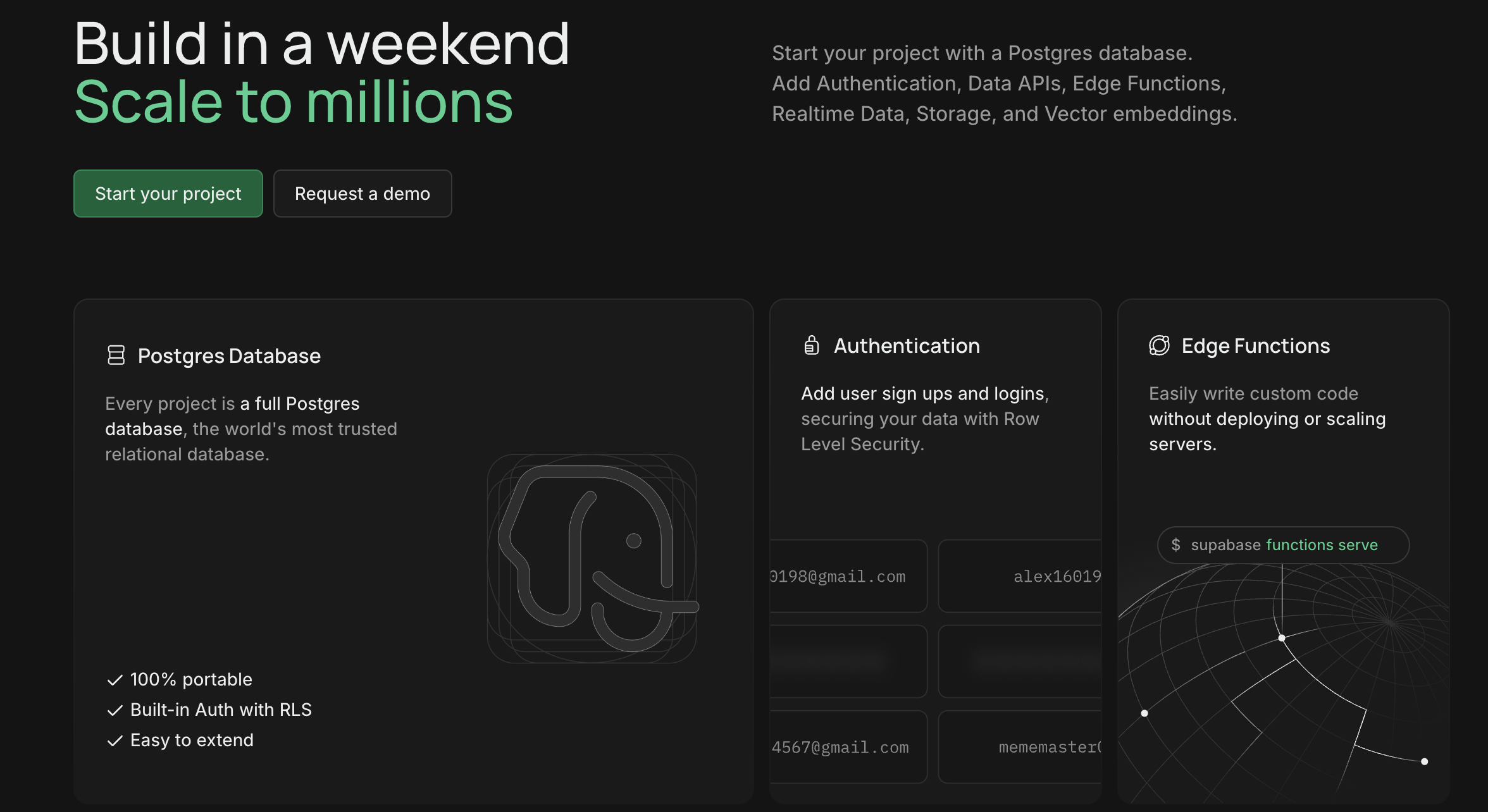
Supabase is a Postgres development platform combining a managed PostgreSQL database with authentication, storage, realtime data, Edge Functions, vector capabilities, and automatically generated APIs.
It is often positioned as an open-source alternative to Firebase, but its core is a full PostgreSQL database rather than a proprietary database abstraction.
How its MCP server helps
Supabase MCP connects AI coding tools directly to Supabase projects.
An assistant can inspect the database schema, run SQL queries, manage migrations, work with project configuration, and support backend-development tasks from an IDE. Supabase also offers a plugin that bundles its MCP server with agent skills and development best practices.
Supabase recommends reviewing its security guidance before connecting an AI model to a project. The hosted MCP connection currently requires a paid Supabase plan.
Pricing: Supabase has a free plan for development and experimentation, but the hosted MCP server requires a paid plan. Pro starts at $25 per month and includes one project’s initial compute allowance.
Advantages
- Gives AI assistants direct database and schema context.
- Supports SQL, migrations, and backend workflows.
- Based on standard PostgreSQL.
- Agent plugin simplifies setup in coding environments.
Disadvantages
- Hosted MCP access requires a paid plan.
- Database write access can affect production data.
- Teams must carefully apply read-only mode and project scoping.
Explore how Supabase MCP connects AI coding assistants directly to Supabase projects for database queries, migrations, configuration, and backend-development tasks.
8. MongoDB MCP Server
Best for document databases and MongoDB Atlas management
What is MongoDB?
MongoDB is a document-oriented database platform that stores information in flexible, JSON-like documents.
MongoDB Atlas is its managed cloud service and includes database hosting, search, vector search, backups, security, scaling, monitoring, and multi-cloud deployment options.
Compared with a relational database such as PostgreSQL, MongoDB is often selected for applications that benefit from flexible schemas and document-based data models.
How its MCP server helps
The official MongoDB MCP Server allows AI assistants to query and explore data, understand schemas, run CRUD operations, execute aggregation pipelines, and generate context-aware MongoDB code.
It can also perform administrative tasks such as managing databases, collections, indexes, Atlas organizations, projects, clusters, and performance recommendations.
The server supports several authentication approaches, including SCRAM, OIDC, LDAP, Kerberos, X.509 certificates, and proxy configurations.
Pricing: MongoDB Atlas offers a free starting option. Paid deployments use consumption-based pricing that varies by cluster type, cloud provider, region, storage, backups, and data transfer.
Advantages
- Combines database queries and Atlas administration.
- Supports natural-language CRUD and aggregation operations.
- Provides schema context for more accurate generated code.
- Offers extensive enterprise authentication options.
Disadvantages
- Broad database actions can expose or alter sensitive data.
- Atlas pricing varies significantly by deployment configuration.
- Developers still need to review generated queries for performance and safety.
Learn how the MongoDB MCP Server enables AI assistants to query and manage MongoDB data, deployments, collections, indexes, and Atlas infrastructure.
9. Postman MCP Server
Best for API development and testing workflows
What is Postman?
Postman is an API-development platform for designing, testing, documenting, mocking, monitoring, and collaborating on APIs.
Developers use Postman workspaces and collections to organize requests, environments, tests, specifications, examples, and automated workflows.
It supports REST, GraphQL, gRPC, WebSocket, and other API protocols.
How its MCP server helps
The Postman MCP Server enables AI agents to manage Postman resources including workspaces, collections, API specifications, mocks, and monitors.
Postman provides both a hosted remote server and a local server. The remote option is easier to configure, while the local server is better suited to internal APIs, local environments, and stricter network requirements.
A developer can ask an assistant to create or update a collection, organize API specifications, retrieve test information, manage monitors, or incorporate Postman resources into a broader development workflow.
Pricing: Postman has a free plan. Solo costs $9 per month, Team costs $19 per user per month, and Enterprise costs $49 per user per month when billed annually.
Advantages
- Directly supports API-development workflows.
- Offers both remote and local MCP deployment options.
- Works with collections, specifications, mocks, and monitors.
- Free plan available.
Disadvantages
- Postman API usage is limited according to the selected plan.
- Local servers require more configuration.
- Large organizations may need higher plans for governance and security.
Discover how the Postman MCP Server connects AI agents to workspaces, collections, API specifications, mocks, monitors, and other API-development resources.
10. Stripe MCP Server
Best for building and managing payment integrations
What is Stripe?
Stripe is a payments and financial-infrastructure platform for accepting payments, managing subscriptions, invoicing customers, running marketplaces, preventing fraud, issuing cards, and building embedded financial products.
Its developer platform includes APIs, SDKs, command-line tools, testing environments, documentation, webhooks, and prebuilt payment components.
How its MCP server helps
Stripe’s official MCP server gives AI agents tools to interact with the Stripe API and search Stripe’s documentation and support knowledge base.
Developers can connect supported coding assistants to the hosted Stripe endpoint, authenticate their account, research implementation requirements, and work with permitted Stripe resources without manually copying documentation or API data into the conversation.
Because Stripe operations can affect payments, customers, subscriptions, and financial records, teams should use restricted API keys, sandboxes, and confirmation steps for write actions. Stripe recommends restricted keys instead of unrestricted secret keys for new integrations.
Pricing: Stripe’s standard plan uses pay-as-you-go pricing with no setup or monthly fees. In France, standard European Economic Area card payments currently start at 1.5% plus €0.25 per successful transaction, with different fees for other payment methods and regions.
Advantages
- Gives coding assistants official Stripe API and documentation context.
- Valuable for payments, subscriptions, invoices, and marketplace development.
- Hosted remote endpoint simplifies setup.
- Sandbox mode supports safer testing.
Disadvantages
- Write actions may affect financial and customer data.
- Stripe’s large product range can make permissions complicated.
- Transaction and product-specific pricing varies by market.
Explore how the Stripe MCP Server gives AI coding assistants access to permitted Stripe API tools, documentation, and support knowledge for building payment integrations.
How to choose the right MCP server for development
Choose GitHub or GitLab when source code, issues, merge requests, and CI/CD are the main priorities. GitHub currently offers the more mature standalone MCP server, while GitLab is attractive to teams using its broader DevSecOps platform.
Choose Sentry when the AI assistant needs production errors, traces, logs, and performance context.
Choose AWS, Cloudflare, or Vercel for cloud and deployment operations. AWS provides the broadest infrastructure coverage, Cloudflare is strong for edge and serverless applications, and Vercel offers a more focused experience for modern web deployments.
Choose Supabase or MongoDB when database access is central to the development workflow. Supabase fits teams using Postgres and integrated backend services, while MongoDB supports document databases and Atlas administration.
Choose Postman for API design and testing. Choose Stripe when developers are building payment or subscription functionality.
Many development teams will combine several servers. A web application team could use GitHub for source code, Vercel for deployment logs, Sentry for production errors, Supabase for database context, and Stripe for payments.
Connect product development with marketing-performance data
Developer tools explain how an application is built, deployed, and operated. They do not always show how users discover the product or how acquisition activity affects product usage.
Catchr MCP connects AI assistants to data from more than 100 marketing, analytics, advertising, CRM, ecommerce, email, SEO, and social platforms. Developers can use it when building internal reporting tools, AI applications, data workflows, or product experiences that require current marketing-performance context.
Catchr also provides a unified API for accessing connected marketing sources from languages, automation tools, and custom applications. It complements developer infrastructure rather than replacing the tools in this ranking.

.png)