

Customer support teams rarely work from a single platform. An agent may need to review previous conversations, retrieve CRM information, search internal documentation, escalate a technical issue, and update a customer record before answering one question.
Model Context Protocol, or MCP, gives compatible AI assistants a standardized way to access approved tools and business data. Depending on the platform and permissions granted, an MCP server may allow an AI assistant to search conversations, summarize customer history, create tickets, update records, or trigger support workflows.
This guide compares ten of the most useful official MCP servers for customer support teams in 2026.
Pricing note: Prices and MCP availability were checked in July 2026. Vendors may change their plans, usage limits, and access conditions.
Best customer support MCP servers at a glance
1. Intercom MCP
Best for customer conversations and AI-powered support

What is Intercom?
Intercom is an AI-first customer service platform combining a shared inbox, ticketing system, live chat, customer messaging, help-center content, reporting, and the Fin AI Agent.
Unlike a traditional ticket-only platform, Intercom is designed around continuous customer conversations across chat, email, applications, and websites. It is particularly popular with SaaS companies and digital businesses that want human and automated support in the same workspace.
How its MCP server helps
Intercom’s remote MCP server allows compatible AI tools to securely retrieve information such as customer contacts and conversations. It can help an external AI assistant review previous interactions, understand customer context, and support internal investigation workflows.
The server currently provides 13 tools and uses the permissions of the authenticated Intercom user. However, Intercom currently limits its MCP server to US-hosted workspaces.
Pricing: Intercom combines seat-based pricing with usage charges. Fin starts at $0.99 per resolved outcome, while the final monthly price depends on the selected plan, number of seats, and communication usage.
Advantages
- Combines human support and AI automation.
- Provides useful customer and conversation context.
- Includes inbox, tickets, live chat, messaging, and a help center.
Disadvantages
- MCP access is currently limited to US-hosted workspaces.
- Usage-based Fin and messaging charges can make costs less predictable.
Discover how Intercom MCP securely connects AI tools to customer contacts, conversations, and workspace data.
2. Front MCP
Best for collaborative and high-touch customer support
What is Front?
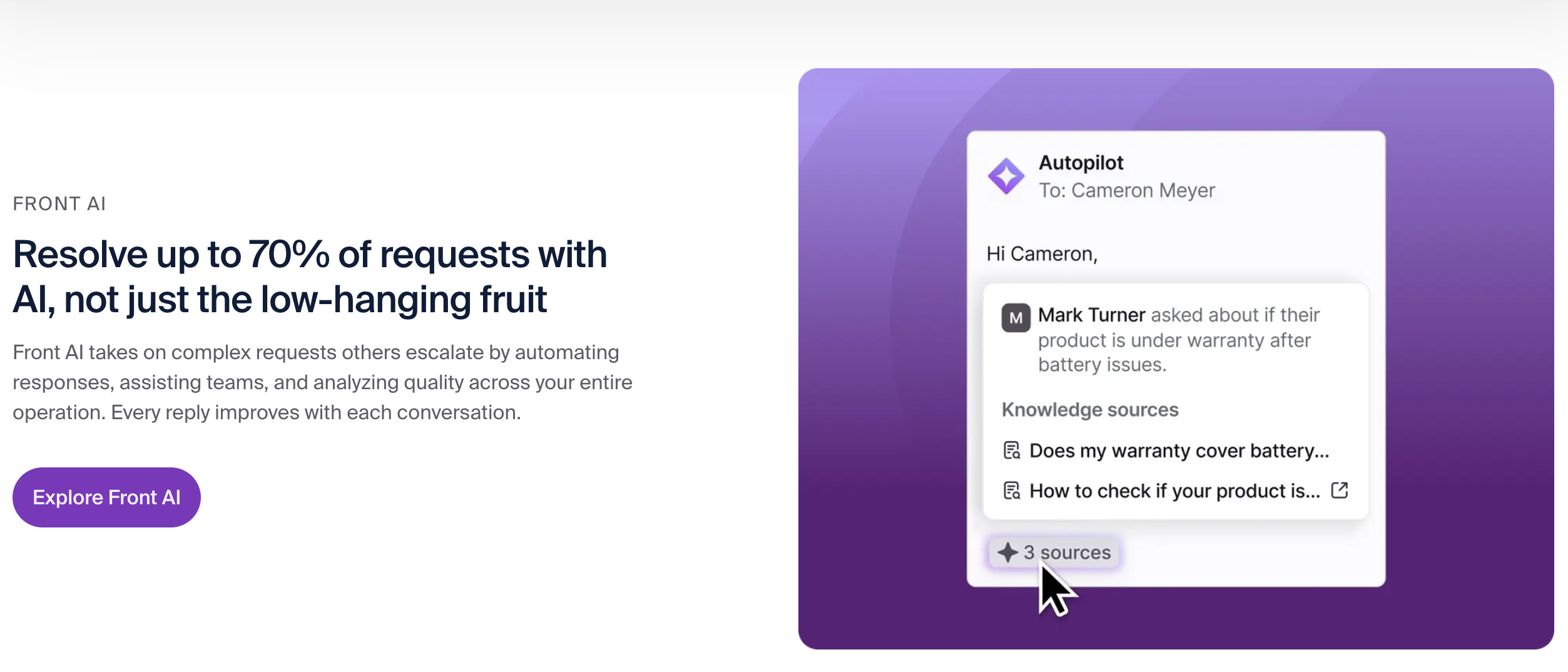
Front is a customer experience platform that turns email, live chat, SMS, social messages, and other communication channels into collaborative shared inboxes.
Front differs from conventional help desks because it preserves the familiar experience of email while adding assignments, internal comments, ticketing, workflow automation, analytics, and customer-service controls. It is well suited to teams handling complex or relationship-based customer conversations.
How its MCP server helps
Front’s MCP server gives AI agents access to Front conversations through an OAuth-authenticated endpoint.
Depending on the granted scopes, an assistant can search conversations, retrieve complete conversation timelines, create and update drafts, add comments, manage assignments, and send replies. Every action is connected to an individual Front user and inherits that user’s permissions.
The server is currently in open beta, and some AI clients are not yet compatible with Front’s authentication requirements.
Pricing: Front Starter costs $25 per seat per month when billed annually. Professional costs $65, while Enterprise costs $105 per seat per month.
Advantages
- Excellent for collaborative customer communication.
- Supports both read and write MCP actions.
- Maintains clear user-level permissions and attribution.
Disadvantages
- The MCP server remains in open beta.
- Starter supports only one channel type, and advanced AI features cost extra.
Explore how Front MCP allows AI agents to search conversations, manage drafts, add comments, and send replies.
3. HubSpot MCP Server
Best for connecting customer support with CRM data
What is HubSpot?
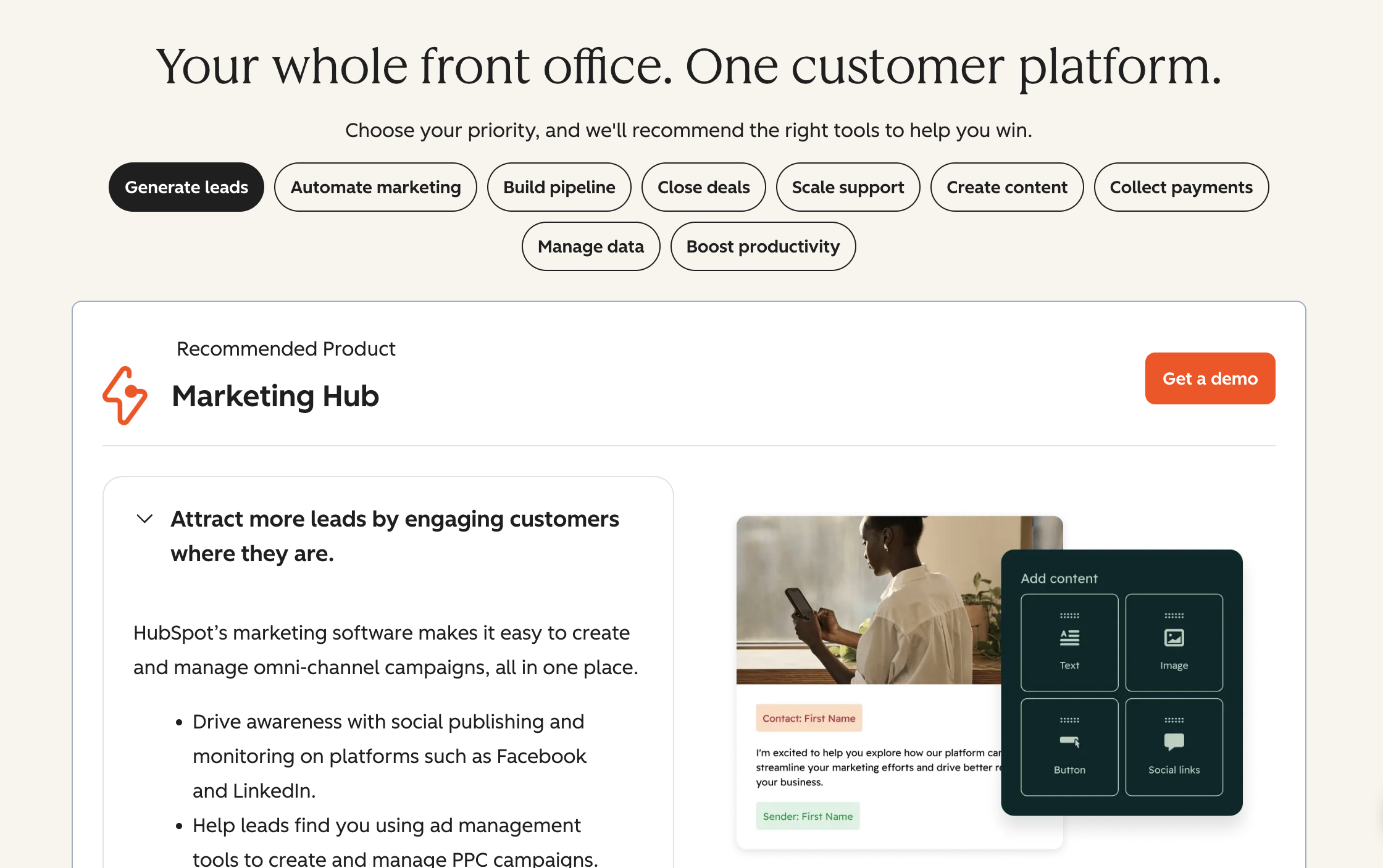
HubSpot is a customer platform combining CRM, marketing, sales, customer service, content, and data-management products.
HubSpot Service Hub adds ticketing, help-desk functionality, customer portals, SLAs, knowledge bases, feedback tools, and customer-success features. Its main advantage is that support teams can view service activity alongside marketing engagement, sales conversations, company records, and deals.
How its MCP server helps
HubSpot’s remote MCP server gives compatible AI assistants secure read and write access to CRM information.
Supported data includes contacts, companies, deals, tickets, activities, products, invoices, orders, and other CRM objects. The server respects the connected user’s HubSpot permissions and uses OAuth authentication.
HubSpot moved the remote server from beta to general availability for all HubSpot accounts in April 2026.
Pricing: HubSpot Service Hub offers a free plan for up to two users. Starter begins at $7 per seat per month when billed annually, Professional at $90, and Enterprise at $150. Professional and Enterprise have mandatory onboarding fees.
Advantages
- Combines support, sales, marketing, and CRM context.
- Offers both read and write MCP functionality.
- Free and affordable entry-level plans are available.
Disadvantages
- Advanced support features require Professional or Enterprise.
- Higher plans include onboarding fees and credit-based AI usage.
Learn how HubSpot MCP gives compatible AI tools secure read and write access to HubSpot CRM data.
4. Salesforce Hosted MCP Servers
Best for governed enterprise customer service workflows
What is Salesforce Service Cloud?
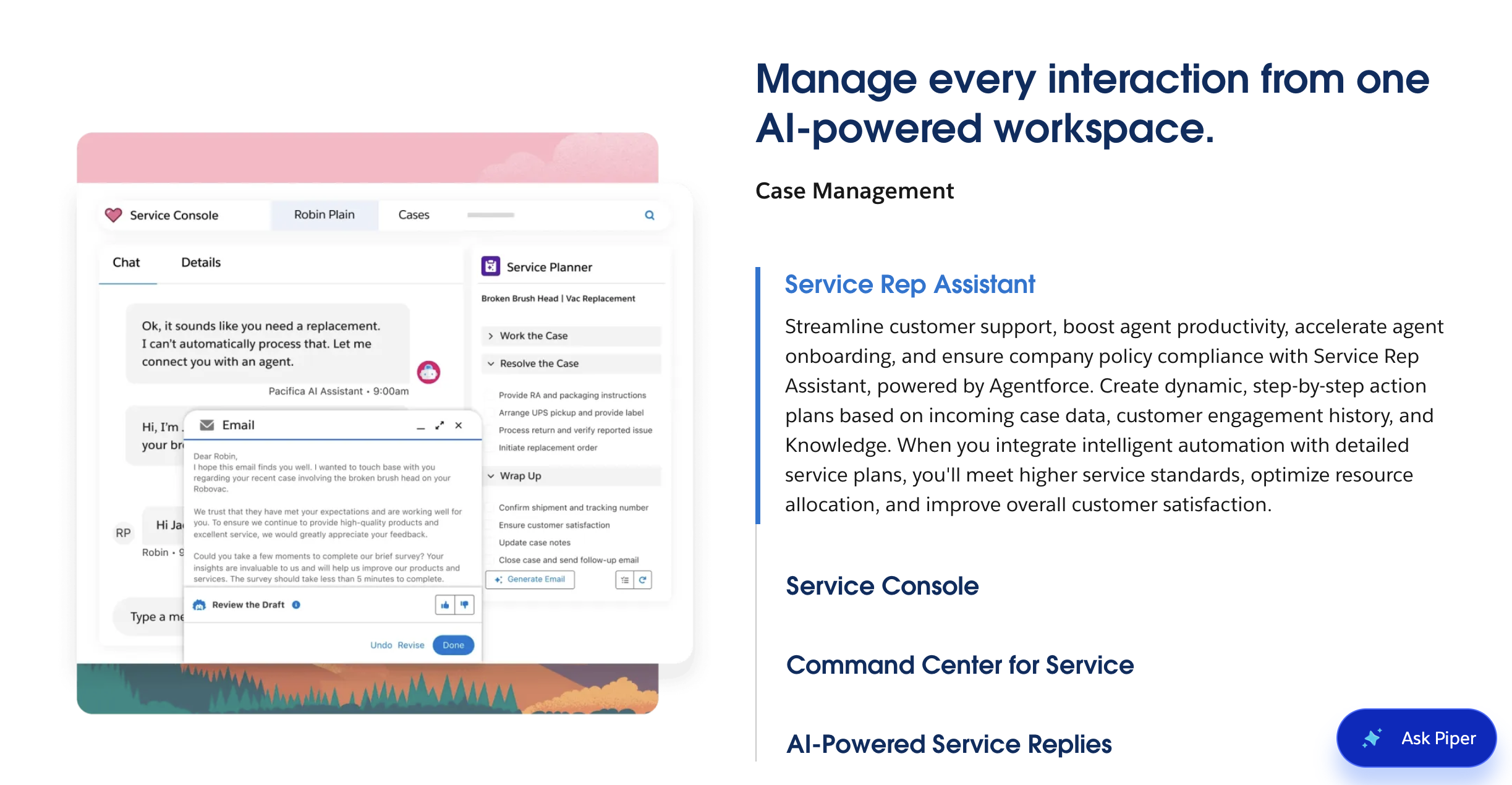
Salesforce Service Cloud is an enterprise customer service CRM covering case management, omnichannel routing, knowledge management, customer portals, workflow automation, analytics, and AI-assisted service.
Salesforce is more customizable than most support platforms. Companies can create custom objects, fields, permissions, approval rules, and workflows around their exact service model.
How its MCP servers help
Salesforce Hosted MCP Servers allow compatible AI clients to interact with Salesforce data and automation through Salesforce-managed endpoints.
Depending on the configured server, an assistant can search customer records, retrieve cases, update approved objects, run queries, and trigger selected flows or Apex actions. Authentication, field-level security, sharing rules, and user permissions continue to apply.
Salesforce Hosted MCP Servers became generally available in April 2026.
Pricing: Salesforce offers a Free Suite for up to two users. Starter Suite begins at $25 per user per month, while Pro Suite costs $100. More advanced enterprise service editions and add-ons cost more.
Advantages
- Extensive customization and enterprise governance.
- Strong permissions, security controls, and auditability.
- Can expose company-specific workflows and actions.
Disadvantages
- Implementation and administration can be complex.
- Advanced service, AI, and automation features can significantly increase costs.
Explore how Salesforce Hosted MCP Servers provide governed access to Salesforce data, automation, and approved business actions.
5. Dynamics 365 Customer Service MCP Server
Best for organizations using Microsoft business applications
What is Dynamics 365 Customer Service?
Dynamics 365 Customer Service is Microsoft’s enterprise CRM for support and service operations.
It includes case management, customer records, knowledge management, intelligent routing, SLAs, analytics, Microsoft Teams integration, and Copilot-assisted service. It is particularly relevant for organizations already using Microsoft 365, Power Platform, Dataverse, Teams, or other Dynamics products.
How its MCP server helps
The Dynamics 365 Customer Service MCP Server allows AI agents built in Microsoft Copilot Studio to access customer-service tools and information.
Support teams can build agents that retrieve cases, review customer records, and use approved service capabilities. Microsoft recommends connecting the separate Dataverse MCP server when the agent needs complete create, read, update, and delete operations.
The Customer Service MCP Server is currently in preview, and Claude Desktop is not supported.
Pricing: Customer Service Professional costs $50 per user per month when paid annually. Enterprise costs $105, while Premium costs $195 per user per month.
Advantages
- Deep integration with Microsoft business applications.
- Useful for service workflows involving Teams, Dataverse, and Power Platform.
- Provides customer-service-specific tools.
Disadvantages
- The server is still in preview.
- Most useful inside the Microsoft and Copilot Studio ecosystem.
Learn how the Dynamics 365 Customer Service MCP Server connects AI agents to approved customer-service tools and information.
6. Freshdesk MCP
Best for accessible help-desk and ticket management
What is Freshdesk?
Freshdesk is a customer support platform built around ticketing, shared inboxes, customer portals, knowledge bases, SLA management, routing, reporting, and AI-assisted support.
Compared with enterprise systems such as Salesforce or ServiceNow, Freshdesk is generally easier to deploy and more accessible to small and midsize support teams. Freshdesk Omni extends the platform across chat, email, messaging, and other channels.
How its MCP server helps
Freshworks’ official MCP integration allows compatible AI tools such as Claude, Cursor, Microsoft Copilot Studio, and Visual Studio Code to interact with Freshdesk.
Available tools can create and retrieve tickets, access contacts, manage conversations, and expose selected Freshdesk capabilities through supported authentication methods.
As of July 2026, Freshdesk MCP remains in an Early Access Program rather than general availability.
Pricing: Freshdesk Growth starts at $19 per agent per month when billed annually. Pro costs $55, and Enterprise costs $89 per agent per month.
Advantages
- Accessible pricing and straightforward setup.
- Strong core ticketing, shared-inbox, and knowledge-base features.
- Official MCP functionality is directly focused on support records.
Disadvantages
- MCP access is still in Early Access.
- AI sessions and several advanced capabilities may require add-ons.
Discover how Freshdesk MCP enables compatible AI tools to work with Freshdesk tickets, contacts, conversations, and support actions.
7. Atlassian Rovo MCP Server
Best for technical support and incident workflows
What is Atlassian Jira Service Management?
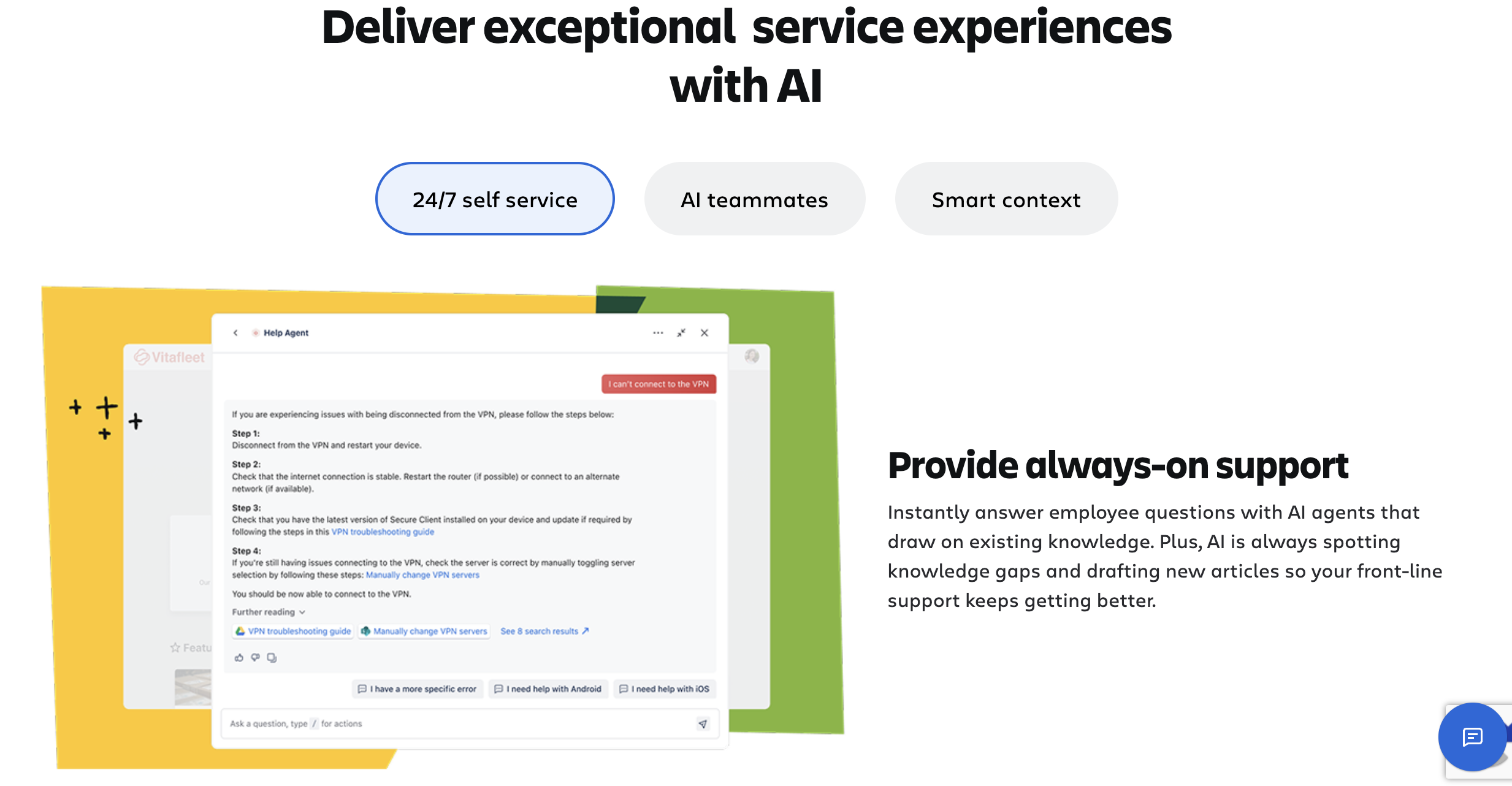
Jira Service Management is a service-management platform for handling customer requests, incidents, problems, changes, assets, and technical support workflows.
Its main advantage is its connection to Jira and Confluence. Support agents can escalate product problems directly to engineering teams while retaining the original customer and incident context.
How its MCP server helps
The Atlassian Rovo MCP Server connects AI assistants to Jira, Jira Service Management, Confluence, Bitbucket, and other Atlassian products.
Agents can search and summarize tickets, retrieve work-item status, create or update issues, add comments, search documentation, and turn meeting notes into tasks. Actions use the connected person’s existing Atlassian access controls and permissions.
Pricing: Jira Service Management has a free plan for up to three agents. Paid plans are priced according to the selected tier and number of agents. Paid subscriptions include an allowance of Rovo credits.
Advantages
- Strong connection between support, engineering, and documentation.
- Supports both searches and work-item actions.
- Particularly effective for technical support and incident management.
Disadvantages
- Can feel complex for nontechnical customer-service teams.
- Some Jira Service Management MCP tools require additional API-token configuration.
Explore how the Atlassian Rovo MCP Server connects AI assistants to Jira, Confluence, Bitbucket, and other Atlassian tools.
8. ServiceNow MCP Server
Best for complex enterprise service operations
What is ServiceNow Customer Service Management?
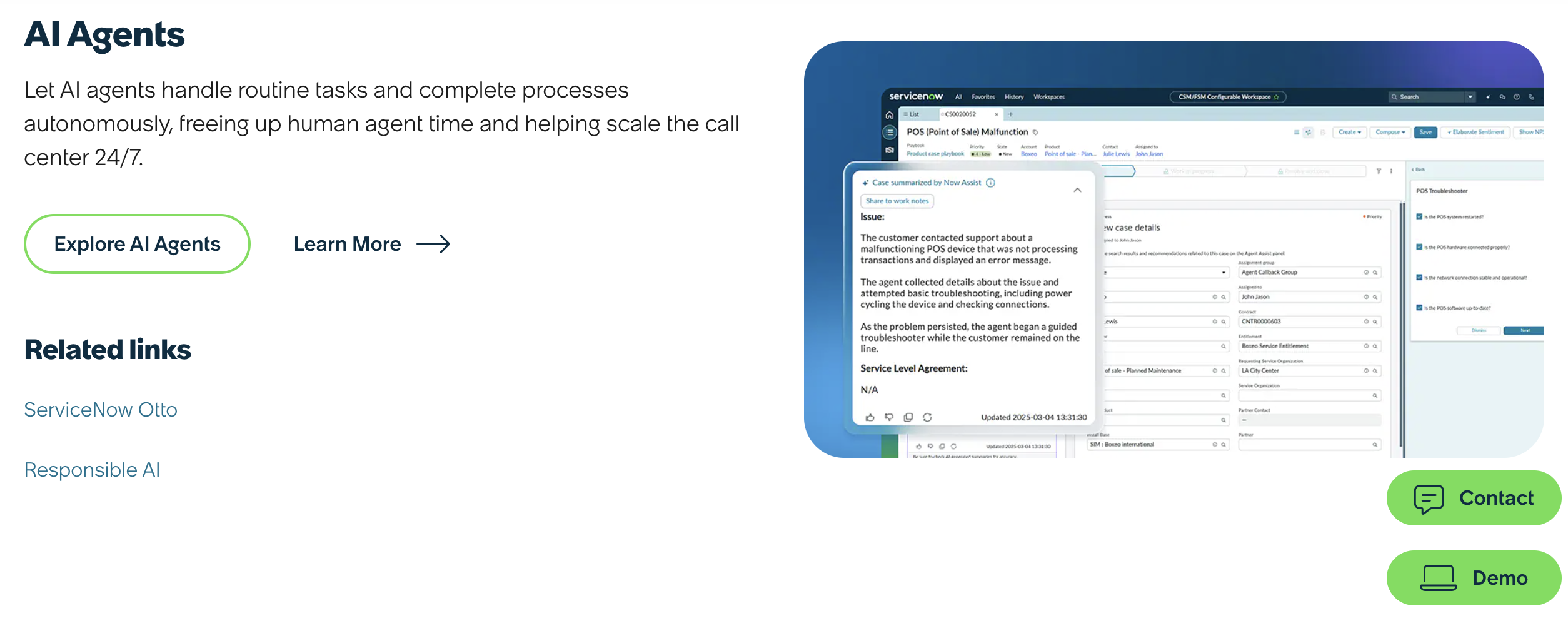
ServiceNow Customer Service Management is an enterprise workflow platform that connects customer service with operations, IT, finance, security, and other departments.
Unlike a conventional CRM that mainly records customer interactions, ServiceNow focuses on coordinating the operational work required to resolve the underlying issue. This is valuable for telecommunications, financial services, manufacturing, healthcare, and other complex organizations.
How its MCP server helps
ServiceNow’s MCP Server Console lets administrators expose approved ServiceNow capabilities to external AI agents.
The platform can make selected workflows, records, approvals, catalog items, and service actions available while applying identity controls, permissions, audit trails, and governance.
The MCP Server Console is available through activation of an eligible Now Assist application.
Pricing: ServiceNow Customer Service Management uses custom pricing based on company requirements, products, packages, and implementation scope.
Advantages
- Strong enterprise governance and cross-department workflows.
- Suitable for complex operational service requests.
- Allows administrators to control exactly which actions are exposed.
Disadvantages
- Requires substantial implementation and administration.
- Pricing is not publicly disclosed.
Learn how the ServiceNow MCP Server Console gives external AI applications governed access to approved ServiceNow tools and workflows.
9. Notion MCP
Best for support documentation and internal knowledge
What is Notion?
Notion is a collaborative workspace for documents, internal wikis, databases, projects, and knowledge management.
It is not a ticketing platform. Support teams commonly use it to store troubleshooting guides, escalation procedures, response templates, product documentation, incident reviews, and onboarding content.
How its MCP server helps
Notion is a collaborative workspace for documents, internal wikis, databases, projects, and knowledge management.
A support agent could ask an assistant to find a troubleshooting procedure, summarize several product documents, update a help article, or turn a recurring customer problem into a new internal guide.
The AI assistant can only access content available to the authenticated Notion user. Notion recommends its hosted remote server over the older open-source local package.
Pricing: Notion offers a free plan. Plus costs $10 per member per month, while Business costs $20 per member per month.
Advantages
- Flexible knowledge-base and documentation structure.
- Official hosted MCP server with read and write functionality.
- Free plan available.
Disadvantages
- Does not manage customer tickets or conversations.
- Workspace permissions must be carefully configured around sensitive content.
Discover how Notion MCP securely connects AI assistants to workspace content with read and write capabilities.
10. Zapier MCP
Best for cross-platform customer-support automation
What is Zapier?
Zapier is a no-code automation platform connecting thousands of business applications.
Zapier is not a customer support platform itself. Instead, it acts as an integration layer between help desks, CRMs, email platforms, messaging tools, spreadsheets, project-management systems, and internal applications.
How its MCP server helps
Zapier MCP allows compatible AI assistants to use approved actions across more than 9,000 applications.
For example, a support assistant could create an engineering task, update a CRM contact, send an internal notification, add information to a spreadsheet, or trigger an automation in a platform that does not provide its own MCP server.
MCP is available on every Zapier plan. Each MCP tool call consumes two tasks from the existing Zapier quota.
Pricing: Zapier offers a free plan. Professional plans start at $19.99 per month, with pricing increasing according to task volume and features.
Advantages
- Connects a very broad range of support and business applications.
- No separate MCP subscription is required.
- Straightforward no-code setup.
Disadvantages
- Every MCP call consumes Zapier tasks.
- Reliability and functionality depend on the individual app integration.
Explore how Zapier MCP enables AI assistants to perform approved actions across more than 9,000 applications.
How to choose the right customer support MCP server
The right MCP server depends on where your support team already works and what information the AI assistant needs.
Choose Intercom, Front, HubSpot, or Freshdesk when customer conversations and ticket management are the priority. Intercom provides a strong AI-first experience, Front is designed for collaborative communication, HubSpot connects service with CRM and marketing context, and Freshdesk provides accessible help-desk functionality.
Choose Salesforce, Dynamics 365, or ServiceNow for complex enterprise environments. Salesforce offers extensive CRM customization, Dynamics works particularly well with Microsoft products, and ServiceNow connects customer service with operational workflows.
Choose Atlassian Rovo MCP when customer issues frequently need to move between support, product, and engineering teams.
Use Notion for internal knowledge and Zapier when you need to connect several systems or a platform without its own official MCP server.
Many companies will benefit from combining several servers. A technical support team could use Front for conversations, Atlassian for engineering escalations, Notion for documentation, and Zapier for additional automation.
Connect customer-support insights with marketing performance
Customer support platforms explain what customers are asking and how cases are resolved. They do not always show what happened before those customers contacted the support team.
Catchr MCP connects ChatGPT and Claude to data from more than 100 marketing, analytics, advertising, CRM, ecommerce, email, SEO, and social platforms.
Teams can use Catchr alongside their support tools to investigate whether changes in ticket volume coincide with a campaign launch, website traffic increase, acquisition-channel change, or growth in a specific market.
Catchr complements customer-support platforms rather than replacing them. It adds marketing and acquisition context to the customer information available through support MCP servers.

.png)