Home > Integrations > Bluesky

Bluesky connector

Connect Bluesky data to AI assistants, dashboards, spreadsheets, and reporting tools. Catchr helps agencies and marketers save time, keep client reports up to date, and turn Bluesky performance into clear next steps.

Looker Studio
Power BI
Google Sheets
BigQuery
Snowflake

Used by the world's leading companies

From Bluesky data to reports, insights, and answers.

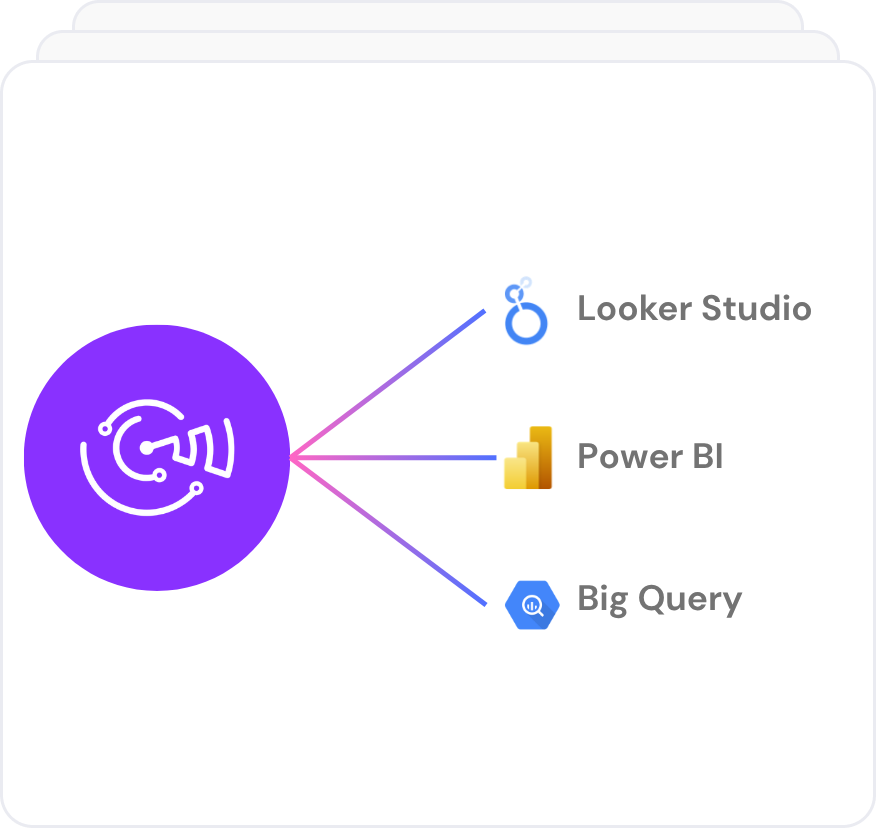
Use Catchr Bluesky connector to send the data into the tools you already use, from AI assistants to client dashboards, spreadsheets and data warehouse.

Analyze

Ask AI for answers

Ask AI directly about your marketing performance, using live data connected from all your sources.

Understand what changed, why it happened, and where to focus next.

Dashboard

Build client-ready reports

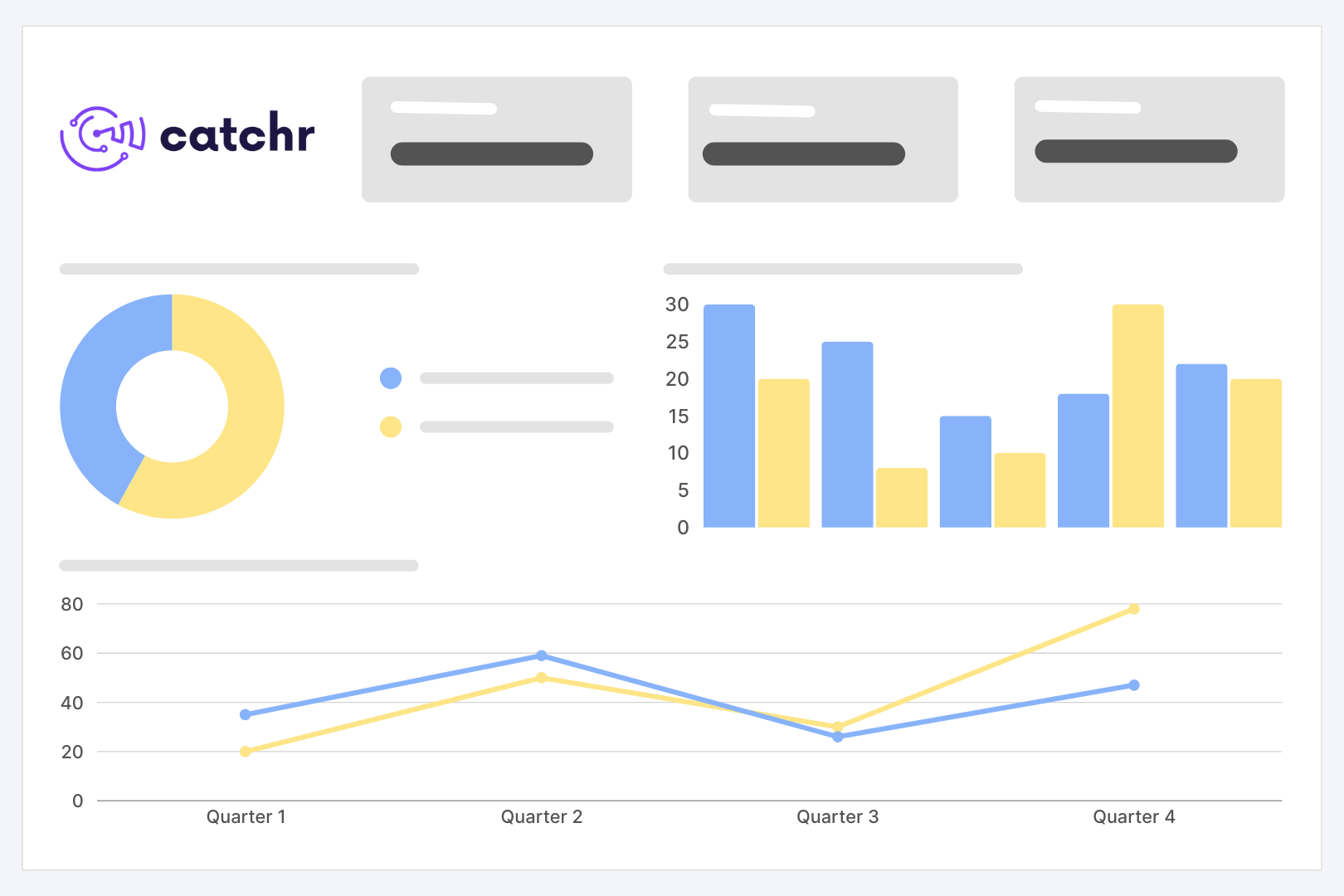
Create always up-to-date dashboards in Looker Studio or Power BI for client reporting, performance reviews, and weekly monitoring.

spreadsheets

Keep spreadsheets up to date

Send data to Google Sheets or Excel without CSV exports. Track spend, ROAS, CPA, campaign performance, and client KPIs in clean, refreshable spreadsheets.

Data warehouse

Export your campaign data

and more...

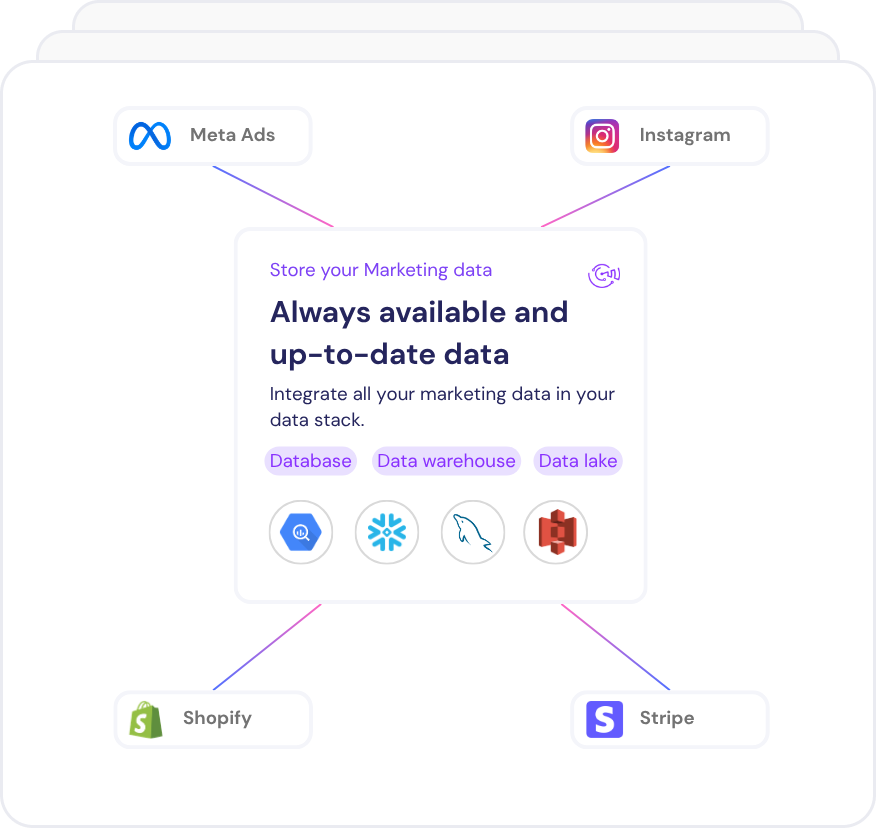
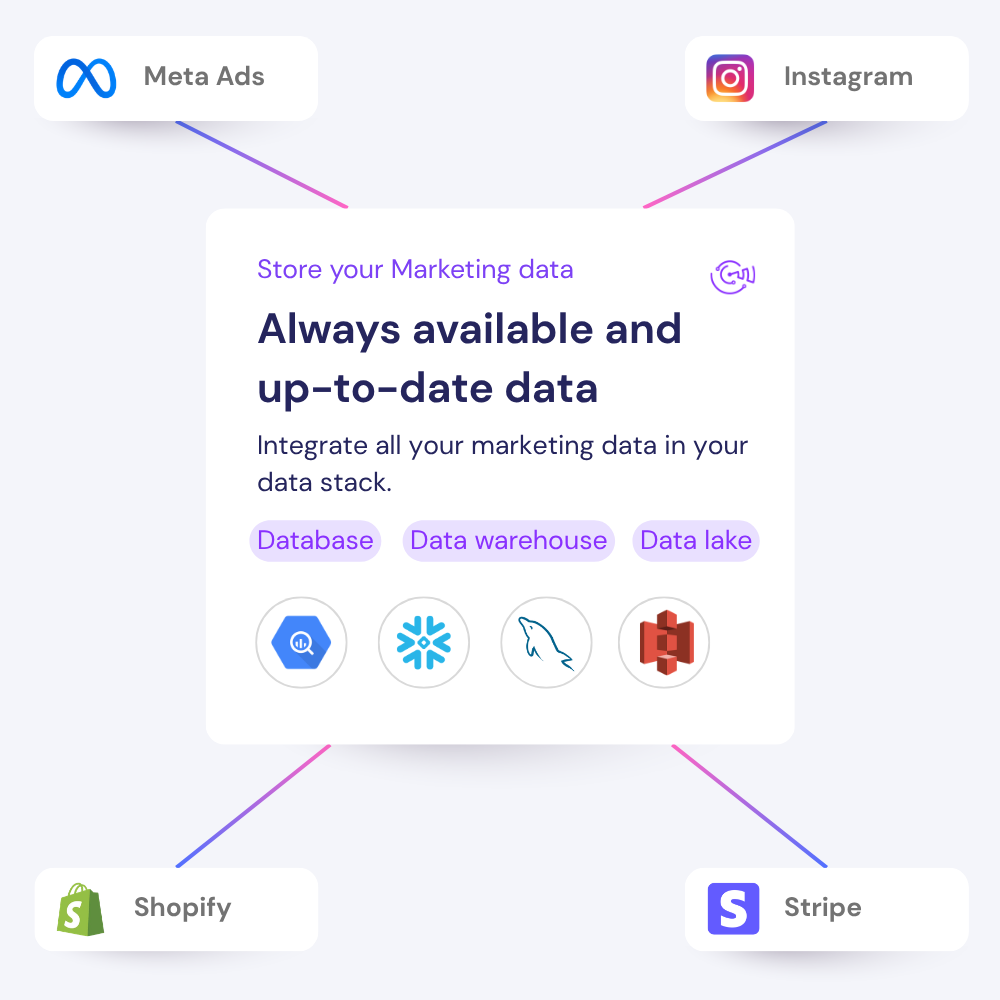
Move your  data into Google BigQuery, Azure SQL, Amazon Redshift or your storage system for deeper analysis, blending, and backup.
Need more destinations ? 

Why use Catchr Bluesky connectors for exporting data ?

Catchr helps marketers and agencies move from manual Bluesky exports to reliable reporting workflows across dashboards, spreadsheets, warehouses, and AI tools.

No manual CSV export

Stop downloading files from Bluesky web interface every time a client report, spreadsheet, or dashboard needs fresh numbers.

Works with every reporting workflow

Send Bluesky data to Looker Studio, Google Sheets, Power BI, BigQuery, Excel, Claude, ChatGPT, and more.

Built for multi-account reporting

Connect several Bluesky accounts and keep agency, client, or brand reporting organized from one place.

Bluesky metrics and dimensions available in Catchr

Access 9 metrics and 21 dimensions from Bluesky connectors including , and many more...

9

Metrics available

21

Dimensions available

Built for everyday Social reporting

Turn Bluesky data into clear reports, spreadsheets, and AI-ready insights your team or clients can use every week.

Find what changed in your Bluesky performance with the Catchr MCP

Ask questions about using fresh Bluesky data. Catchr helps you bring your marketing data into AI tools so you can understand performance faster.

Build reports your clients can actually read

Send Bluesky data to Looker Studio, Power BI, or spreadsheets to create clear client reports with results automatically updated.

Review what drives results across

Compare to see where budget, traffic, or revenue is improving and where performance is dropping.

Compare Bluesky with your other channels

Combine Bluesky with your others marketing to understand performance across your full acquisition journey.

Keep an eye on

Track Bluesky in refreshable dashboards or spreadsheets so you can spot changes before they become reporting problems.

Bluesky reports and resources.

Use your Bluesky data to build the reports your team or clients check most often.

Free marketing dashboard templates

Get 100+ dashboard templates for free, to start analyzing your Marketing data on Data Studio (ex Looker Studio), Power BI, and Google Sheets!

Marketing news & trends

Get insights on marketing analytics, and tools that turn data into growth. Find everything to stay ahead.

Master your analytics skills

Develop your skills with complete and practical Data Studio (ex Looker Studio) & Google Sheets lessons.


How to export Bluesky data to any destination

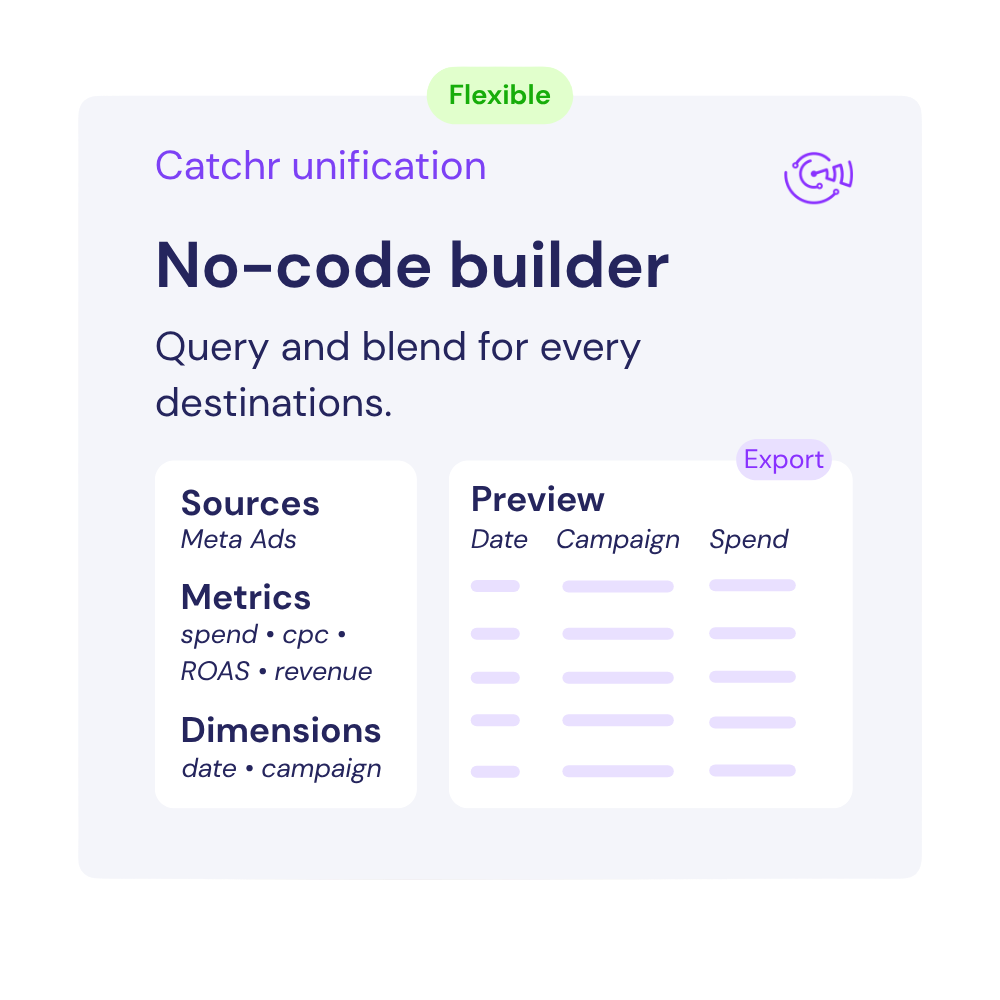
Connect your Bluesky account once, choose the metrics and dimensions you need, and send clean marketing data to dashboards, spreadsheets, warehouses, or AI tools.

Connect your data now

With catchr, it's easy to connect all your marketing data to your favorite reporting, AI or dashboarding tools. 

Customer testimonials

What our customers say about us.

85 %
Faster
Reporting time

After three years of use, Catchr has become essential for both our teams and our clients. So far, it has been our best solution for compiling and analyzing data from different advertising platforms. It’s easy to set up, and the customer service is responsive and excellent.

Valentin Keravel
CEO, Laio – Agency

With Catchr’s automated API, we can finally collect and centralize all advertising data, connect it with booking information, and calculate the real ROAS for our restaurant clients. It gives them full visibility, more autonomy, and the ability to optimize campaigns to maximize ROI.

Corentin Largeron
Freelance
30
hours saved

The solution is a real game changer, providing optimal time savings for our data reporting. The major strength of the solution is their highly responsive and professional support.

Corentin Largeron
CEO at The Browz – Agency

Bluesky connector FAQs

Answers to common questions about connecting Bluesky data to spreadsheets, dashboards, AI assistants, and reporting tools with Catchr.

What is Bluesky ?

Bluesky is a social platform where people publish posts, follow accounts, and interact through likes, replies, reposts, and quotes. Catchr’s Bluesky connector makes your account’s profile data and post metrics available for reporting, helping freelancers and agencies review current follower counts and lifetime post engagement totals.

What Bluesky metrics can I export from the connector ?

You can export key metrics from Bluesky and dimensions such as and .

Can I connect multiple Bluesky accounts ?

Yes. Catchr supports multiple Bluesky accounts, which is useful for agencies, freelancers, and teams managing several clients or brands.

Can I combine Bluesky with other channels?

Yes. You can combine Bluesky data with sources like Google Ads, TikTok Ads, LinkedIn Ads, Google Analytics, and Search Console to build cross-channel reports.

How often is the data refreshed ?

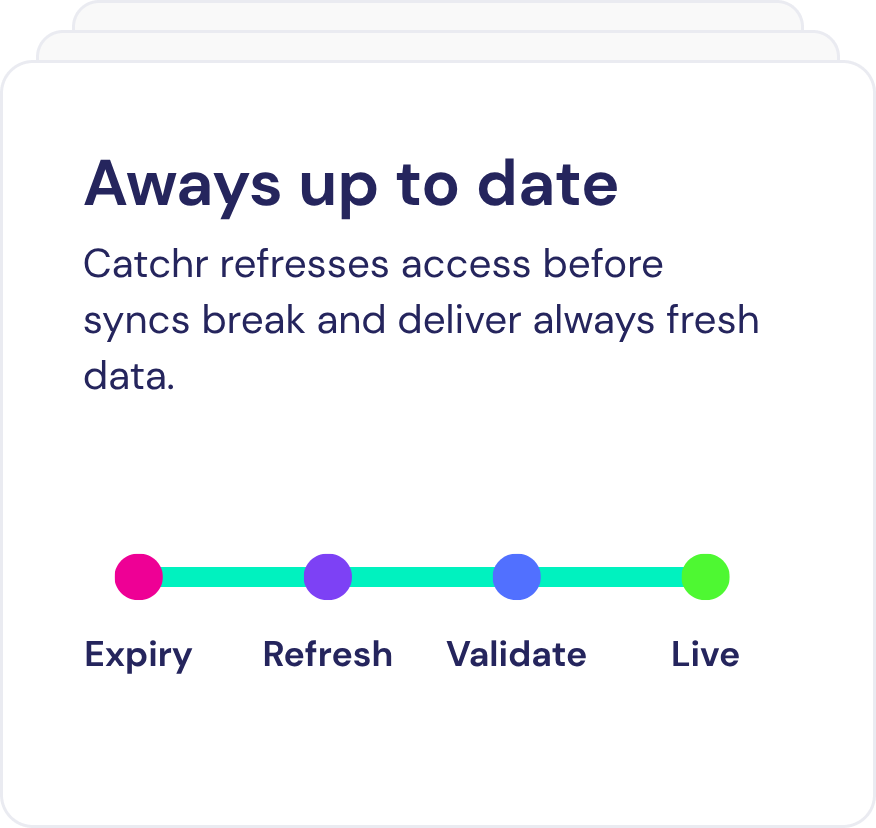
Catchr keeps your Bluesky data updated automatically, so your spreadsheets, dashboards, and reports stay current without manual exports.

Still have a question ? 

Our team is always here to answer any questions you may have about our data connector.

Your next report should not start with five exports.

Connect your marketing platforms and build a data workflow your entire agency can use.

14 days free-trial
No credit-card required
100+ sources