Learning Power BI can feel intimidating at first, especially for marketers who are not used to working with data modeling or BI tools. Power BI looks powerful, and it is, but that doesn’t mean it’s reserved for data analysts or engineers.
For marketing teams, learning Power BI is mostly about understanding a clear workflow, working with real marketing data, and focusing on the metrics that matter. In this article, we’ll explain how to learn Power BI efficiently, how it is typically used, whether it’s easy to learn for marketers, and how long it realistically takes to become operational.
How to learn Power BI (the right way for marketers)
The most effective way to learn Power BI as a marketer is to start with real use cases, not features. Instead of trying to learn every menu and option, focus on answering concrete questions such as campaign performance, channel comparison, or funnel conversion.
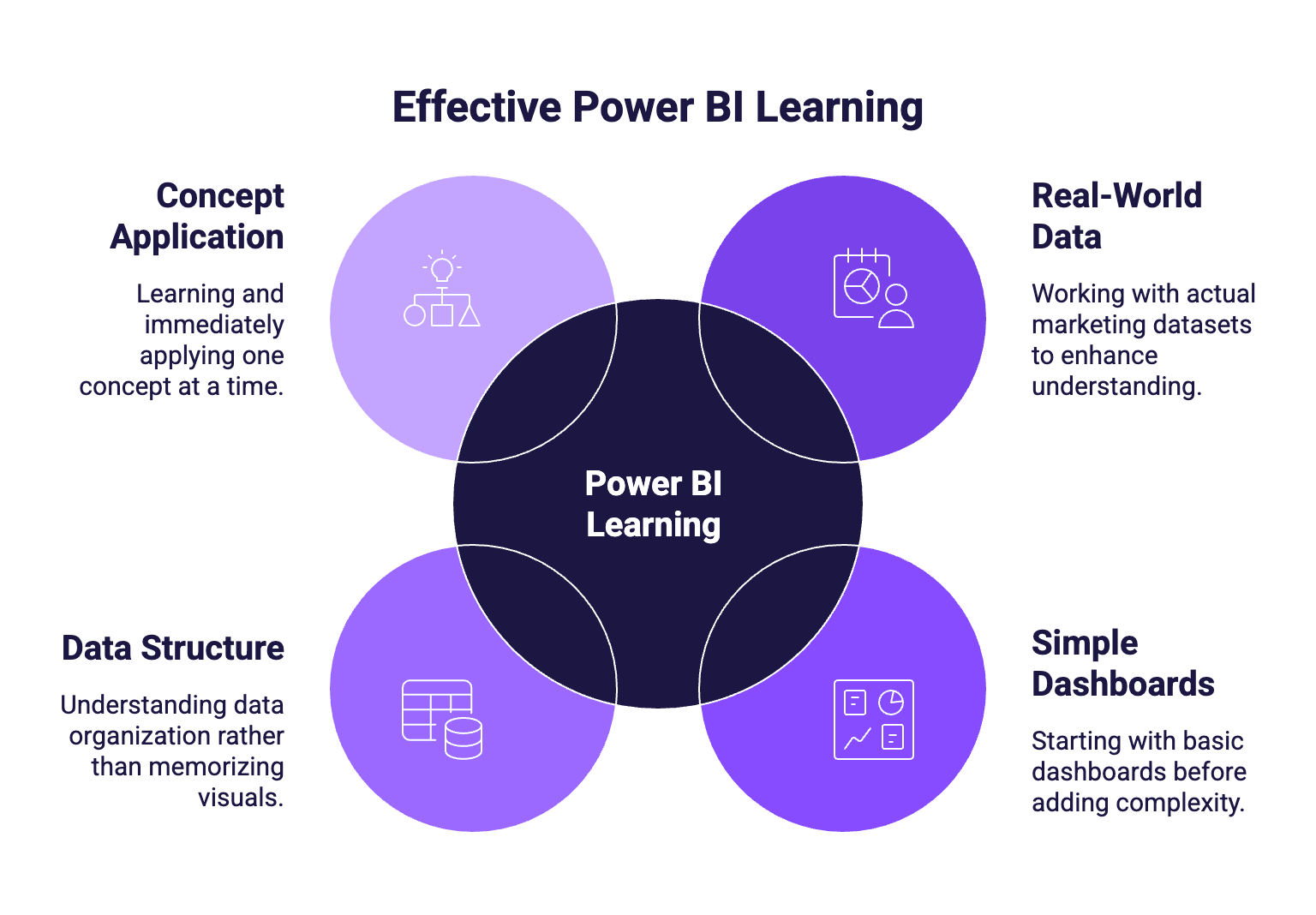
Power BI is best learned by:
- Working with real marketing datasets (ads, analytics, CRM exports)
- Starting with simple dashboards before adding complexity
- Understanding how data is structured rather than memorizing visuals
- Learning one concept at a time and applying it immediately
Many marketers learn faster by building one real dashboard end to end rather than following long, generic tutorials. Using your own marketing data, such as campaigns, website traffic, or CRM exports, makes the process more concrete and helps you become comfortable answering everyday marketing questions in Power BI.
Is Power BI easy to learn for marketers?
Power BI is easier to learn than it may seem, but it does require a shift in mindset compared to spreadsheets. Creating visuals and using filters is generally intuitive, even for beginners. The more challenging part is understanding how data tables relate to each other and how metrics are calculated.
For most marketing use cases:
- Advanced DAX is not required at the beginning
- Many dashboards rely on simple calculations
- The main difficulty often comes from messy or inconsistent data, not from Power BI itself
How long does it take to learn Power BI? (a realistic timeline)
Learning Power BI is a gradual process, not a one-time step. For marketing teams, progress usually happens in phases rather than levels.
In the first few hours, most users become familiar with the interface, basic visuals, and filters. Within the first week, it’s realistic to build a simple marketing dashboard using exported data. After a few weeks of regular use, marketers usually feel comfortable with data modeling basics, KPI definitions, and report structure.
More advanced topics, such as complex DAX formulas, performance optimization, or governance, typically come later and are only needed for specific use cases.
How to use Power BI (workflow overview)
Power BI follows a consistent workflow that applies to most marketing use cases. Once you understand this flow, the tool becomes much easier to approach.
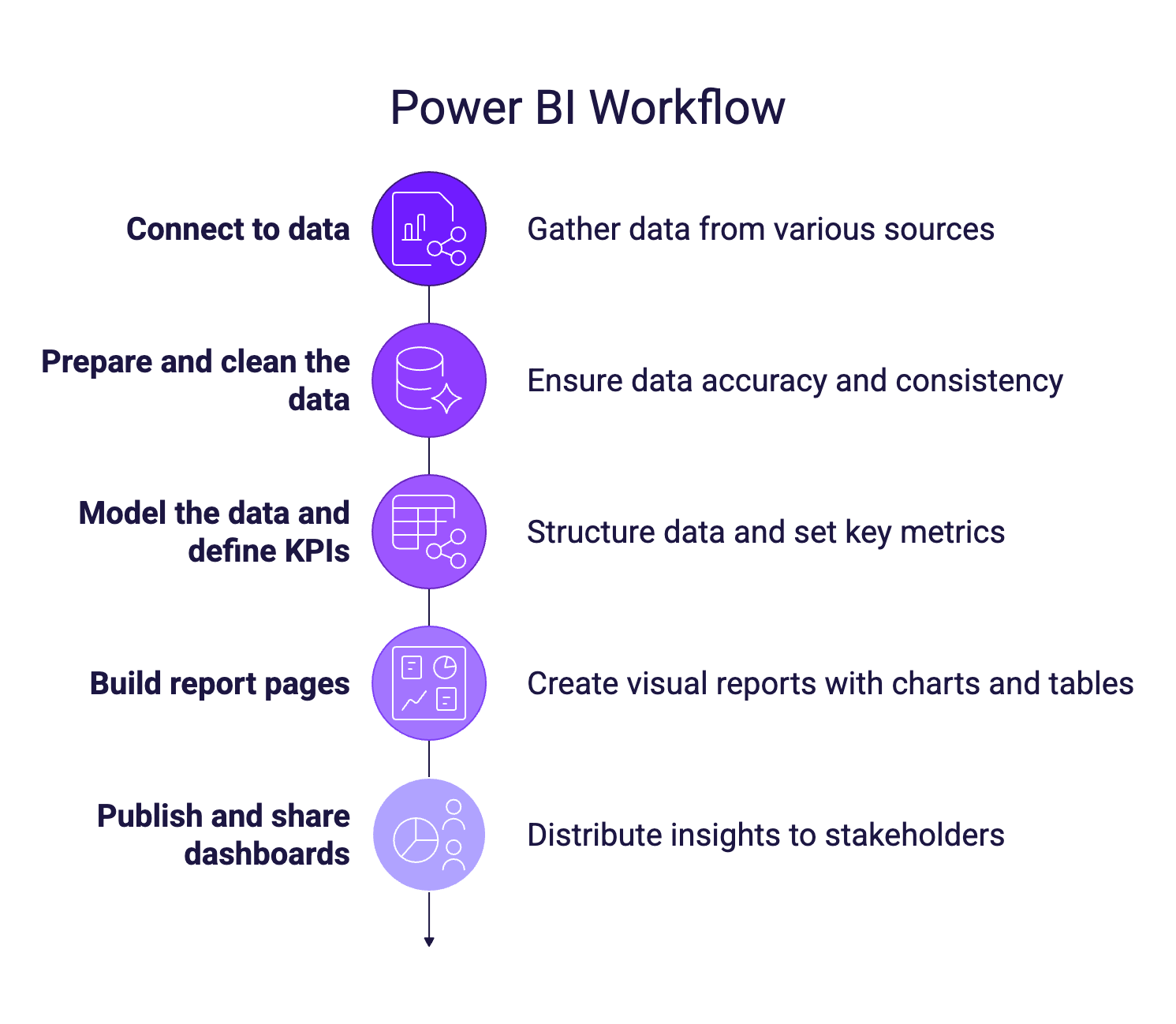
A typical Power BI workflow looks like this:
- Connect to data from files, platforms, or databases
- Prepare and clean the data so it can be analyzed
- Model the data and define KPIs, such as CPA, ROAS, or conversion rate
- Build report pages with charts, tables, and filters
- Publish and share dashboards with stakeholders
You don’t need to master every step from day one. Most marketers start by connecting simple datasets and building basic reports, then gradually improve data modeling and KPIs as their needs grow.
Common mistakes marketers make when learning Power BI
Many frustrations with Power BI come from a few common mistakes. Marketers often try to start with complex datasets, replicate Excel logic exactly, or focus too much on visuals before structuring their data properly. Others spend too much time learning advanced DAX before they actually need it.
Avoiding these pitfalls and keeping the scope simple makes the learning process much smoother and more rewarding.
How Catchr university helps you learn Power BI faster
This university is designed specifically for marketers. Lessons are short, focused, and based on real marketing scenarios rather than abstract BI concepts. The progression follows the natural Power BI workflow, from data connection to dashboards and sharing, so you always know why you’re learning something and how it fits into the bigger picture.