
Installing Power BI is usually straightforward, but it often raises questions for marketing teams, especially when different operating systems are involved. Power BI Desktop is a Windows application, yet many marketers work on macOS and still need to access dashboards or build reports.
In this article, you’ll learn how to install Power BI on Windows, whether Power BI works on Mac, and which options are available for Mac users depending on their role.
How to download Power BI on Windows
If you are using Windows, installing Power BI is quick and simple. Power BI Desktop is the main tool used to build reports, model data, and create dashboards.
What you need before installing Power BI
Before installing Power BI Desktop, make sure the following requirements are met:
- A Windows operating system (64-bit recommended)
- Sufficient permissions to install applications on your machine
- A Microsoft account (not required to install or start using Power BI, but needed later to publish or share reports)
Installing Power BI Desktop
Power BI Desktop can be downloaded directly from Microsoft. You have two main options:
- Download it from the Microsoft Store
- Download it from the official Power BI website
Once downloaded, the installation follows a standard setup process. After installation, you can open Power BI Desktop immediately and start working with data.
At this stage, Power BI Desktop works locally and does not require you to sign in. You can explore the interface, connect to files, and build reports without any account.
Does Power BI work on Mac?
Power BI Desktop does not run natively on macOS. There is currently no Mac version of the Desktop application, so it cannot be installed directly on a Mac.
That said, Power BI is not completely unavailable to Mac users. Power BI Service, the web-based version of Power BI, works in any modern browser and can be accessed on macOS without any issue.
Best options for Mac users
Mac users can choose between several options depending on whether they need to view dashboards or build reports.
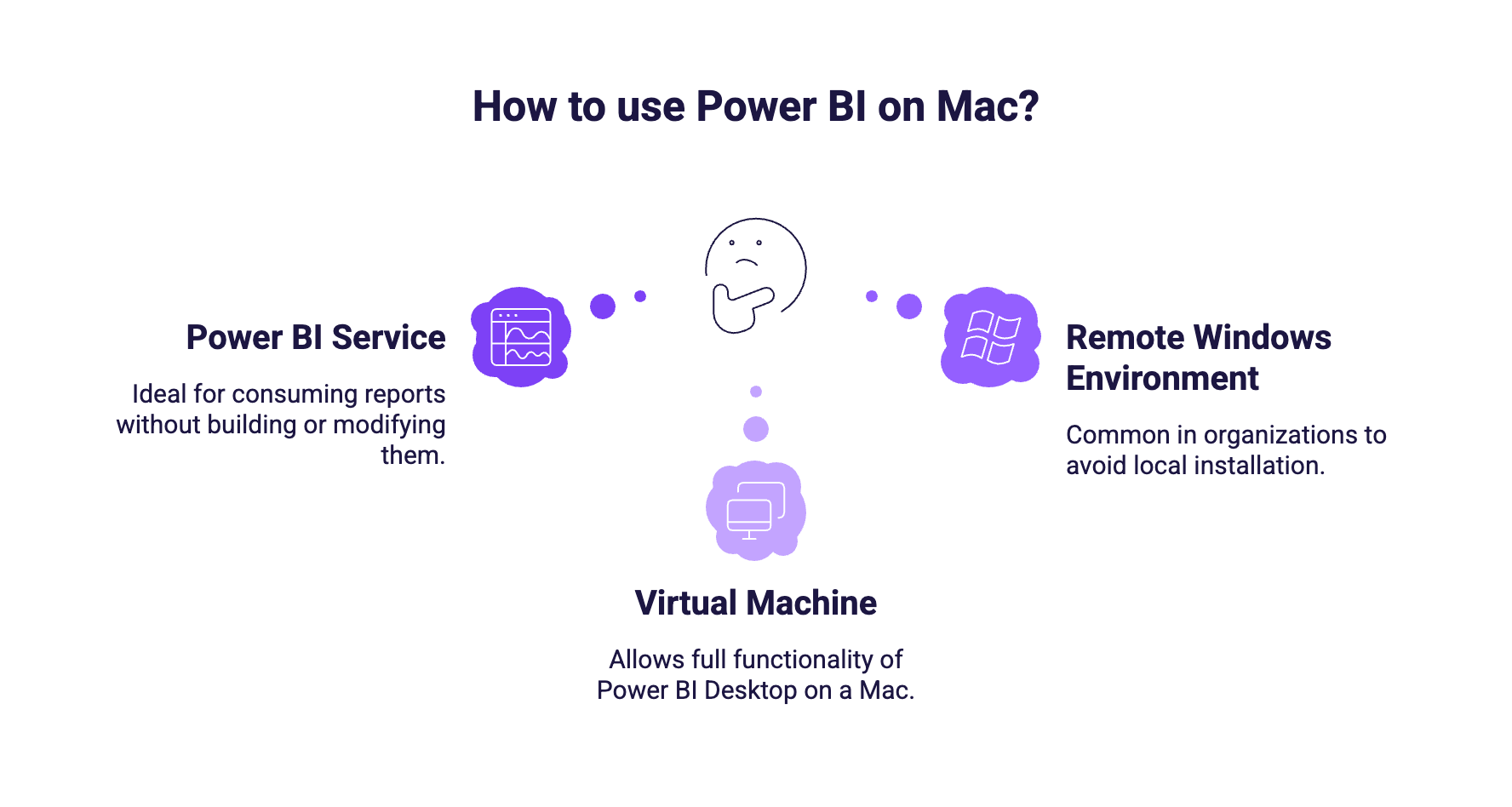
Use Power BI Service in the browser
This is the simplest option for Mac users. With Power BI Service, you can:
- View dashboards and reports
- Interact with filters and slicers
- Explore data through visuals
Use a virtual machine (VM)
Running Windows on a Mac through a virtual machine (such as Parallels or VMware) allows you to use Power BI Desktop with full functionality.
This option is suitable if you:
- Build dashboards regularly
- Need full access to data modeling and report design
- Prefer working from a single device
Use a remote Windows environment
Another option is to access Power BI Desktop through a remote Windows machine, such as:
- A company-managed Windows laptop
- A cloud-based Windows environment
Which option should marketers choose?
The best option depends on your role and how you use Power BI:
- Mac users who only view dashboards can rely on Power BI Service
- Mac users who build reports should use a virtual machine or a remote Windows setup
Most marketing teams end up combining Power BI Desktop for report creation and Power BI Service for sharing and collaboration.
What’s next?
Once Power BI is installed or accessible on your device, the next step is to connect your marketing data and start building your first dashboard.