Pull your marketing KPIs from ads, analytics, CRM, ecommerce, and social platforms directly into Google Sheets. Build reports faster, keep data fresh, and stop losing time on manual exports.



Catchr brings your marketing platform data into Sheets so you can work with fresh data without downloading CSV files from every marketing platform.
Import data from Meta Ads, Google Ads, LinkedIn Ads, GA4, Shopify, HubSpot and more directly in Google Sheets without exporting a single CSV.
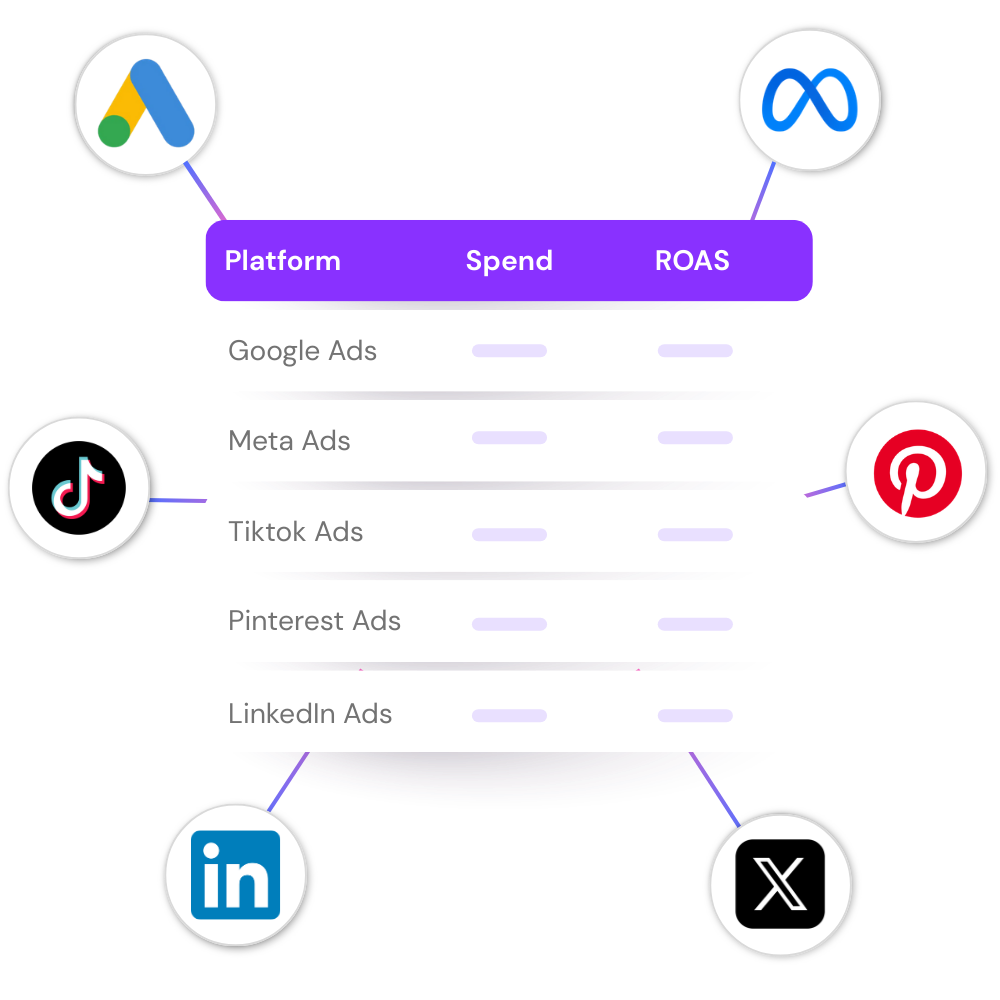

Campaign reviews, monthly reports, budget tracking, ecommerce analysis, lead monitoring.
Start from your own spreadsheet instead of adapting to someone else's reporting tool.
Your formulas, pivot tables, charts, conditional formatting, filters, named ranges, and custom calculations continue working exactly as they do today.
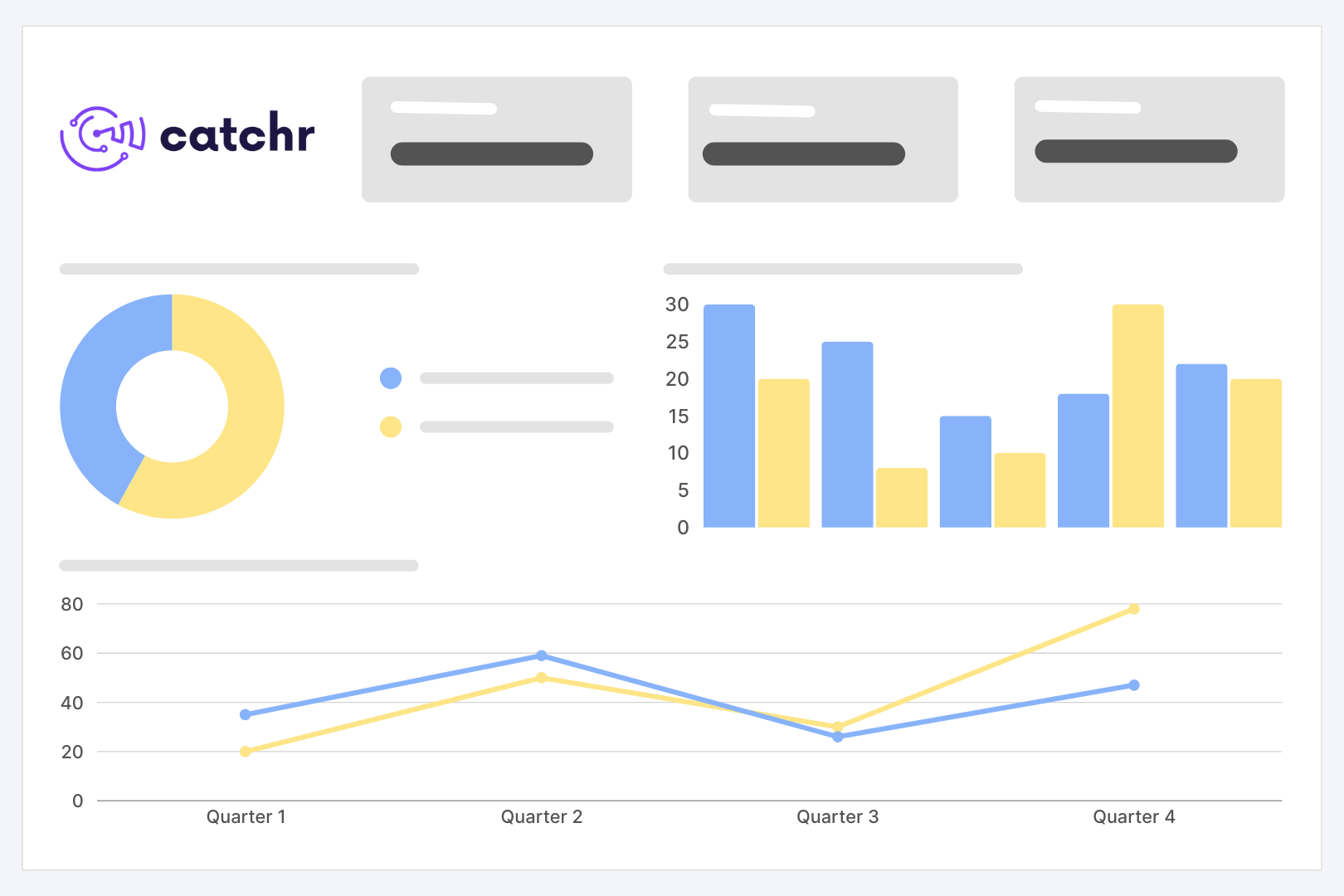
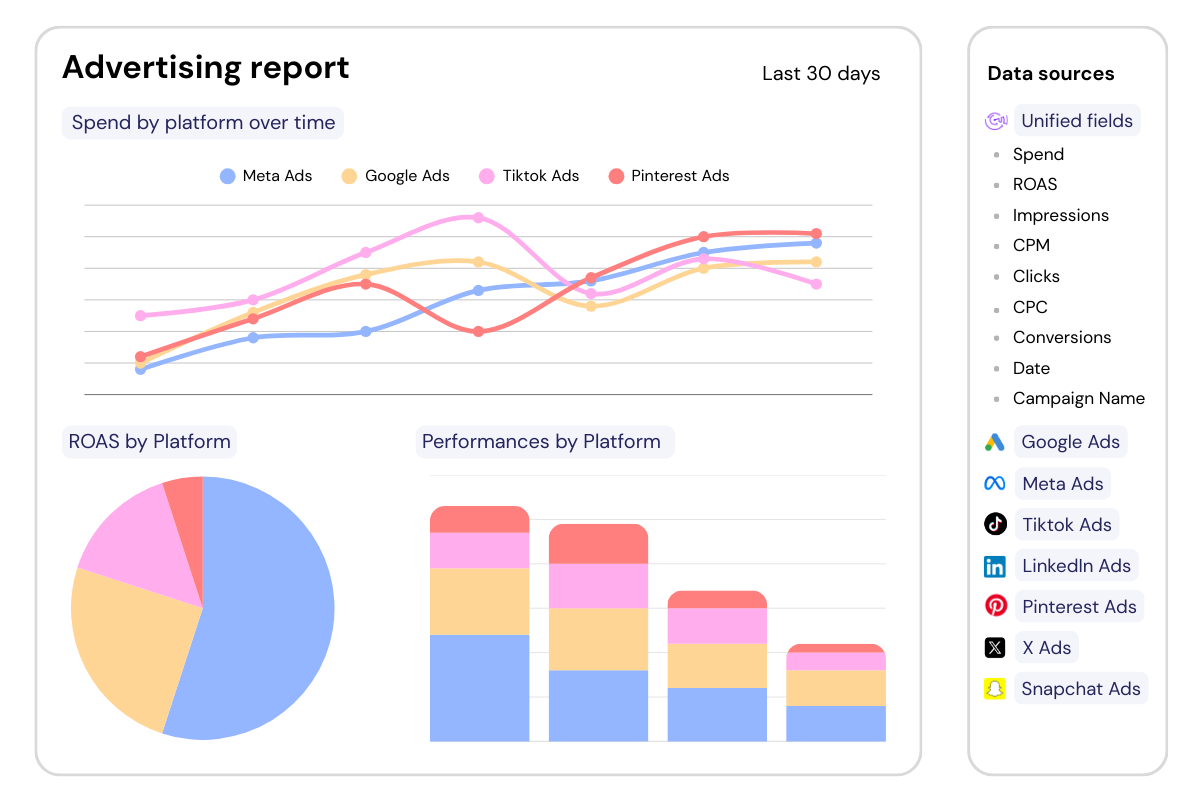
Share Google Sheets with clients or teammates knowing the data stays up to date automatically. No last minute CSV exports before every meeting.
Connect the platforms behind your day-to-day spreadsheets and import the fields you need for analysis, reporting, and client follow-up.
Catchr helps agencies, freelancers, and marketing teams turn Google Sheets into a reliable reporting workspace, without API setup or repeated CSV cleanup.

Bring multiple platforms into one place to compare paid, organic, CRM, ecommerce, and social performance.

Prepare weekly or monthly reporting files with clean tables instead of screenshots and raw platform downloads.

Follow spend, clicks, conversions, CPA, ROAS, revenue, and campaign names in a spreadsheet you can filter and edit freely.
Catchr handles the data connection layer, so you can focus on building client reports instead of managing APIs, exports, and broken Google sheeets.
Add Catchr to Google Sheets and open it from the spreadsheet where you want to work.


Open Google Sheets and start the Catchr add-on. Sign in with your Catchr account.
Choose your marketing source, accounts, metrics, dimensions, date range, and where the data should be imported in your spreadsheet.
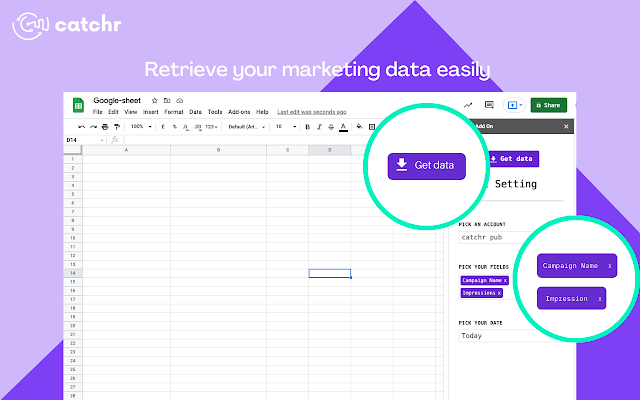
Run your first import, then schedule automatic refreshes to keep your spreadsheet up to date while your formulas, charts, and pivot tables continue working.
Connect your marketing platforms to Google Sheets and keep every client report up to date automatically.
Build client reports faster with Google Sheets templates designed for common agency workflows.
What our customers say about us.
After three years of use, Catchr has become essential for both our teams and our clients. So far, it has been our best solution for compiling and analyzing data from different advertising platforms. It’s easy to set up, and the customer service is responsive and excellent.

With Catchr’s automated API, we can finally collect and centralize all advertising data, connect it with booking information, and calculate the real ROAS for our restaurant clients. It gives them full visibility, more autonomy, and the ability to optimize campaigns to maximize ROI.

The solution is a real game changer, providing optimal time savings for our data reporting. The major strength of the solution is their highly responsive and professional support.

Clear answers for marketers comparing connectors, data sources, reporting workflows, and dashboard setup.
Connect your marketing platforms to Catchr, open the Catchr add-on in Google Sheets, select the accounts and data you need, then launch your import. You can also schedule automatic refreshes to keep your spreadsheet up to date.
Catchr lets you import data from Meta Ads, Google Ads, LinkedIn Ads, TikTok Ads, Microsoft Ads, GA4, Shopify, HubSpot, Klaviyo, and dozens of other advertising, analytics, ecommerce, CRM, and social platforms.
Yes. You can import data from several platforms into the same Google Sheets file. This makes it easier to compare channels, consolidate client performance, and build cross-channel reports.
Yes. You can import data into an existing spreadsheet and keep the reporting structure your team already uses. Your formulas, pivot tables, charts, conditional formatting, filters, and custom calculations remain available.
Yes. Select the accounts, metrics, dimensions, date range, filters, and spreadsheet location that match your reporting needs.
Yes. You can schedule automatic data refreshes so your client reports, campaign reviews, and internal spreadsheets stay current without downloading new CSV files.
Yes. You can try Catchr free for 14 days, with access to all features and no credit card required.
Our team is always here to answer any questions you may have about our data connector.






